
Ask Claude to build a website and say nothing about how it should look, and you’ll get a tidy page that looks like plenty of others. Claude design skills are the quickest way to raise that floor. On their own, they’re not enough.
We’ve had to learn this on our own site, which has had three looks since August 2026. The first was hard-edged and orange. The second was a white and green redesign styled on a web designer’s site we admired.
That redesign is where we installed the Impeccable skill and wrote our design down, and the third, the current one, is modelled on acquisition.com. Each one sits in the project history with the reason it changed, and that history is the source for most of this series.
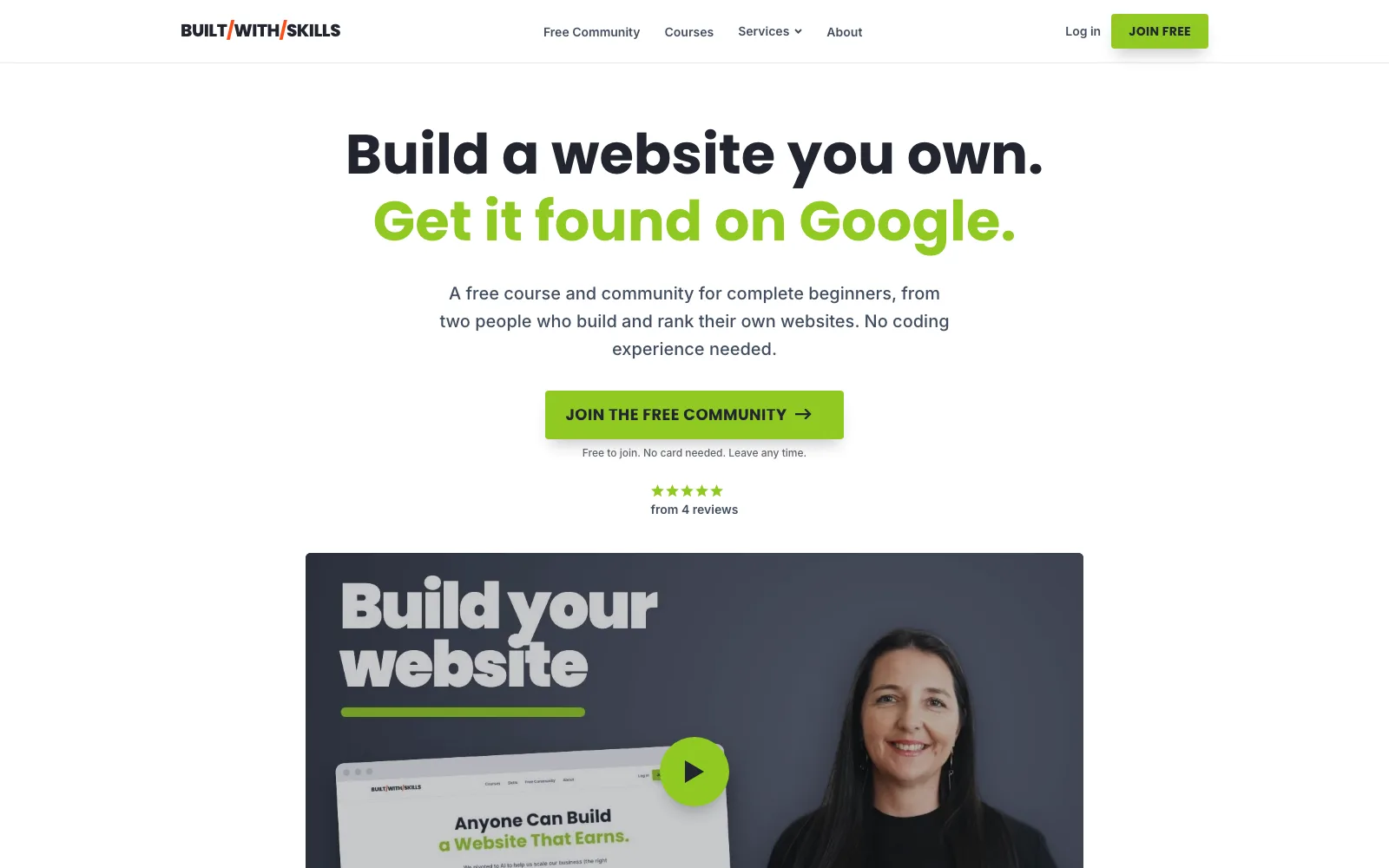
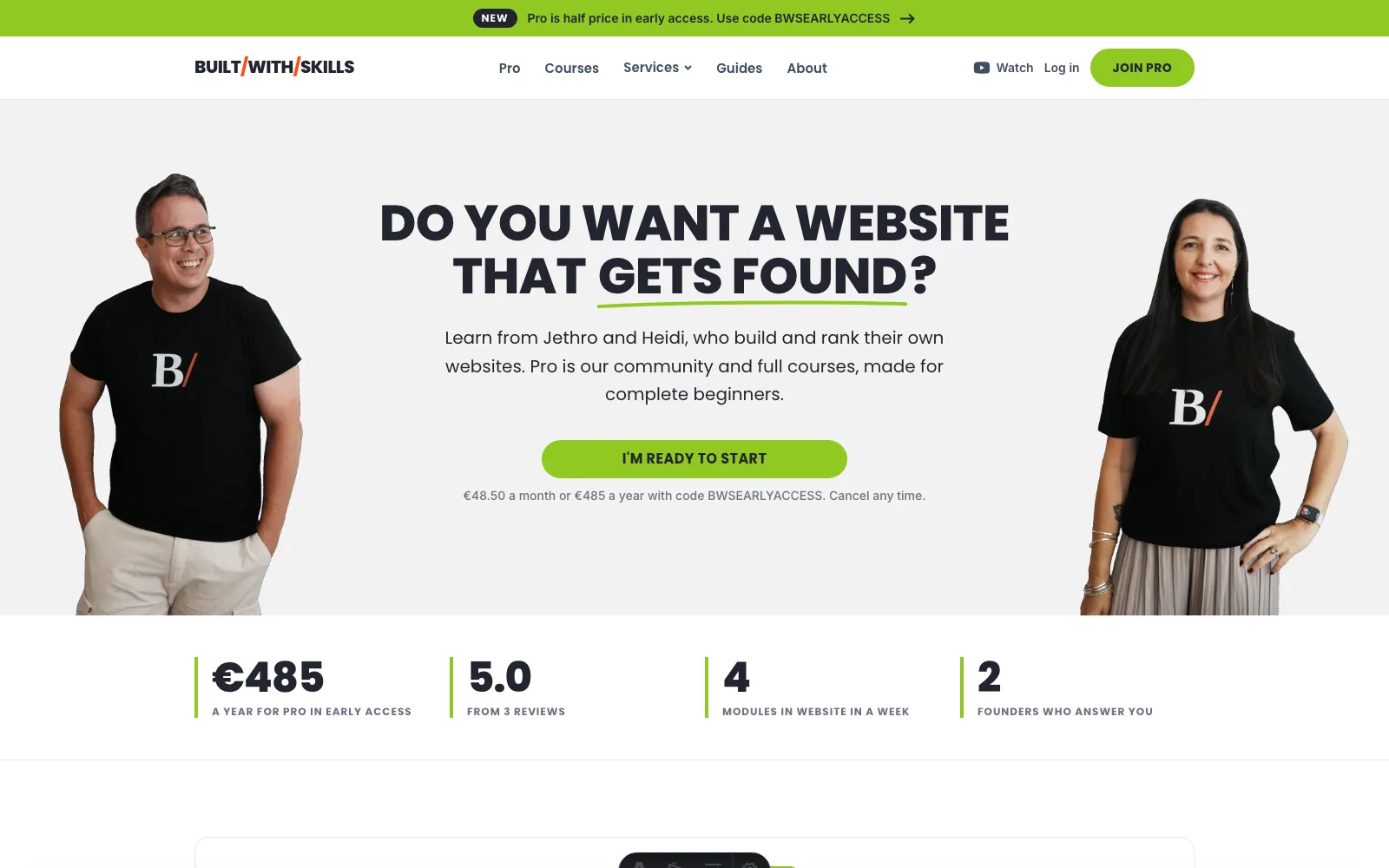
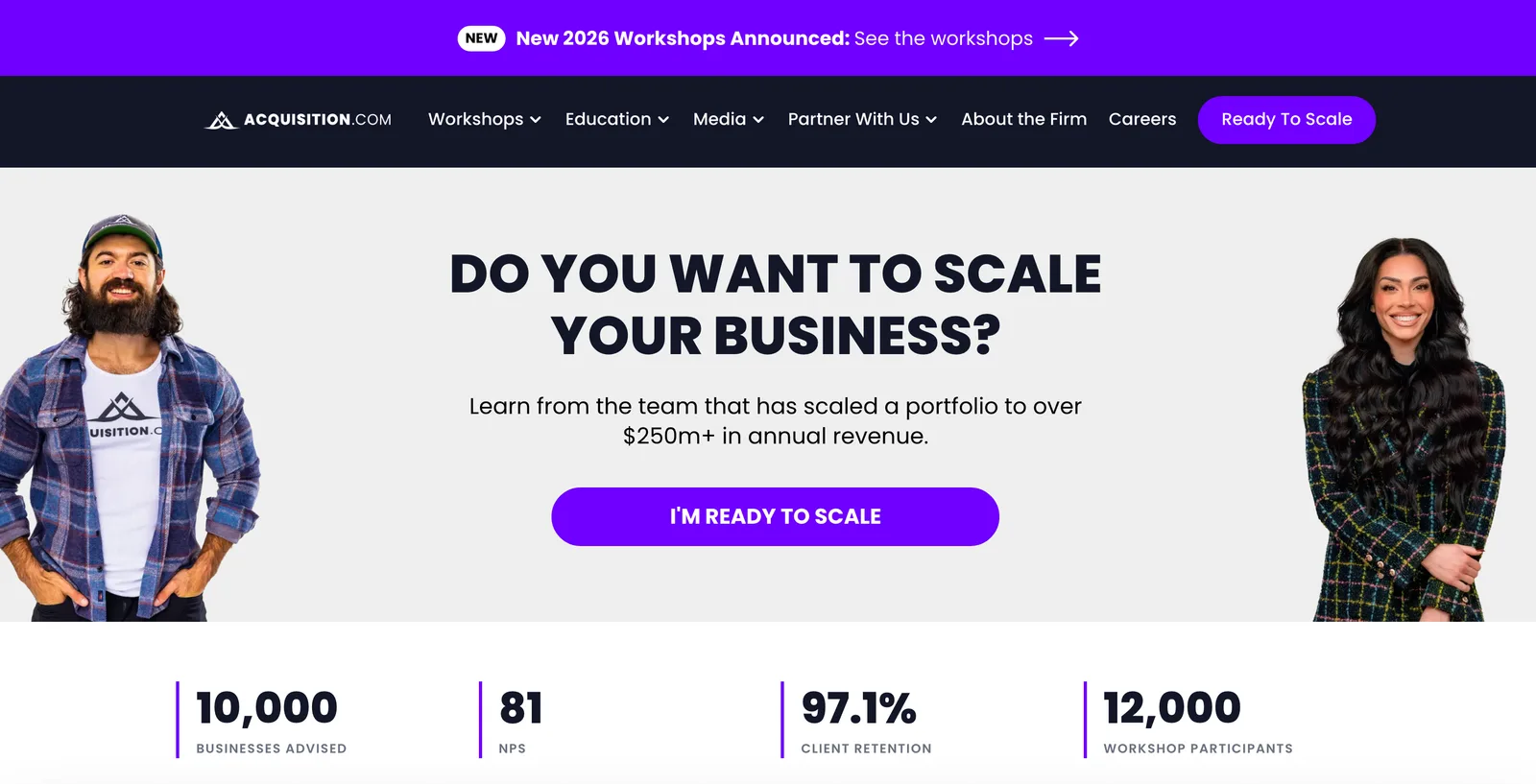
Think of this page as the map. It covers what a design skill does, which one to install first and what a skill can’t decide for you. Each part links to its full guide.
What a design skill does#
A skill is a folder with a SKILL.md file in it, holding written instructions plus a short description of when to use them. Claude Code keeps skills in .claude/skills/ inside a project, or in ~/.claude/skills/ if you want them in every project (Anthropic’s skills docs have the details). Ask for something that matches a skill’s description, and Claude loads it and follows it.
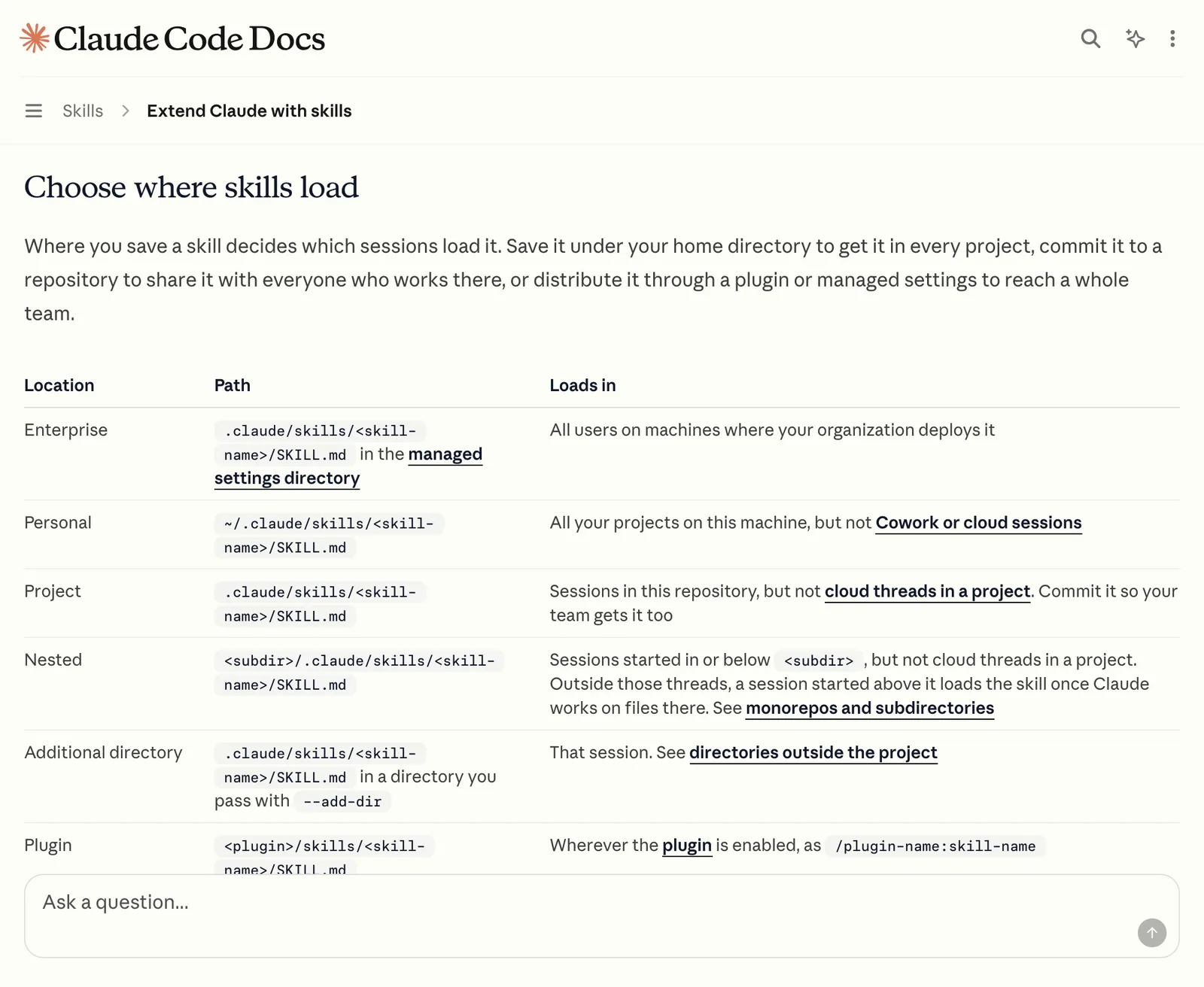
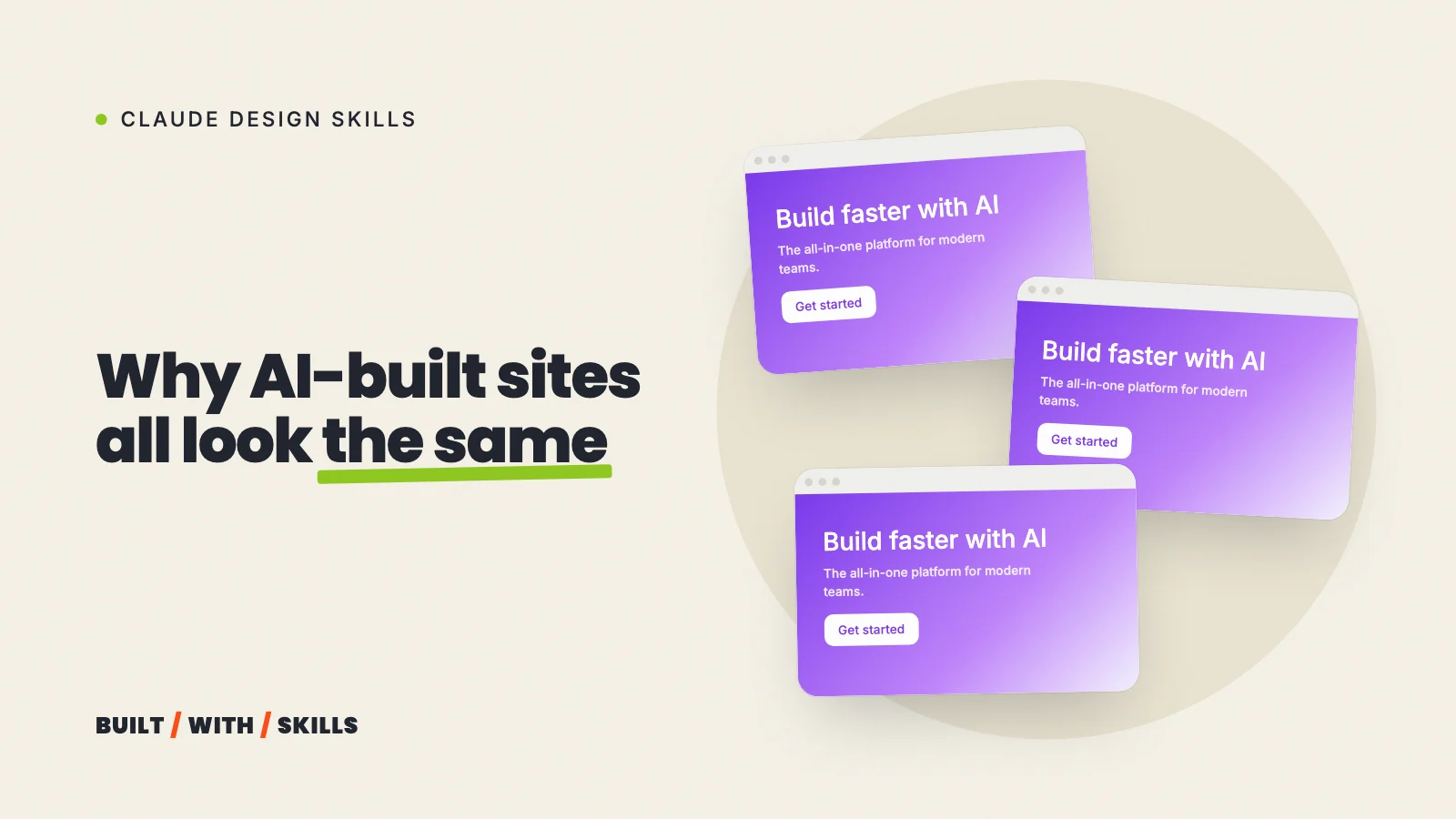
A design skill points that idea at one job. Left alone, Claude picks the most common answer to every design question, so the skill tells it how a designer would make each choice and which defaults to steer clear of. Anthropic even has a name for the problem, distributional convergence, and why vibe-coded websites all look the same shows what it looks like on a real page and how to spot it on yours.
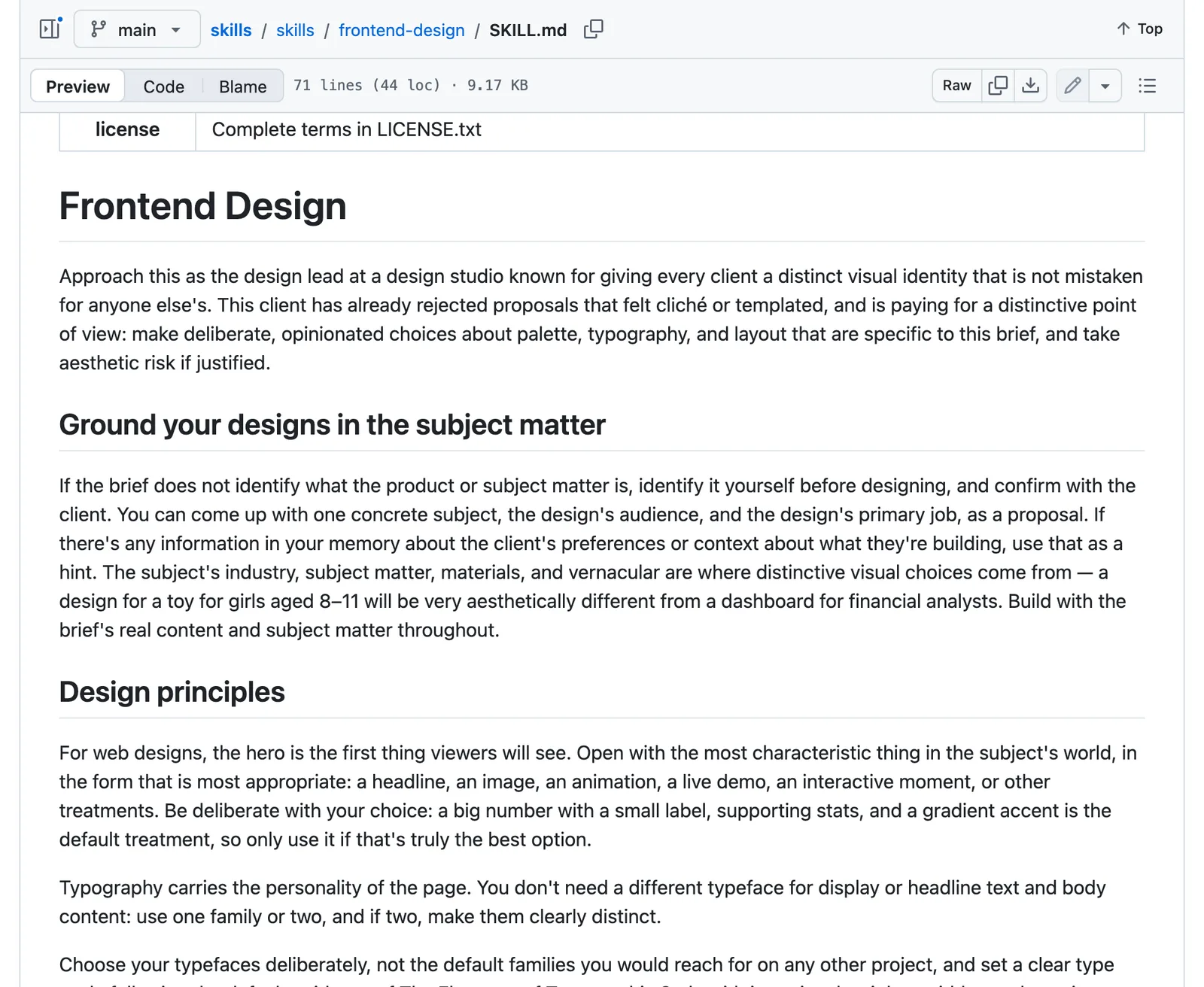
What no skill can do is know your business, because it doesn’t have your photos or your opinions.
A skill raises the floor. Your decisions set the ceiling.
Which design skill to install first#
We cover four in this series, and they’re built very differently. Only one of them, Impeccable, has been used on this site; the other three guides are written from each skill’s own documentation, and they say so.
| Skill | What it does | Pick it if |
|---|---|---|
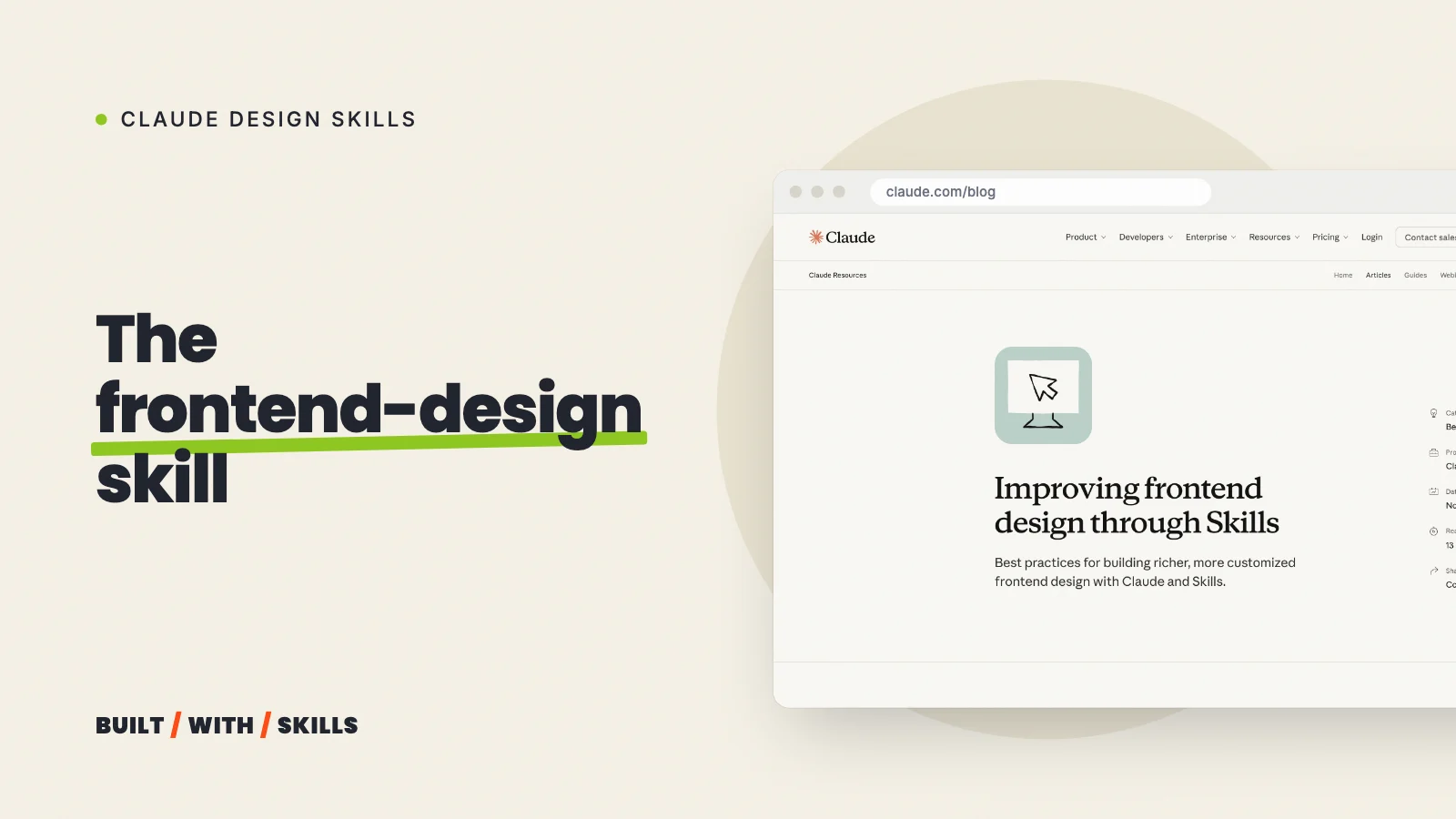
| frontend-design | Anthropic’s own. Makes Claude plan a palette, fonts and layout for your business before it builds, and steers it off the looks AI sites keep producing | You’re starting a site and want a better first draft |
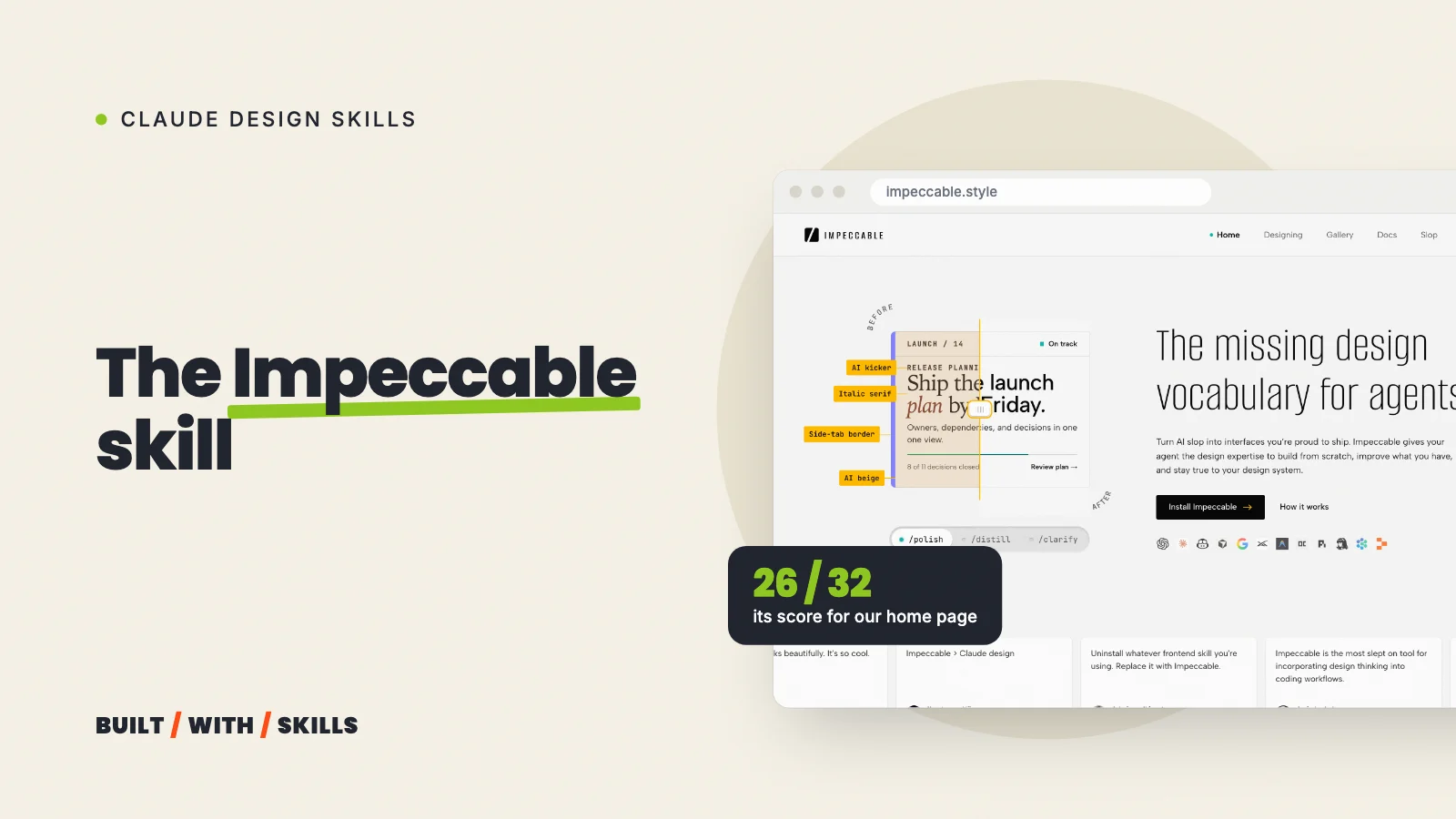
| Impeccable | 24 commands (critique, audit, polish and more) plus a detector for common AI design habits | You have a site and want it reviewed before you change it |
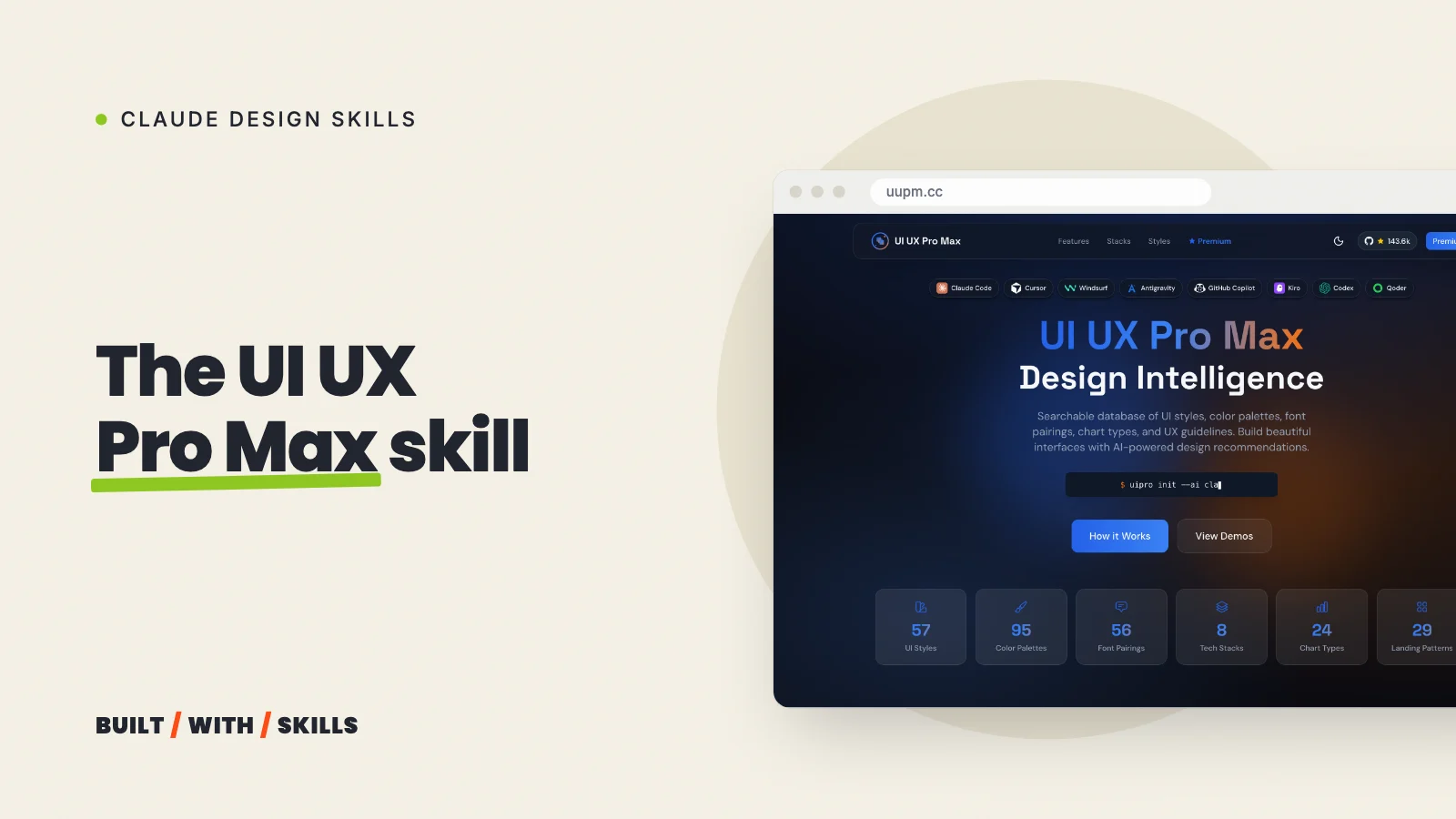
| UI UX Pro Max | A searchable library of styles, palettes, font pairings and rules for different kinds of business | You have no idea where to start and want options |
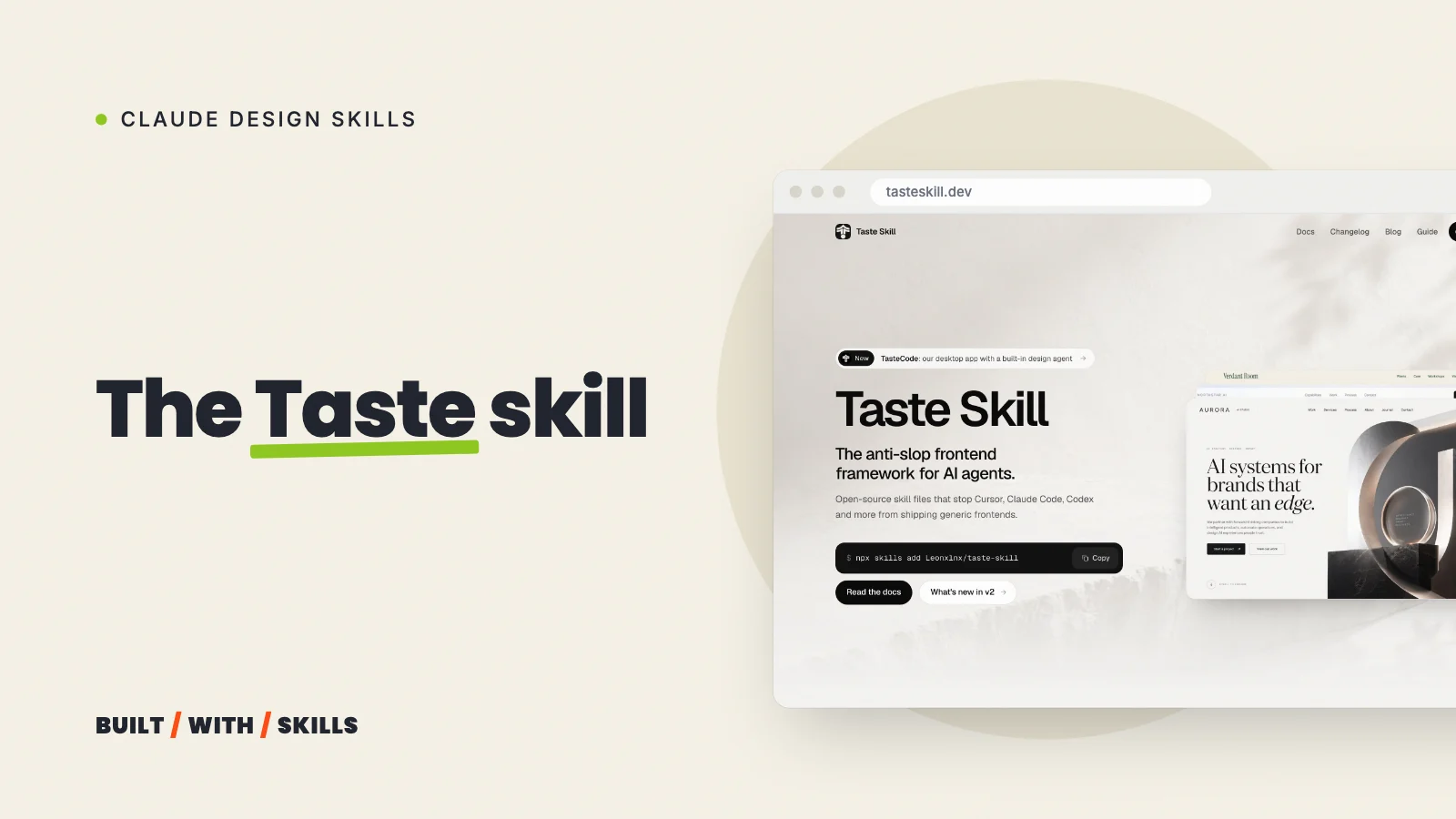
| Taste | An opinionated art direction, real photos and a browser check of its own work | You’re happy to hand a new page over to its taste |
Our pick for a new site? frontend-design. It’s free and it’s a single command, because it ships in Anthropic’s official plugin marketplace, which Claude Code adds for you the first time you open it in a terminal:
/plugin install frontend-design@claude-plugins-official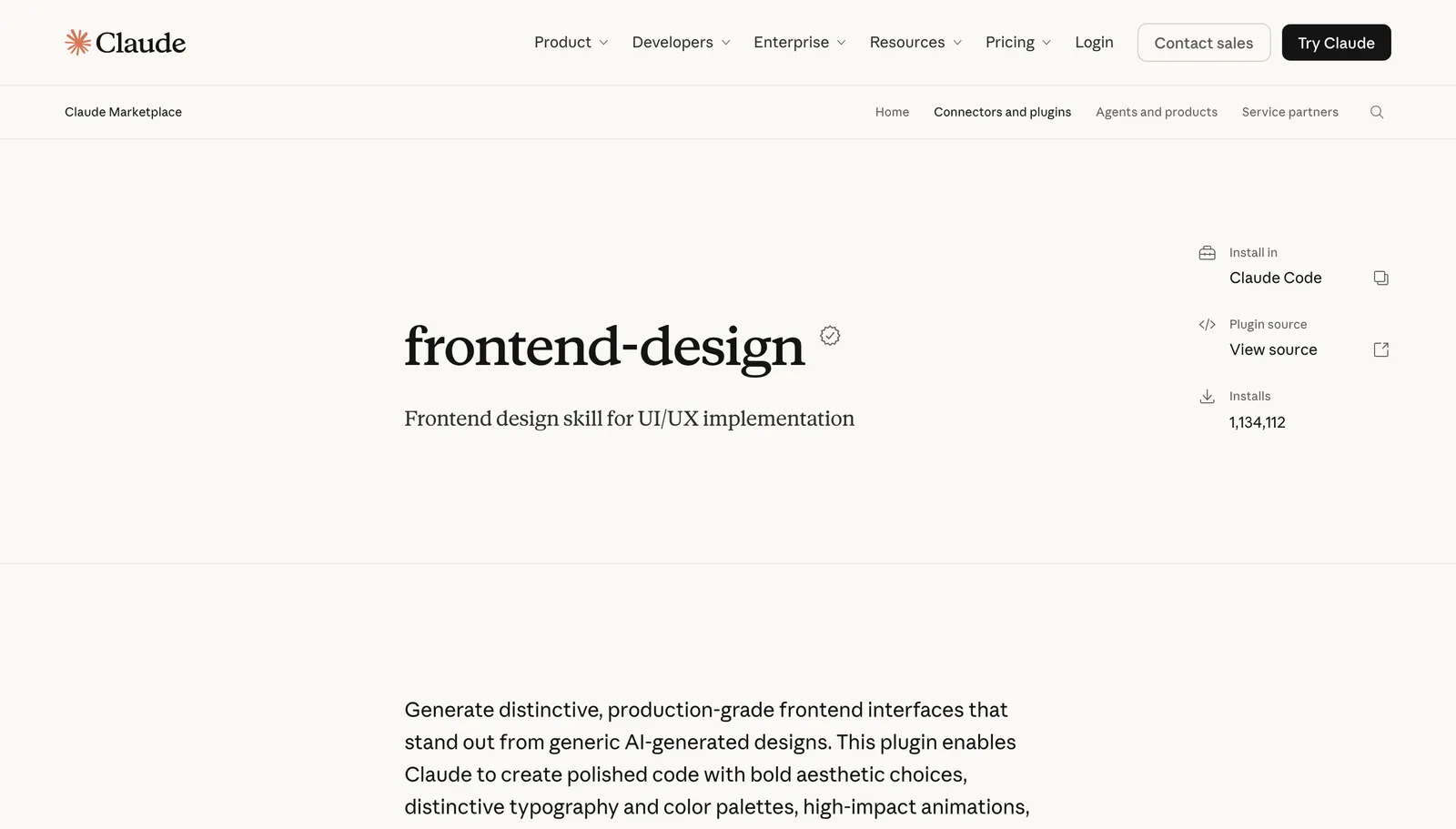
Already have a site? Go with Impeccable, the one we used here, since its critique is the most useful thing it does. Run this in your project folder, then type /impeccable init inside Claude Code to describe your site before asking it for anything:
npx impeccable install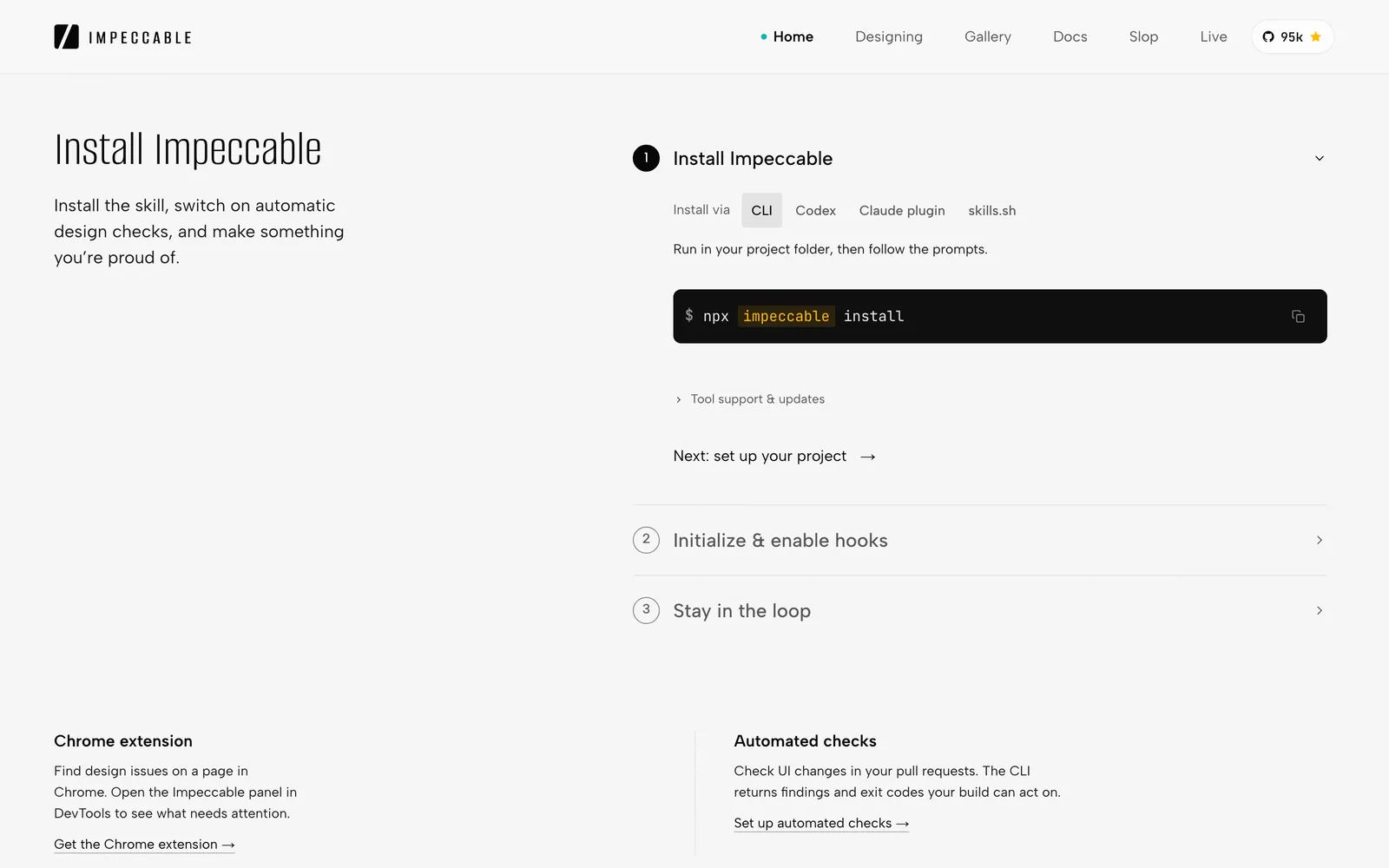
Whichever you choose, don’t stack them. Two skills with different opinions about fonts will fight over the same page, so install one to build and, if you do add a second, keep it to reviewing.
The decisions no skill makes for you#
Here’s the order we’d work in on any site. Each step swaps a guess Claude would otherwise make for a decision of yours, and each has its own guide if you want to go deeper.
1. Write a brief, and measure your references#
Before any design work, write down who the site is for and the one thing a visitor should do there. Then pick two or three sites whose look you like, and have Claude measure them.
We learned that one the hard way. The first time we asked Claude to restyle this site after a designer’s site we liked, it worked from a description and got the accent colour, the corners and the headline font wrong. It only got them right two days later, once we had it open the real site in a browser and read the styles it actually uses.
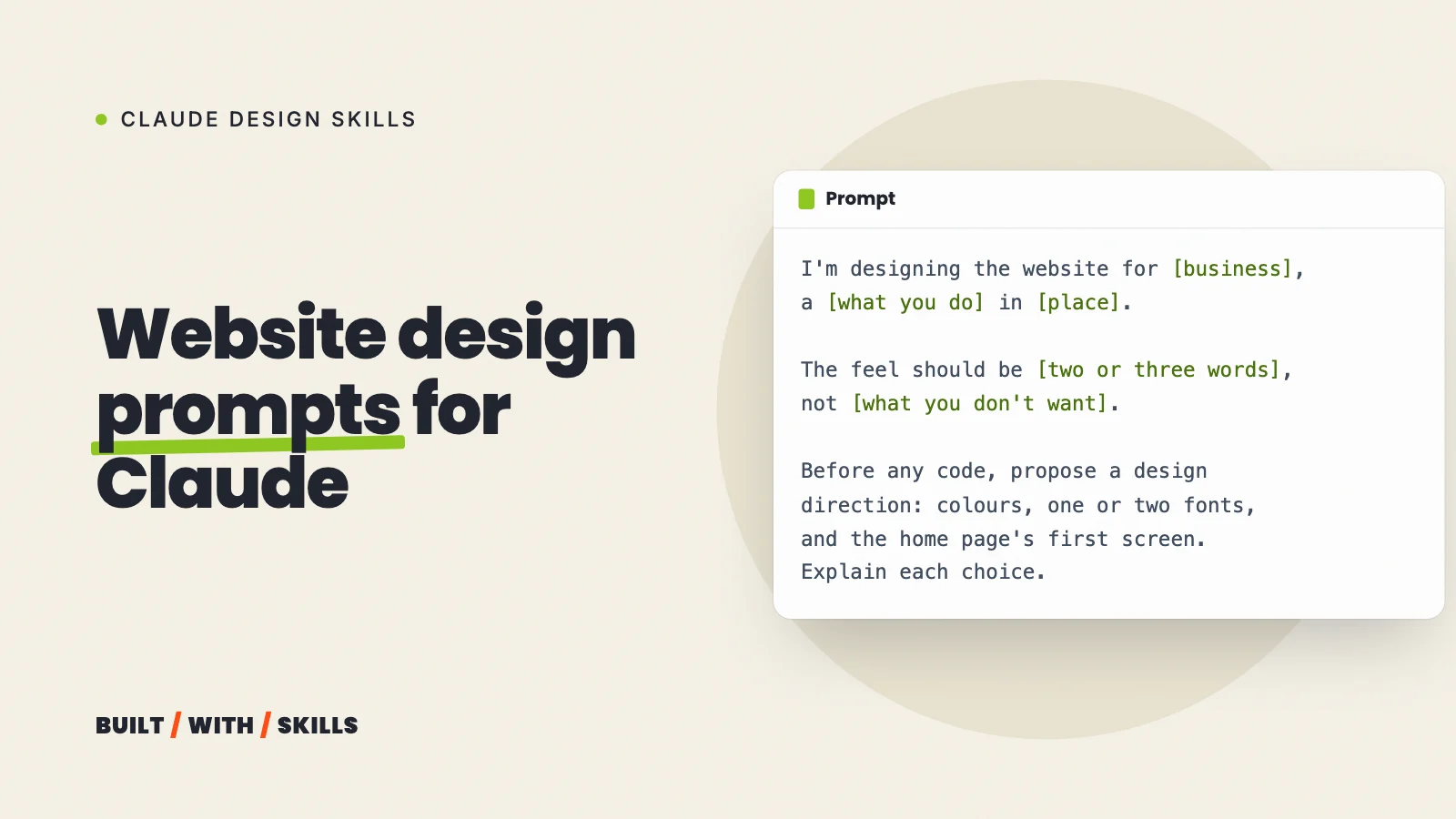
A description gets you Claude’s guess. Website design prompts that don’t produce AI slop has the briefs and prompts we use.
2. Put the design in a DESIGN.md file#
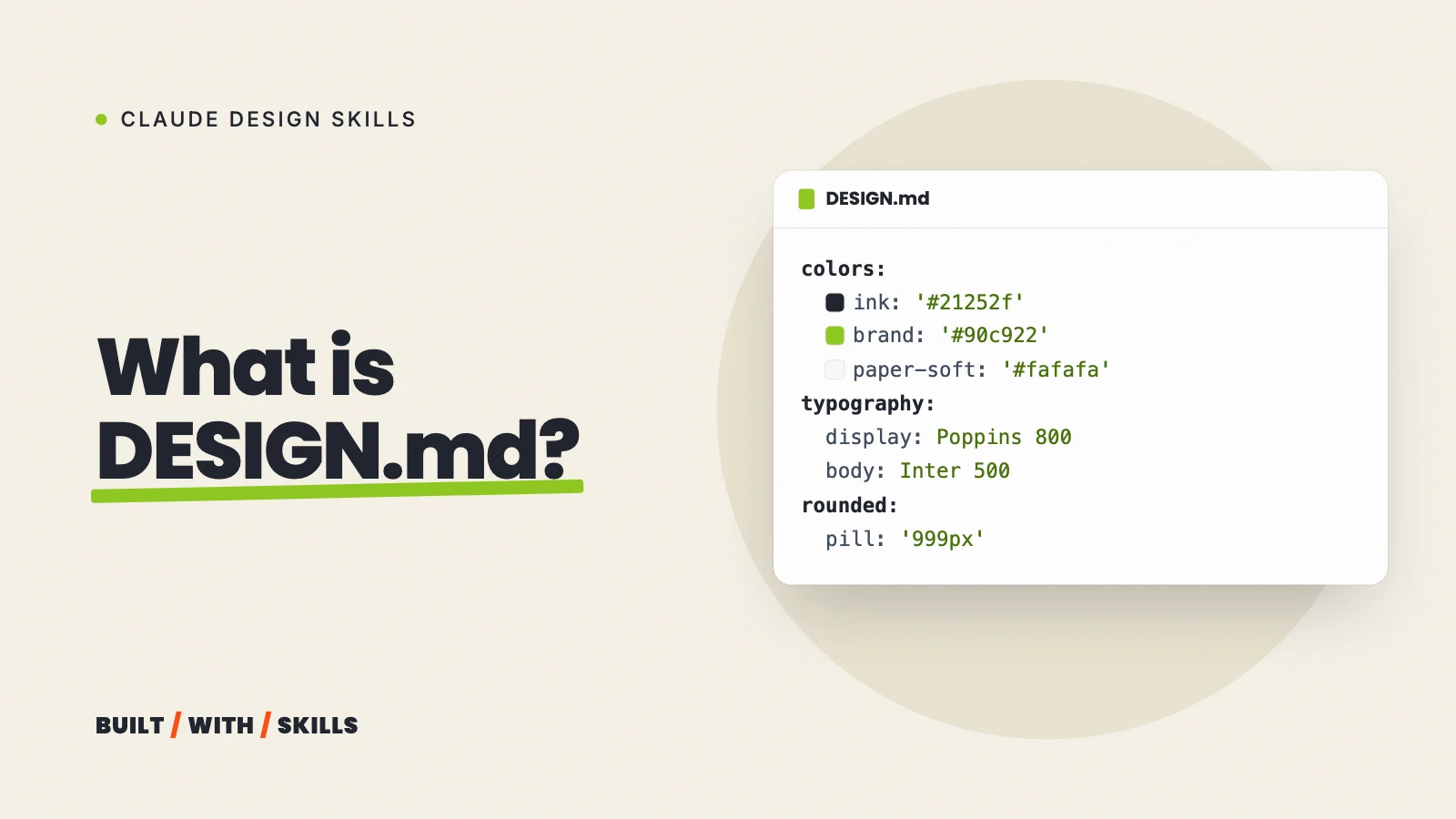
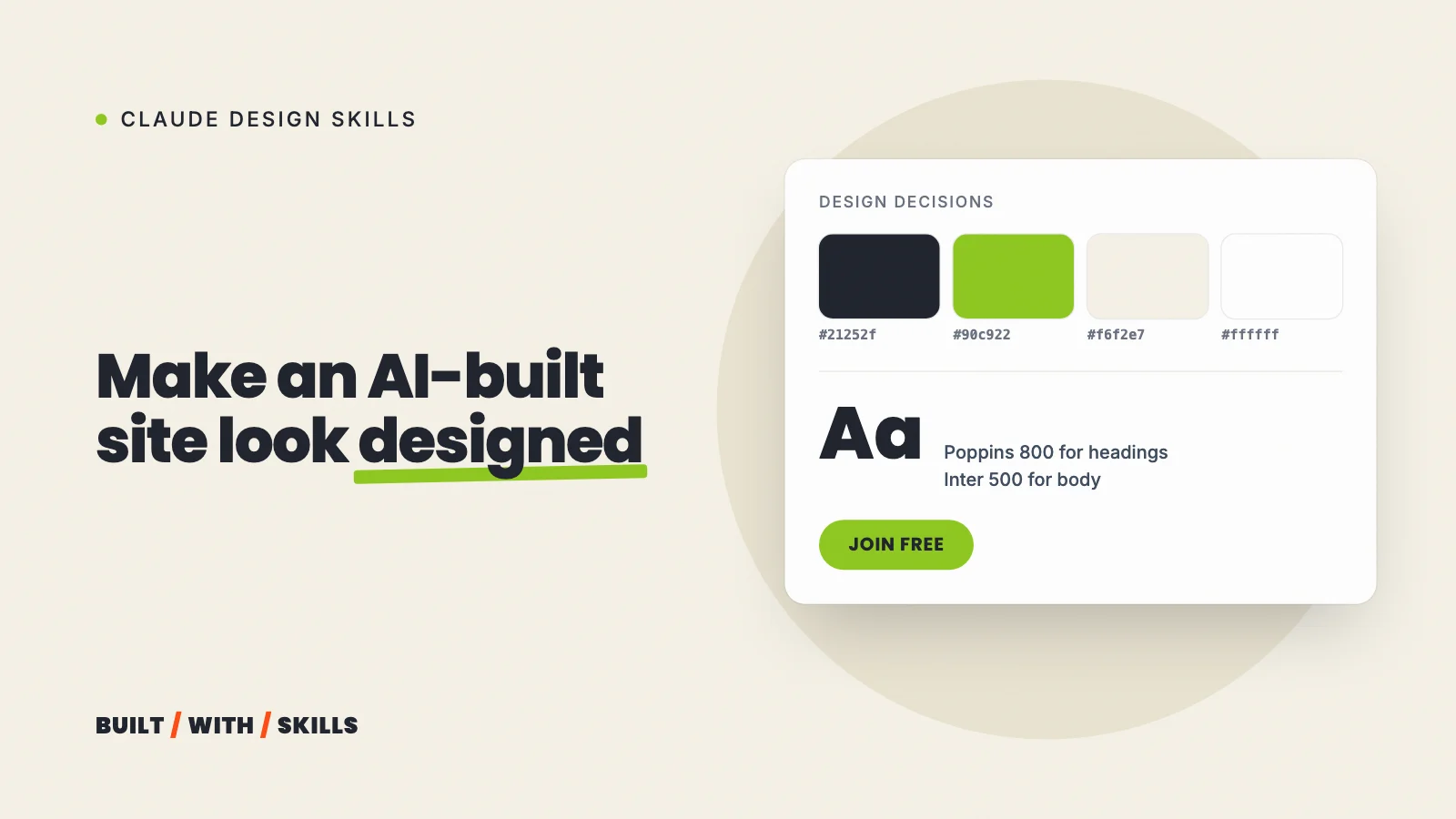
A DESIGN.md is a plain text file listing your colours, fonts, spacing and rules, so every page follows one system. Ours bans dark backgrounds. It also includes “one lime button per screen”.
Claude Code won’t open it by itself, though. Either import it from your CLAUDE.md with a line that says @DESIGN.md or use a skill that reads it. DESIGN.md: what it is and how to write one uses ours as the worked example.
grep -n -i "no dark\|one lime button" DESIGN.md82:- White and near-white grounds only. No dark heroes, no dark bands.170:**Do:** one lime button per screen; the same words on every join button;3. Choose your fonts on purpose#
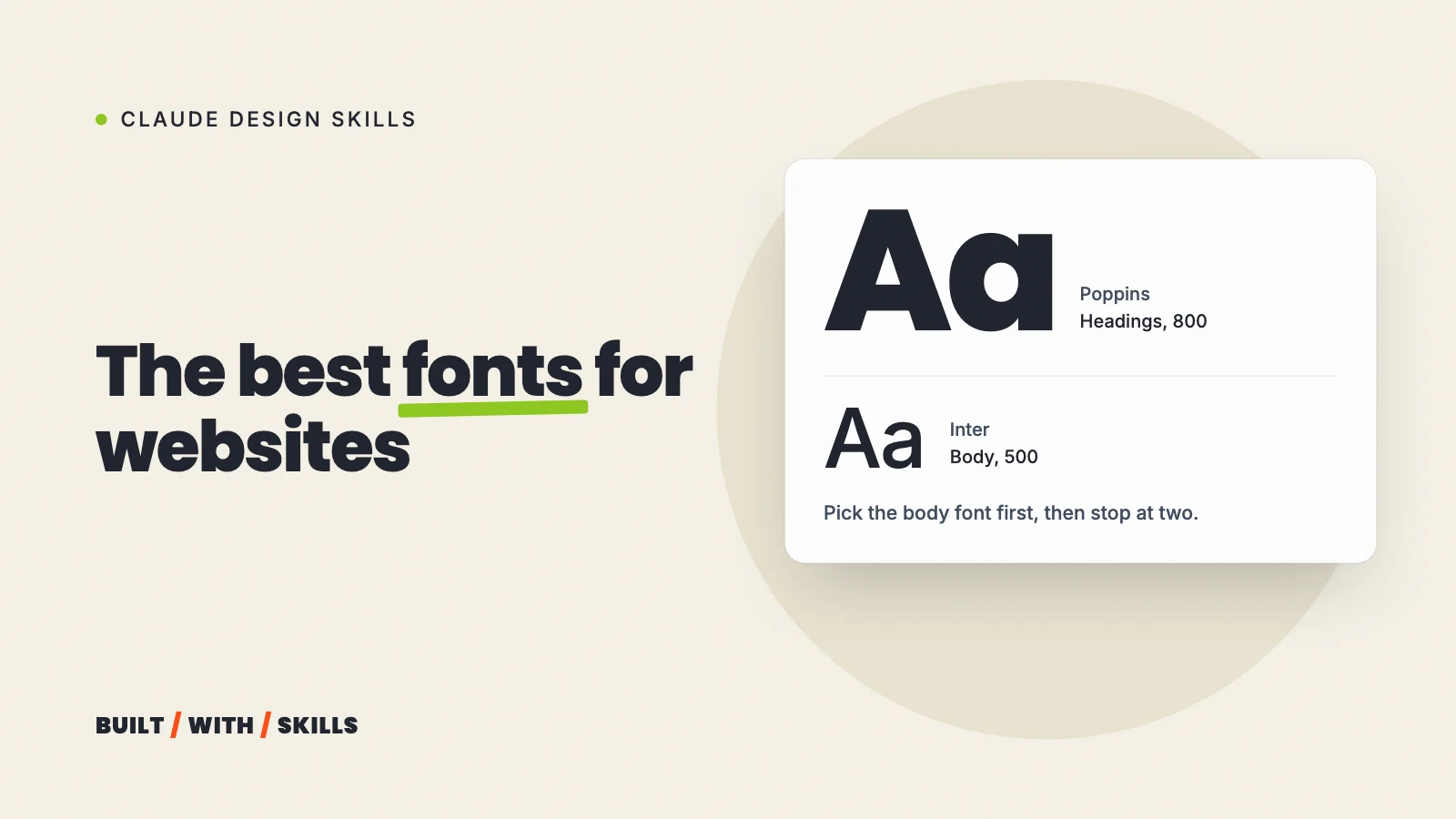
Type does more than anything else to make a page look designed, and it’s also the choice Claude most reliably makes the same way for everyone. Pick one or two.
Write down why you picked them, and put them in DESIGN.md. The best fonts for websites covers how to choose and how to load them properly.
4. Install one design skill#
See the table above. Pick one skill, for the job you actually have.
5. Use real photos#
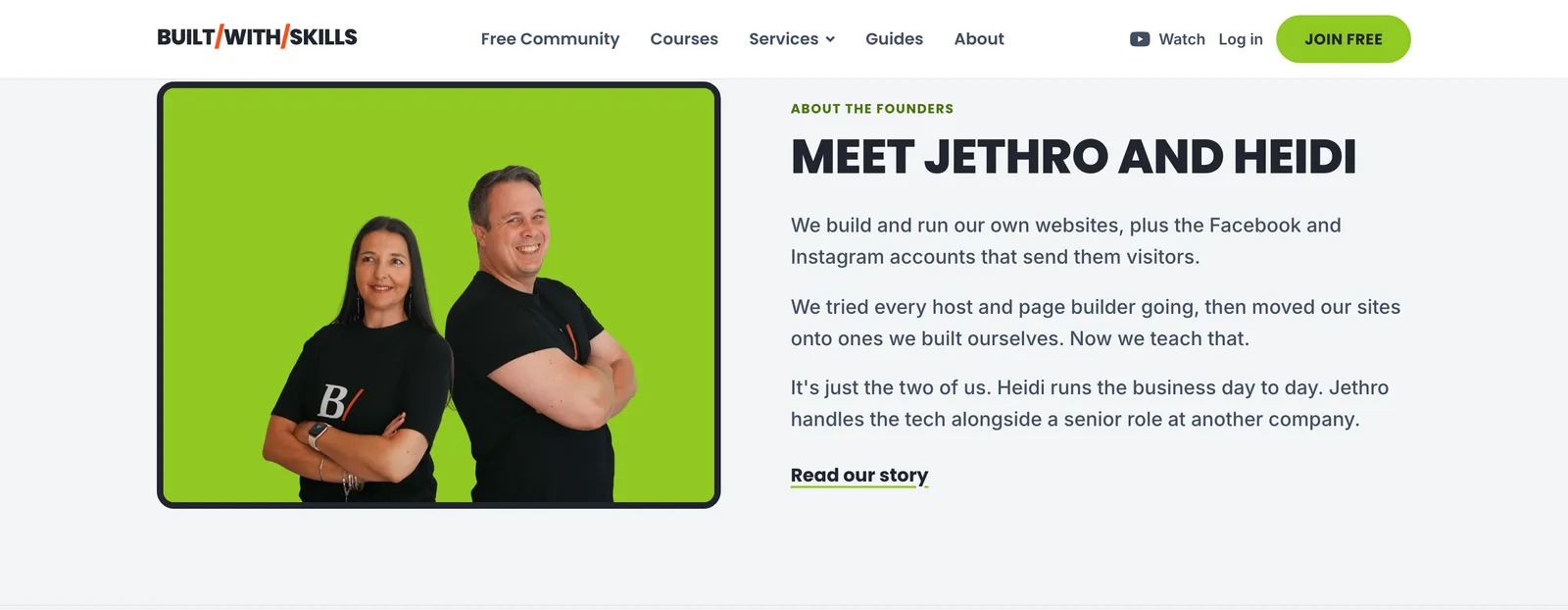
Nothing gives a site away faster than stock photos of smiling strangers, except AI-generated ones. Our own rule is that every photo shows one of us, a member or the work, and until that photo exists the site shows a labelled grey box naming the shot it’s waiting for. That box beats a fake every time.
6. Get a critique before you publish#
Review first, change second. A critique that only reports lets you decide what’s worth fixing, while a skill told to “improve the page” decides for you.
On 30 August 2026 we ran a formal Impeccable critique of our home page, and it found two fixes worth making: a screen-reader note on links that open in a new tab, and a reassurance line under the main buttons. Only once those were in did we run its animation, layout and hardening passes across every page.
> /impeccable critique the home pageMethod: dual-agent (A: design review · B: detector and evidence)Total: 26/32 (81%, Good)[P1] No reassurance note on either offer card /impeccable polish[P3] No "opens in new tab" cue on external links /impeccable clarifyClaude Design is a different tool#
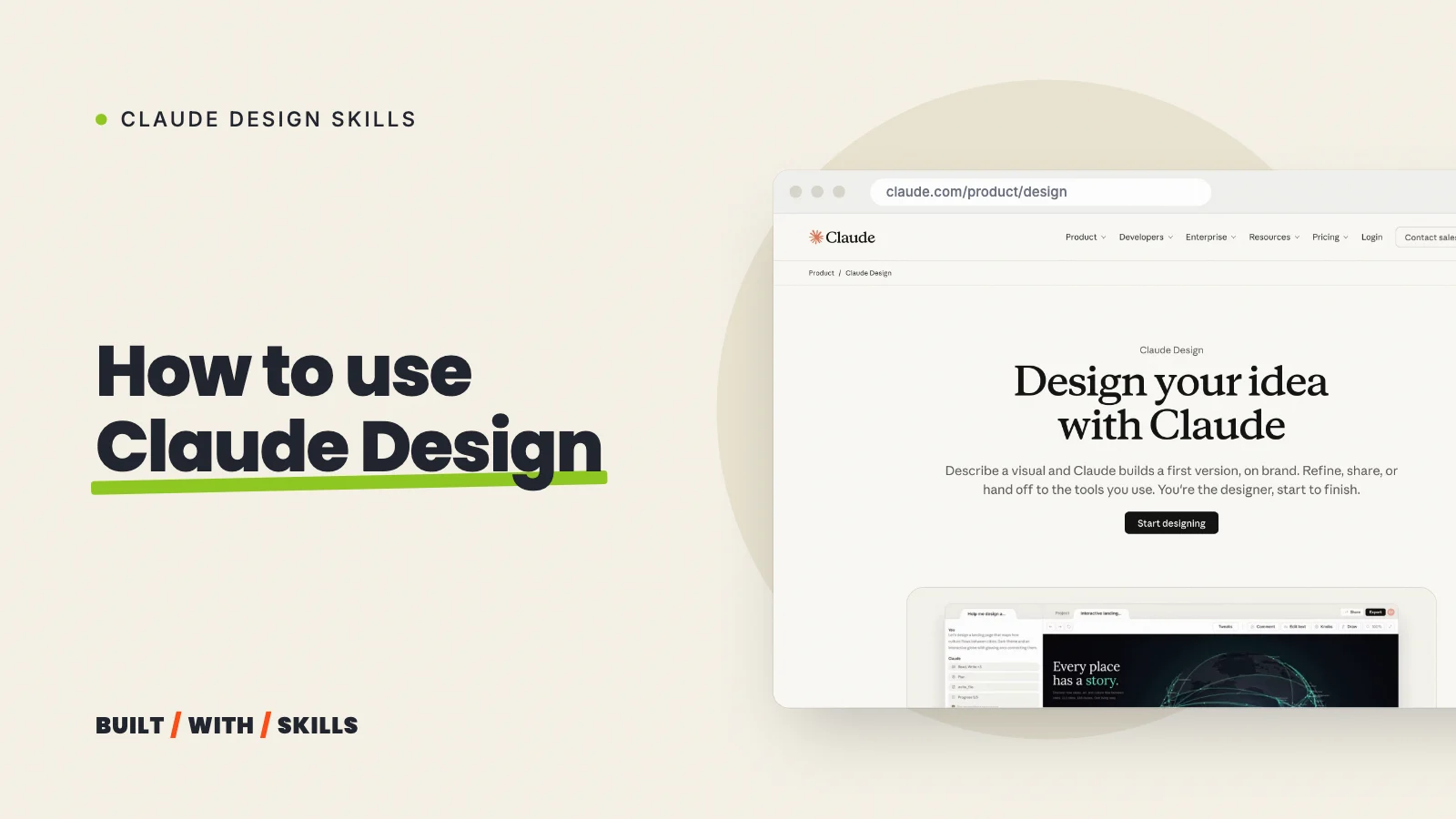
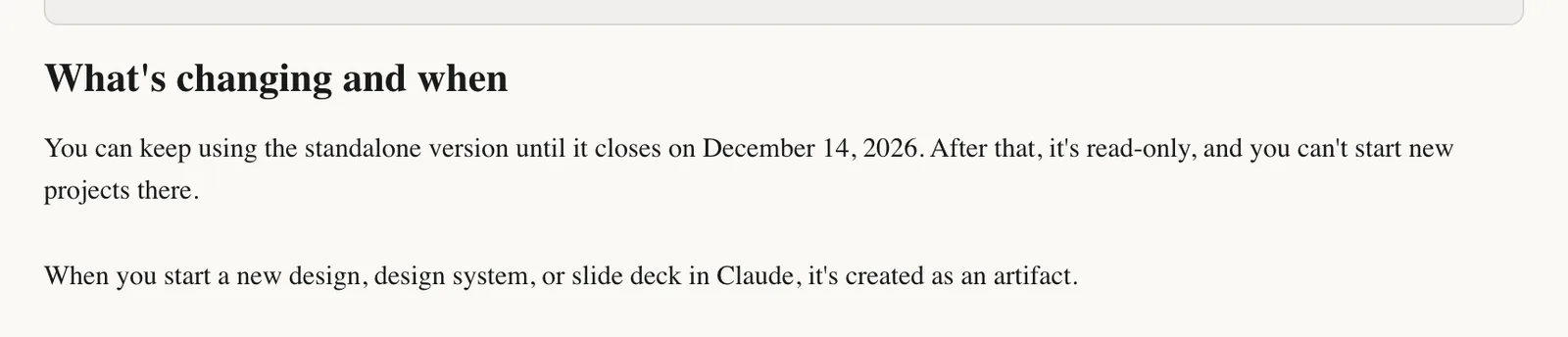
The names are confusingly close. Claude Design is Anthropic’s canvas tool for designs, prototypes and decks, and it now lives inside ordinary Claude chats on every plan, Free included. The old standalone site at claude.ai/design goes read-only on 14 December 2026, according to Anthropic’s help page.
So which do you need? Design skills shape the code Claude Code writes in your project. Claude Design is for exploring a look visually before you build, and it can hand a finished design over to Claude Code when you’re ready.
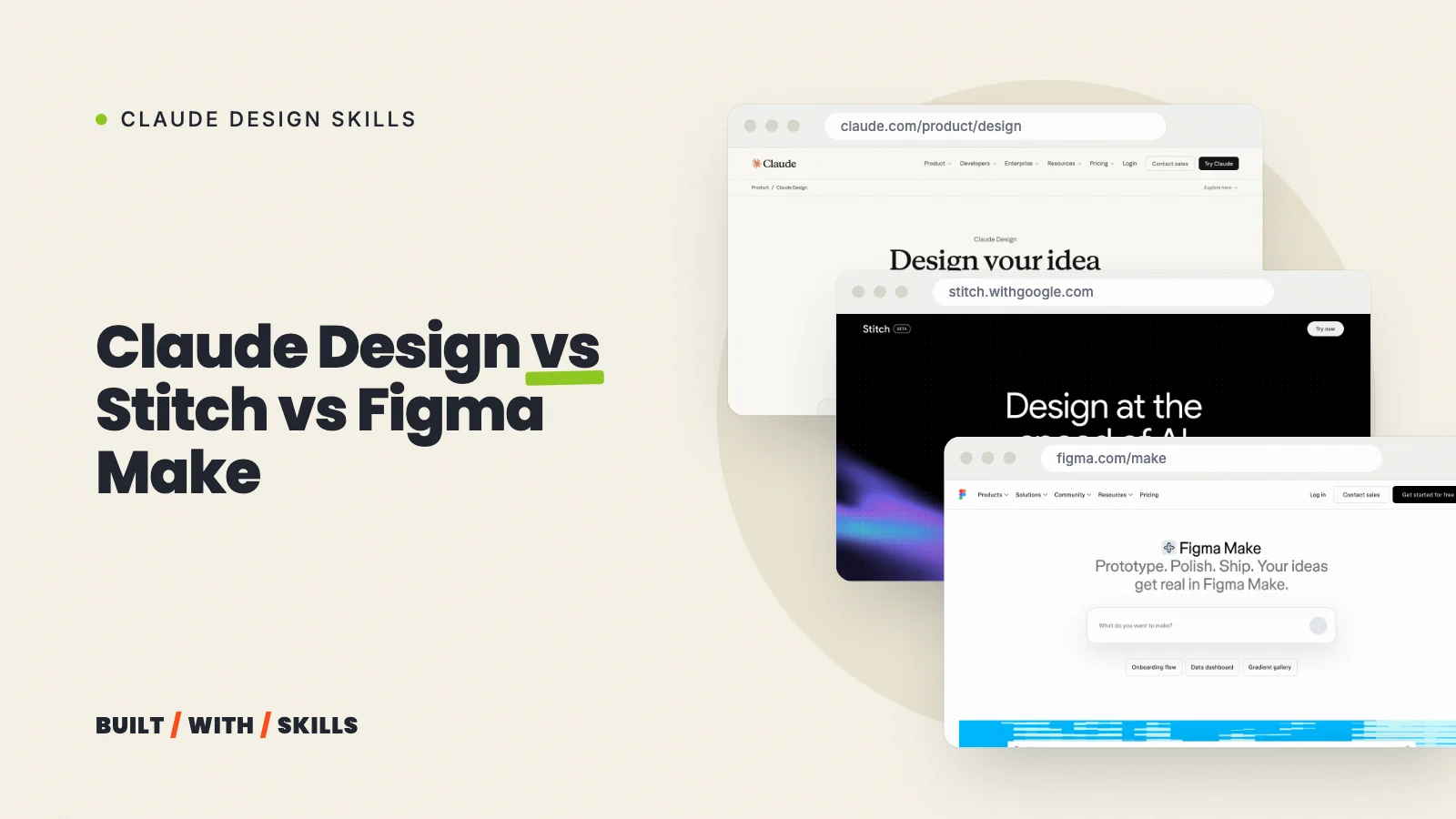
We haven’t built a project end to end in it yet. How to use Claude Design walks through it from Anthropic’s docs, and Claude Design vs Google Stitch vs Figma Make compares it with the two closest alternatives.
If you haven’t built the site yet, start with how to build a website with Claude, then come back here for the design.