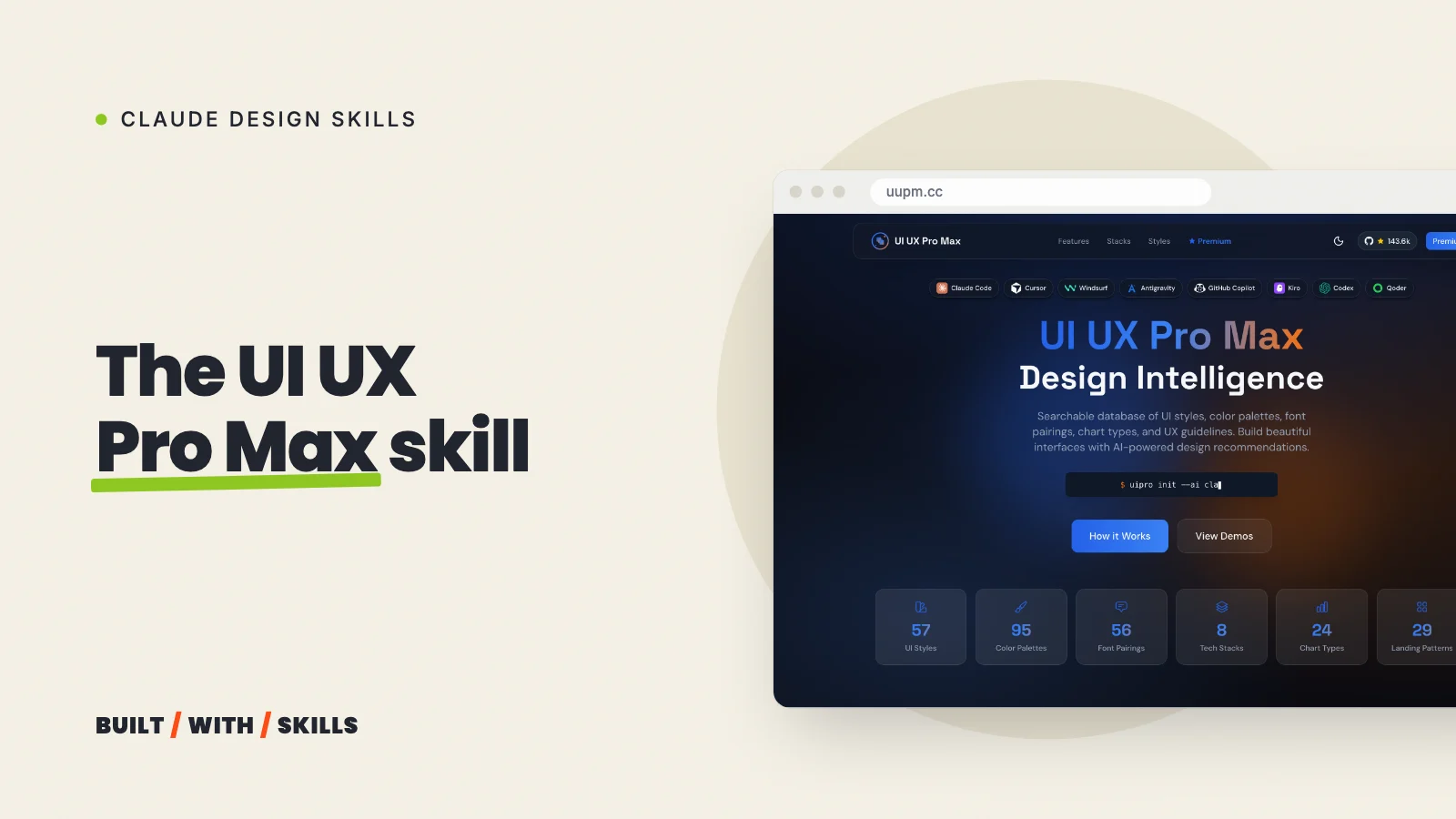

Don’t know what your website should look like yet? Most design skills hand Claude a list of things to avoid, whereas UI UX Pro Max hands it a whole catalogue of looks to choose from.
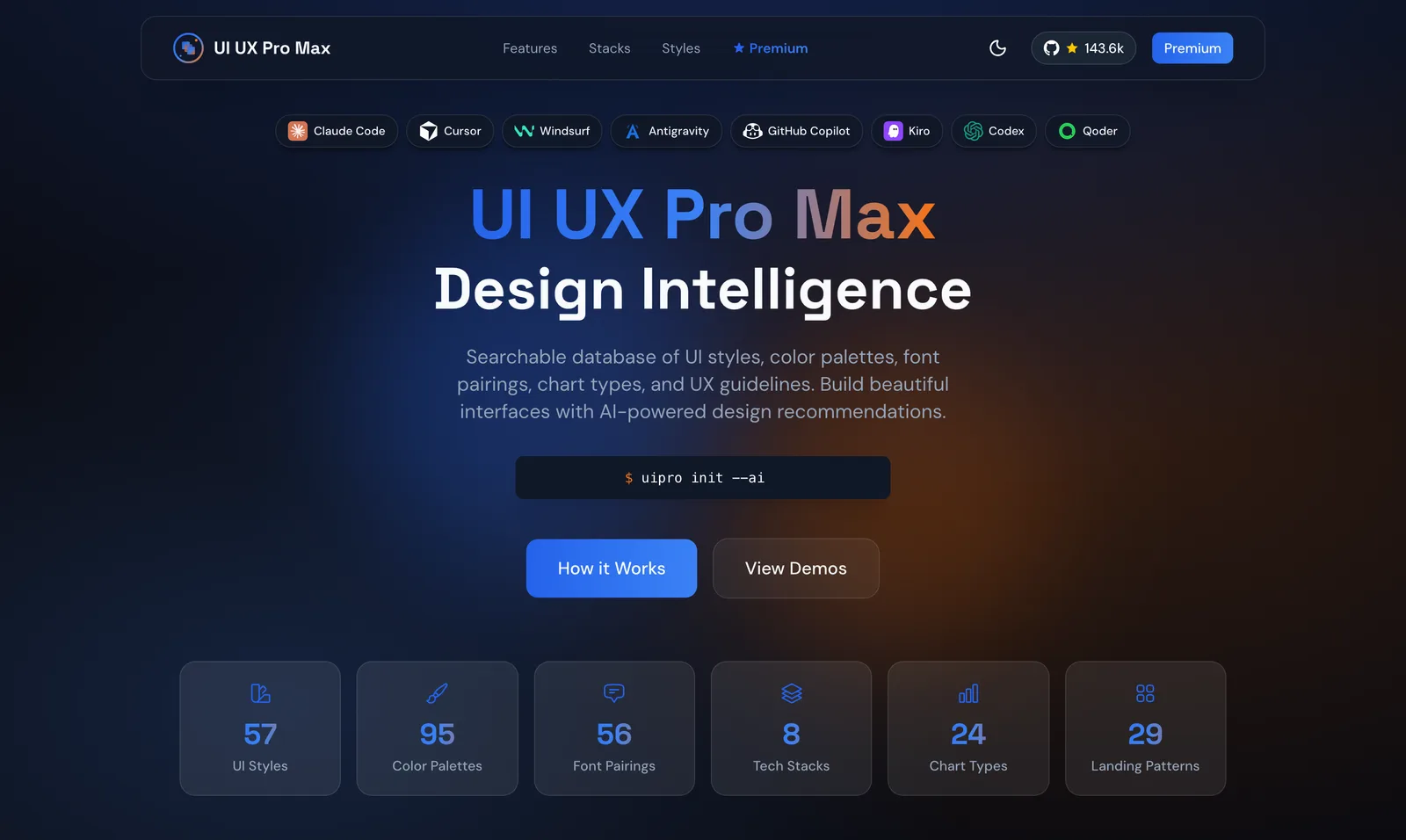
It’s a free skill that nextlevelbuilder publishes on GitHub, and plenty of people have found it: on 26 October 2026 the repository had 140,831 stars and skills.sh counted 416,300 installs. You describe your business, its generator searches a library of styles, palettes, font pairings and industry rules, and Claude gets back a design system to build from.
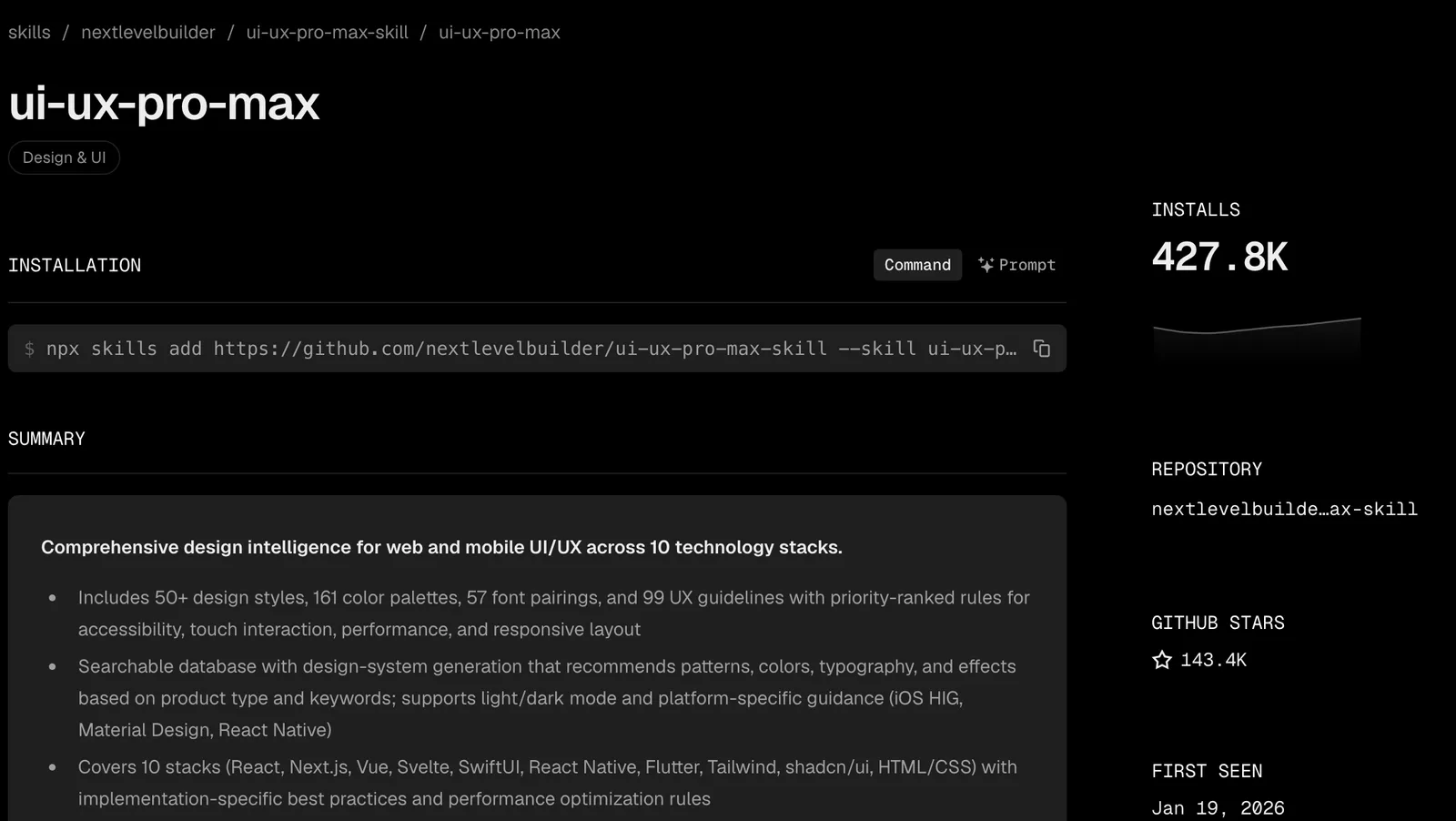
One thing to know before you read on. We haven’t built a site with it yet, so everything here comes from its README and the instructions it gives Claude, both read in October 2026 at version 2.15. The screenshot slots below are waiting for a test we still have to run.
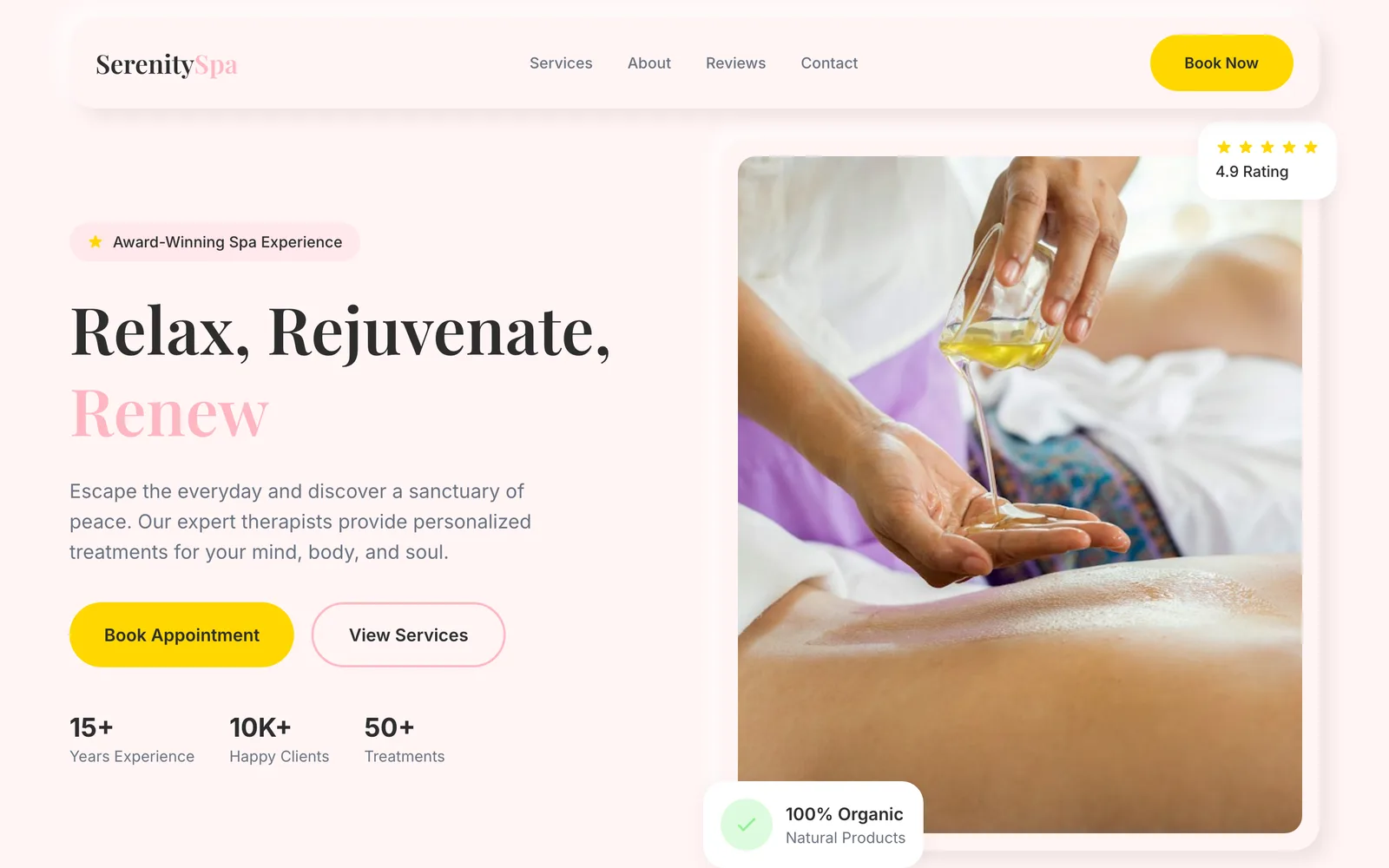
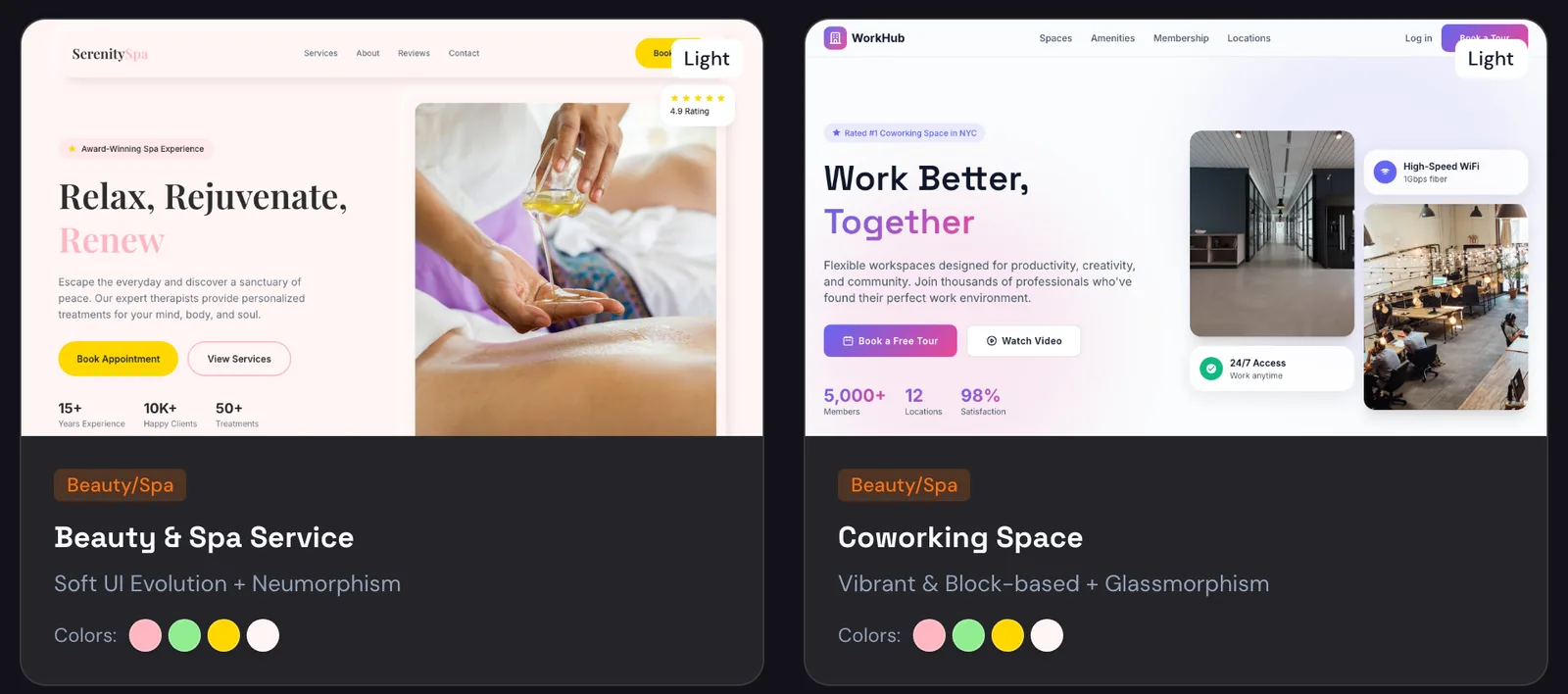
Until then, here’s one of the demos on its makers’ site.
What’s in the library#
These are the counts in version 2.15, released on 13 August 2026. Older guides quote smaller numbers, because the library keeps growing.
| What | How many |
|---|---|
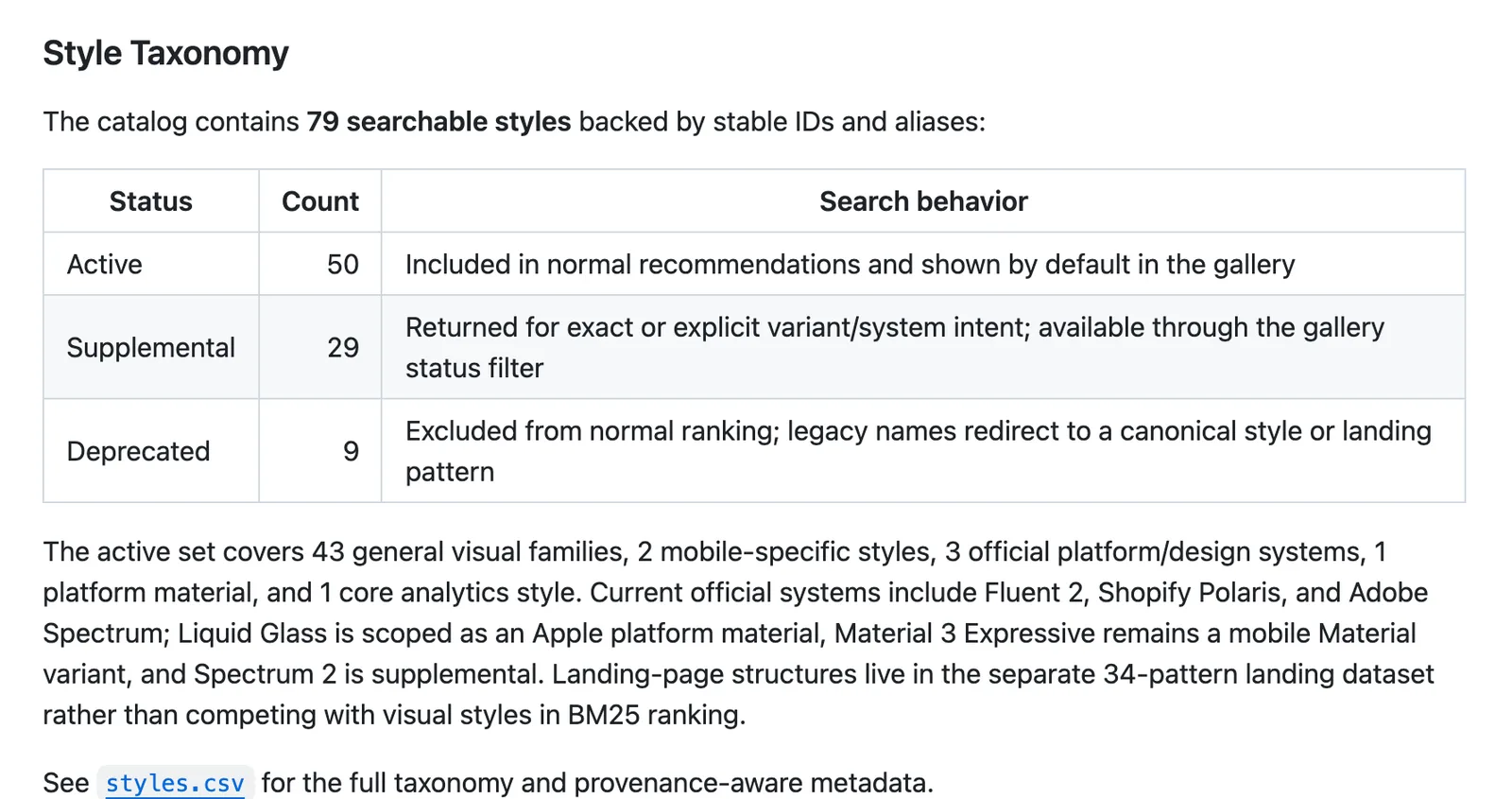
| UI styles (glassmorphism, brutalism, bento grid and so on) | 79 searchable, 50 of them active |
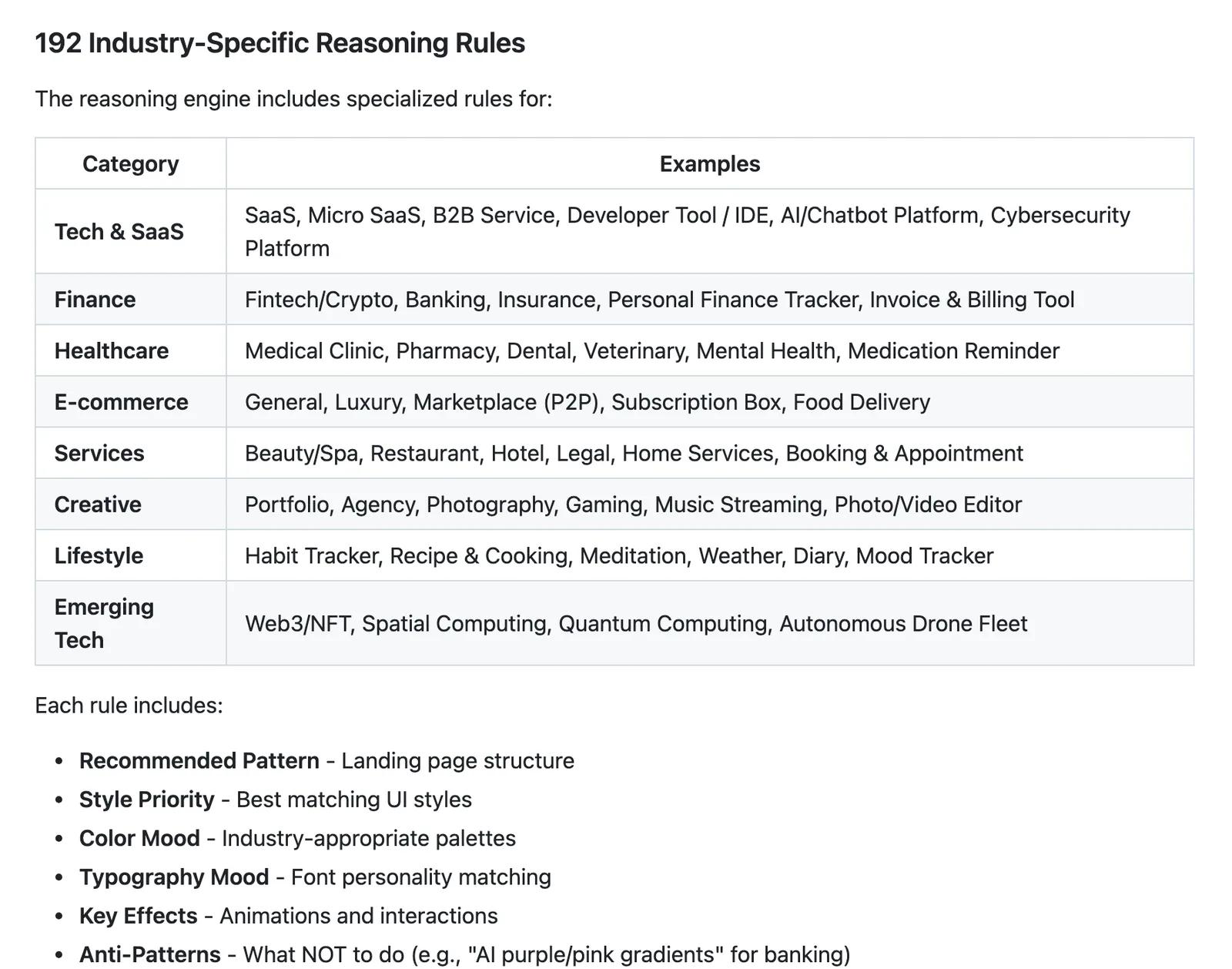
| Product types, each with its own palette and rules | 192 |
| Font pairings, with Google Fonts imports | 74 |
| UX guidelines | 119 |
| Landing page patterns | 34 |
| Chart types | 25 |
| Stacks it has specific advice for | 22, Astro and Next.js among them |
Don’t take the headline number at face value. The 29 styles that aren’t active only come up when you ask for one by name, and nine old ones have been retired, so “79 styles” overstates what you’ll actually be offered.
The 192 product types are what make this skill interesting. Each one links a kind of business (a dental practice, a restaurant, a home services company) to a page structure, a style, a palette, a font mood and a list of things to avoid, which is how a spa and a law firm end up with different starting points. That mapping is the bit to pay attention to.
How the design system generator works#
Ask for a new page or a new site and the skill runs five searches side by side (product type, style, palette, landing page pattern and font pairing), ranks what comes back and stitches the winners into one design system. The README walks through a beauty spa, which gets:
- A page structure: hero, services, testimonials, booking, contact, with the booking button above the fold and again after the testimonials.
- A style: “Soft UI Evolution”, meaning soft shadows and gentle depth.
- Five colours: soft pink, sage green, a gold button colour, a warm white background and charcoal text, each with its hex value.
- Fonts: Cormorant Garamond for headings and Montserrat for text.
- Things to avoid: bright neon, harsh animation, dark mode and the purple-to-pink gradients AI tools love.
- A checklist before delivery: text contrast of at least 4.5:1, visible keyboard focus, respect for people who turn motion off, no emojis used as icons, and layouts checked at four screen widths.
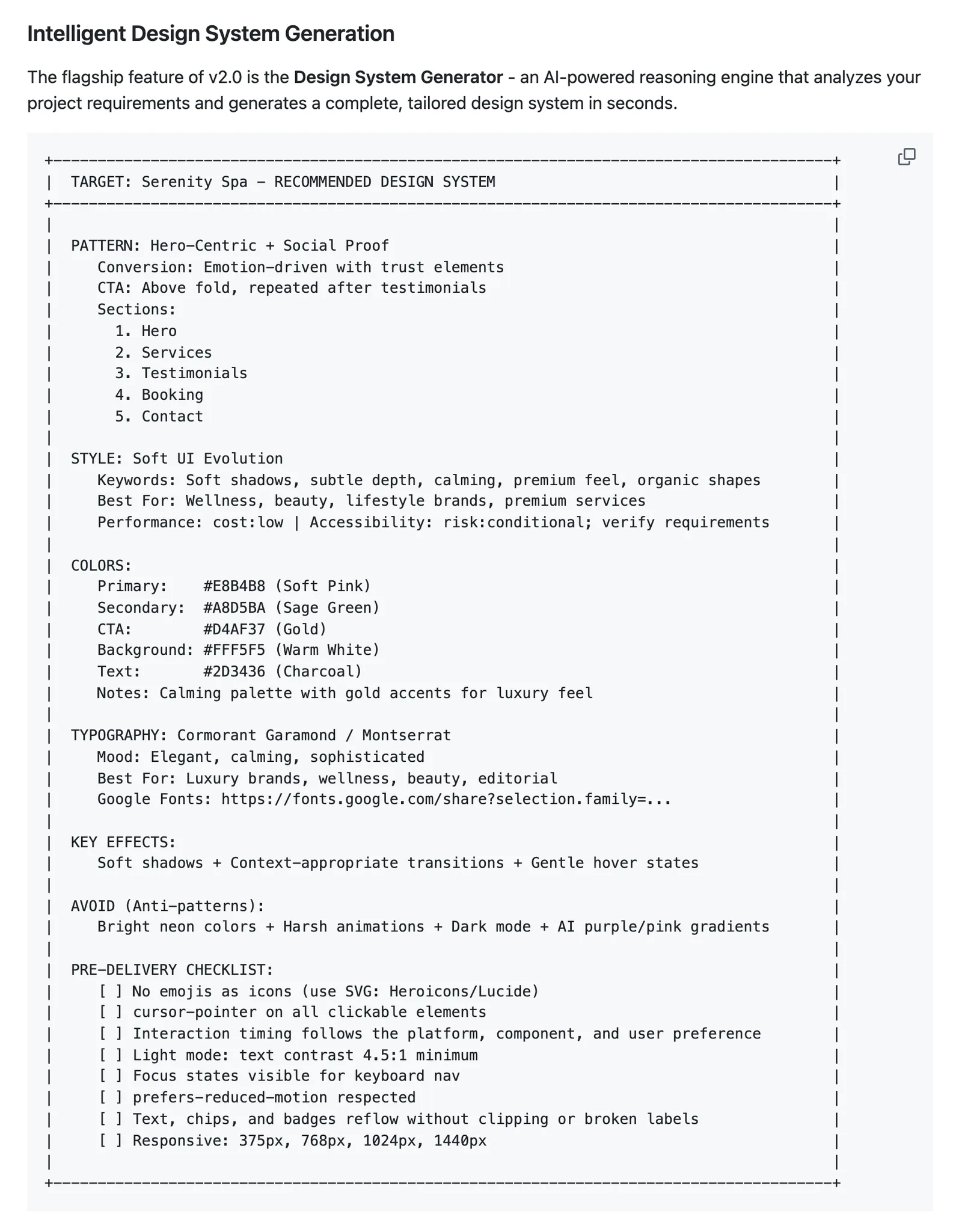
Look at that last item. It’s good practice whatever look you end up with, and it’s the part we’d steal even if we ignored everything else the skill produced.
How to install it#
In Claude Code, run these two commands one after the other:
/plugin marketplace add nextlevelbuilder/ui-ux-pro-max-skill
/plugin install ui-ux-pro-max@ui-ux-pro-max-skill
The other route is the project’s own installer, which the README calls the recommended one. It needs Node.js, and it puts the skill straight into your project:
npm install -g ui-ux-pro-max-cli
uipro init --ai claude
Add --global to install it for every project, and run uipro update when a new version comes out.
Watch the package name. It used to be called uipro-cli, and plenty of older guides still tell you to install that. The README says those releases are stale, so skip them.
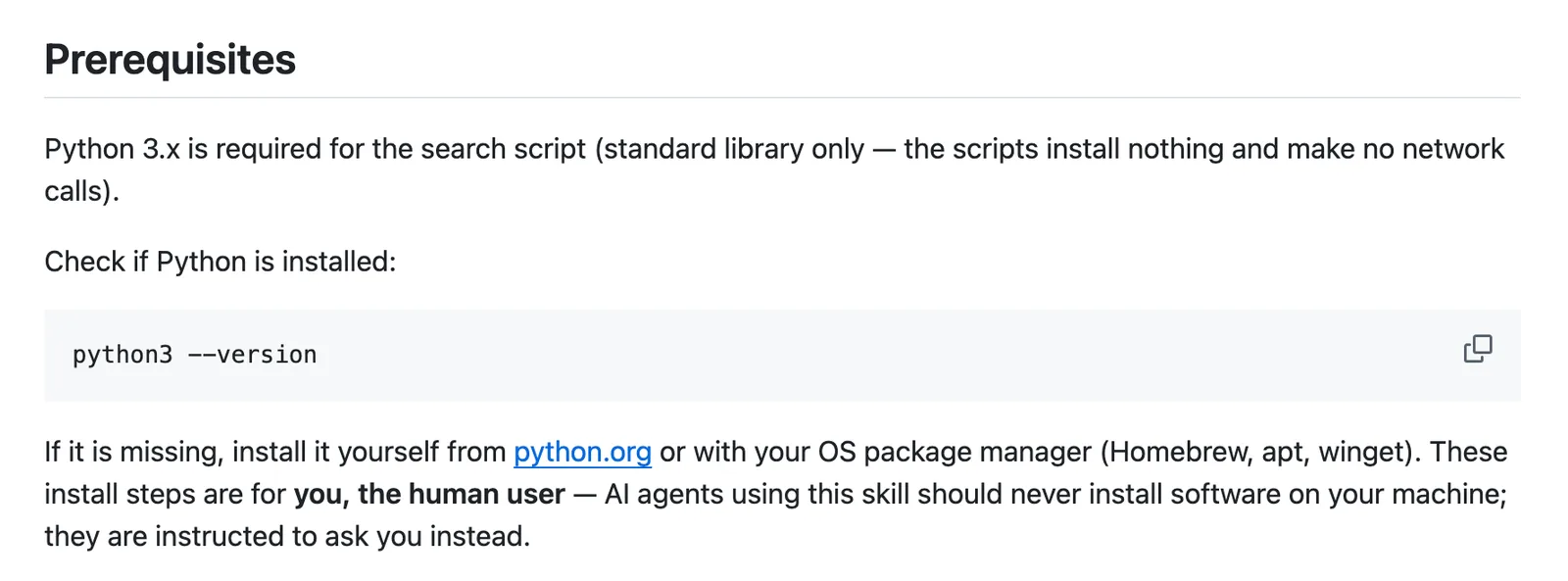
Whichever route you take, you need Python 3. Type python3 --version in a terminal to check. If it’s missing, the README says to install it yourself from python.org, because the skill tells Claude to ask you rather than install software on your machine.
How to use it#
In Claude Code it switches on by itself whenever you ask for design work. The habit worth building is simple: generate and save a design system first, and only then ask for pages.
Use UI UX Pro Max to generate a design system for a small physiotherapy
clinic in Leeds: calm, trustworthy, not clinical. We're building with
Astro. Save it, then design the home page from it.
Two parts of that prompt are doing real work.
Name your stack. The skill’s instructions tell Claude to work it out from your project files and to ask if it can’t, but the README says that without one it falls back to plain HTML with Tailwind. Not what you want on an Astro site.
Say “save it”. Behind the scenes the generator runs with a --persist flag, which writes a MASTER.md file into a design-system folder in your project.
You can also add a file per page that overrides the master for that page only. Every later page reads the saved file, which is what stops page five drifting away from page one.
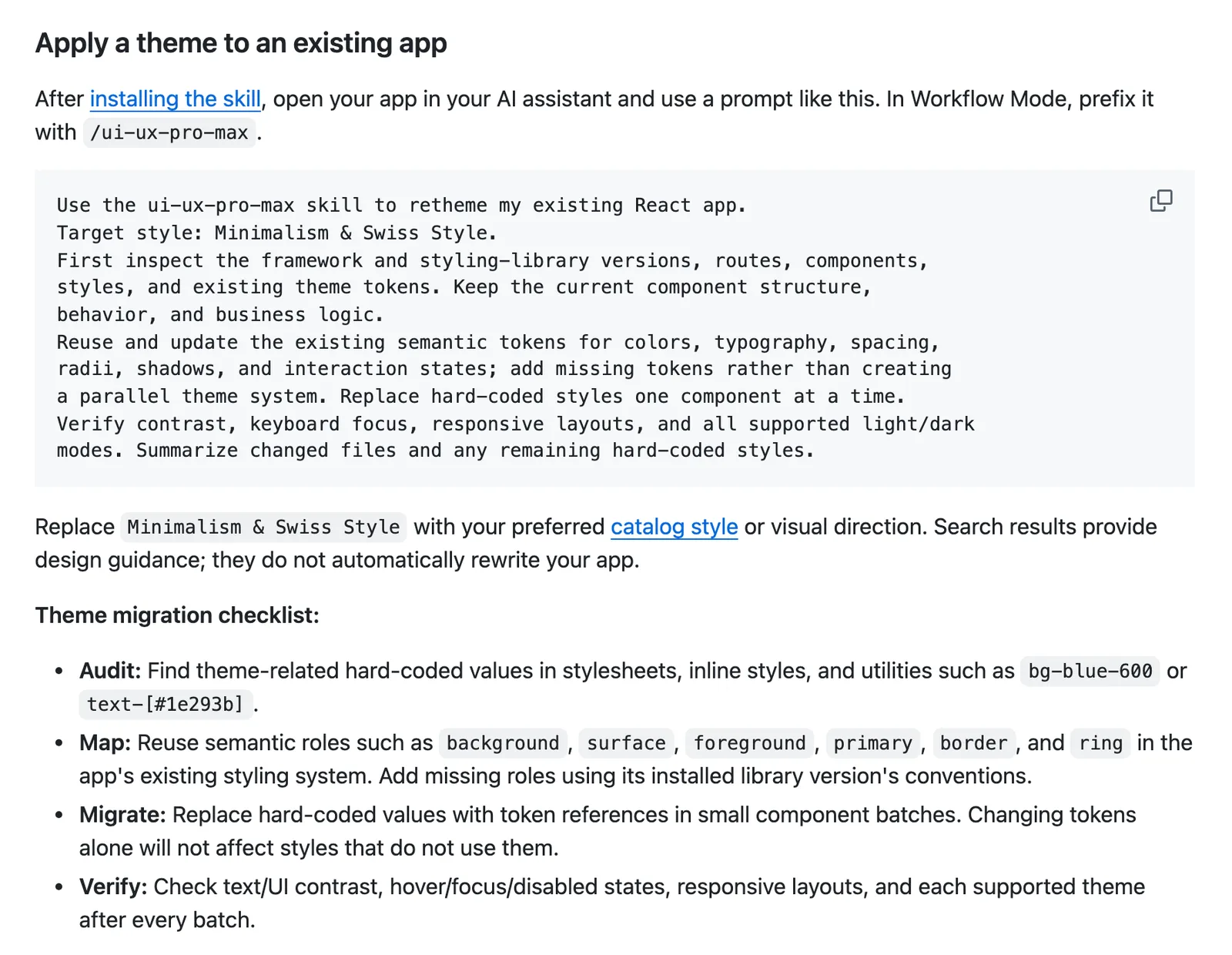
python3 .claude/skills/ui-ux-pro-max/scripts/search.py "SaaS dashboard" --design-system --persist -p "MyApp"Generates and persists to design-system/myapp/MASTER.mdpython3 .claude/skills/ui-ux-pro-max/scripts/search.py "SaaS dashboard" --design-system --persist -p "MyApp" --page "dashboard"Also creates design-system/myapp/pages/dashboard.md, with only the deviations from the masterAlready have a site? The README has a ready-made prompt for re-theming one: name a style from the catalogue, keep your components and behaviour, update the existing colour and font settings rather than adding a second set, and change one component at a time. It also says plainly that the search results are guidance and won’t rewrite your app by themselves.
Where it falls short#
It can swap one kind of sameness for another. The generator ranks a fixed library, so as far as we can tell from how it works, two people who describe a beauty spa in similar words will get similar starting points.
That still beats Claude’s default purple. But it’s an industry default, not your brand, so treat the output as a first proposal and change whatever doesn’t sound like you.
A big catalogue includes fashionable styles. A glassmorphism hero might look impressive in a preview and completely wrong for a plumber. Pick with your customers in mind, not the screenshot.
It can clash with a design system you already have. If you keep a DESIGN.md, the generator’s MASTER.md becomes a second source of truth, and two of those will argue.
The skill’s instructions do say its search results never override you or your project’s rules. Don’t lean on that. Say out loud which file wins.
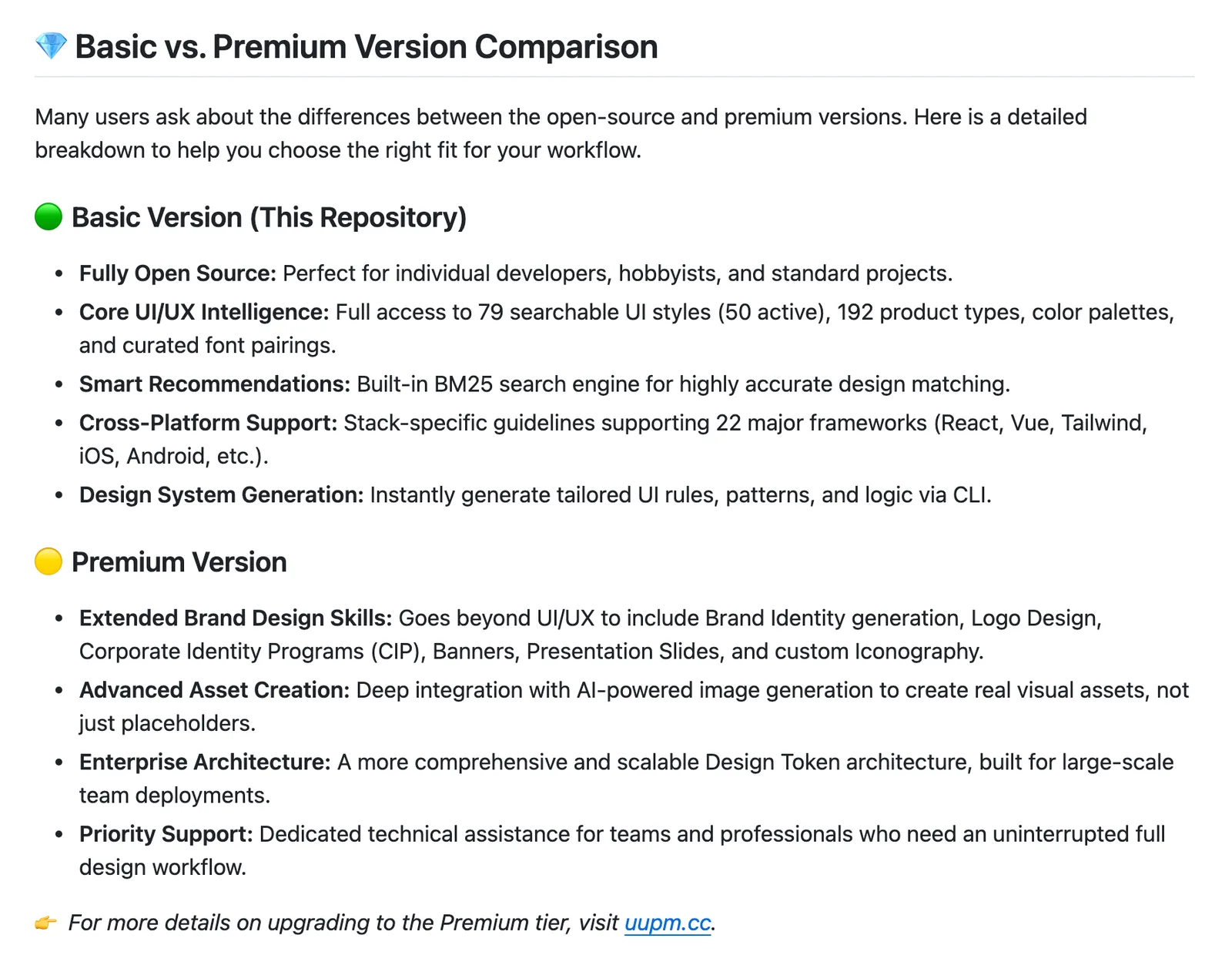
The extras cost money. The README advertises a premium version at uupm.cc with brand identity, logo design and image generation. The free skill doesn’t make photos or logos, so you’ll still need real ones.
Where it fits#
UI UX Pro Max earns its place at the very start, when you don’t yet know what your site should look like and you’d rather have a sensible, considered proposal than Claude’s default. Once you have a brand, its job is mostly done. From there you want a skill that critiques and polishes against your own system, such as Impeccable.
Prefer rules to a catalogue? The Taste skill takes the stricter approach, and the rest of our series on Claude design skills compares them all.