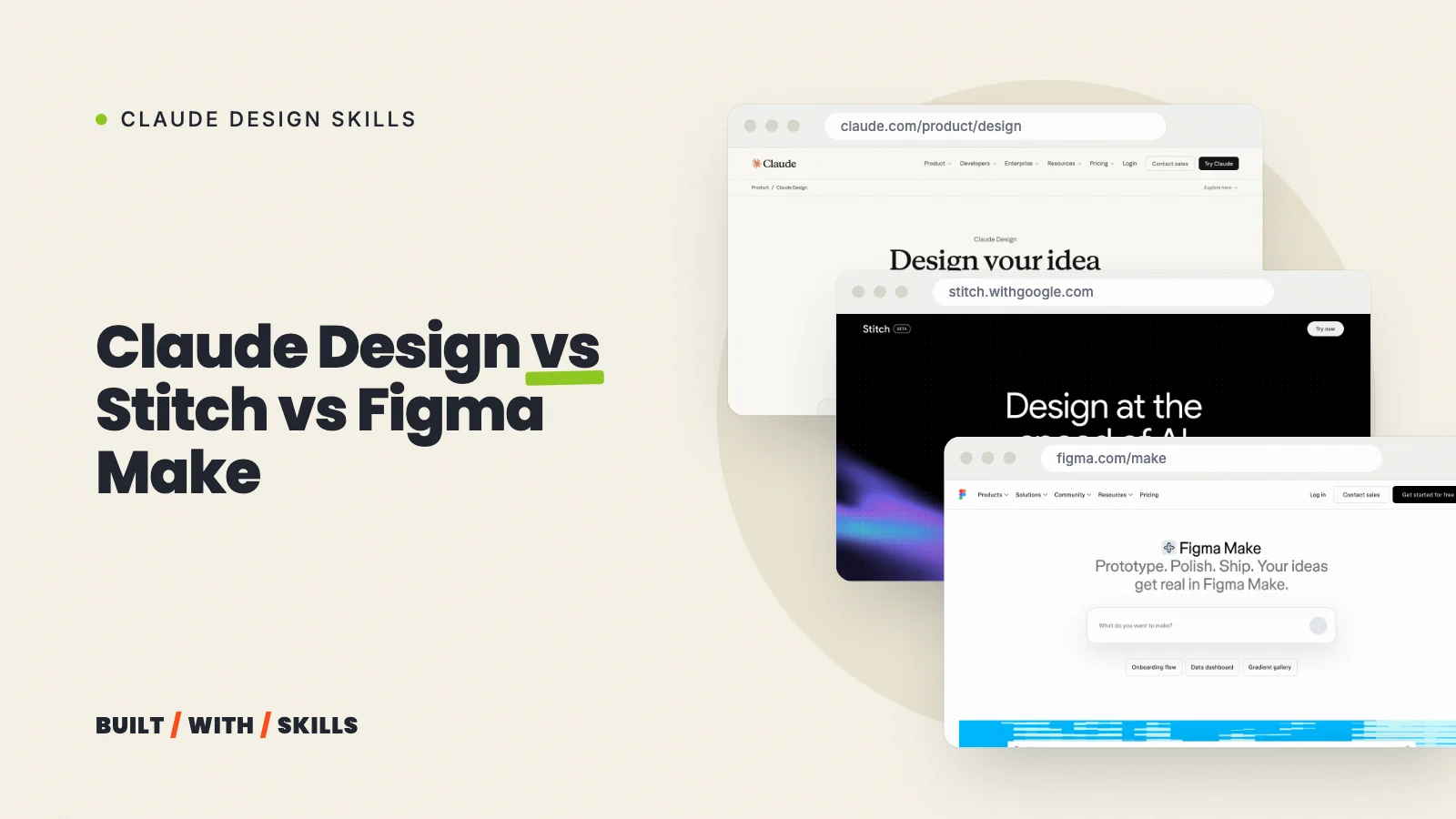

All three tools pull off the same first trick: you describe a page and a design appears. The differences only show up afterwards, when you try to turn that design into a website on your own domain that you can still edit next year.
We haven’t run the same brief through all three yet. So no winner on looks.
What there is instead is a comparison built from each company’s own help pages, product posts and pricing, checked on 26 October 2026 and written for a small business that wants a site it owns. It’s part of our series on Claude design skills.
One warning before you read anyone else’s comparison. Claude Design has changed a lot since its April launch, because it moved into ordinary Claude chats, opened up to the Free plan and dropped its separate weekly allowance, so anything that still calls it a paid-only standalone site is out of date.
The short answer#
There’s no single winner. Pick the tool that sits closest to what you already use.
- You already pay for Claude (or plan to build your site with Claude Code): Claude Design. It’s in the chat you already have, and the handoff to Claude Code is a button in its Export menu.
- You want free, fast exploration: Google Stitch. It costs nothing with a Google account, and its DESIGN.md export hands Claude Code your design rules in a file.
- Your design work already happens in Figma: Figma Make, especially if you’re already paying for a Full seat.
Whichever you pick, build the real site in Claude Code so it ends up as files you own.
Side by side#
| Claude Design | Google Stitch | Figma Make | |
|---|---|---|---|
| Made by | Anthropic | Google Labs | Figma |
| Price | Included on every Claude plan, Free too | Free with a Google account | 500 AI credits a month free; built for paid Full seats (3,000+) |
| Where it runs | Claude chats, the Artifacts tab, mobile apps, Claude Code | stitch.withgoogle.com, on an infinite canvas | Inside Figma |
| What it makes | Landing pages, prototypes, one-pagers, slides | UI designs and clickable prototypes | Working prototypes, web apps and interactive UI |
| Your brand | Design systems from files or code (paid plans) | Extract a design system from any URL; DESIGN.md | Make kits: code packages, library styles and guidelines |
| Getting it live | Export HTML or send to Netlify, Vercel, Wix and others | Export HTML per screen and put it on a host | Publish to a dedicated URL; custom domains on paid plans |
| Getting the code | Standalone HTML, or Handoff to Claude Code | HTML, export to AI Studio or Antigravity, an MCP server | Export code (Full and Dev seats), one-way push to GitHub |
| Best for | Exploring a look, then building it in Claude Code | Free exploration and portable design rules | Teams who already work in Figma |
What “free” means in each#
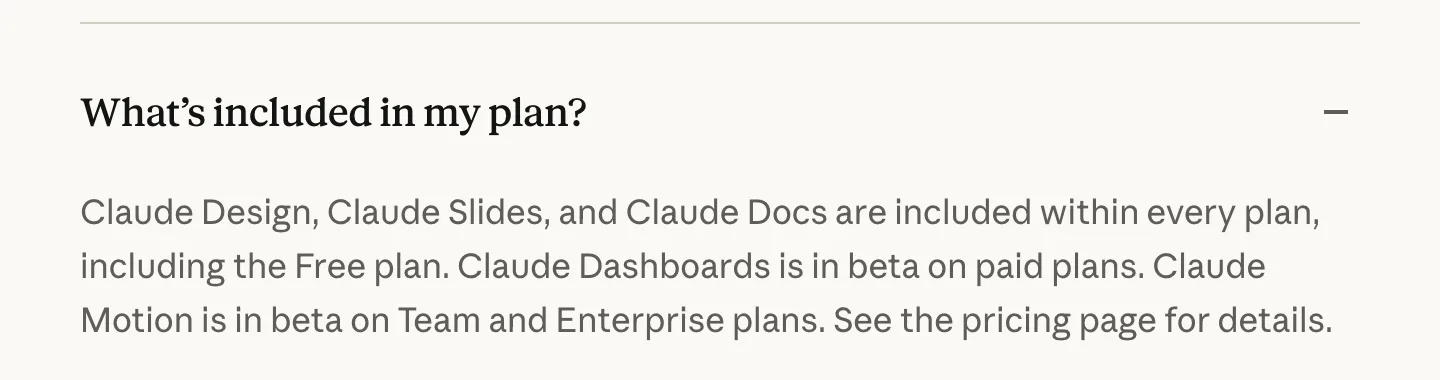
Claude Design costs nothing extra on any Claude plan, Free included. The catch? It draws from the same usage allowance as your chats and Claude Code, so an afternoon of design changes leaves you less for building the actual site.
Saved design systems need Pro or above.
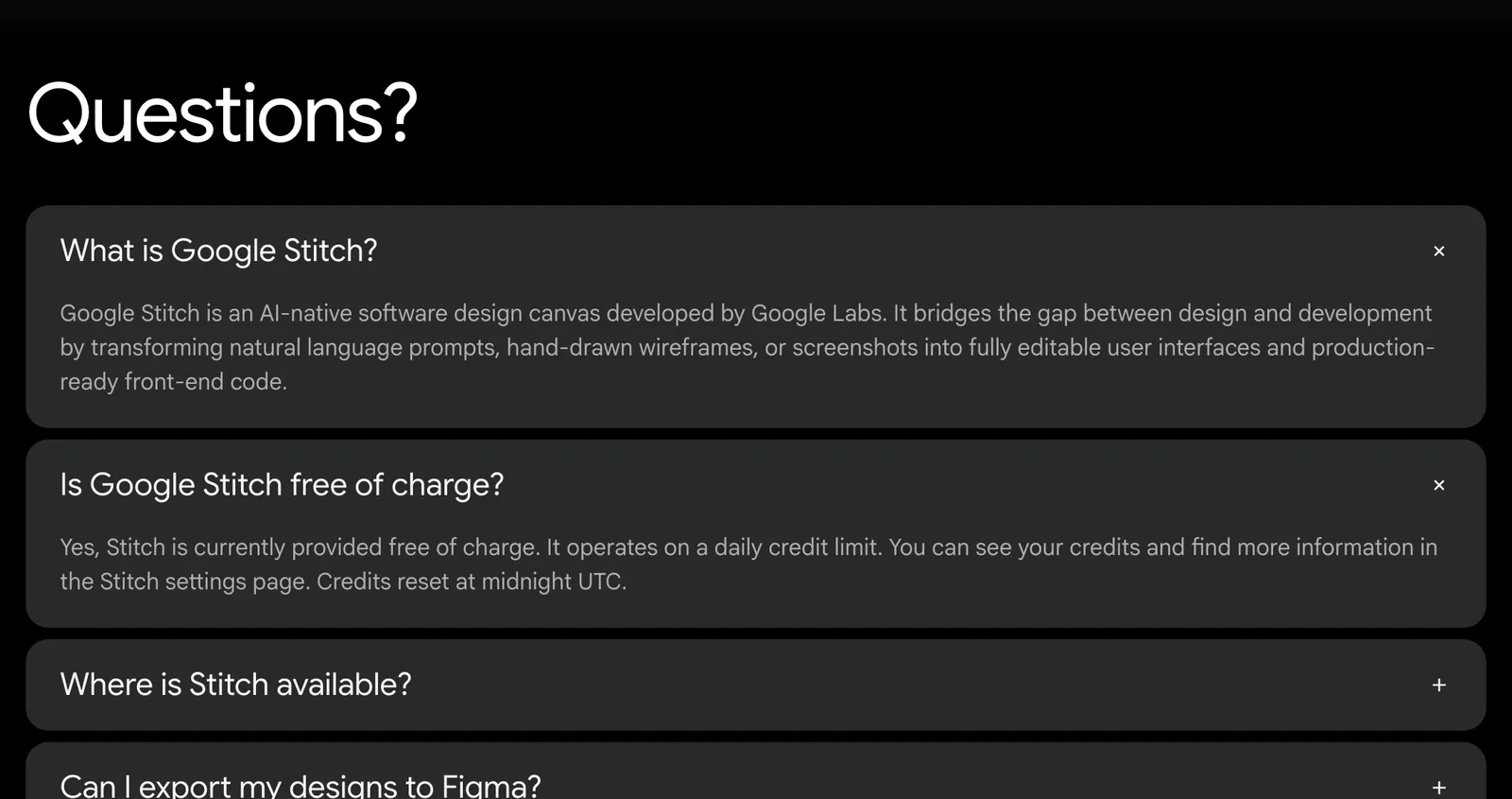
Google Stitch is free with a Google account, as a Google Labs experiment. It does have usage limits, but Google’s own pages don’t spell them out and the figures quoted on third-party sites disagree. We won’t repeat any of them.
Being a Labs experiment also means Google could change the terms whenever it likes.
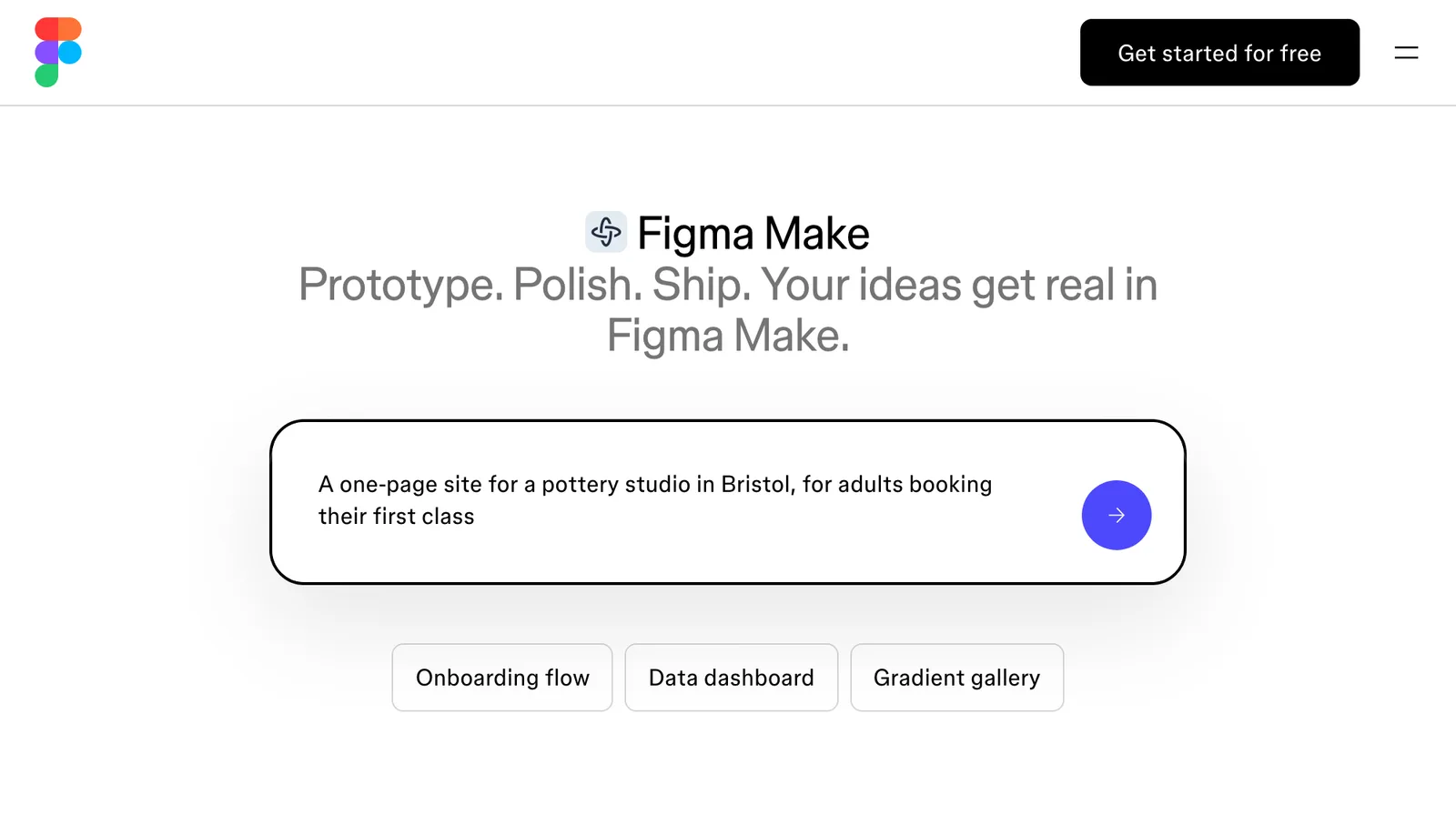
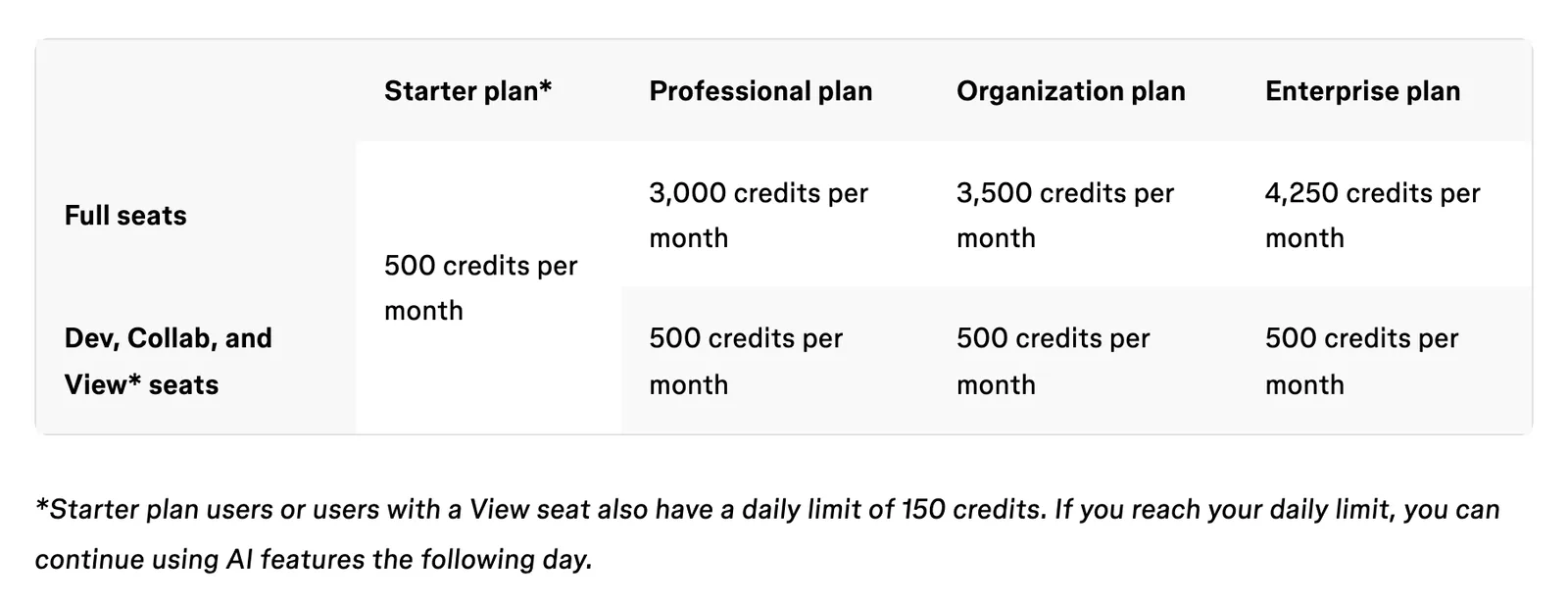
Figma Make runs on Figma’s AI credits, and the allowance depends on your plan and your seat. According to Figma’s credit guide, a Full seat gets:
- 500 credits a month on the free Starter plan, capped at 150 a day
- 3,000 on Professional
- 3,500 on Organization
- 4,250 on Enterprise
Dev and Collab seats get 500. Credits expire monthly. Admins can buy more, and Figma says Make itself is built for Full seats on paid plans, though you can try it on others.
So, for a one-person business with no budget, Stitch is the cheapest place to explore, and if you’re already paying for Claude, Claude Design costs you nothing new.
On a zero budget, Stitch wins. That rests on the price tag alone, not on anything we’ve measured.
Getting a real website out of each one#
This is where the three differ most.
Claude Design#
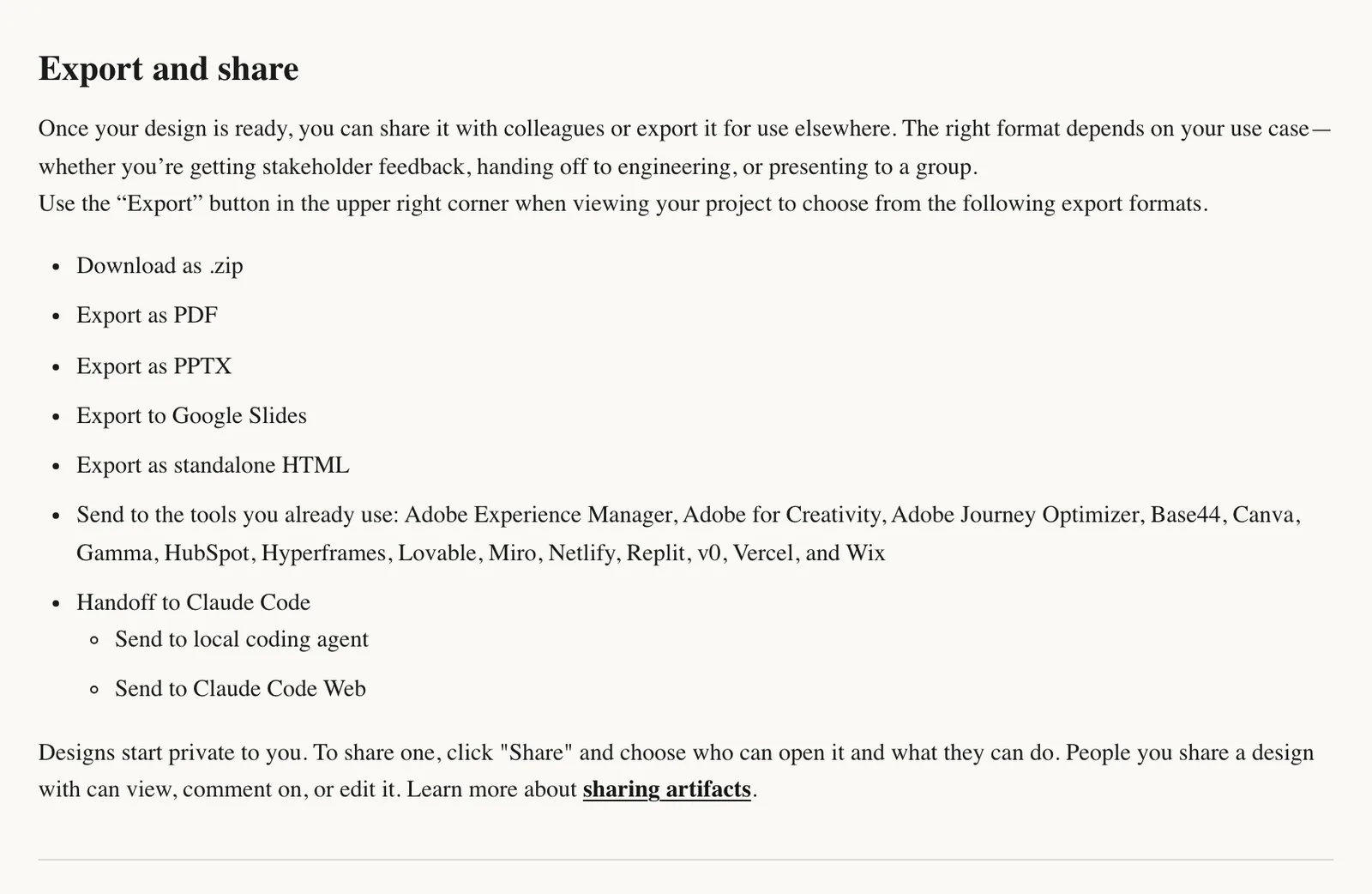
Click Export and you can download a zip, a PDF, a deck or a standalone HTML file, or send the design straight to a host such as Netlify, Vercel or Wix.
For a site you’ll keep editing, though, the better route is Handoff to Claude Code, which sends the design to Claude Code on your computer or on the web. According to Anthropic, it carries on from your existing work instead of starting over from a screenshot. How to use Claude Design walks through it.
Google Stitch#
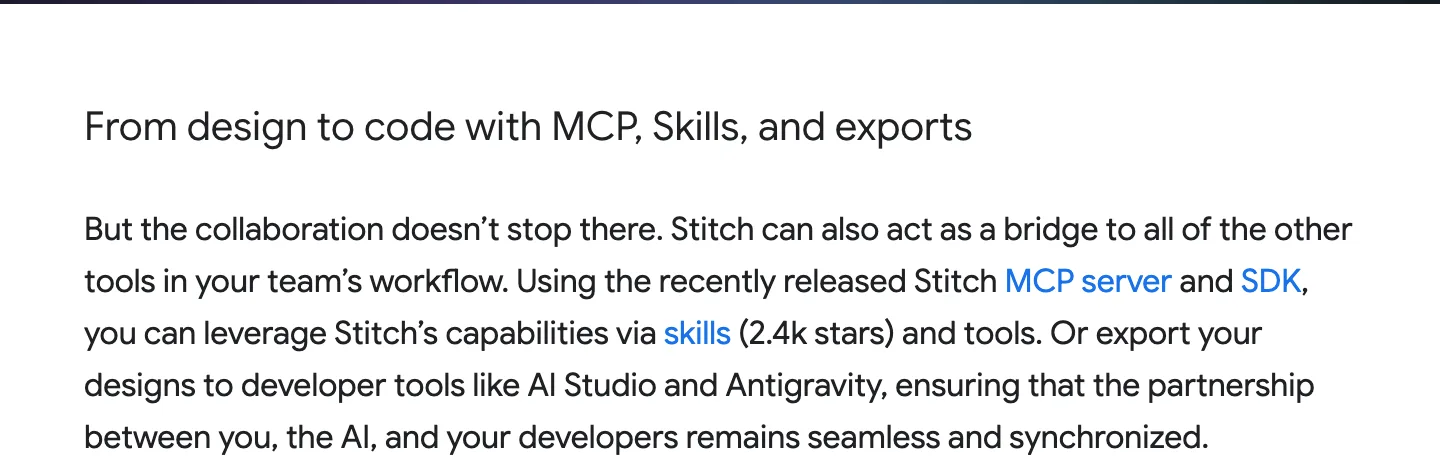
Stitch generates HTML for each screen (often styled with Tailwind). Google’s Stitch announcement adds exports to its own developer tools, AI Studio and Antigravity. Getting a site live from that HTML is a manual job.
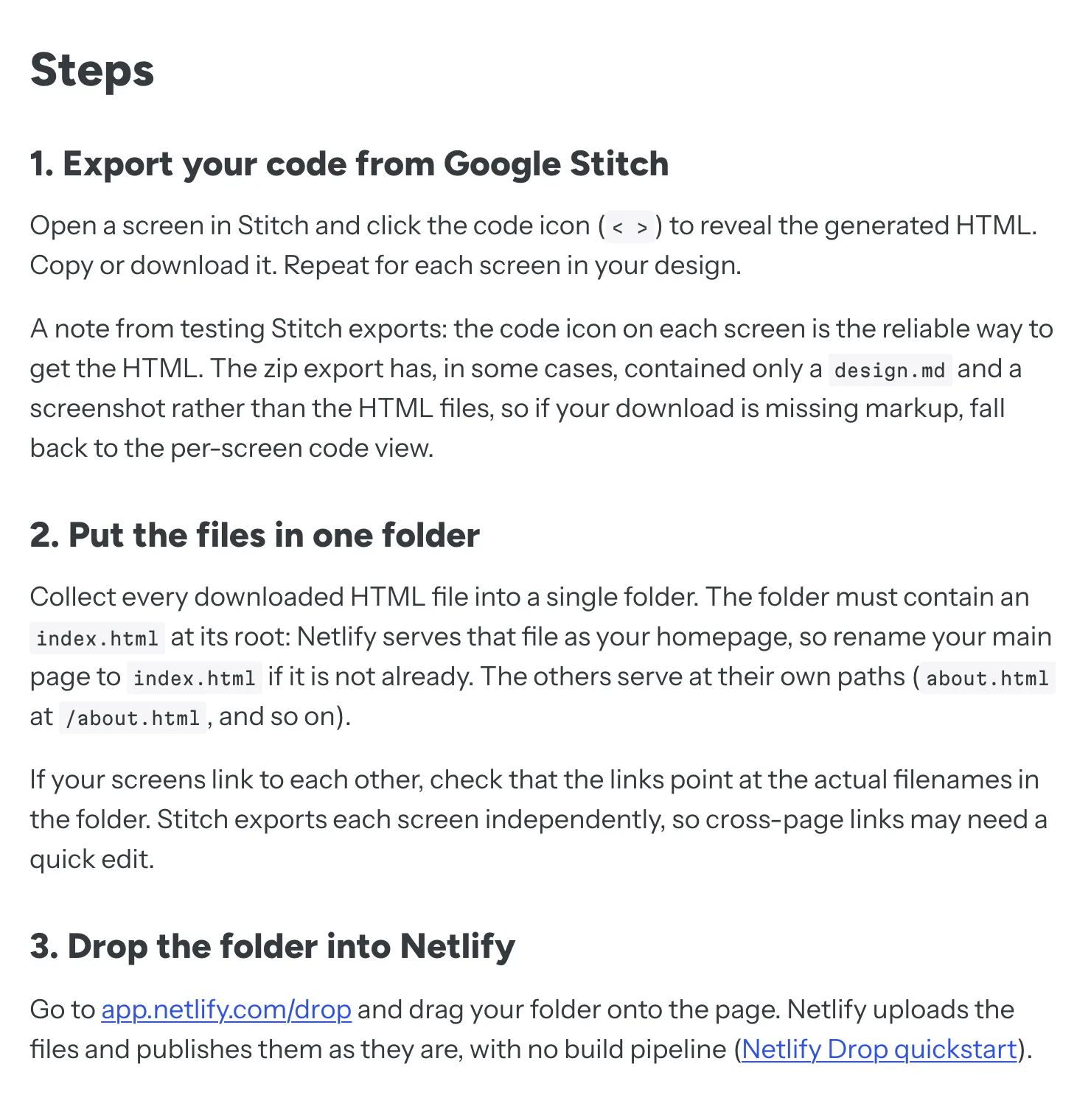
Netlify’s guide has you copy or download each screen’s code, collect the files in one folder, rename the home page to index.html and fix any links between pages by hand, because Stitch exports every screen on its own.
The guide also warns that the zip export has sometimes held nothing but a DESIGN.md and a screenshot. No HTML in your download? Use the code view on each screen instead.
Fine for a one-page site. For anything bigger, you’ll want Claude Code to pull it into a proper project.
Figma Make#
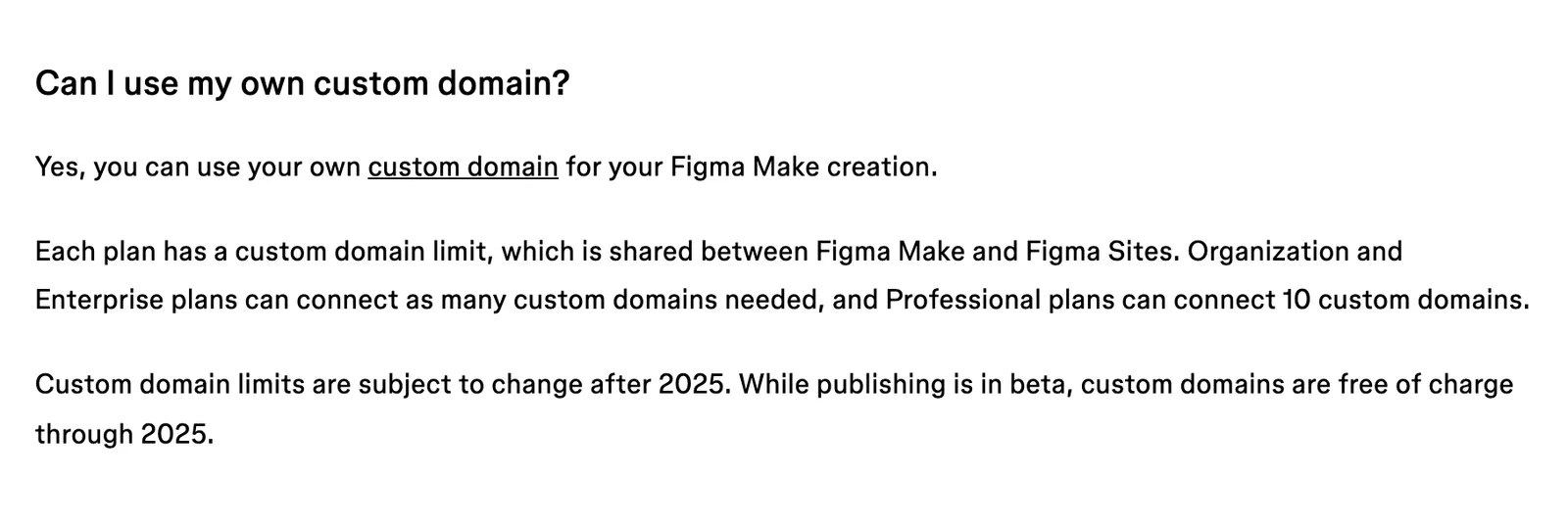
Figma Make is the only one of the three that hosts your site itself, custom domain and all. According to Figma’s Make FAQs, a published Make file goes on the public web at a dedicated address, isn’t indexed by search engines by default, and can’t be restricted to particular people. Professional plans can connect 10 custom domains (shared with Figma Sites), while Organization and Enterprise have no set limit.
Getting the code out is harder. Full and Dev seats can export it, and Push to GitHub is a one-way push to a repository that Make creates itself. Anything you change in GitHub gets overwritten the next time you push from Make.
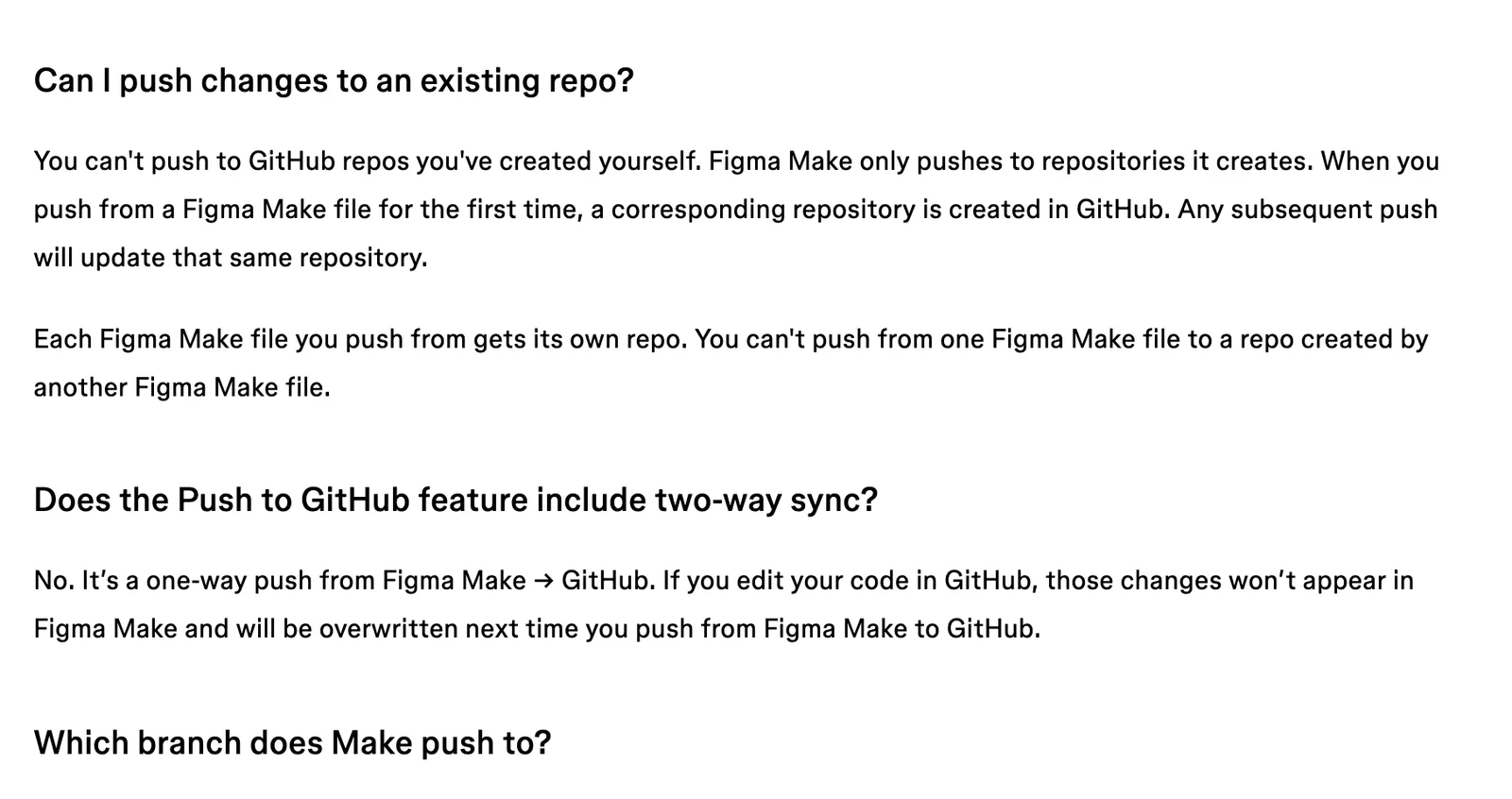
If you want to keep editing your site in code, decide that before you start in Figma Make. Once you’ve moved the code out and changed it, the round trip back into Make is gone.
For a site you’ll keep editing, Claude Design takes this one. Figma Make is the only one that hosts the site for you, but its code export is one-way, and Stitch leaves you stitching screens together by hand. Claude Design’s handoff keeps the design and the build in one place, though that’s going on Anthropic’s own description, because we haven’t run it ourselves yet.
Your brand in each one#
All three can learn your look. They just go about it in different ways.
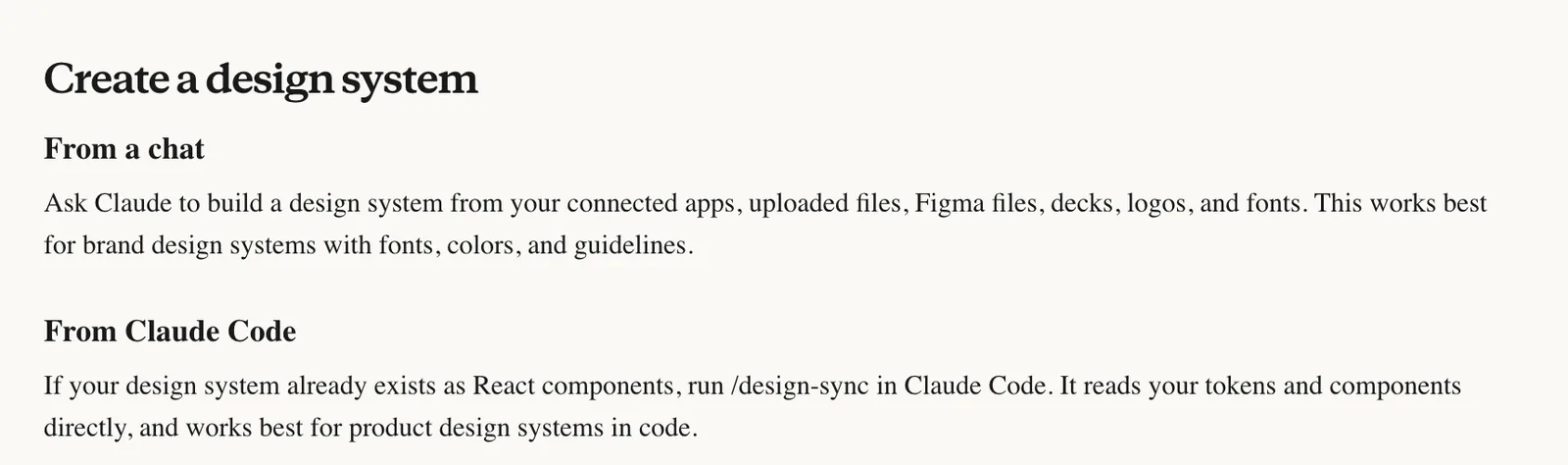
Claude Design builds a design system from your logo, fonts, guidelines, decks or code, and saves it for every new design. That’s a paid-plan feature, so on Free you hand over your logo and colours each time.
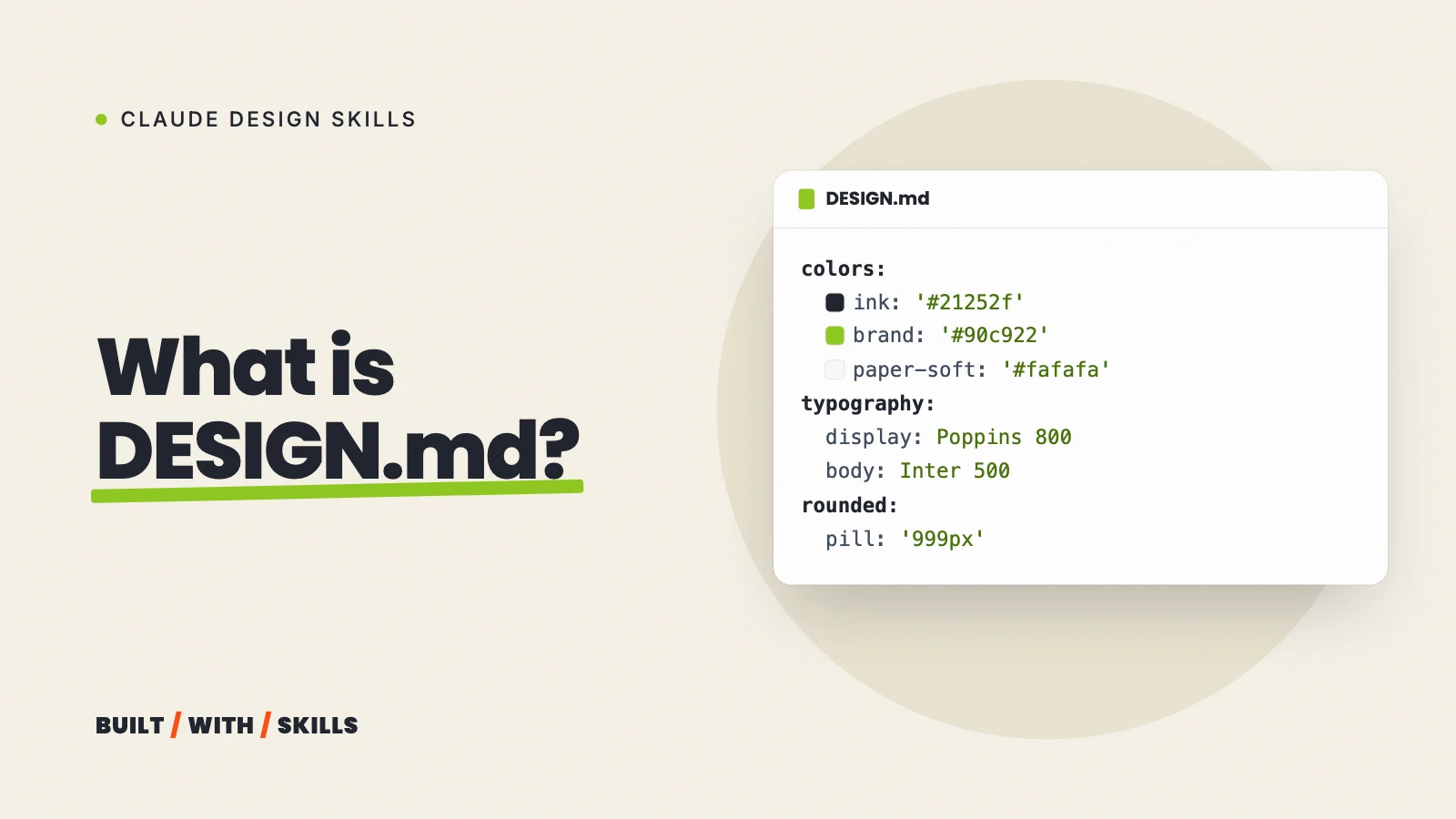
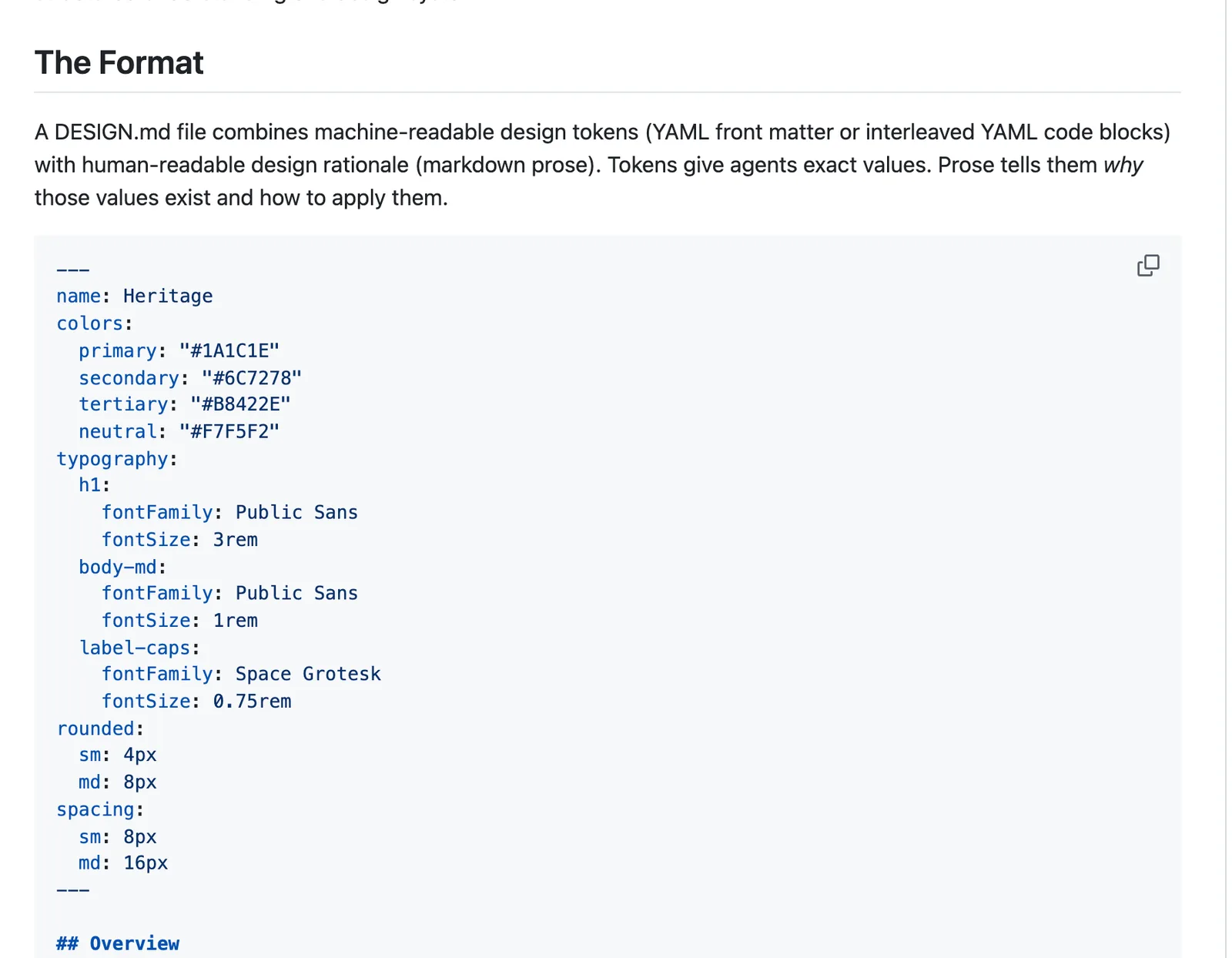
Stitch can pull a design system out of any website address, which makes copying the feel of your current site straightforward, and it reads and writes DESIGN.md, a plain Markdown file of your design rules. Google open-sourced the format in April 2026. That makes it the most portable option of the three, because Claude Code (and other coding tools) can read the very same file.
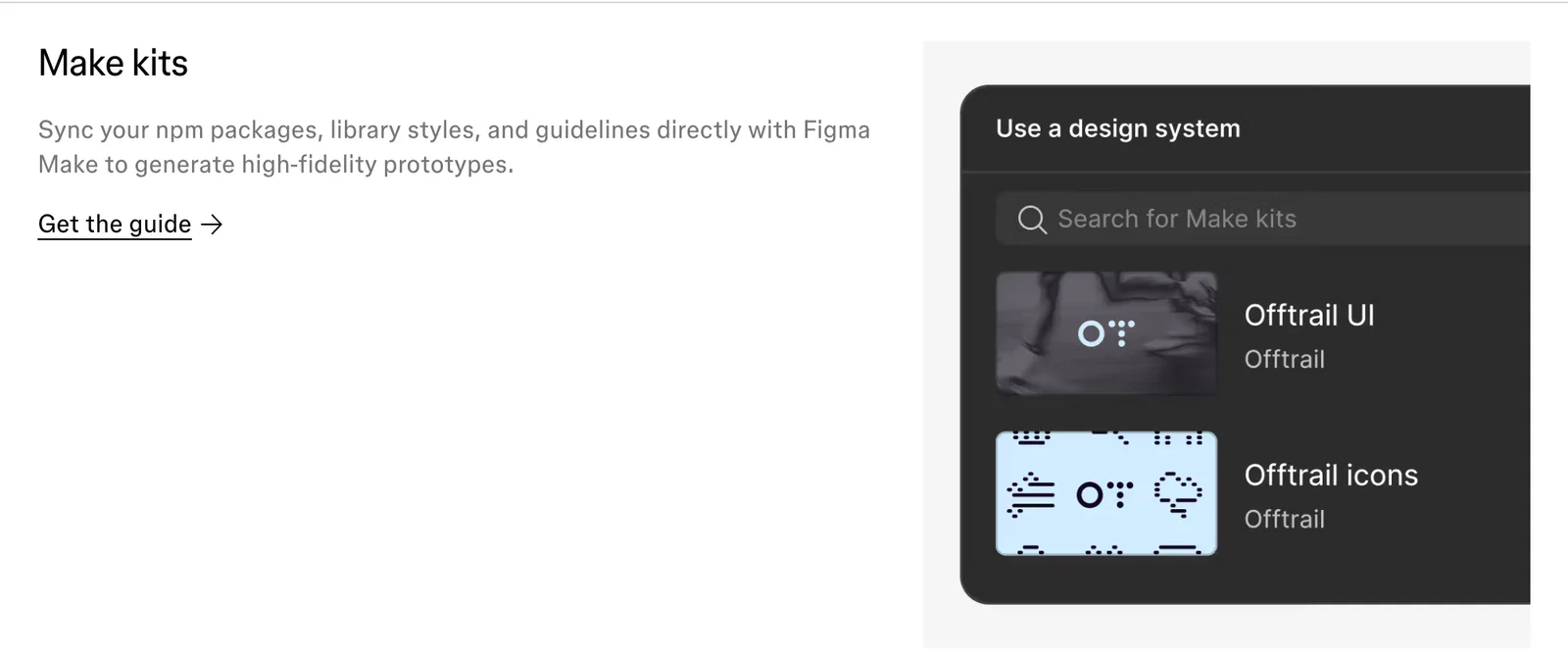
Figma Make uses Make kits, which bundle your code packages, the styles from a published Figma library and your written guidelines. If your brand already lives in a Figma library, it’s the strongest choice; if it doesn’t, it’s overkill.
For portability, Stitch is ahead. DESIGN.md is an open-sourced plain Markdown file that Claude Code can read as it is.
Working with Claude Code#
Building with Claude Code? Each tool plugs in differently:
- Claude Design is the most direct: Export > Handoff to Claude Code, or run
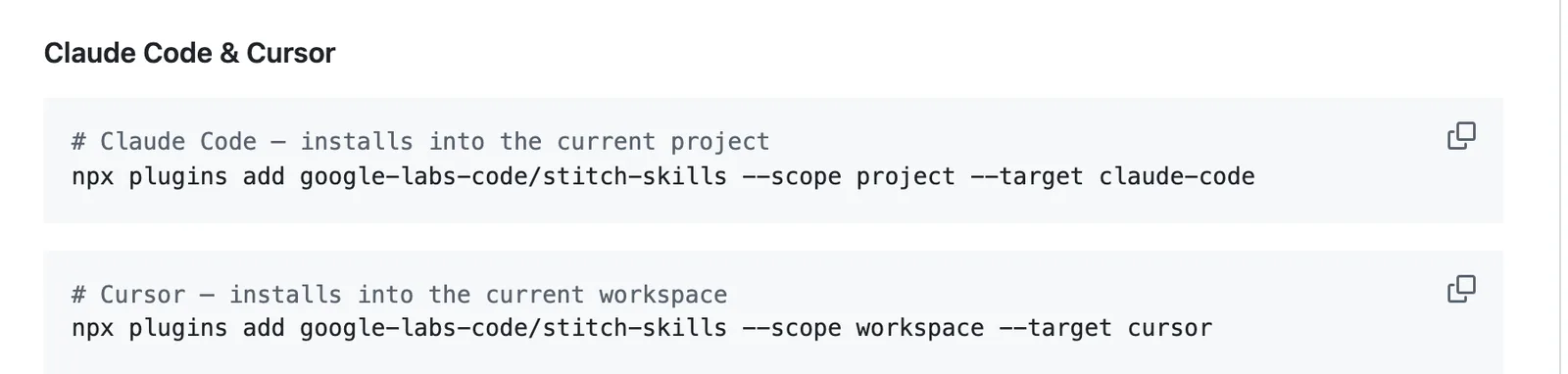
/designin Claude Code to draft a design from there. - Google Stitch has an official MCP server and a set of Stitch skills that list Claude Code as compatible, so Claude Code can fetch your Stitch designs itself. Or export a DESIGN.md and drop it into your project.
- Figma Make goes through GitHub: push the code there, then open the repository in Claude Code, remembering that the push only goes one way.
Claude Design wins here. It’s a button in its own Export menu, with no MCP server or GitHub repository in between.
Our choice#
Already paying for Claude? Use Claude Design, because the design and the build then live in one place and there’s nothing new to pay for. On a zero budget, Stitch is the better place to explore, and its DESIGN.md travels with you into Claude Code.
Figma Make is the right call for a team whose designers already live in Figma. Everyone else would be signing up for a credit system and a one-way code export to get a design they could have had for free.
None of that is about which tool draws the prettiest page, because we haven’t tested that yet. It rests on price, the export routes and how each one connects to Claude Code, all taken from the companies’ own docs.
Whichever you choose, treat the design tool as the sketchbook. Build the real site in Claude Code, where it’s files you own and can change whenever you like.