
Built a page with Claude and found it looks like every other AI website? There’s a reason for that, and Anthropic wrote a skill about it.
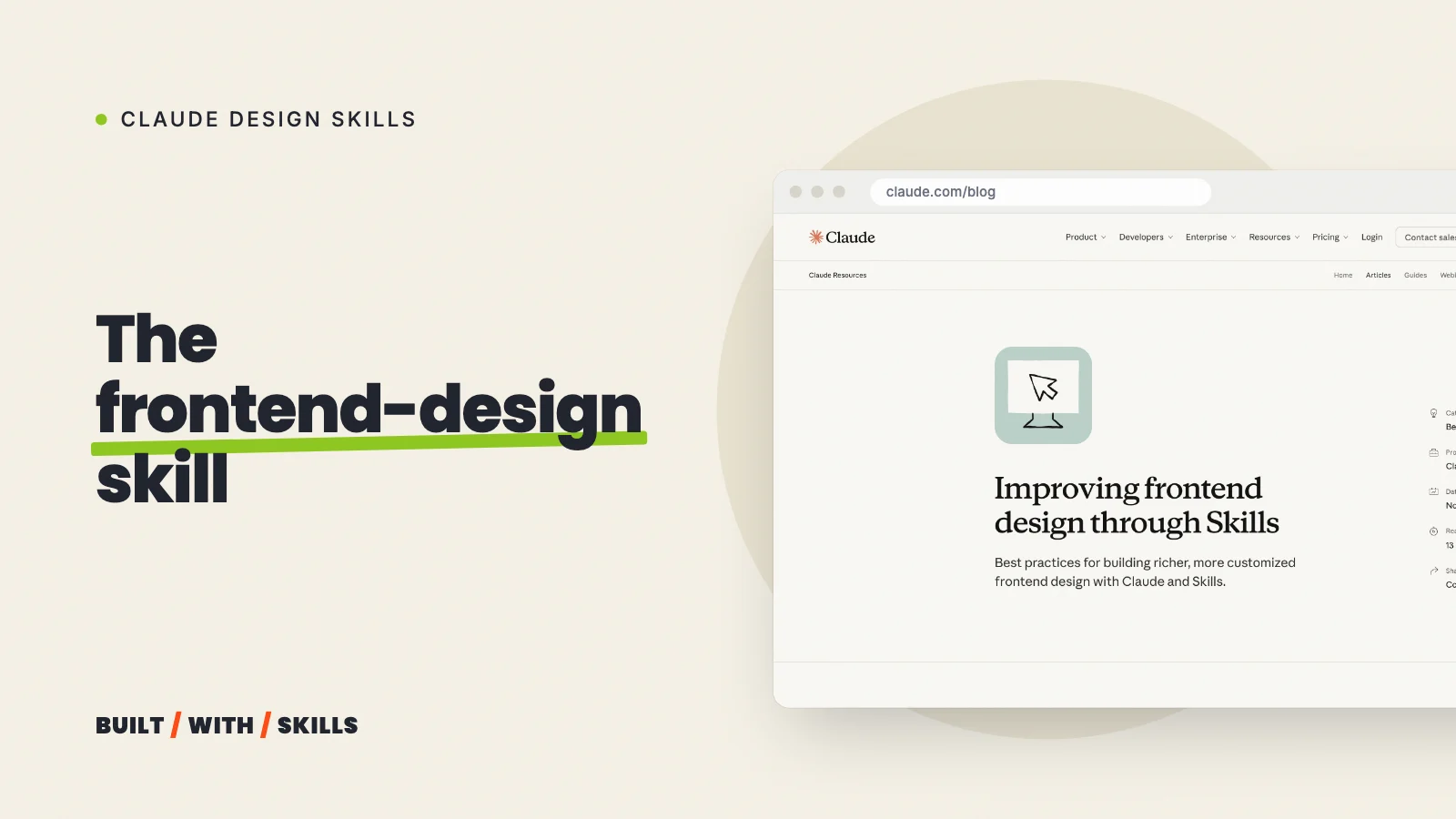
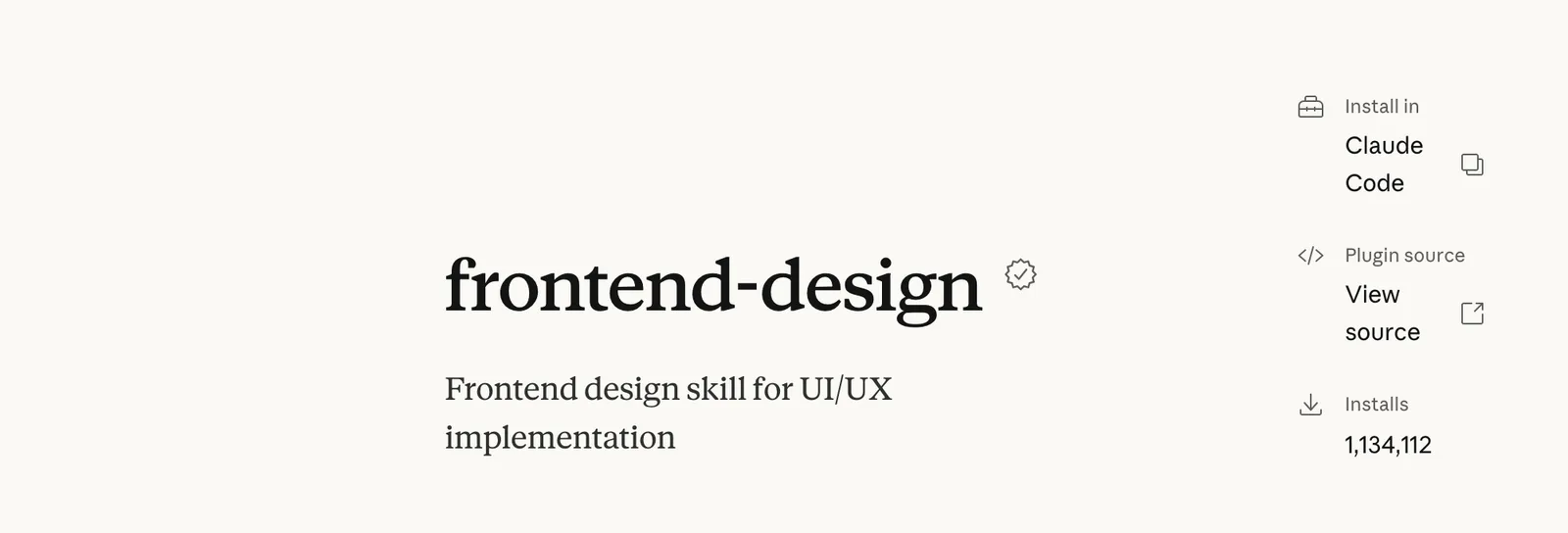
frontend-design is Anthropic’s own design skill for Claude Code. It’s one of the most installed, too, with 1,134,112 installs on the official plugin page in October 2026.
What it gives Claude isn’t a template. It’s a design process plus a list of the looks Claude keeps falling back on, so the page it builds for a bakery doesn’t come out the same as the one it builds for a law firm.
A quick disclosure before going further. We haven’t built with it ourselves (this site runs on Impeccable), so everything below comes from the skill’s own instructions, which we read in full in October 2026.
That matters. Anthropic rewrote the skill on 3 September 2026, and much of what you’ll read about it elsewhere still describes the old one.
The version most guides describe is gone#
The earlier skill pushed Claude towards bold, maximalist design, and Anthropic’s own plugin page still sells it that way, promising “high-impact animations”, “scroll-triggered interactions” and “visual depth through gradients”. The current instructions say close to the opposite. Motion goes in one place, gradient washes sit on the list of AI defaults, and the advice is to “spend your boldness in one place” and keep everything around it quiet.
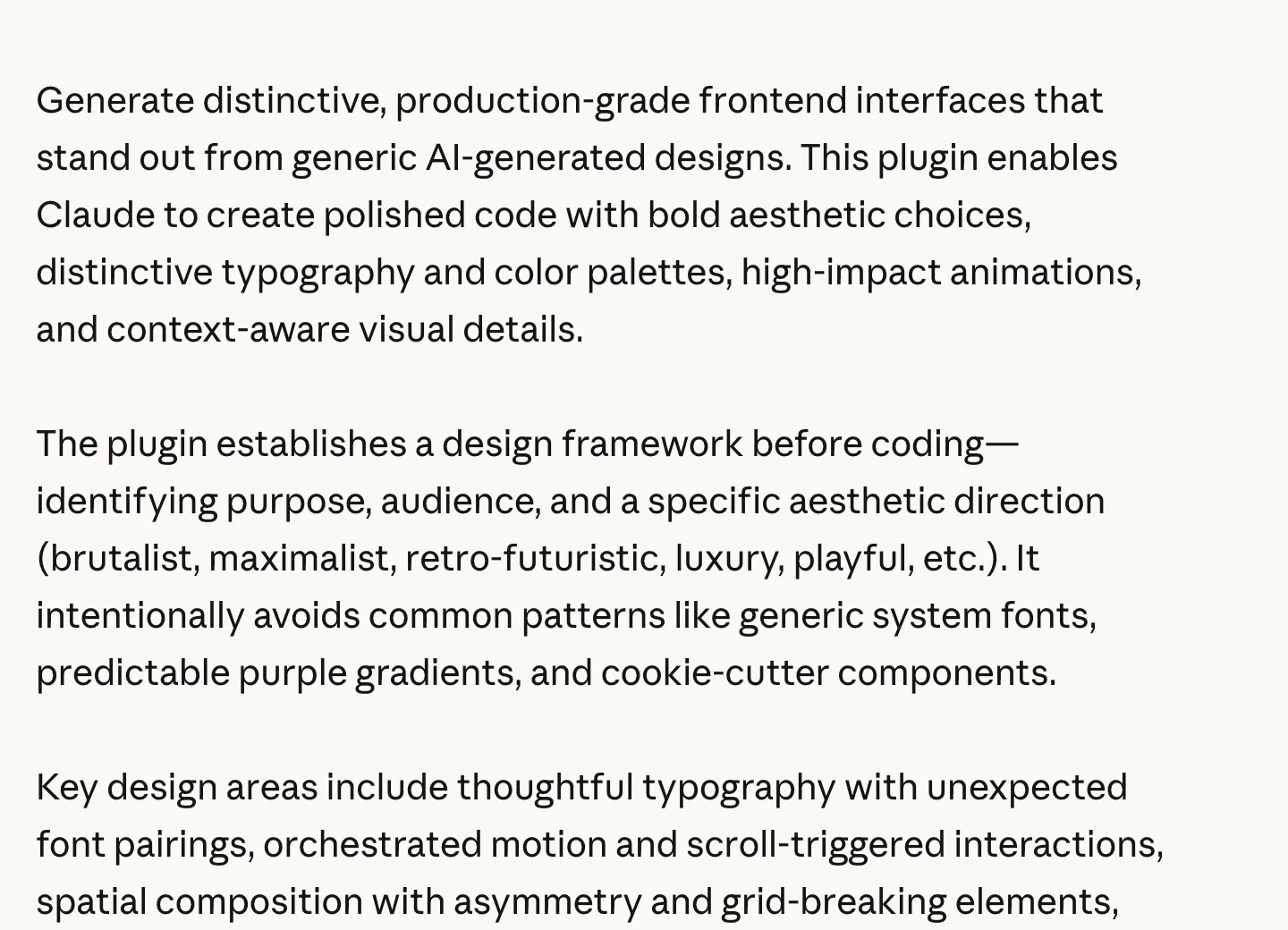
So if a guide promises you dramatic animation, it’s out of date.
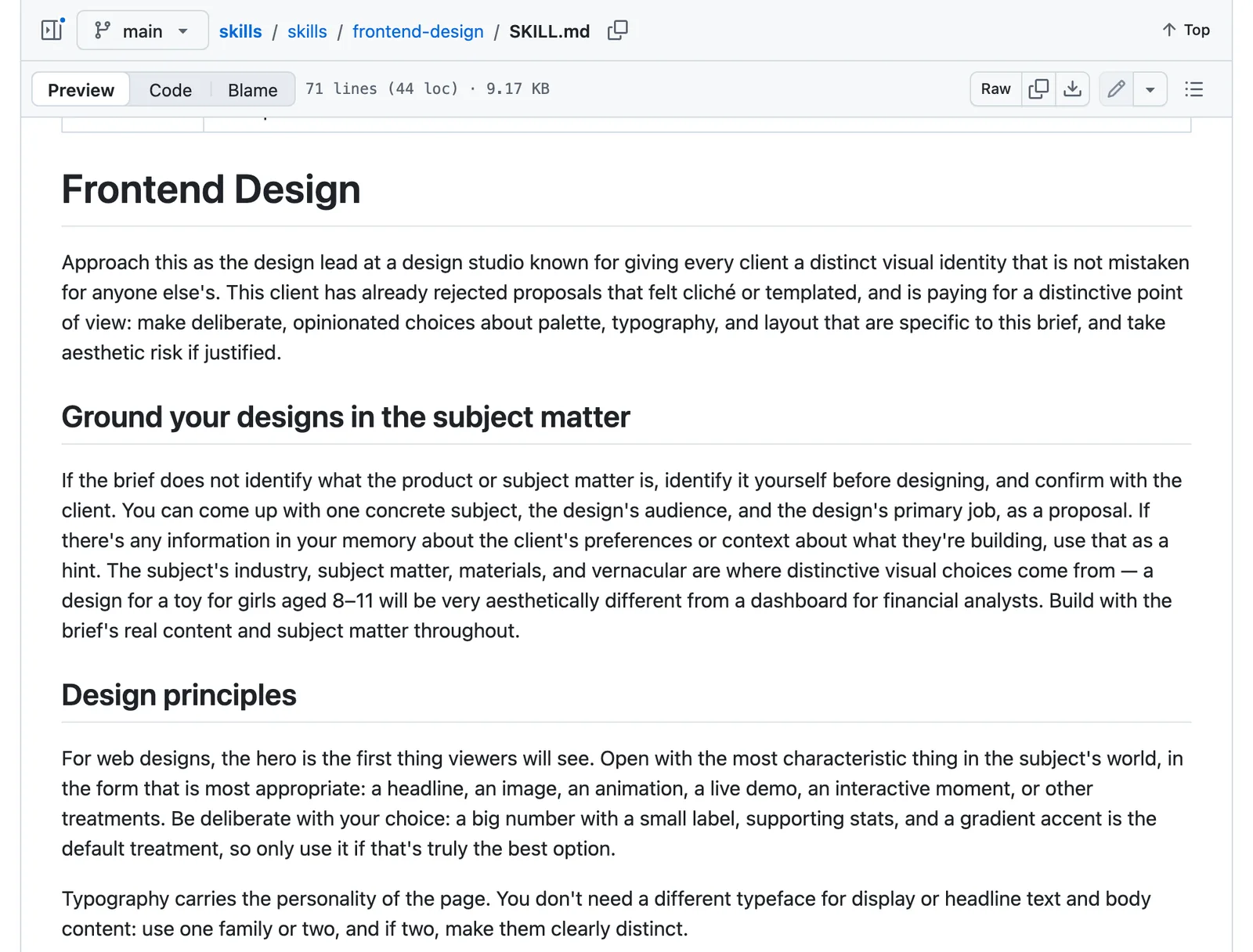
The SKILL.md on GitHub is the version Claude actually reads, and it’s short enough to get through over a coffee. Read it before you trust anyone’s summary, this one included.
What the skill tells Claude to do#
The skill casts Claude as the design lead at a studio whose client has already turned down anything that felt templated, then makes it work in a fixed order:
- Start from the subject. If you haven’t said what the business is, who it’s for and what the page has to do, Claude proposes an answer and checks it with you. The look is meant to come from your trade, your materials and the words your customers use.
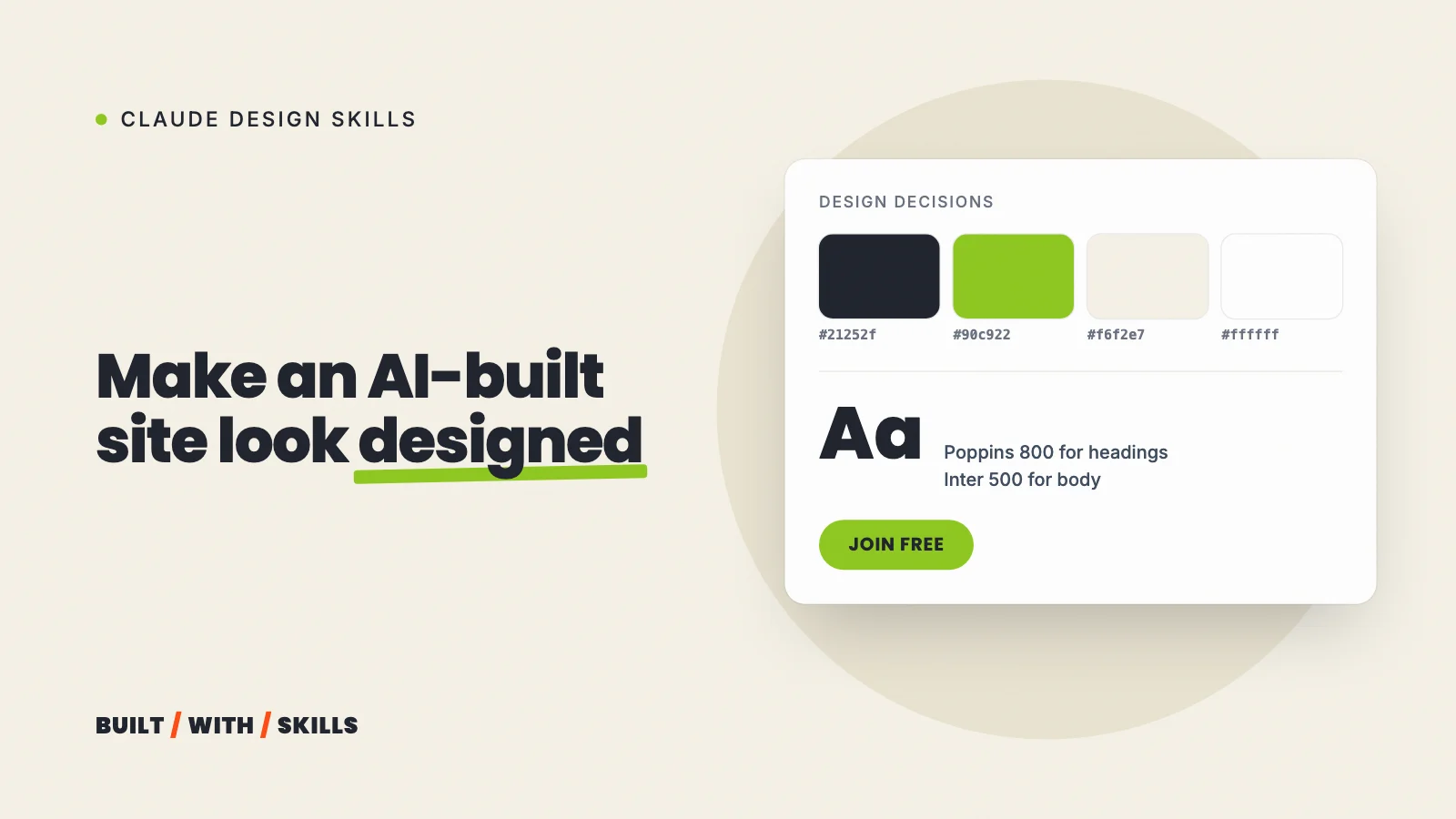
- Plan before any code. That means four to six named colours with their hex values, the typefaces and the job each one does, a rough layout sketched in text, and a few principles for what makes this page different.
- Review the plan against your brief. Anything that reads like the default Claude would produce for any similar page gets changed, and Claude has to say what it changed and why.
- Build, then critique. Claude screenshots its own work where the setup allows, and the skill signs off with Coco Chanel’s advice to take one accessory off before leaving the house.
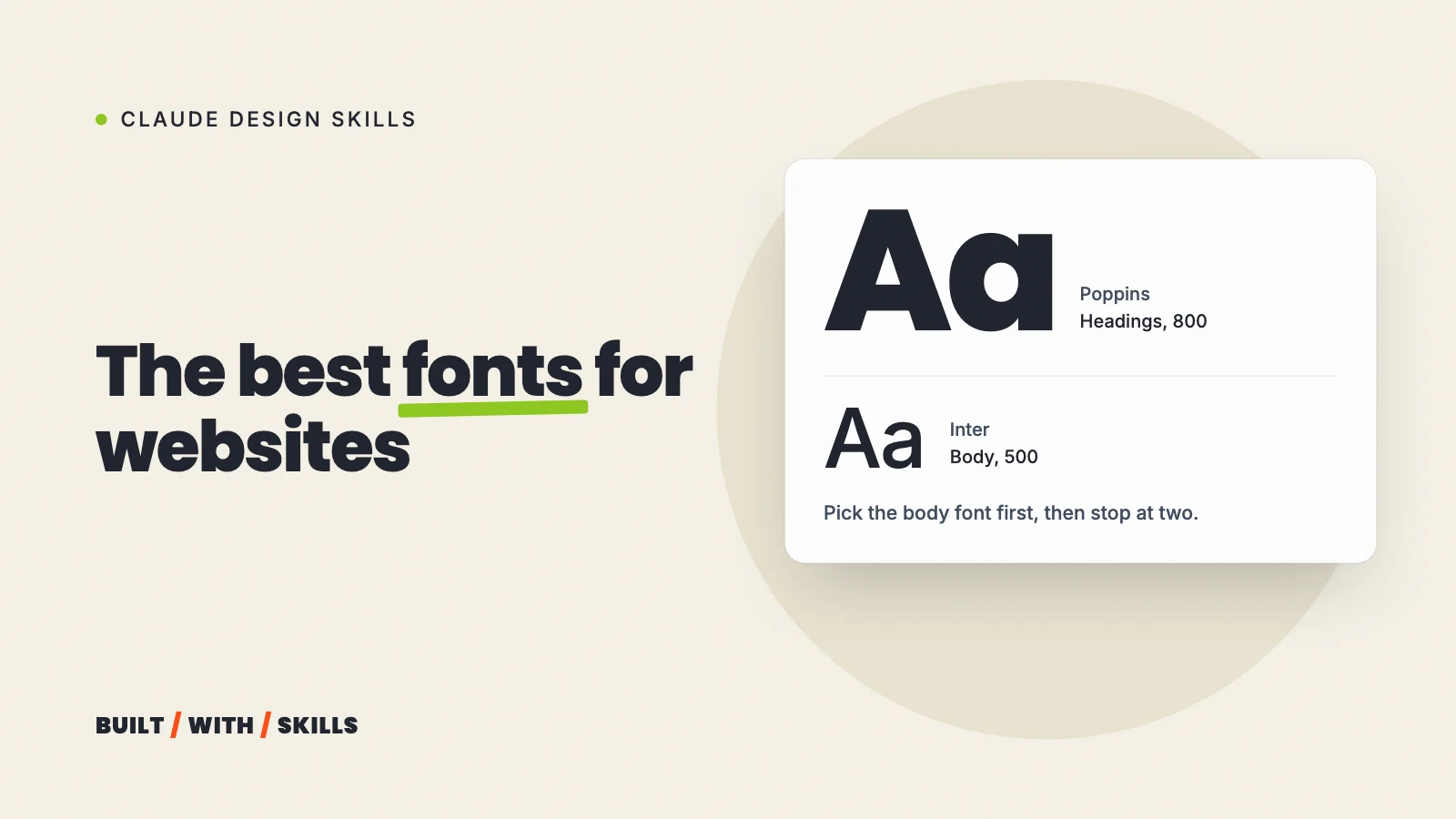
Under that process sit some firm rules. Use one font family or two, never more, and keep lines under about 80 characters.
The first screen should show the most characteristic thing about the business, whether that’s a headline, a photo or a live demo, rather than the big number, row of stats and gradient accent that the skill calls the default. There’s a quality floor as well: the page has to work on phones, keyboard users must always see where they are, and anyone who turns motion off gets a still page.
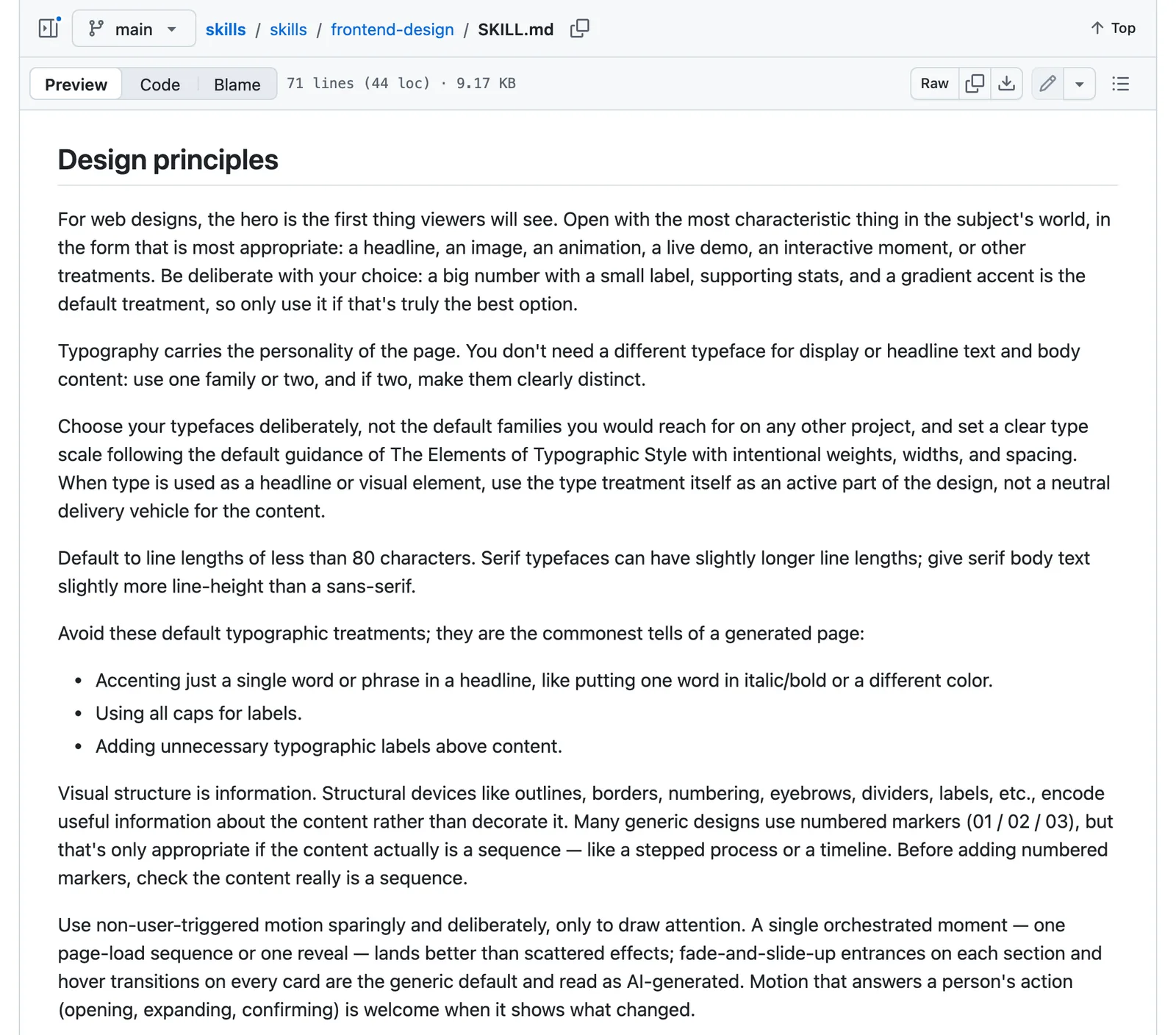
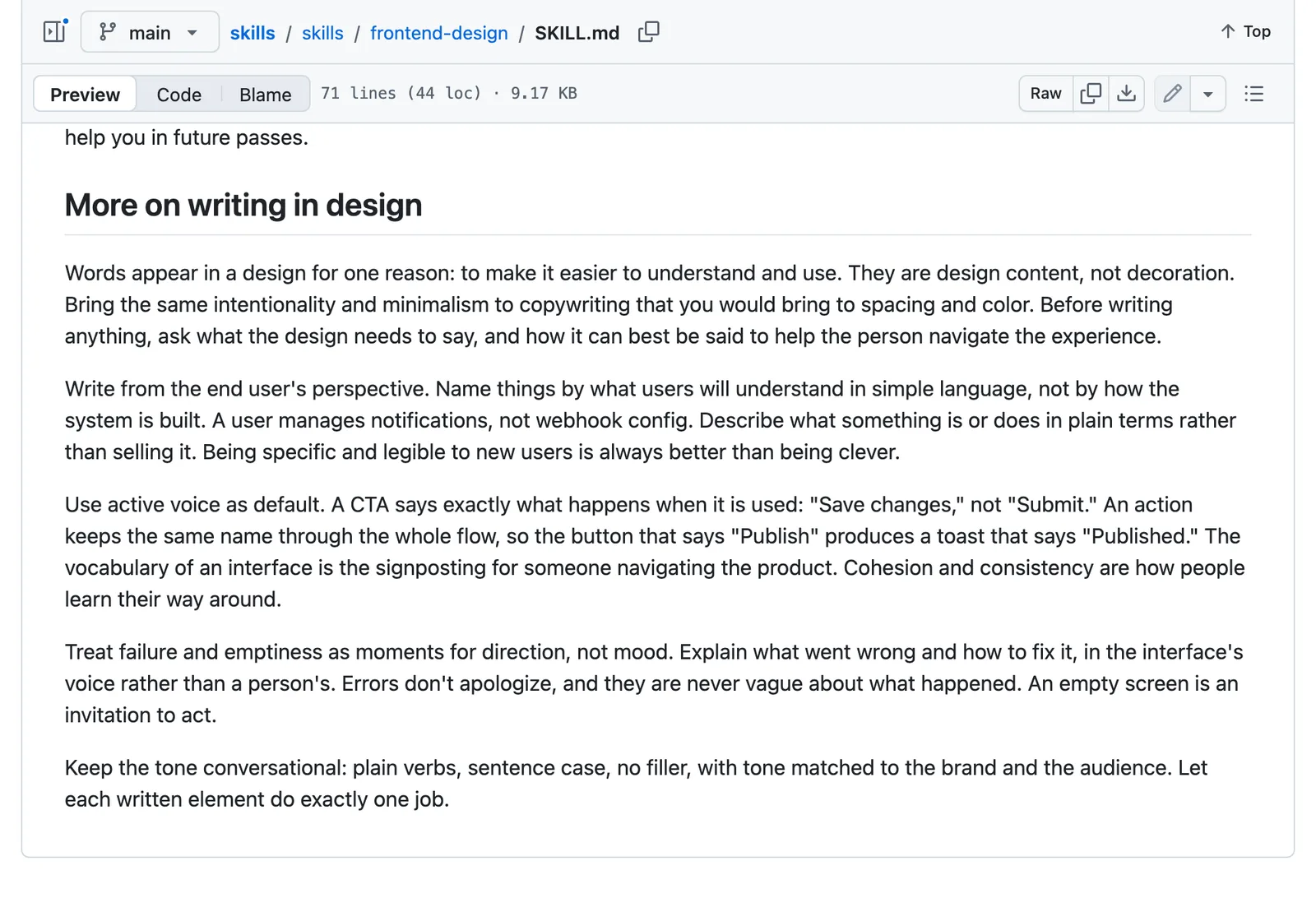
The section on words is easy to miss. Buttons say exactly what happens when you press them (“Save changes”, not “Submit”), error messages say what went wrong and how to fix it, and nothing apologises.
Plan first and build second is the whole idea. The rules are there to keep the build honest.
The five looks it steers away from#
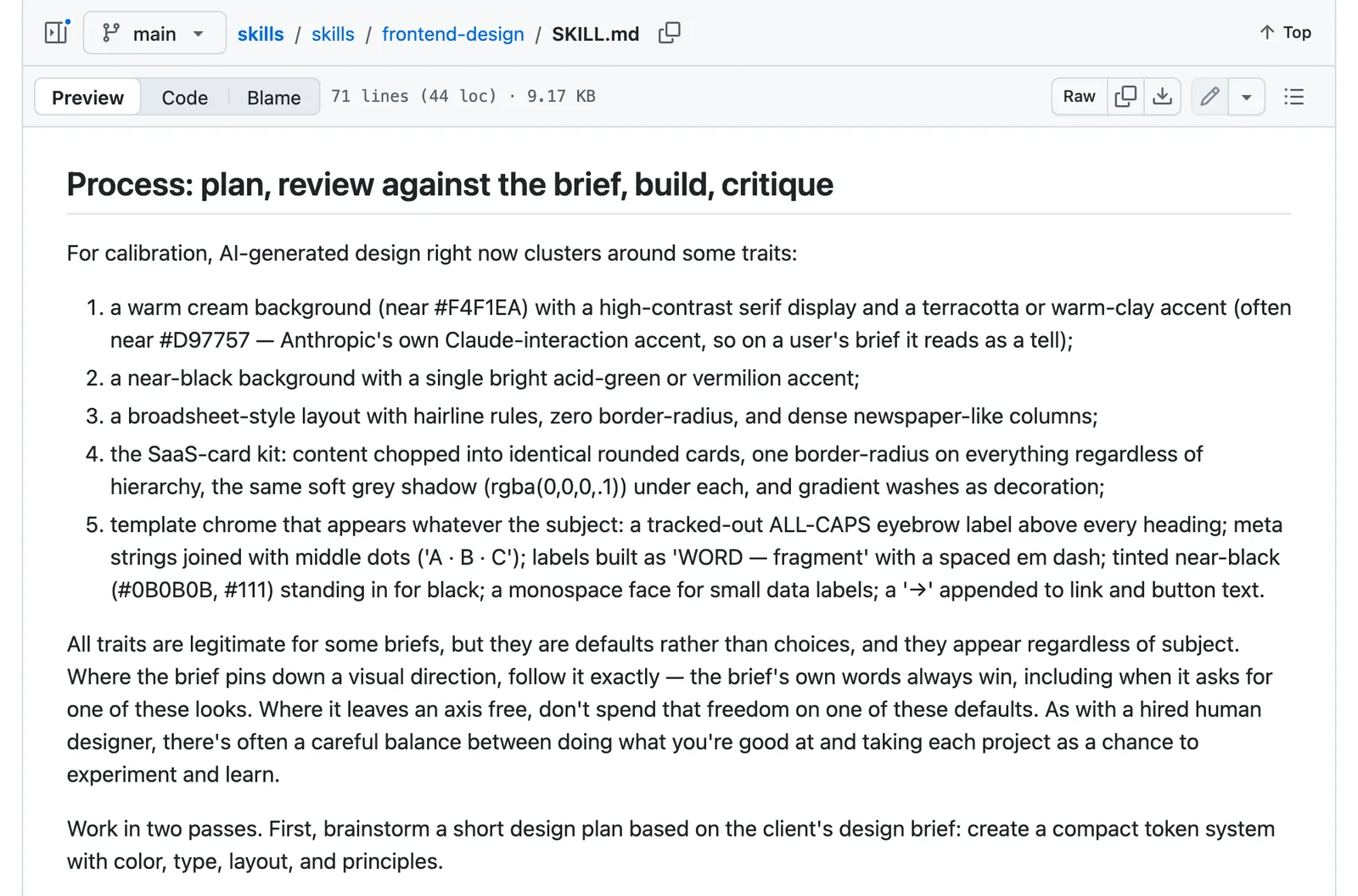
This is the part most people install it for. The skill names five clusters that AI-made pages fall into, whatever the subject:
- Warm cream with a serif and a terracotta accent. The skill points out that the terracotta is close to Anthropic’s own Claude colour, so on your site it reads as a tell.
- Near-black with one bright accent, usually acid green or vermilion.
- The broadsheet, with hairline rules, square corners and dense newspaper columns.
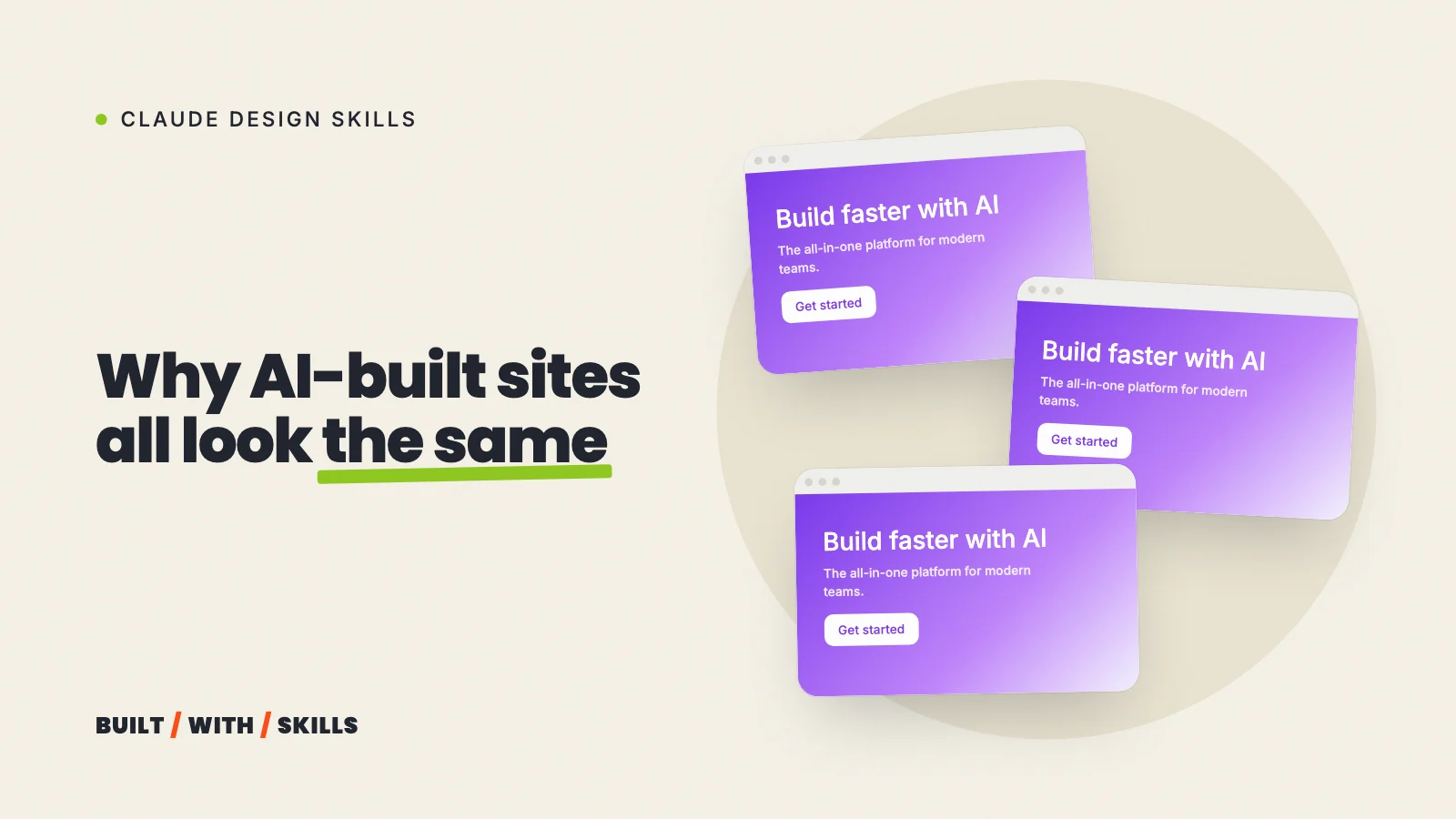
- The SaaS card kit, where everything is chopped into identical rounded cards with the same soft grey shadow, plus gradient washes for decoration.
- Template chrome. Small all-caps labels above every heading, “A · B · C” strings joined with middle dots, an arrow on the end of every link, and a monospace font for little data labels.
It also flags fade-and-slide-up entrances on every section, hover effects on every card, one word in a headline picked out in italic or colour, and numbered markers (01, 02, 03) on content that isn’t really a sequence. None of these is banned. The skill calls them defaults rather than choices and asks Claude to use one only when your brief calls for it.
That’s the right line to draw. A look you picked on purpose is a decision, and one Claude slid into is a habit.
How to install it#
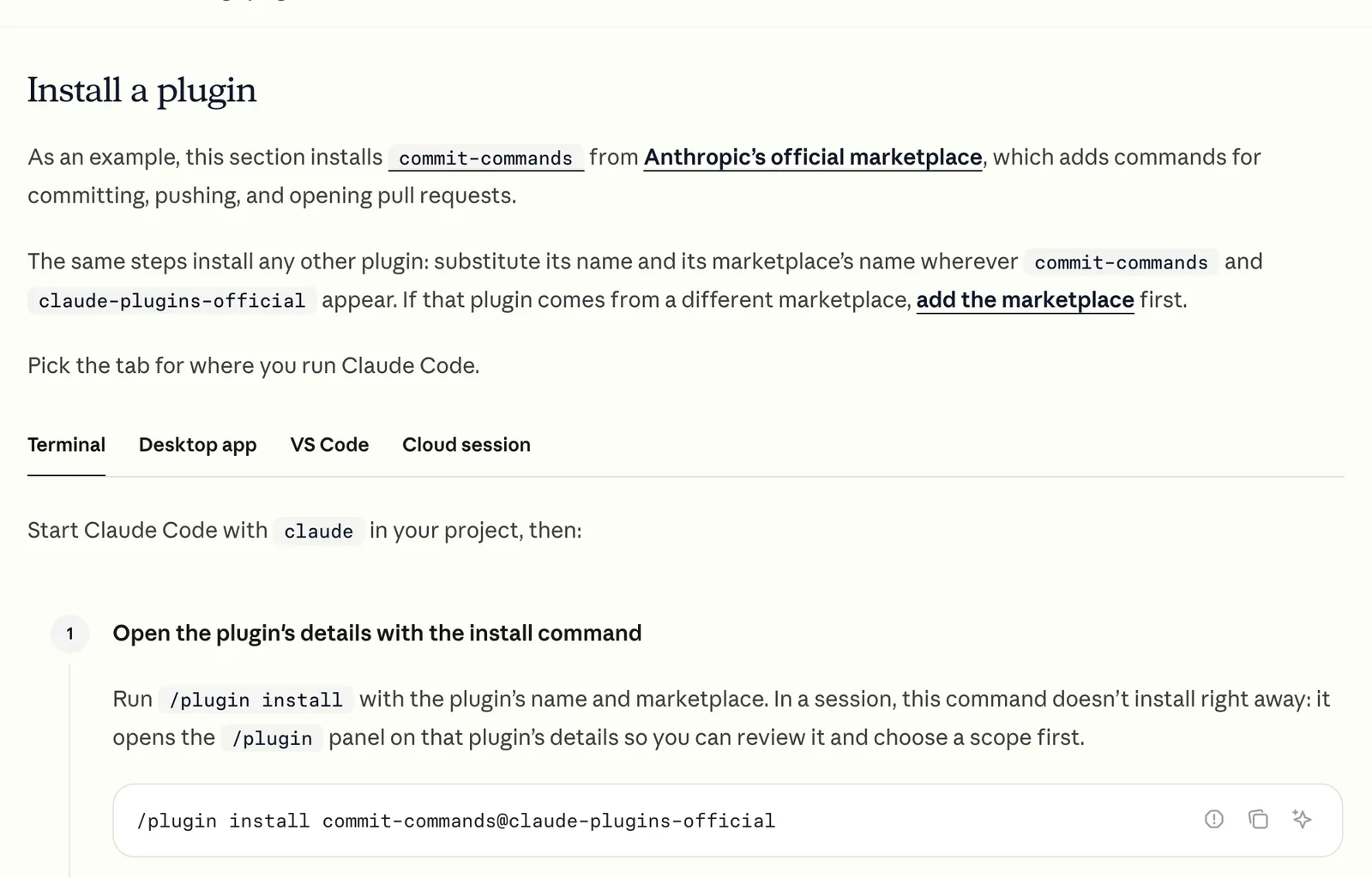
In a terminal or VS Code, install it from Anthropic’s official plugin marketplace. Claude Code sets that marketplace up for you the first time you open it, so it’s one line:
/plugin install frontend-design@claude-plugins-officialIn the desktop app, click + next to the prompt box, choose Add plugins and find frontend-design in the list. Plugins you install on your computer don’t carry over to cloud sessions at claude.ai/code, though.
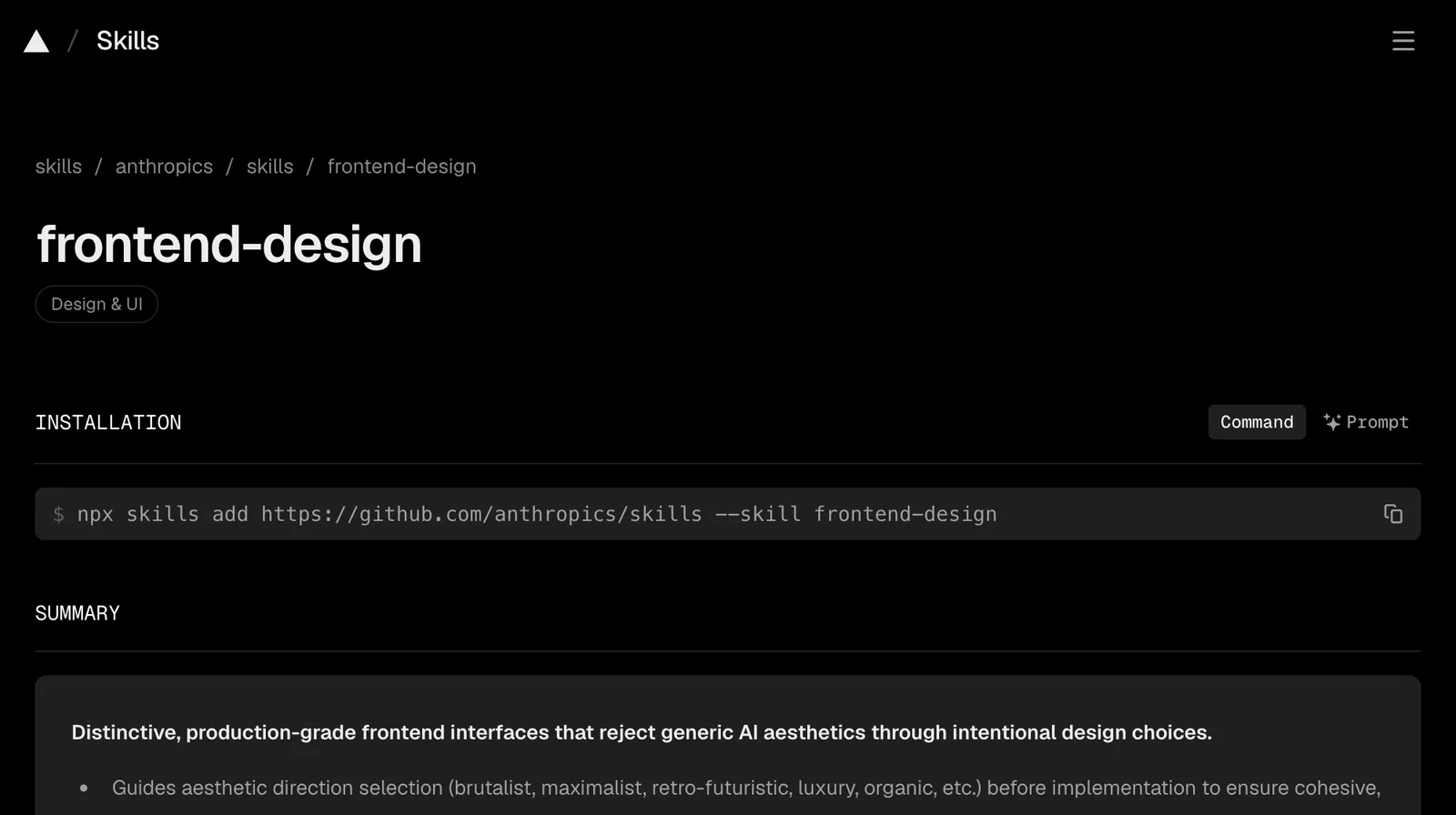
The other route copies the skill into your project instead:
npx skills add https://github.com/anthropics/skills --skill frontend-designThat drops the file into your project’s .claude/skills folder, where you can read it and anyone else on the project gets it too.
Most people should still take the plugin route. Why? Because Anthropic’s marketplace updates its plugins automatically.
A copied file stays exactly as it was on the day you made it, and this skill was rewritten as recently as September.
How to use it#
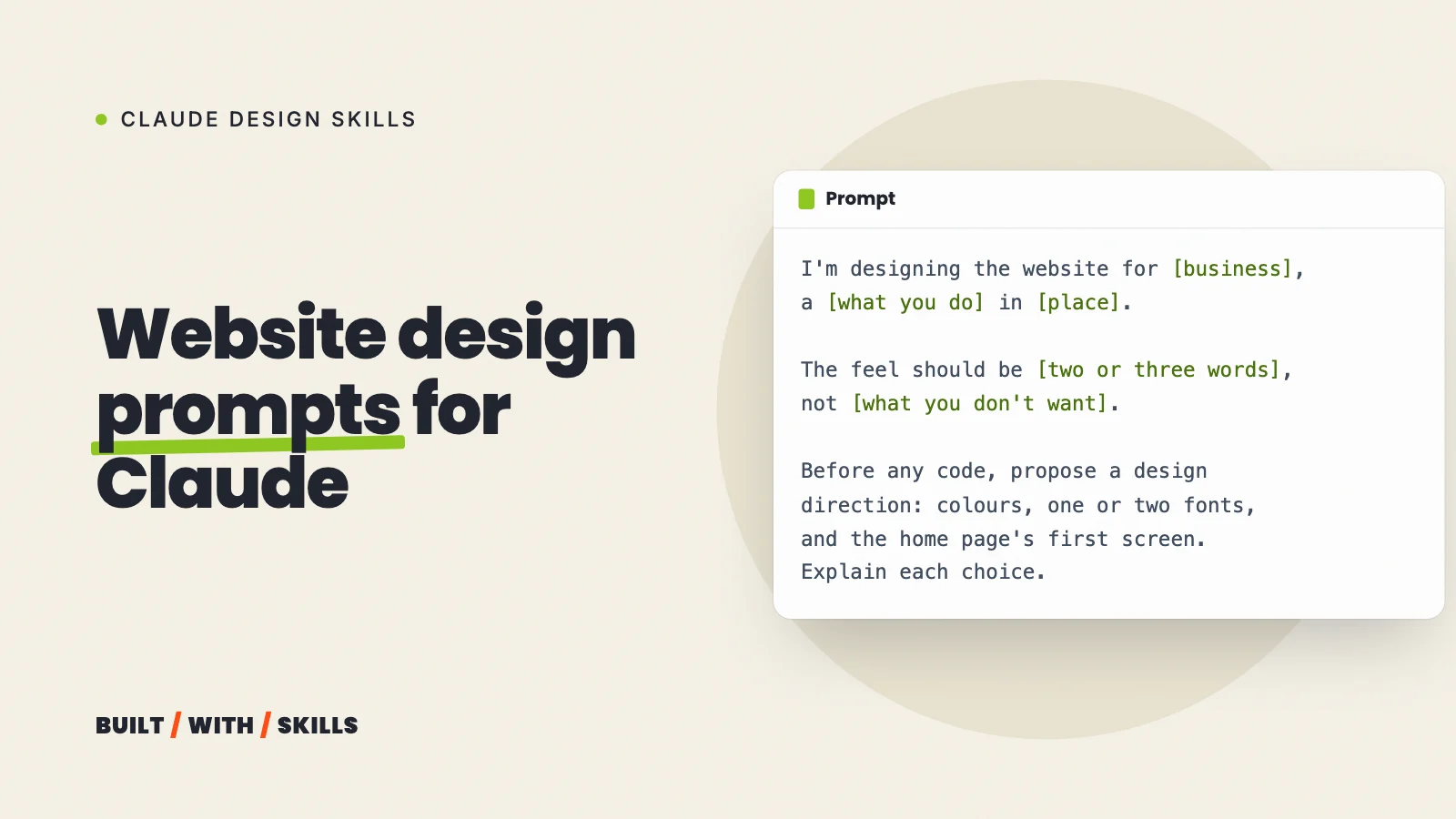
Ask for a page the way you normally would, but give it something real to work from, because the skill’s first step is working out the subject:
Design the home page for a dog-walking business in Leeds. The owner is
friendly and outdoorsy, the customers are office workers. The one
action is "Book a trial walk". Plan the palette, type and layout first
and show me the plan before you build.
Asking to see the plan is the step that pays. You get four to six colours, the fonts and a sketch of the layout, and you can say “warmer” or “less corporate” while a change costs one message instead of a rebuild.
Then hold the result up against the five clusters above.
Drifted into one without a reason? Name it. Claude knows exactly what you mean, because the skill gave it the same list.
When your brand should win#
The skill is plain about this. Where your brief pins down a visual direction, Claude follows it exactly, even when it asks for one of the looks on the list. A skill’s rules are defaults, and your brand outranks them.
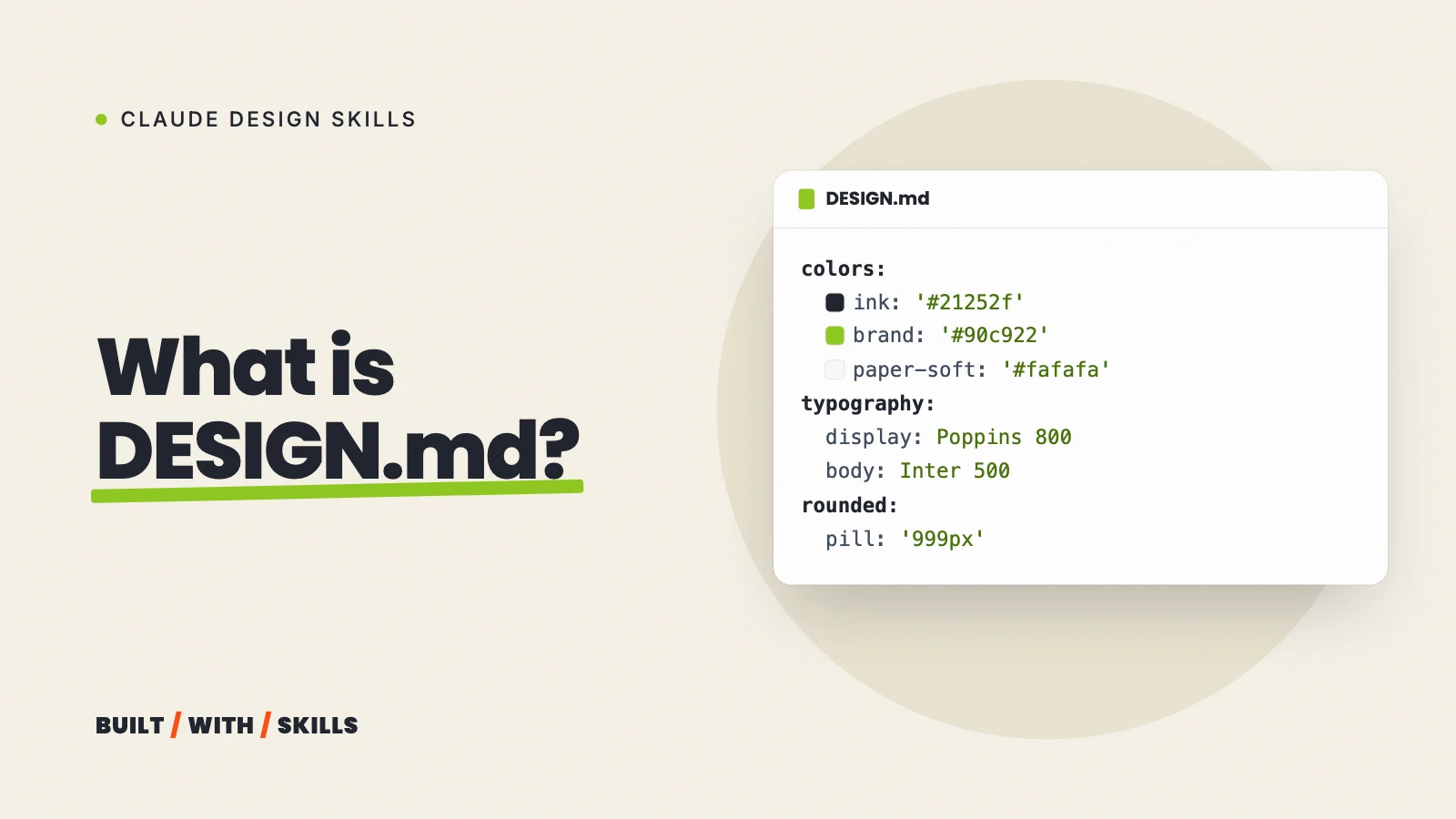
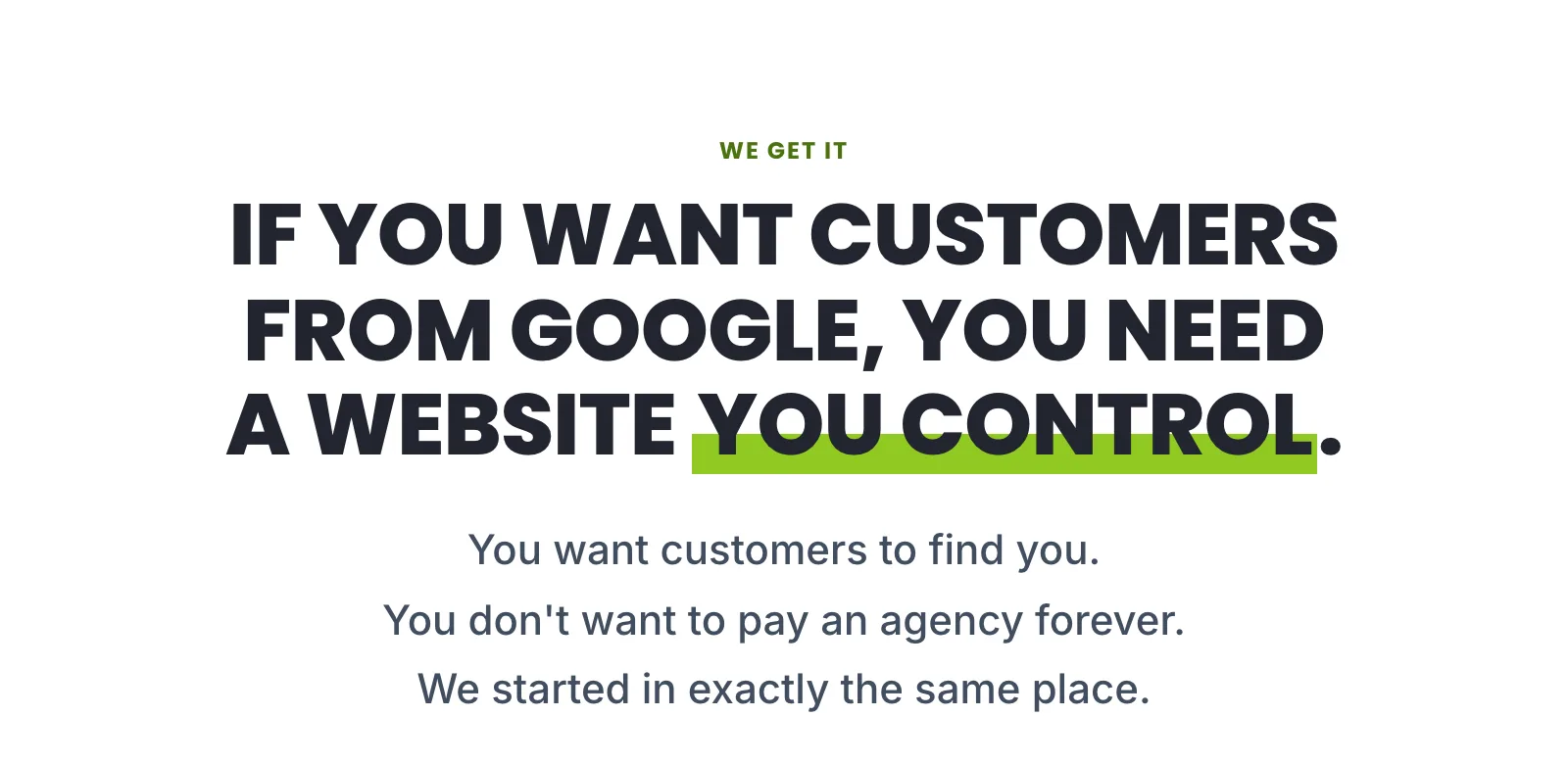
This site is a good example. Our DESIGN.md calls for uppercase headlines and small all-caps labels above sections, since our look is modelled on acquisition.com, and the current frontend-design skill lists those same all-caps labels as template chrome.
That’s fine. Put rules like ours into your request or a DESIGN.md and the skill works inside them instead of arguing.
grep -n "caps" DESIGN.md121:- `heading-caps`: uppercase via CSS. Write headings in sentence case in the125:- `label-caps` for eyebrows, badges and stat captions.146:| `OfferCards` | Photo, pill badge (lime = free, ink = paid), caps title, line, price, button. |Where it falls short#
It shapes a first draft, and that’s where its job ends. It doesn’t review a site you already have in any structured way, so there’s no critique, no score and no audit, only Claude checking its own work as it builds.
It can’t see the page unless Claude has a way to take screenshots, and even then you’re the one who opens it on a phone. Nor will it make photos or a logo for you, and a beautifully planned page full of stock photos of strangers still looks like every other page.
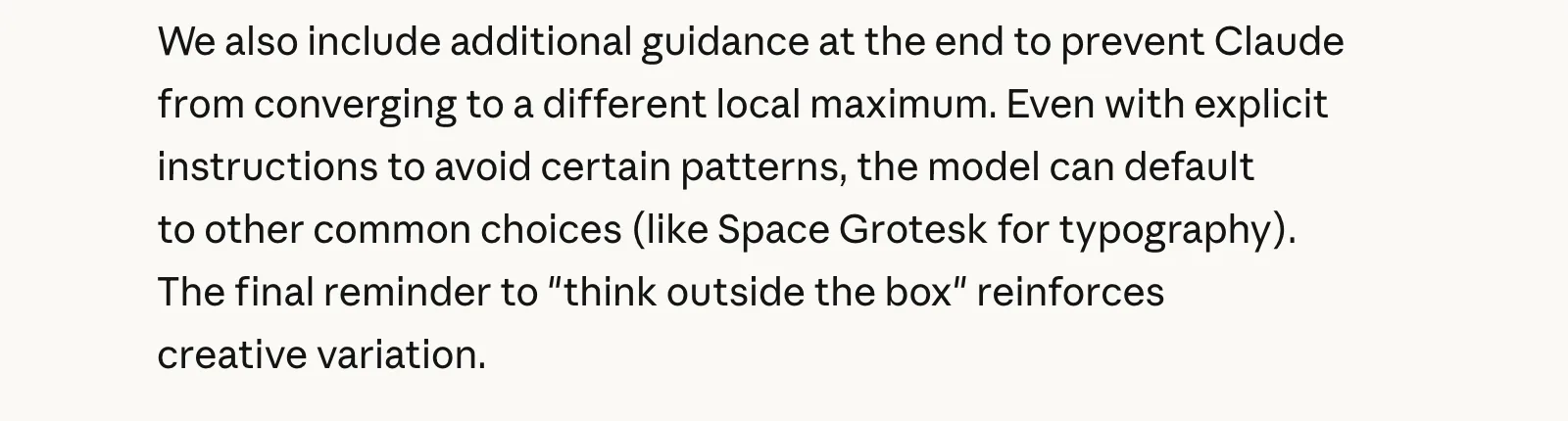
Anthropic is honest about the ceiling, too. In its November 2025 write-up on design skills it noted that even with instructions to avoid common choices, Claude still drifted towards Space Grotesk.
A skill shifts the odds. It doesn’t make Claude a designer with taste, so your brief still does most of the work.
Is it worth installing?#
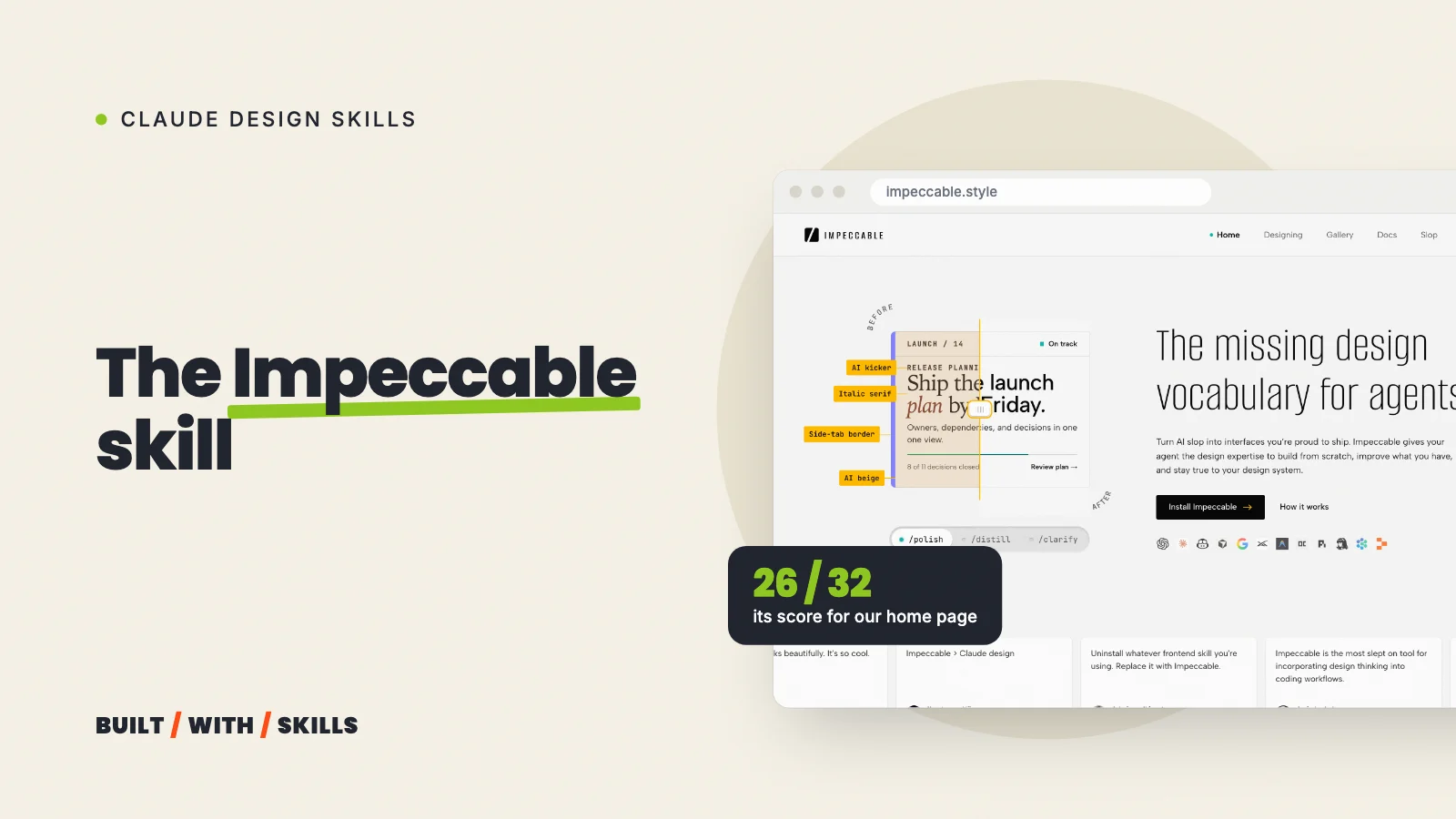
For a first website, yes. It’s free, it installs with one command, and the plan it shows you before building is the cheapest moment you’ll get to steer a design. Once you have a page worth reviewing (or a site that’s already live), add Impeccable for critiques, accessibility audits and a polish pass.
It’s part of our series on Claude design skills, and the other skills we’d install for a website covers the rest.