
Want Claude to find what’s wrong with your home page before your visitors do? That’s the job the Impeccable skill does best.
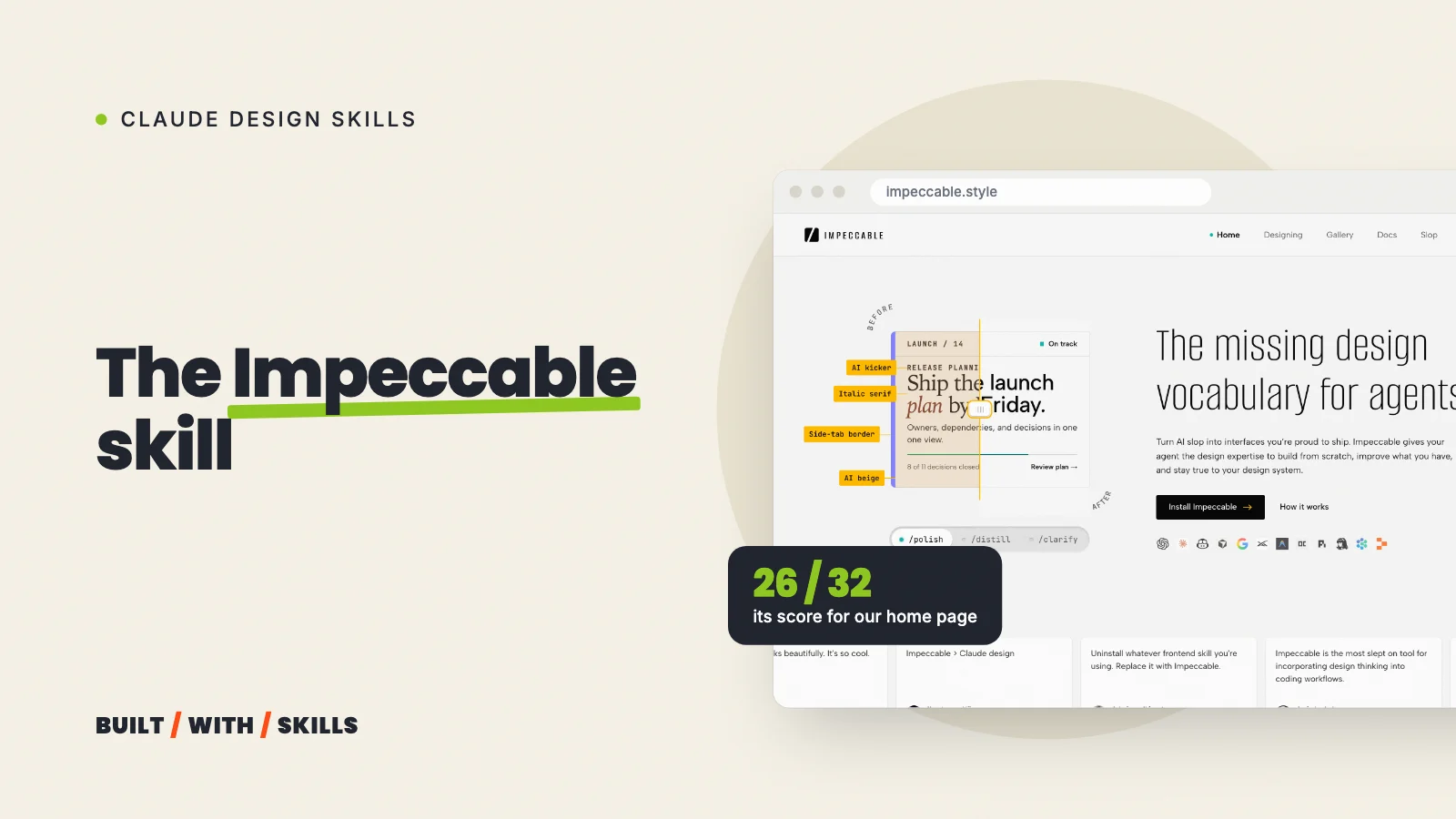
It’s a free design skill for Claude Code, made by Paul Bakaus. On 30 August 2026 we installed it in this site’s project, ran three of its passes across every page and then had it critique our home page. It scored 26 out of 32 and turned up a problem we’d walked straight past.
This guide covers how to install it, which of its 24 commands to run first and where it got things wrong on our site, including the time it broke our own writing rules.
What Impeccable is#
Impeccable is one skill with 24 commands, all run through /impeccable, plus a detector with 62 rules that scans your code for the design habits AI-built sites share. Its README names a few of them, such as Inter for everything, purple-to-blue gradients, cards nested inside cards and grey text on coloured backgrounds. The detector is a plain program with no AI in it, so the same scan gives the same answer every time.
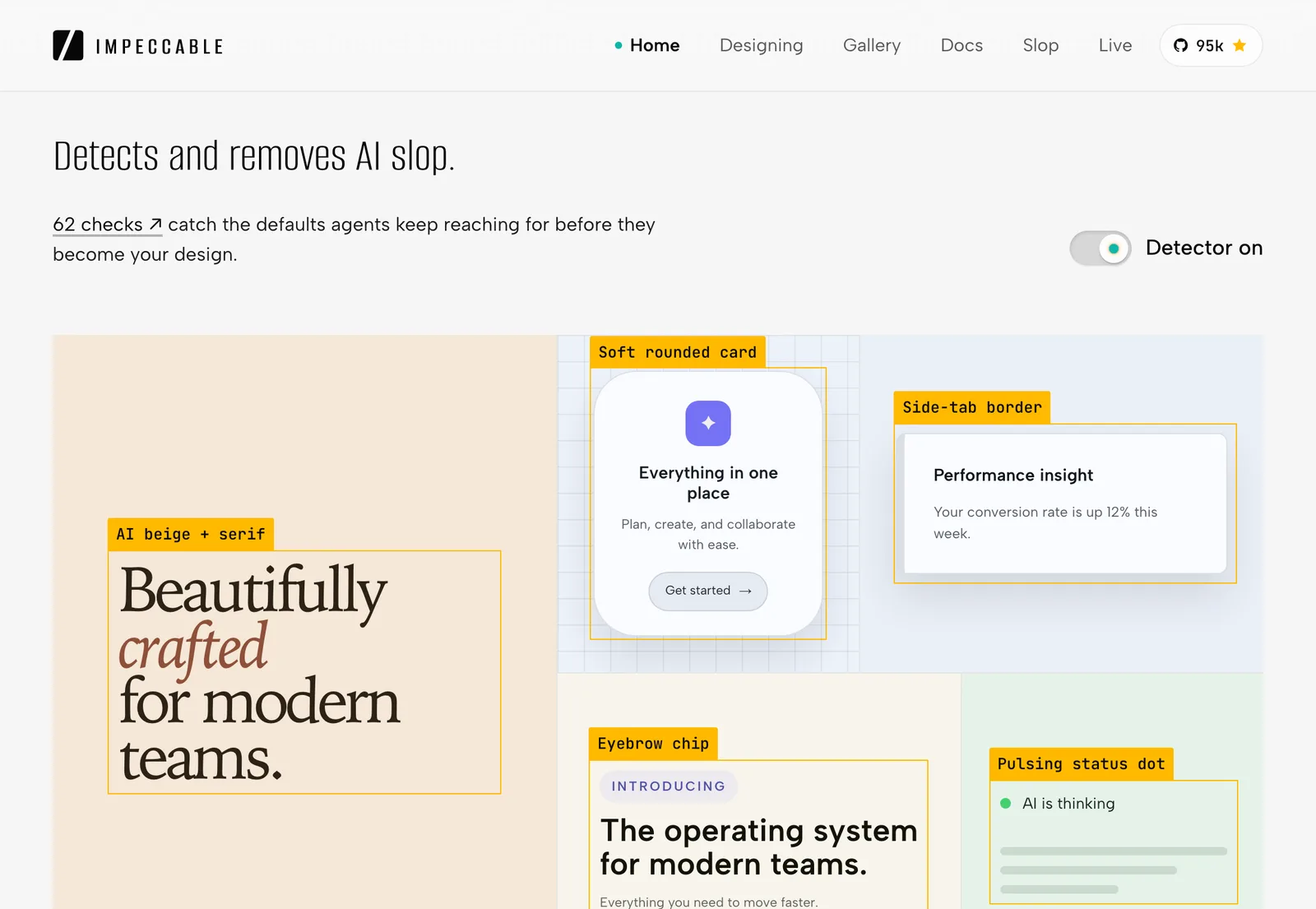
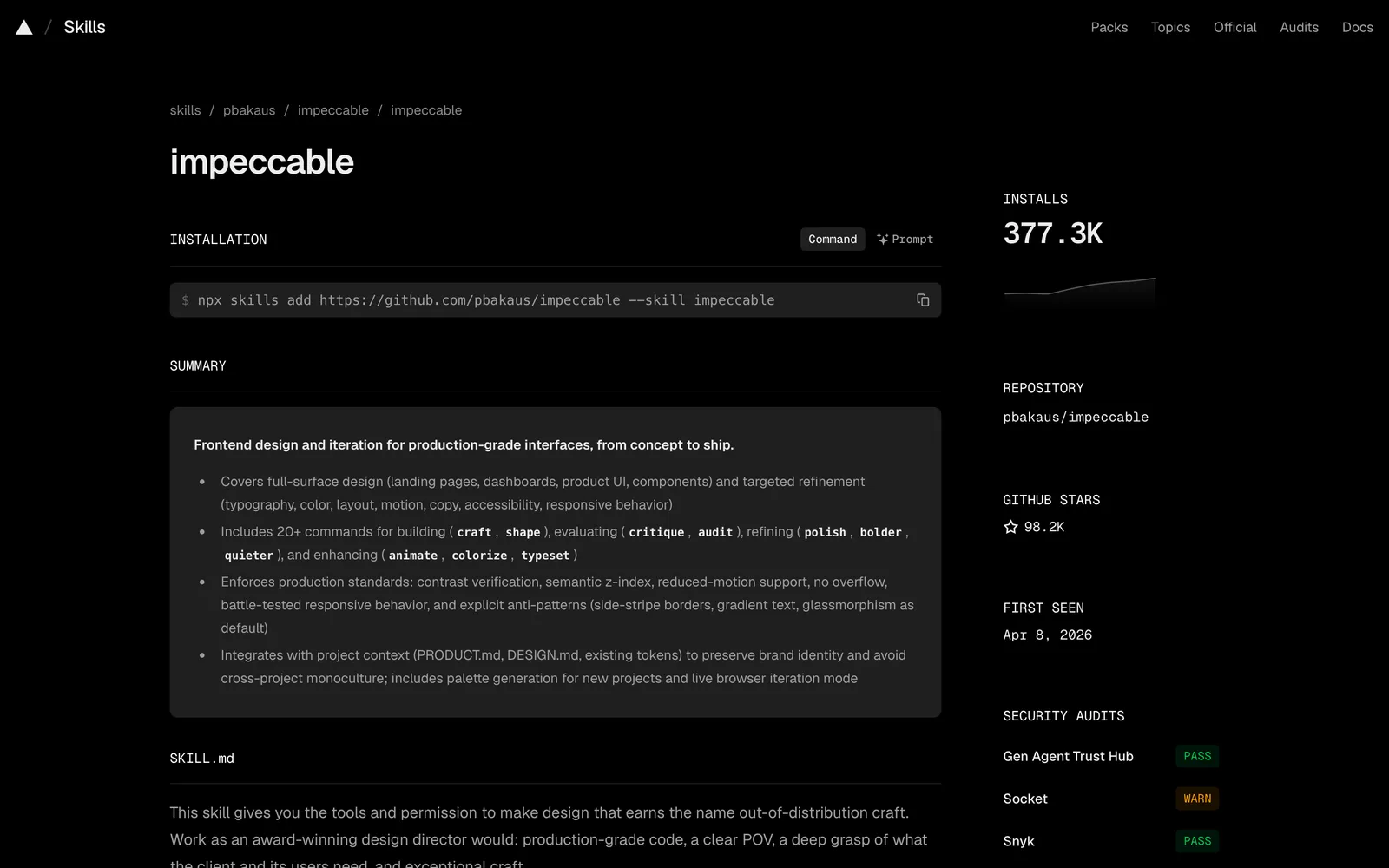
It’s also popular. The GitHub repository had 88,933 stars on 26 October 2026, and skills.sh counted 362,400 installs of the main skill.
The commands fall into groups. These are the main ones, and the full list also has craft, onboard, overdrive, live and generate:
| Group | Commands | What they’re for |
|---|---|---|
| Build | init, shape, document, extract |
Describe your site, plan a page, write down your design system |
| Evaluate | critique, audit |
Review a page’s design, or check accessibility, speed and phone layouts |
| Refine | polish, bolder, quieter, distill, harden |
Final pass, louder, calmer, simpler, sturdier |
| Enhance | animate, colorize, typeset, layout, delight |
Motion, colour, type, spacing and personality |
| Fix | clarify, adapt, optimize |
Button labels and messages, other screen sizes, speed |
Before it judges anything, it works out what kind of page it’s looking at, so a page that has to win a sign-up counts as Persuade, an article as Read, a dashboard as Operate and a portfolio as Experience. Same button, different advice.
What it found on our home page#
The critique ran two reviews side by side, one judging the design and one running the detector and collecting evidence. It then scored the page against ten usability heuristics, marked two of them as not applying to a sales page and gave us 26 out of a possible 32, which it rates as Good. The detector found nothing at all.
The design review found plenty. Its top-priority issue was that the placeholder video in our hero was live and clickable.
It played a rickroll.
Below that came a proof section showing its own TODO chip, two of our three reader paths sending people to another page instead of the sign-up, neither offer card carrying a reassurance line, and links that opened a new tab without saying so. Each issue came tagged with the Impeccable command that fixes it.
> /impeccable critique the home pageMethod: dual-agent (A: design review · B: detector and evidence)Detector: clean on src/pages/index.astro and src/components/, zero findingsBrowser view: unavailable, skipped rather than fakedTotal: 26/32 (81%, Good). Heuristics 7 and 9 n/a for a Persuade page[P0] Hero video is a live, clickable rickroll, not a placeholder /impeccable harden[P1] SearchProof's own TODO chip undermines its claim /impeccable harden[P1] 2 of 3 reader profiles route to a page instead of sign-up /impeccable distill[P1] No reassurance note on either offer card /impeccable polish[P3] No "opens in new tab" cue on external links /impeccable clarifyWe fixed two that evening: a screen-reader note on every link that opens in a new tab, and a reassurance line under the offer buttons. The video and the unattributed proof were already on our content list, so they waited for real material rather than getting a quick patch.
The next morning a site-wide polish pass caught the one card the critique couldn’t see (our course card, which had missed the new line). Everything else came back clean.
One more detail won us over. Claude had no browser tool in that session, so the critique couldn’t look at the rendered page, and the report said it had skipped that step instead of pretending it hadn’t.
The score matters less than the priority list.
How to install it#
The project’s own installer is the simplest route. Run this in your site’s folder (it needs Node.js, which you’ll already have if Claude has built you an Astro or Next.js site):
npx impeccable installIt lists the AI tools it found on your computer and asks whether to install for this project or for all of them. On Claude Code it also offers a hook, and you should say yes, because the hook runs the detector every time Claude edits a page file and hands any findings straight back to Claude. Then restart Claude Code and run:
/impeccable initinit looks through your project, asks about anything it can’t work out, and writes a PRODUCT.md covering who the site is for, what it’s meant to do and what it must never do. Take your time over it. Every later command reads it.
Two other routes work too. Inside Claude Code you can run /plugin marketplace add pbakaus/impeccable, then open /plugin and install Impeccable from the list, or you can use npx skills add pbakaus/impeccable. When a new version comes out, npx impeccable update refreshes it.
The README also has two bits of housekeeping. First, Impeccable keeps its working files in a .impeccable folder, and the README gives a block for your .gitignore that leaves out screenshots and caches but keeps critique reports tracked (ours is still in the repo).
Second, telemetry. When it starts a brand-new design it asks impeccable.style for a set of visual directions and records which one you picked, anonymously, unless you run npx impeccable telemetry off. None of your project’s files are sent.
Which commands to run, in order#
Type /impeccable on its own and it shows a menu based on your project. On an existing site, this is the order we’d follow:
/impeccable init, once per project, as above./impeccable critiqueon your most important page, usually the home page. It reports in the chat, saves a copy in.impeccable/critique/and then asks what you’d like to fix, so nothing changes until you say so.- The commands the critique names, one at a time, checking the page after each. Ours pointed at
harden,distill,polishandclarify. /impeccable auditbefore launch, for the technical side: colour contrast, keyboard use, phone layouts and speed./impeccable polishlast, for the small inconsistencies that make a page look unfinished.
Most commands take a target, so /impeccable polish the pricing section stops it wandering off across the whole site. bolder and quieter earn their place when a page feels timid or shouty and you can’t say why, and /impeccable pin audit turns a command you use a lot into its own /audit shortcut.
You can also run the detector without Claude at all. npx impeccable detect src/ scans your project folder, and npx impeccable detect https://yoursite.com scans a live page if Chrome, Chromium or Edge is installed.
Neither involves AI or an API key. The README is careful to call a clean scan evidence rather than proof, and it’s right to be.
npx impeccable detect src/79 files scanned with regex matching only (.astro, .css, .js, .ts)Findings are an undercount, not a clean bill of health src/styles/global.cssline 425: [design-system-font] Sfmono-Regular is not declared in DESIGN.md typography A font is used that is not declared in DESIGN.md typography. 1 anti-pattern found.17 advisory notes. Suppress with --no-advisory.Don’t believe it? Our detector found nothing on the same page where the design review listed six priority issues.
Where it gets things wrong#
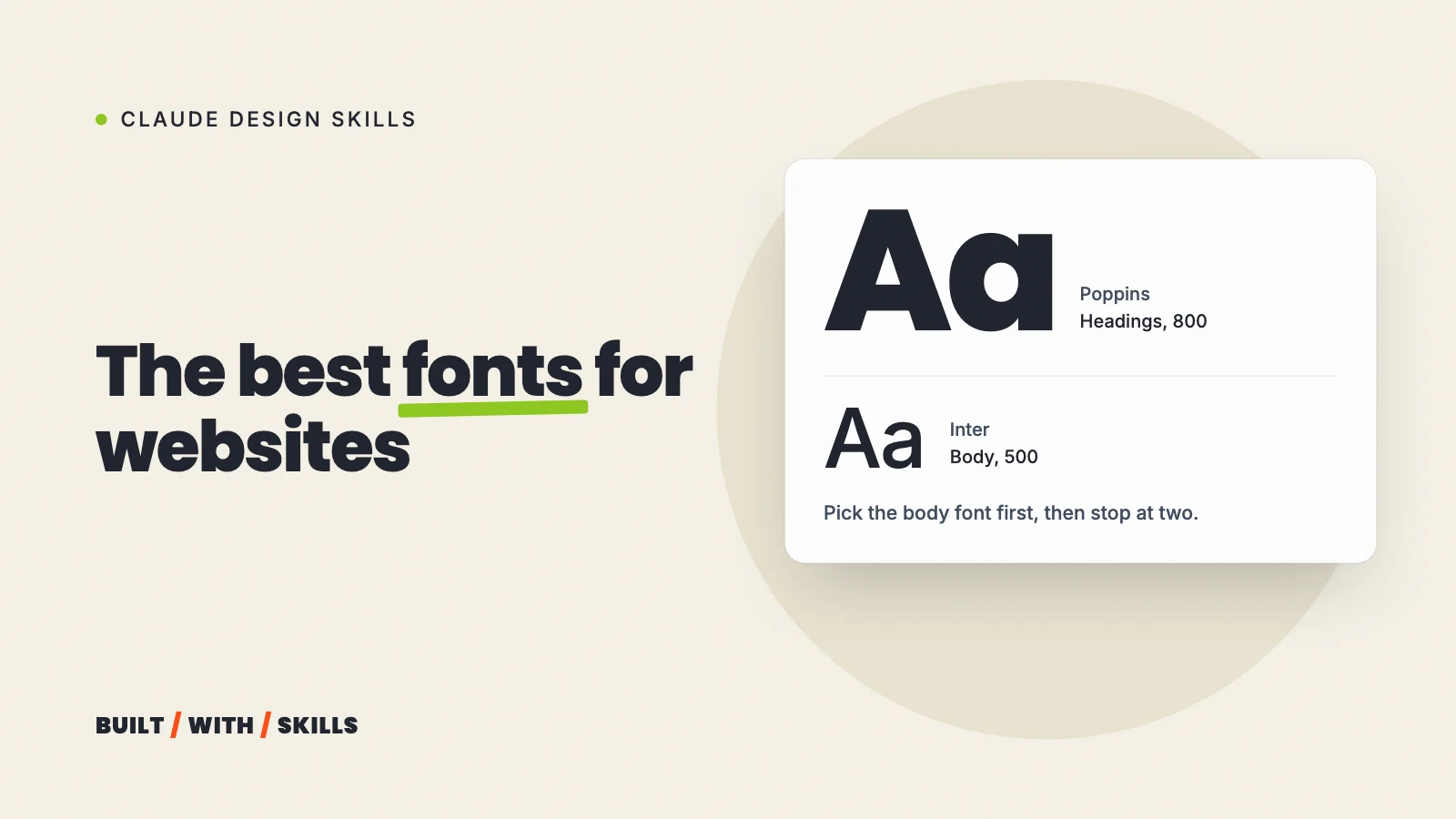
The detector flags deliberate choices. Inter is our body font, written into our DESIGN.md on purpose, and the detector still called it overused.
It flagged the accent rule beside our hero stats, which we chose in our October redesign, and it even flagged the lesson graphics that show AI design tells, where showing them is the whole point. The fix each time is an ignore rule, such as npx impeccable ignores add-value overused-font Inter --reason "Brand font", which lands in .impeccable/config.json.
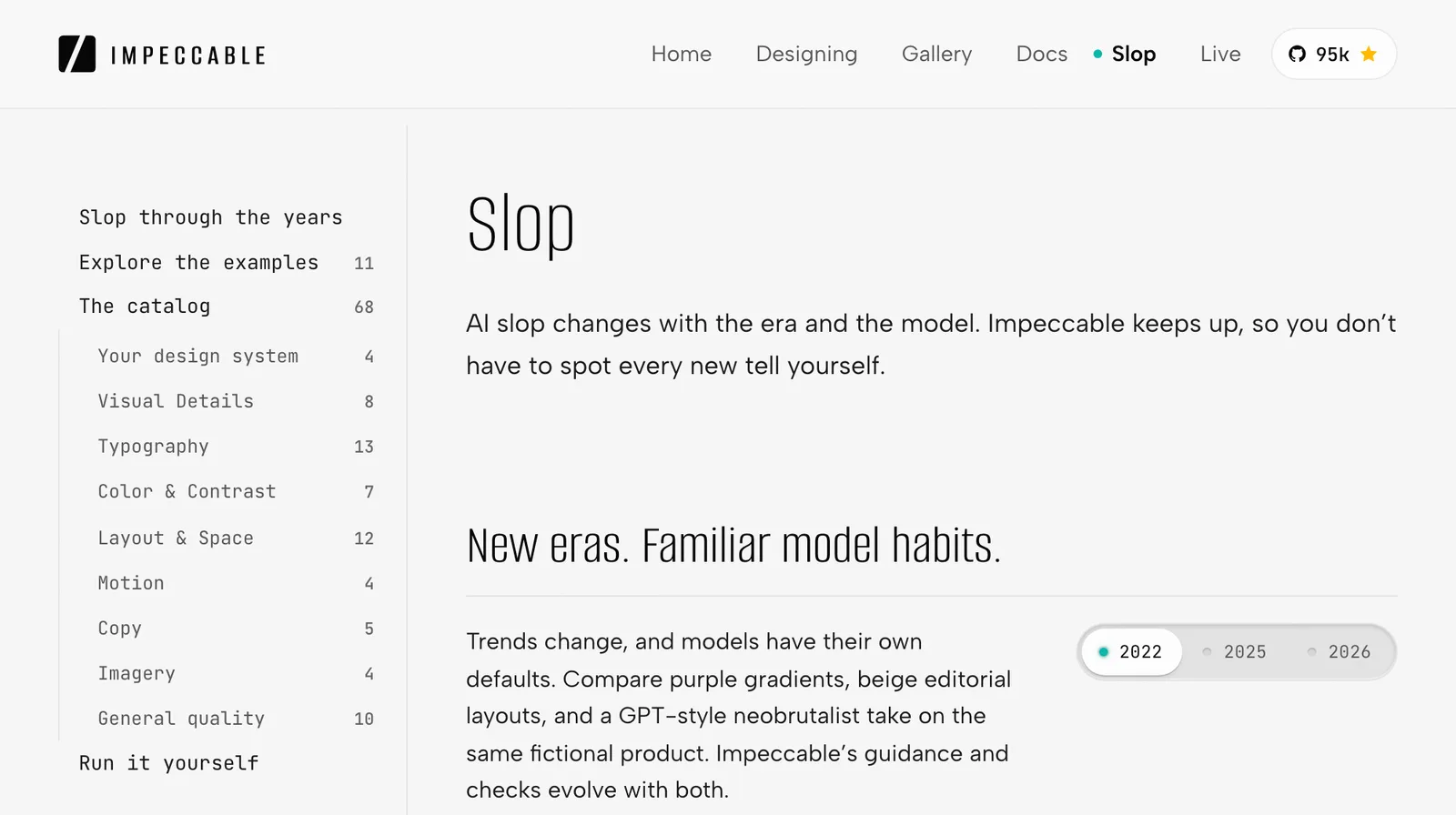
Read that file now and then. Claude can add ignore rules too, and several of ours carry the note “decided by Claude, not user-confirmed”. They were the right calls, but a tool that can waive its own warnings needs someone checking the waivers.
Then there’s the day it broke our house rules. The PRODUCT.md and DESIGN.md we wrote with it came out with 20 em dashes between them, on a site whose first rule is never to use one, and we stripped them out in the next commit. Check its writing the way you’d check anything else Claude writes.
The rest are limits rather than mistakes:
- It only knows your business through
PRODUCT.md. Write it vaguely and the advice will be generic. - It won’t supply your photos. It asks for real imagery where a page needs it, and stock photos of people who don’t work for you are the wrong way to fill the gap.
- It can’t look at your page without a browser tool, as our critique showed. Open every change on your own phone anyway.
- Live mode works on your own computer only. The README says it’s not for editing a deployed site.
Impeccable or frontend-design?#
Install both if you like, because they don’t conflict. Impeccable’s README says it started from Anthropic’s frontend-design skill, which is small and focuses on Claude’s first draft. Impeccable is where you go once there’s a page to review and refine.
If you only install one design skill for a business site, make it Impeccable. critique and audit catch problems before your visitors do.
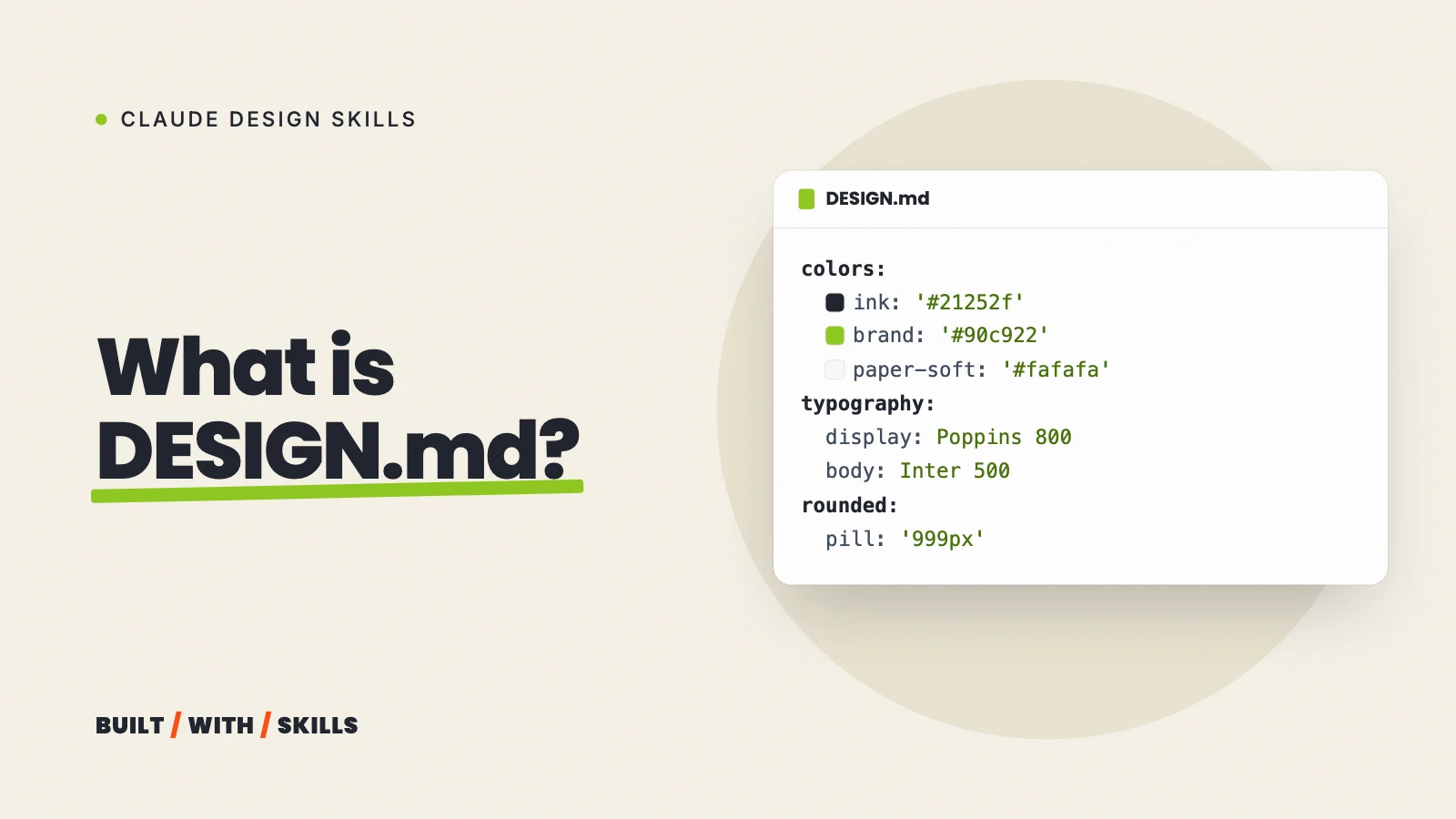
This guide is part of our series on Claude design skills, and every skill we’d install for a website puts it alongside the rest. Haven’t written a DESIGN.md yet? Do that first, because Impeccable reads it before every command: how to write a DESIGN.md.