
If you read a Claude Design tutorial from the spring, most of it is now wrong.
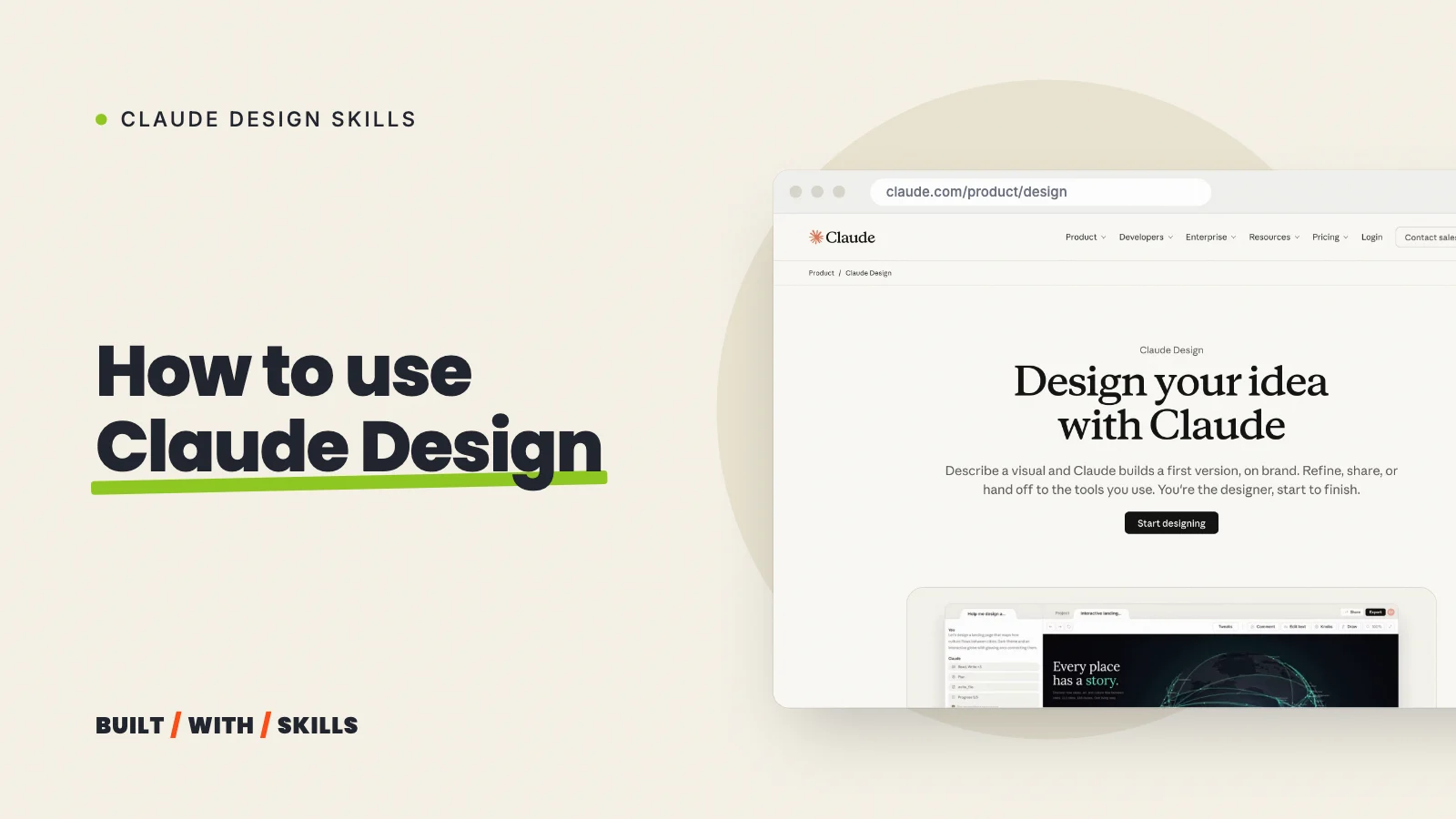
Claude Design launched in April 2026 as a separate site for paid plans, with its own weekly allowance. Today it’s one of the templates Claude can make an artifact from, so it works in any ordinary chat, on every plan including Free, and draws from the same usage as everything else you do with Claude.
We haven’t built a project end to end in it yet, so this guide follows Anthropic’s own help pages and Claude Code docs, checked on 26 October 2026. You’ll find out where it lives now, what it really costs, how to get a first design worth keeping and how to get that design back out again, and it’s all part of our series on Claude design skills.
Where Claude Design lives now#
There’s no separate app to open any more, because Claude Design now runs in five places:
- Any chat. Ask for a design (“mock up a landing page for my pottery classes”) and it opens on a canvas beside the conversation. Want to be sure you get one? Choose Output > Design in the message box before you send.
- The Artifacts tab in the sidebar, where you can start from a Design template and find every design you’ve made.
- The Claude apps for iOS and Android. You can ask for a design and edit it there, but sharing settings only change on the web or desktop.
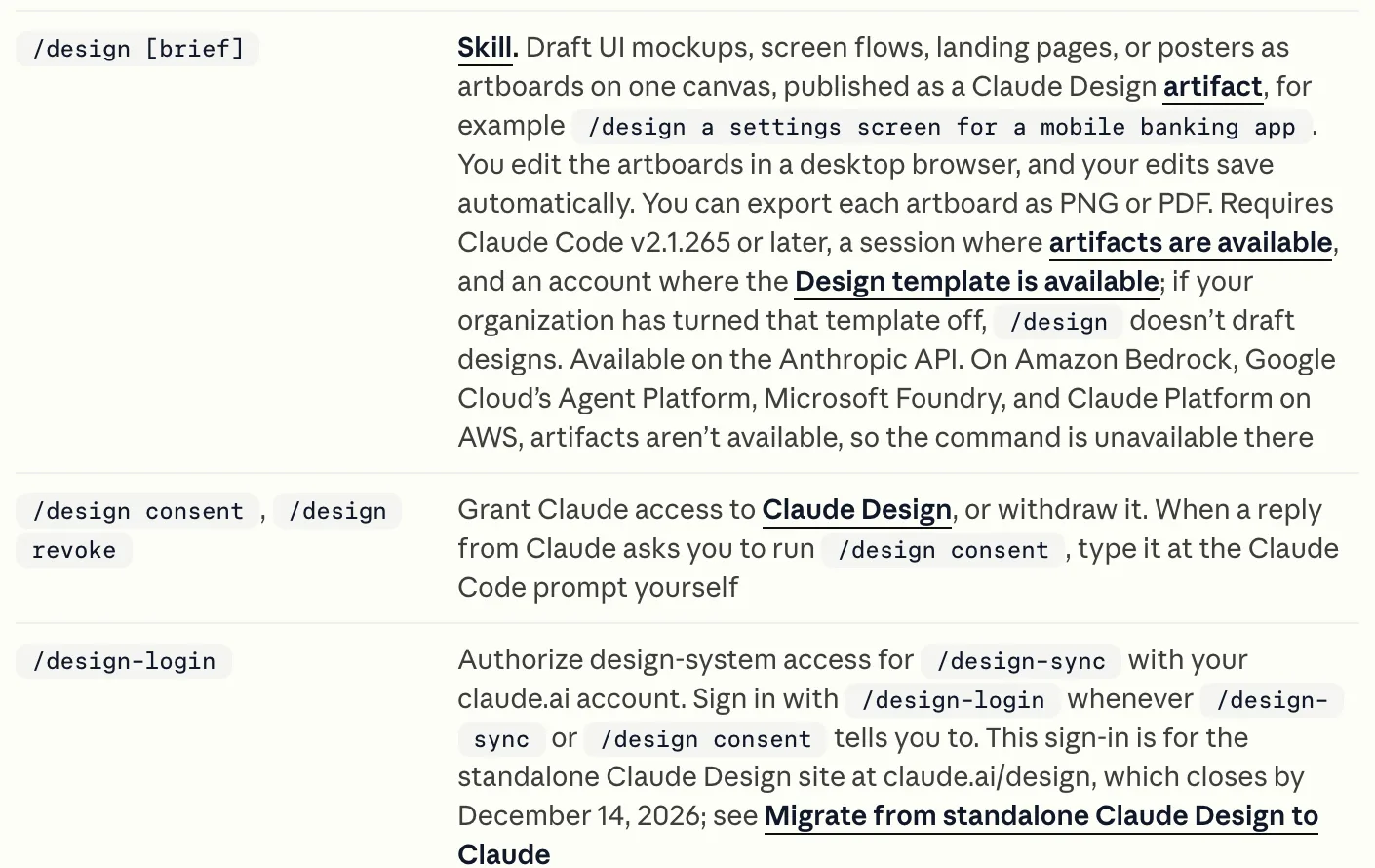
- Claude Code, where
/designfollowed by a brief drafts a canvas of artboards (you need Claude Code version 2.1.265 or later). - claude.ai/design, the old standalone site, until it closes on 14 December 2026.
In Claude Code, it’s one command with a brief after it, and Anthropic’s command reference spells out what it does:
Made design systems on that standalone site? Move them before it shuts. Anthropic’s migration guide has the steps.
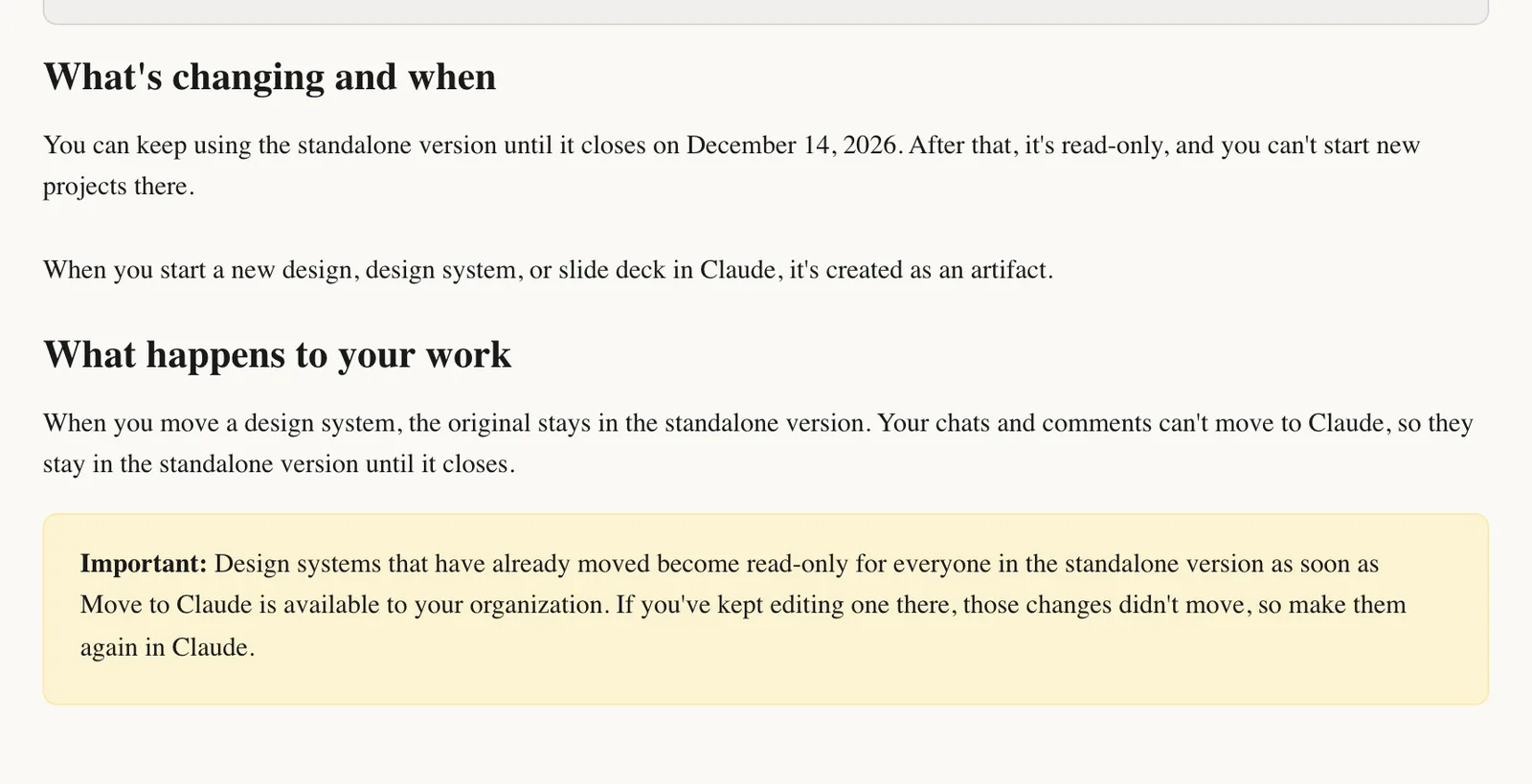
And if nothing happens when you ask for a design, check one setting before anything else: artifacts need Create and edit files switched on in Settings > Capabilities.
What it costs#
Nothing extra.
Claude Design is on Free, Pro, Max, Team and Enterprise, and every design draws from the same usage pool as your chats and Claude Code, so there’s no separate design allowance to keep an eye on.
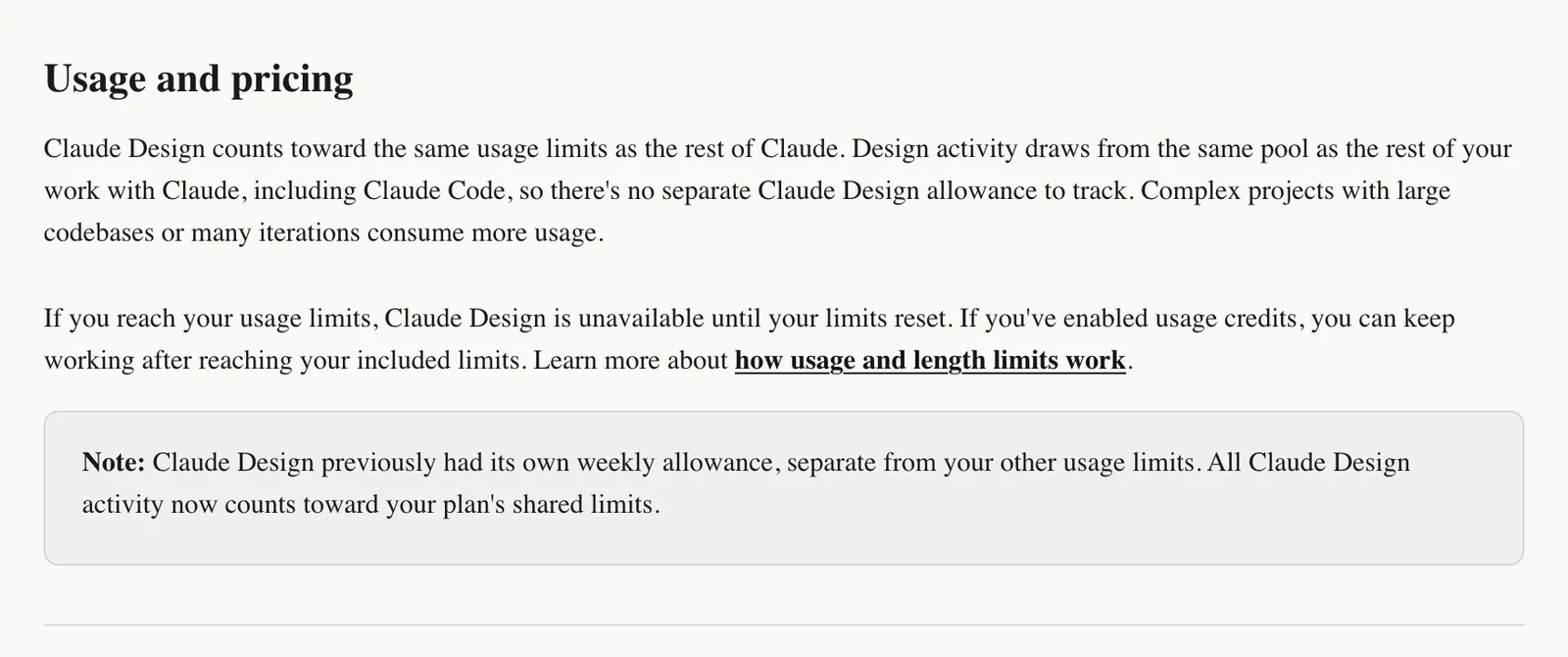
That cuts both ways, though. An afternoon of design tweaks eats into the very allowance you need to build the site, and Anthropic says complex projects (large codebases, lots of iterations) use more. Hit the limit and Claude Design stops until it resets, unless you’ve switched on usage credits.
The one thing Free misses out on is saved design systems, which are in beta on Pro, Max, Team and Enterprise. On Free you can still hand Claude your logo and colours in the chat each time.
Your first design, step by step#
Anthropic’s getting-started guide sets out a seven-step flow. Here it is, with what we’d add for a small business website:
- Start a design in a chat or from the Artifacts tab.
- Attach your design system, if you’re on a paid plan and have one (“Getting your brand in”, below, covers how).
- Add context. Screenshots of sites you like, your current site, your logo and real photos. Anthropic singles out screenshots as the way to handle “make it look like this” requests, and it’s the quickest way we know to a look you’ll like.
- Describe what you want. Anthropic’s advice is to give it four things: the goal, the layout, the content and the audience.
- Review what it makes on the canvas.
- Refine it by chat, inline comments or editing the canvas directly.
- Export or share it when you’re happy.
Step 4 is where most first designs go wrong, because a vague prompt gets you a generic page.
Put “make me a website for my business” next to “a one-page site for a pottery studio in Bristol, for adults booking their first class: a big photo of the studio at the top, three class types with prices, a short bit about me and a booking button that stays visible on phones”. The second one hands Claude the goal, the layout, the real content and the audience, which leaves it far less to guess.
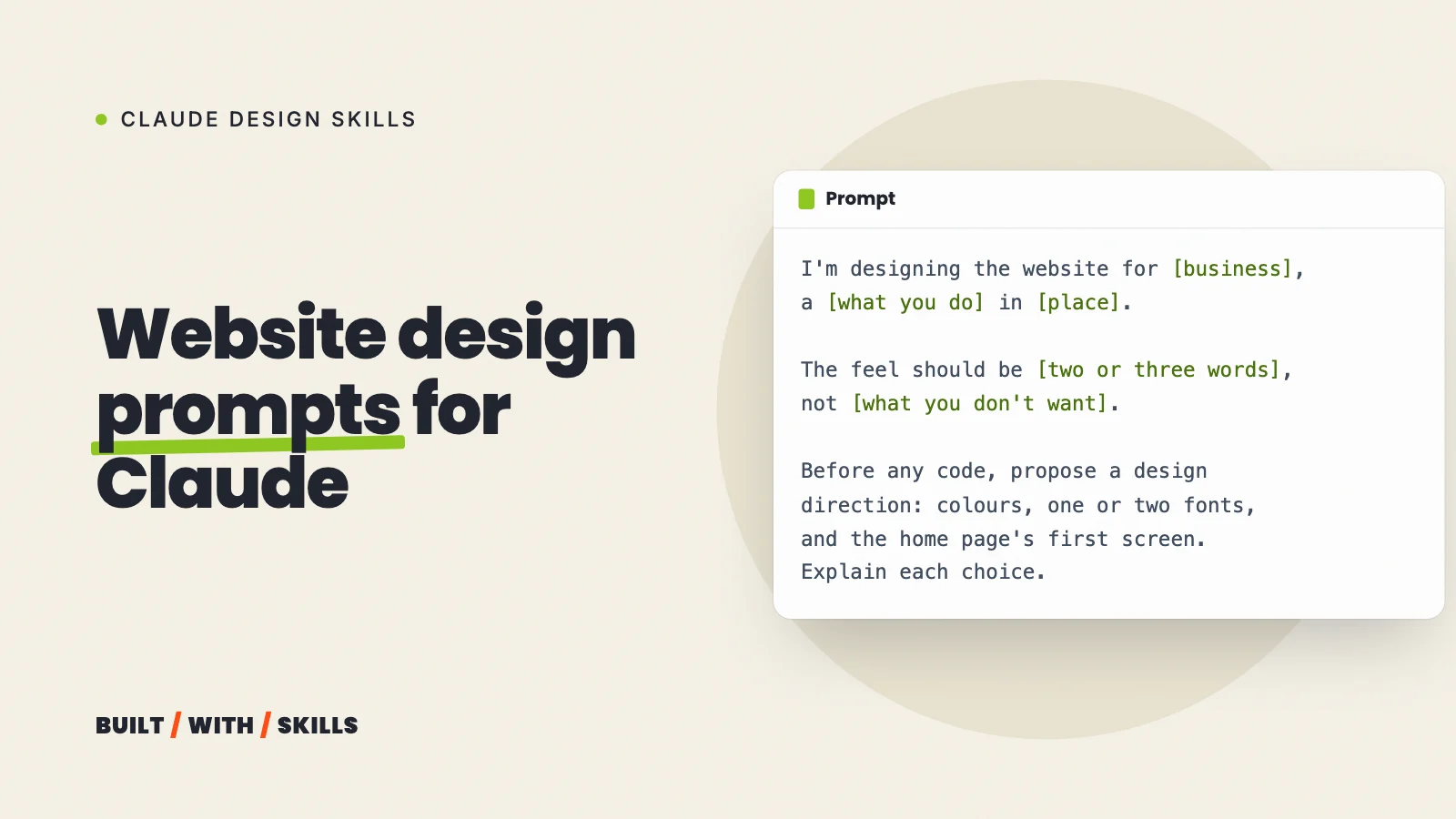
Claude also asks clarifying questions when it’s missing something, so answer them properly rather than waving them through. Our website design prompts work here too.
Chat, comments or direct edits?#
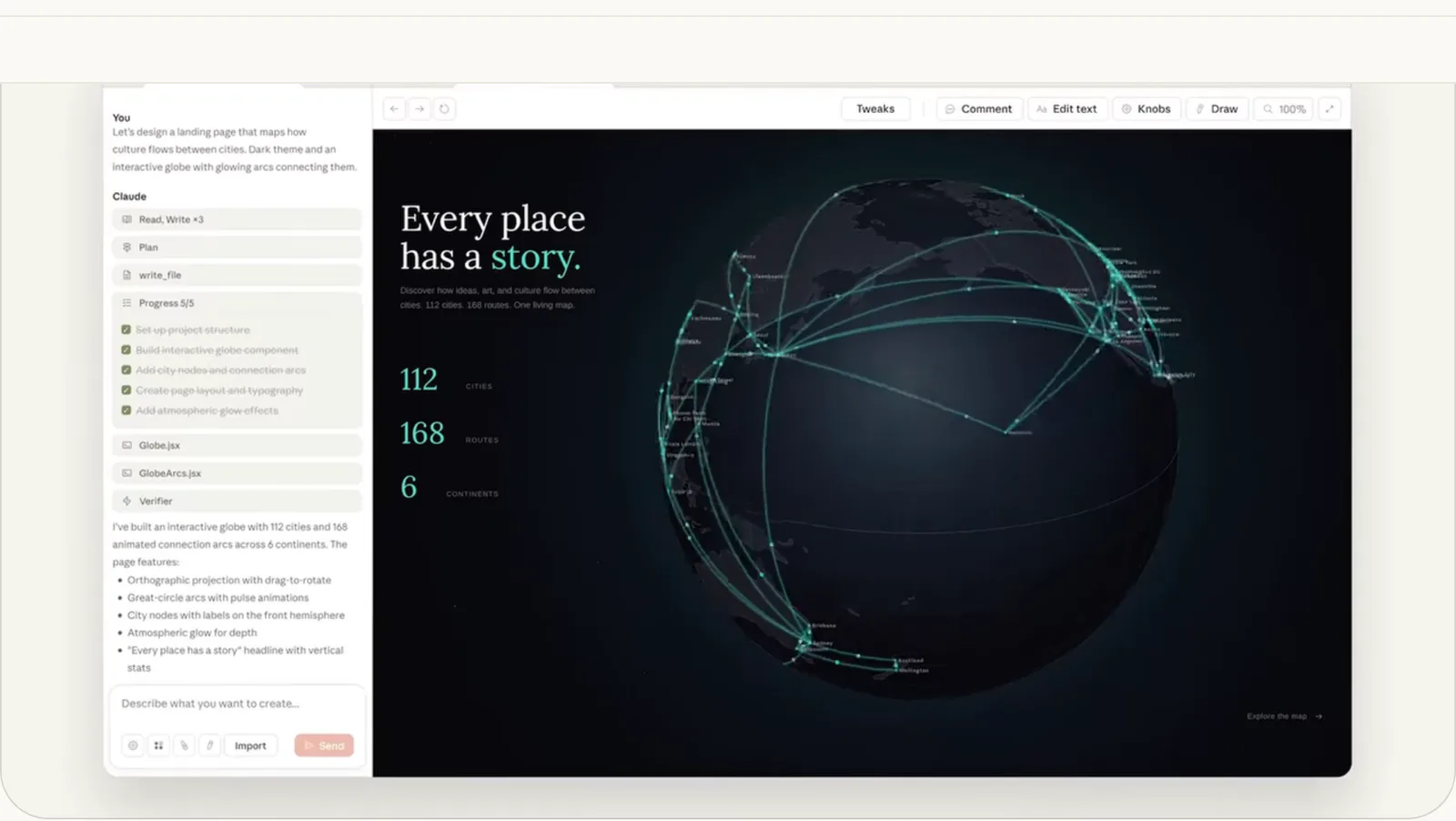
You get three ways to change a design, and each one suits a different size of change:
| Use | For | Example |
|---|---|---|
| Chat | Big changes: structure, new sections, anything that needs explaining | “Make the whole thing darker and calmer” |
| Inline comments | One element: click it on the canvas and say what to change | “Make this button bigger” |
| Direct edits | Quick visual tweaks: drag, resize and align things yourself | Nudging a photo so it lines up with the text |
Comments beat describing where something is in the chat. They also have a known bug, where a comment sometimes disappears before Claude reads it, so if one seems to have been ignored, paste the same words into the chat.
Two more habits will save you grief. Whenever you’re unsure, ask for two or three alternative layouts, because comparing options beats guessing. And before you try a completely different direction, tell Claude to “save what we have and try a completely different approach”.
There’s no version history yet, so a direction you abandon without saving is simply gone.
You can also ask Claude to review the design for accessibility and contrast. Free second opinion.
Getting your brand in#
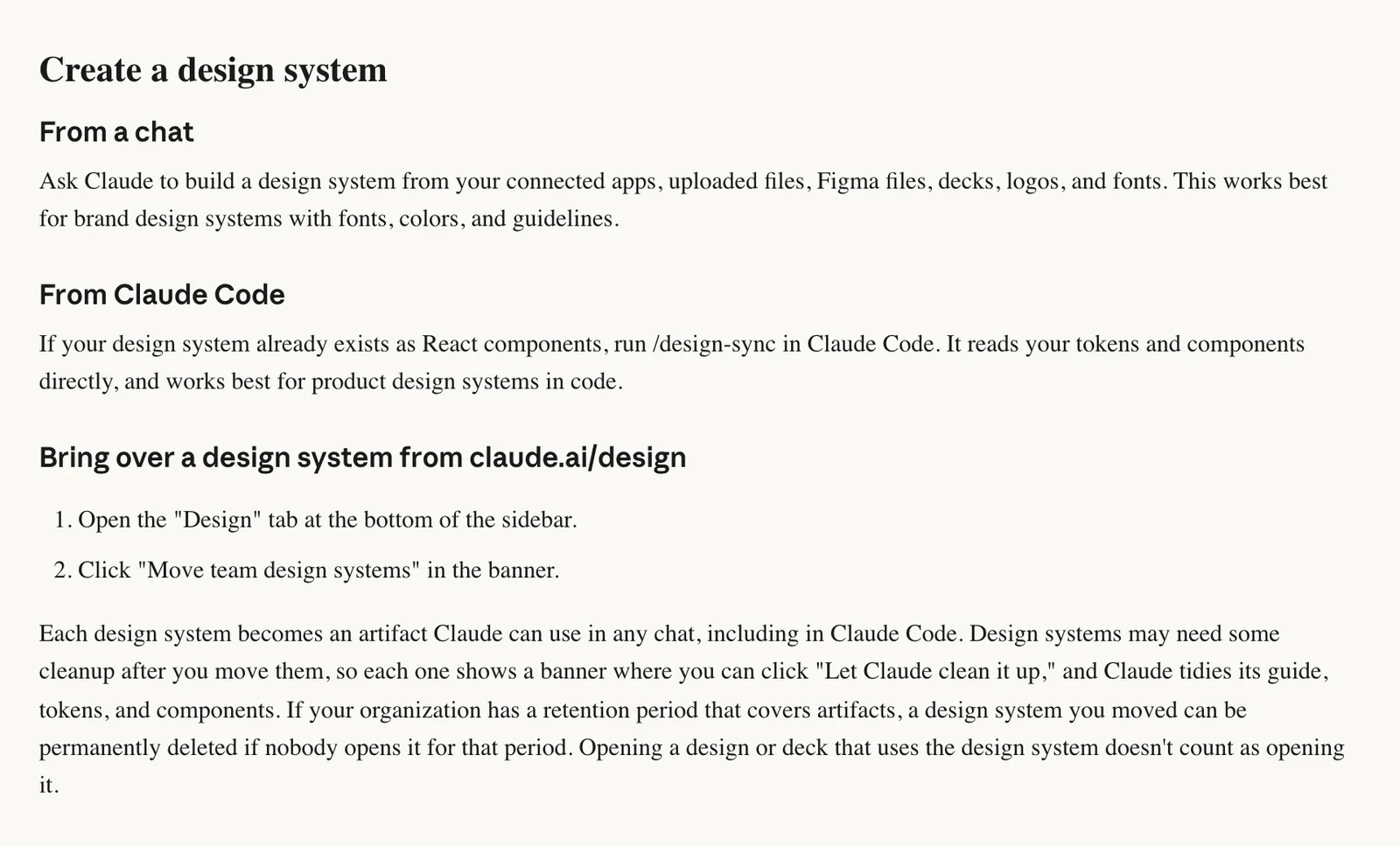
A design system is your colours, fonts, components and layout patterns, saved so that every new design and deck uses them. On a paid plan there are two ways to make one:
- From a chat. Give Claude your logo, fonts, brand guidelines, a deck or even Figma files, and ask it to build a design system. This is the route for most small businesses.
- From Claude Code, with
/design-sync, which reads a React component library and its tokens directly. As of October 2026, Anthropic’s command reference says it uploads to the standalone site that’s closing, and a first sync on a big repository can take a few hours.
Manage them afterwards in Settings > Customize > Design systems.
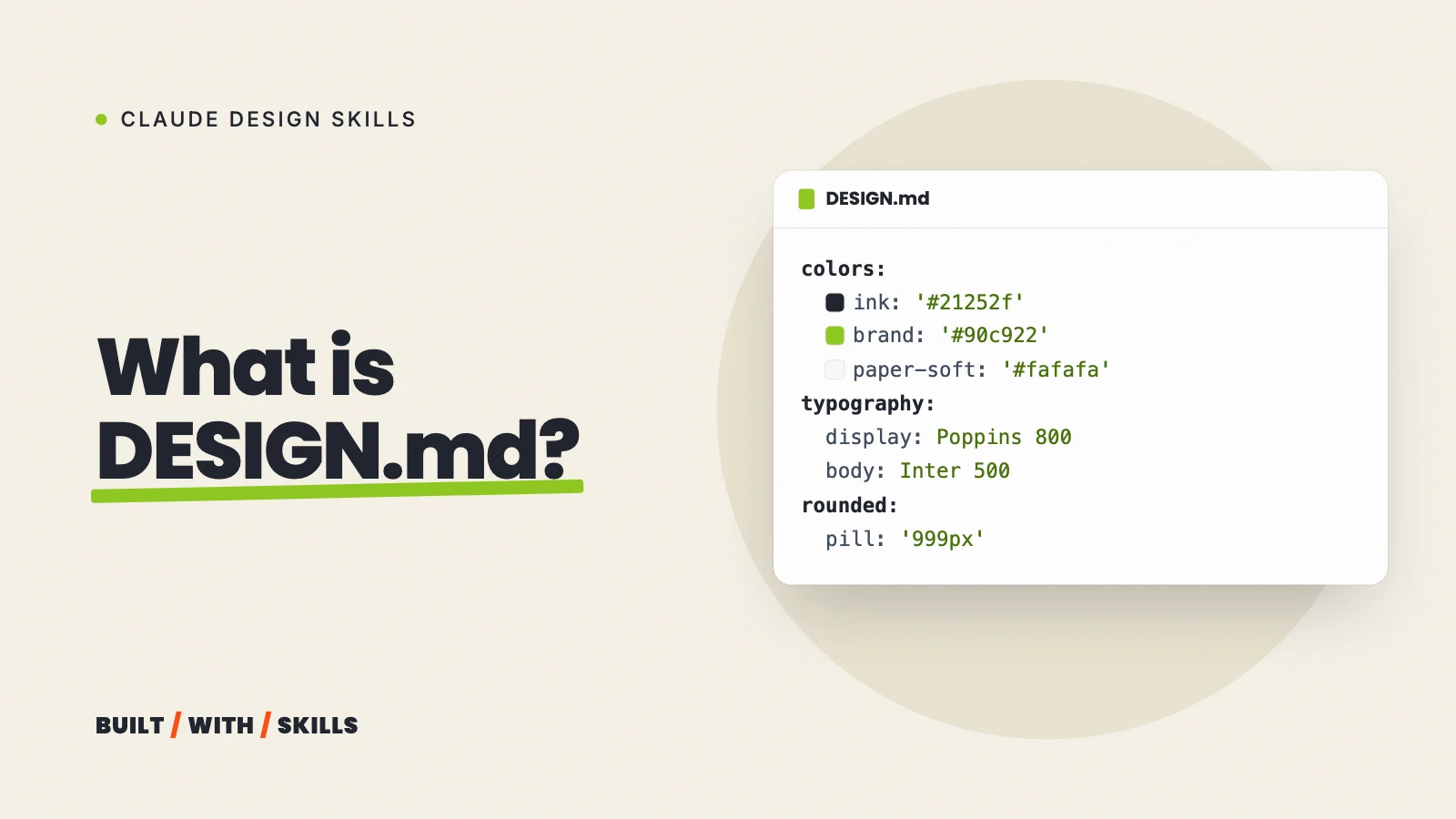
Anthropic is blunt about the limit: an imported design system is only as good as its source. A messy codebase or a half-finished brand file shows up in the output, so their tip is to include real examples (a finished landing page, say) rather than a colour palette on its own. If you’ve written a DESIGN.md, it makes a good source.
Then check the result against your brand anyway, because you’re the only one who’ll notice when it drifts.
Getting it out: export, share or hand off#
Click Export at the top right of a design, and as of October 2026 you get:
- A zip of the files, a PDF, a PPTX deck, Google Slides or a standalone HTML file.
- Send-to options for other tools, including Canva, Miro, Gamma, HubSpot, Lovable, v0, Replit, Base44, Netlify, Vercel, Wix and three Adobe products.
- Handoff to Claude Code, sent to Claude Code on your computer or to Claude Code on the web.
Figma isn’t on the list.
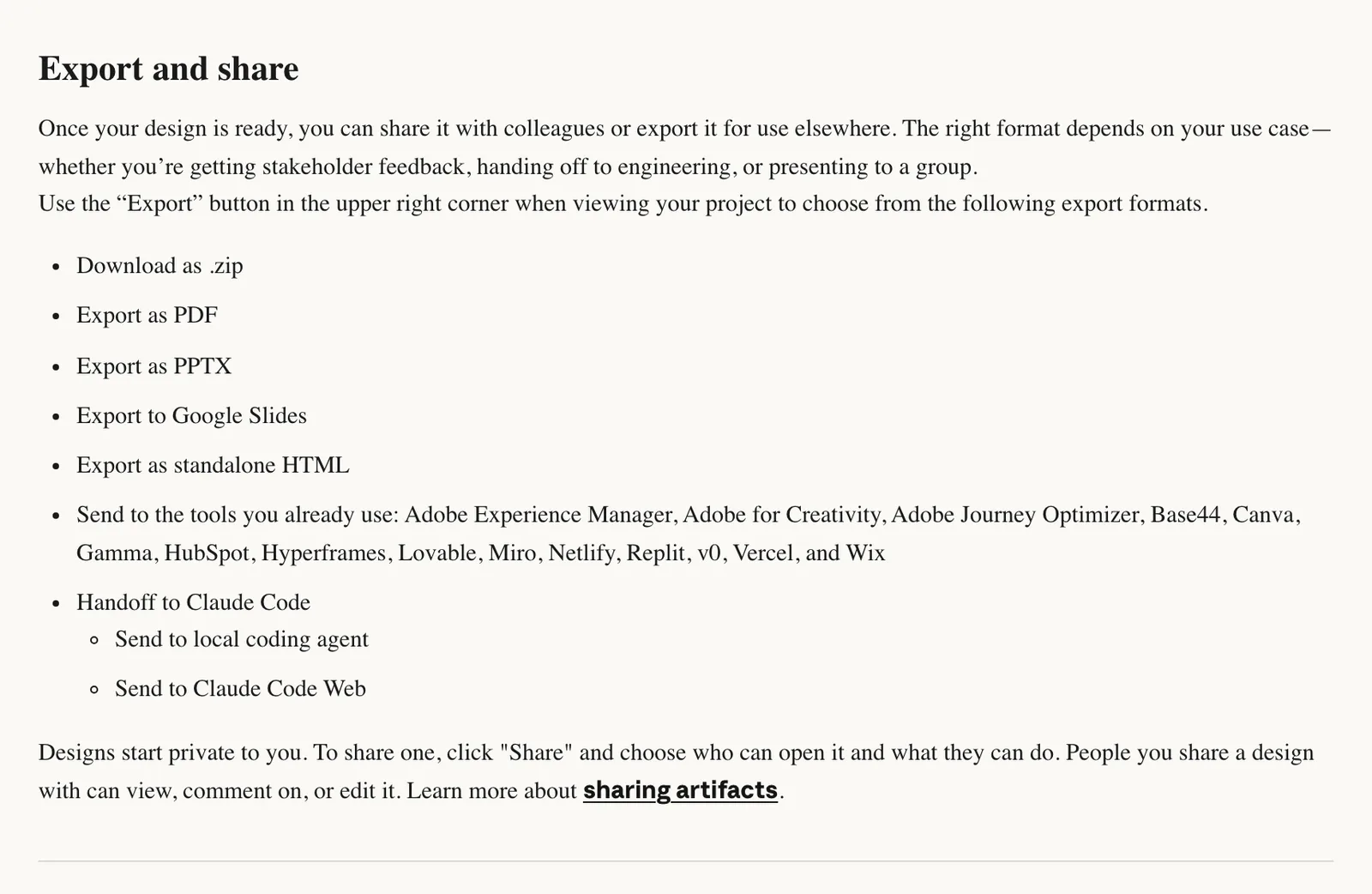
Designs start private. Click Share to let specific people view, comment on or edit one, which is handy when you want a client or a business partner to see a look before anything gets built.
For a real website, the handoff is the route we’d take. Claude Design is quick at exploring a look, while Claude Code turns it into proper pages that you own, can keep editing and can put on your own domain. Anthropic also says the handoff carries on from your existing work instead of starting over from a screenshot.
How to build a website with Claude covers that side.
Where it falls short#
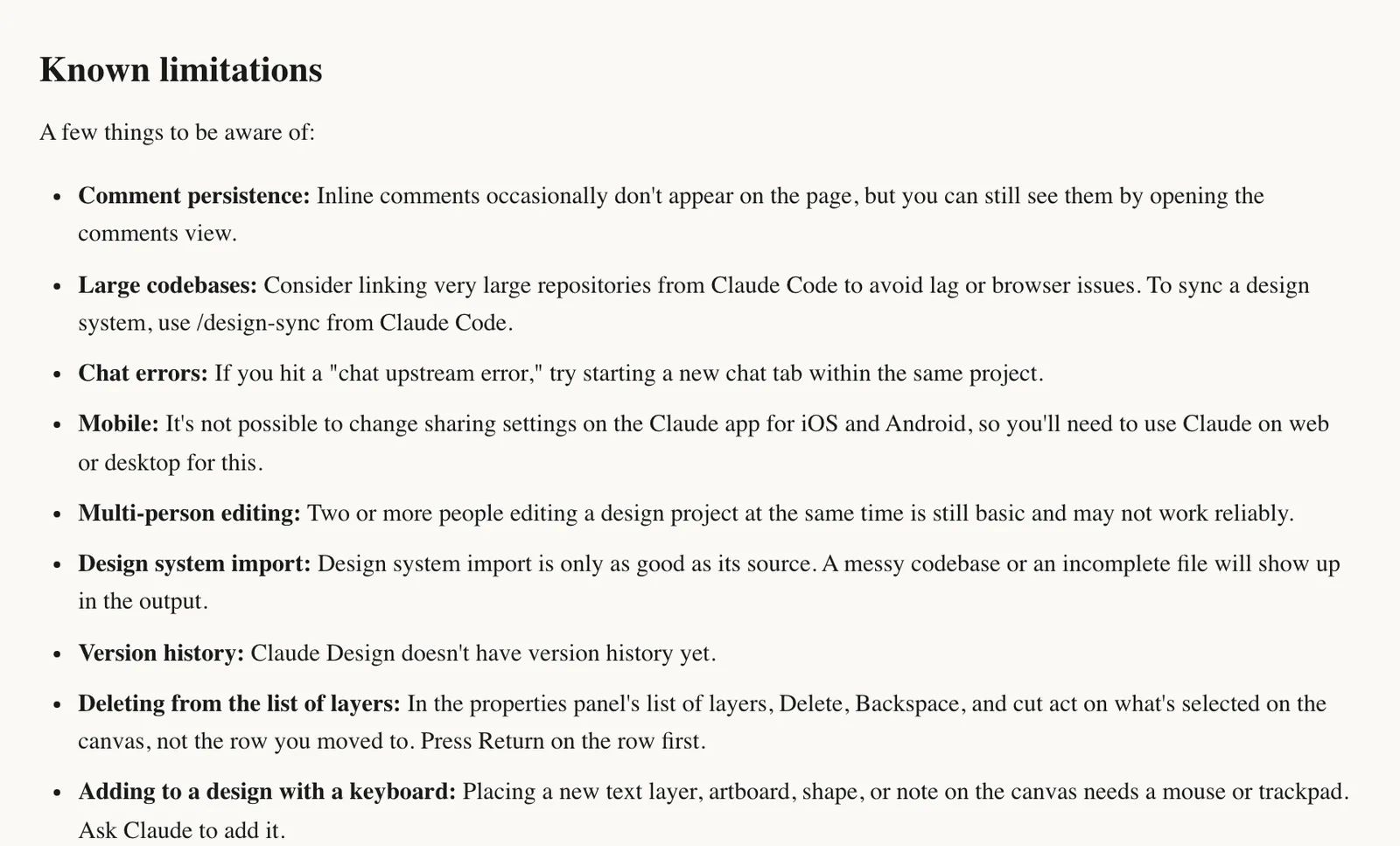
Anthropic publishes its own list of known limitations, and a few of them matter for a website:
- No version history yet, so save before you change direction.
- Two or more people editing the same design at once is still basic and may not work reliably.
- Inline comments sometimes vanish or don’t show on the page (you can still find them in the comments view).
- Placing a new text box, shape or artboard needs a mouse or trackpad; on a keyboard, ask Claude to add it.
- Very large codebases can lag in the browser, so link those from Claude Code.
It isn’t a website host, either. A design you share by link lives on claude.ai, and a standalone HTML export is a single file with no hosting, no forms and no domain. Getting a real site live still means a host or Claude Code.
When to use it#
Use Claude Design to try two or three looks for a home page in an afternoon, to show someone a look before you build anything, and for slides and social graphics in your brand. It costs nothing beyond usage, and if you already pay for Claude to build your site, it’s sitting right there in the chat.
Then hand it to Claude Code and build the real site there, where it turns into pages you own and can keep editing.
Explore on the canvas, build in code. That’s the split we’d use.
Weighing it up against other tools? Our guide to Claude Design vs Google Stitch vs Figma Make puts the three side by side on price, branding and how you get a real site out of each.