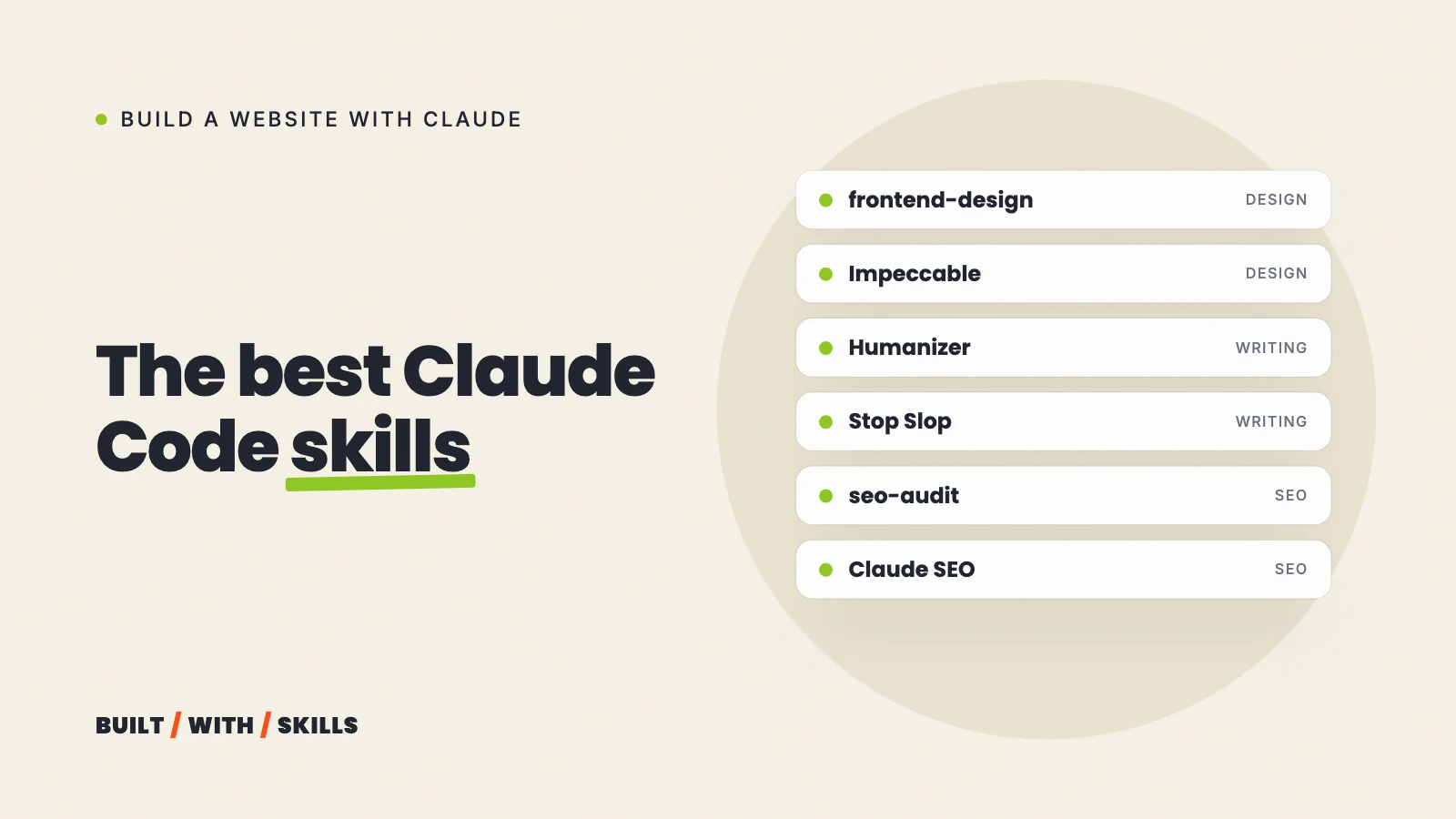

Most lists of the best Claude Code skills are written for software developers: test runners, debugging routines, code review. Someone building a website for their business needs a different kit. Smaller, too.
This is ours. Since 30 August 2026, the project folder behind this site has held a design skill, and on 14 October we added two writing skills alongside it.
The lock file the skills installer keeps in our project also lists eight skills from Corey Haines’s marketing collection, three of them for SEO. Below you’ll find what each one does, the exact command to install it, the alternatives we’d consider and the order we’d install them in for a first website.
git log --diff-filter=A --format='%ad' --date=short --name-only '.claude/skills/[ihs]*/SKILL.md' | grep -v '^$'2026-10-14.claude/skills/humanizer/SKILL.md.claude/skills/stop-slop/SKILL.md2026-08-30.claude/skills/impeccable/SKILL.mdjq -r '.skills | keys | join(", ")' skills-lock.jsonai-seo, copy-editing, copywriting, cro, marketing-psychology, schema, seo-audit, site-architectureThis guide is part of our series on building a website with Claude.
What a skill is, and why a few beat a lot#
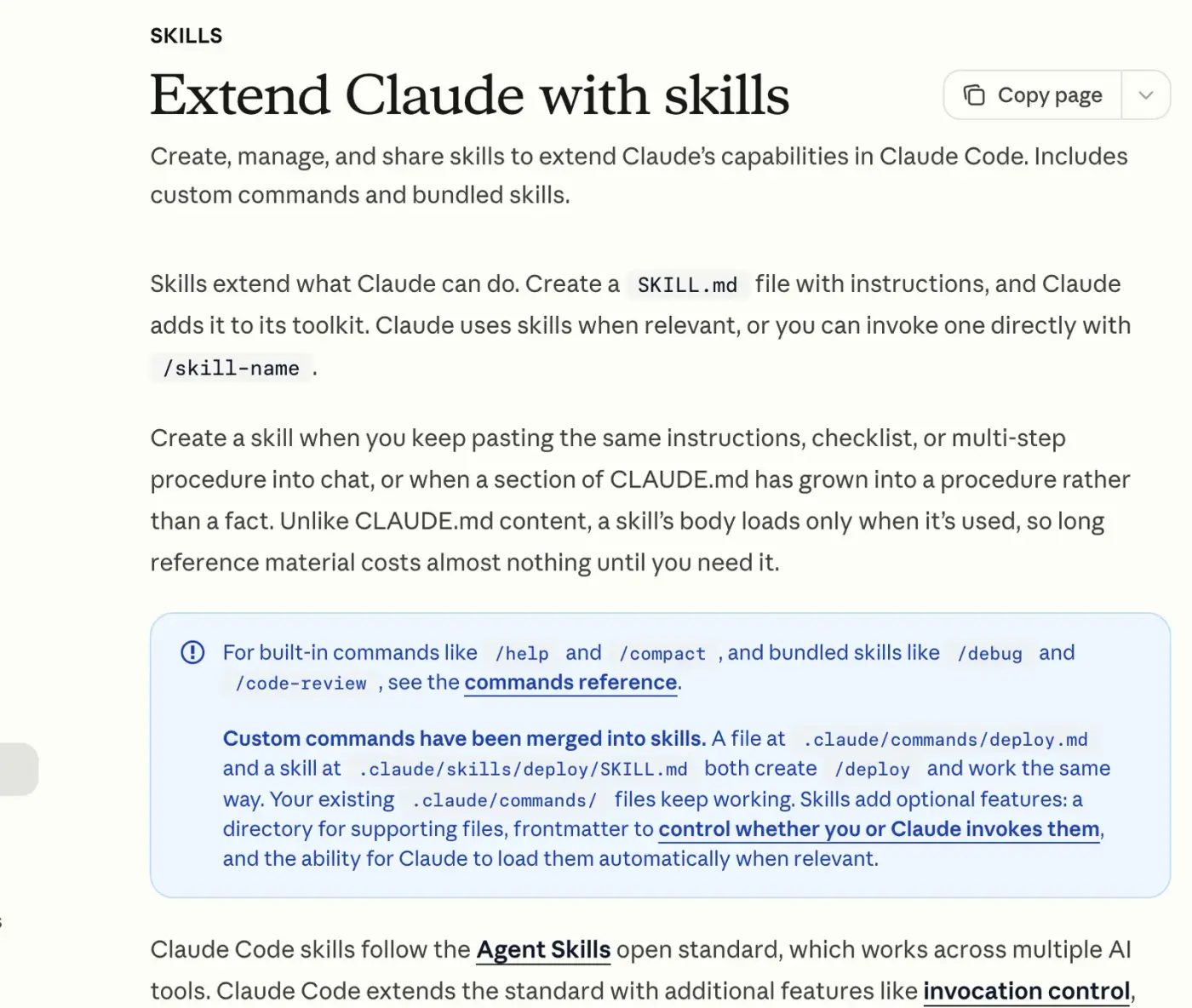
A skill is a folder with a SKILL.md file in it: written instructions for one kind of job, sometimes with reference files or small scripts alongside. Claude Code keeps every installed skill’s short description in view all the time and loads the full instructions only when a task matches, or when you call the skill by name with a slash command such as /impeccable. Most work outside Claude Code too, because skills follow an open standard.
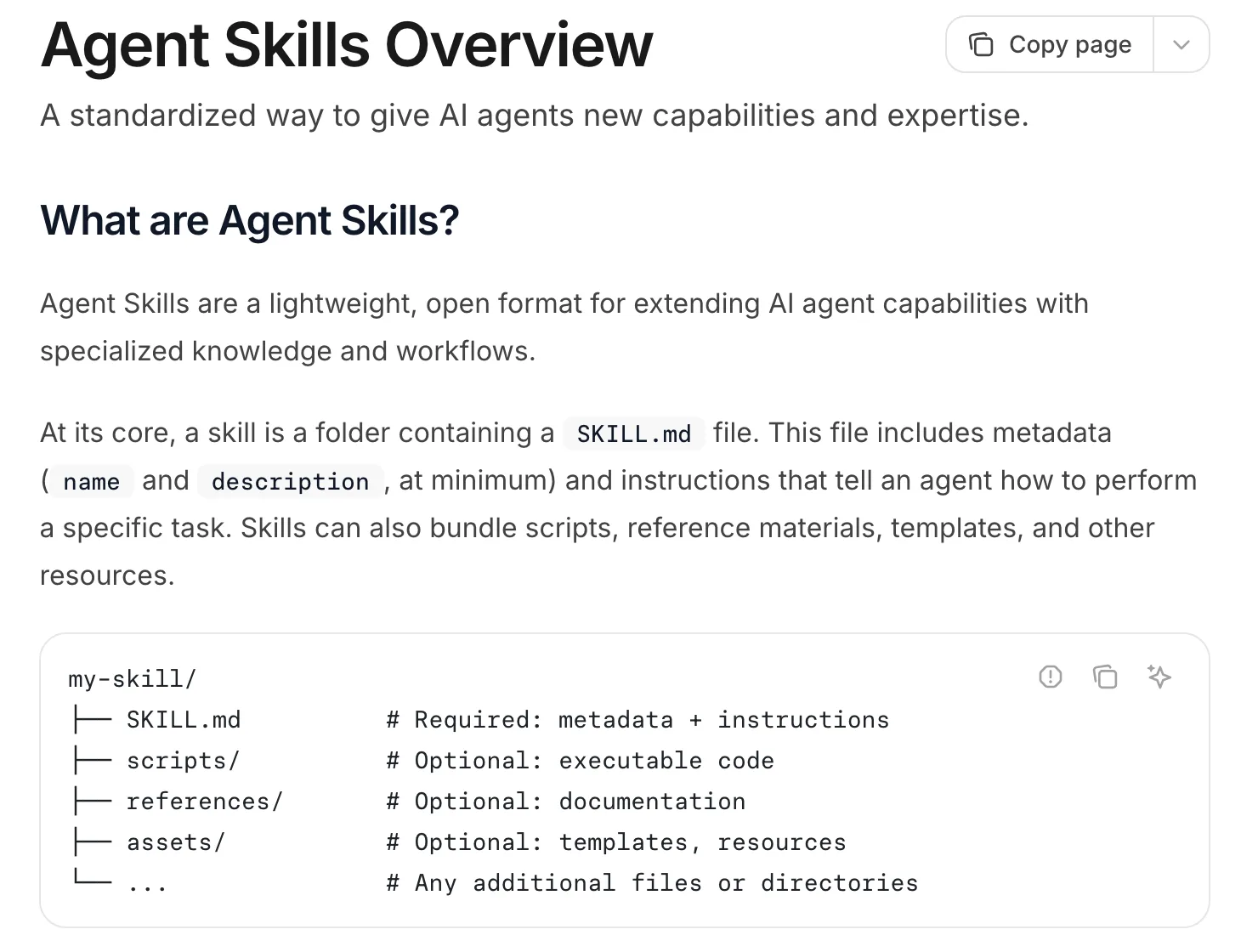
That loading trick is why a skill can run to pages without slowing every session down. More isn’t better, though. Each description sits in Claude’s context in every session, and a skill that restates what Claude already does well adds instructions without adding anything else.
Anthropic’s skills docs give a handy test for when you need one: you keep pasting the same instructions, checklist or routine into the chat. Install for a problem you actually have.
How to install a skill#
There are three routes. Each skill’s README says which it prefers.
As a plugin, from inside Claude Code#
Some skills ship as plugins. In a terminal or VS Code session, add the author’s marketplace, then install from it:
/plugin marketplace add blader/humanizer
/plugin install humanizer@humanizer
Anthropic’s own plugins live in a marketplace called claude-plugins-official, which Claude Code adds for you, so those skip the first line. In the desktop app, click + next to the prompt box and choose Add plugins to browse instead.
With the skills installer#
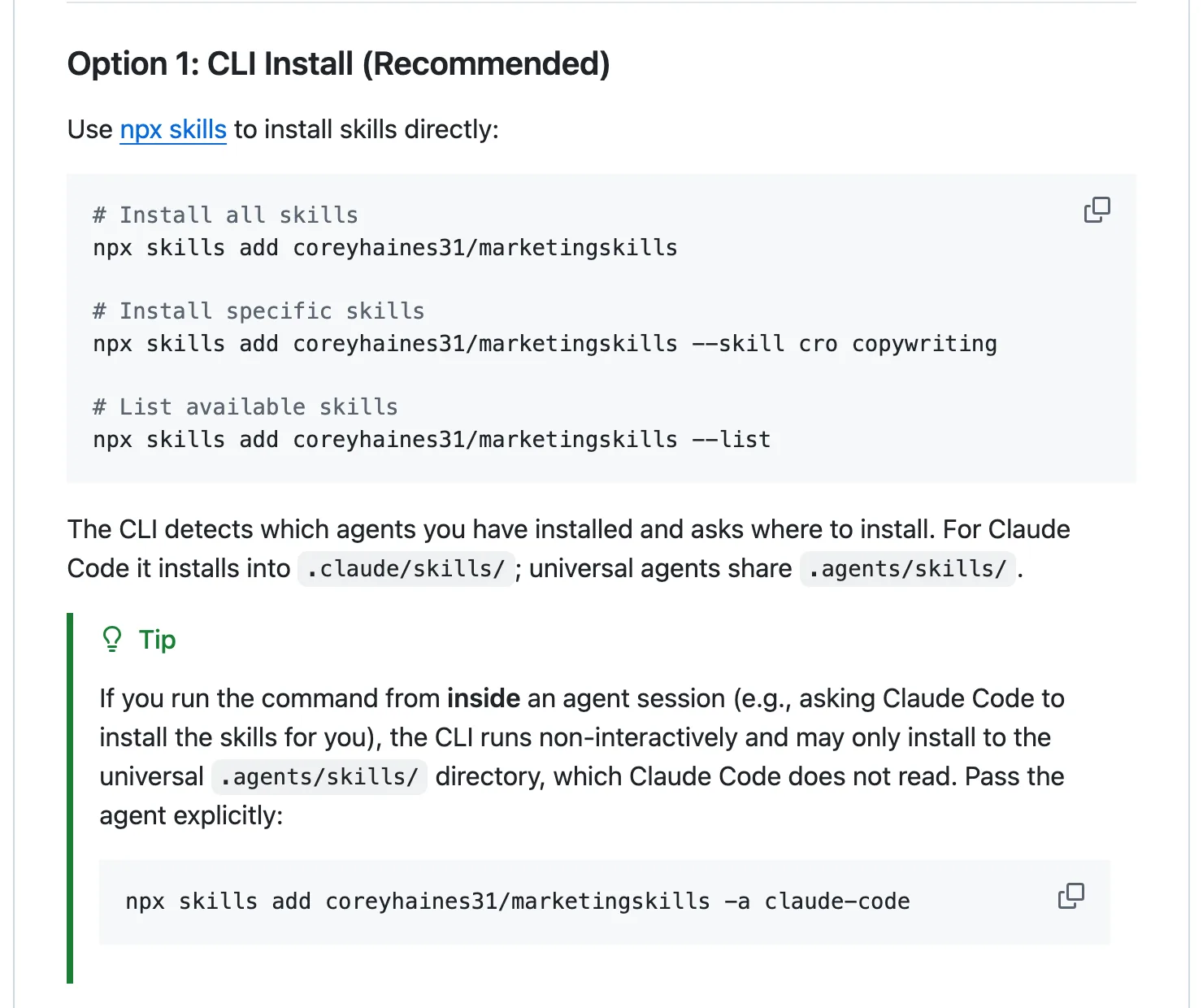
Vercel’s skills tool installs a skill from any GitHub repository. Run it in a terminal, in your project folder:
npx skills add coreyhaines31/marketingskills --skill seo-auditIt asks which AI tools you use and copies the skill into .claude/skills in your project. Watch for one trap, flagged in the marketing skills README.
If you ask Claude to run the command for you, the installer can’t ask its questions, and it may put the skill in a shared .agents/skills folder that Claude Code doesn’t read. Add -a claude-code to the end and it lands where Claude Code looks.
skills.sh lists skills you can install this way, each with its npx skills add command, and you can search it:
With the skill’s own installer#
A few big skills have one. Impeccable’s is npx impeccable install.
Project or personal?#
A skill in your project’s .claude/skills folder travels with the project, so anyone else who works on the site gets it too. One in ~/.claude/skills in your home folder works in every project on your computer. We keep ours in the project.
Whichever route you take, read the skill first. A skill can tell Claude to run commands on your computer, and some include scripts, so check who made it and open its SKILL.md on GitHub before you install. Every skill on this page has a public repository, and all of them are free.
Design: Impeccable, or frontend-design for a lighter touch#
Impeccable, by Paul Bakaus#
This is the one we use. It’s a single skill with 24 commands (critique, audit, polish, bolder, quieter and more) plus a detector with 62 rules that flags the design habits AI-built sites share, such as Inter for everything and purple-to-blue gradients. You start with /impeccable init, which writes a PRODUCT.md describing who your site is for, because every later command reads it.
We installed it on 30 August 2026, in the middle of a redesign, and had it critique our home page straight away. The page scored 26 out of 32.
Its top issue was a placeholder video in the hero that was live and clickable, which we’d walked straight past. The Impeccable skill, explained has the full story, including where it got things wrong.
It’s popular, too: 88,935 stars on GitHub and 362,400 installs on skills.sh, both on 26 October 2026.
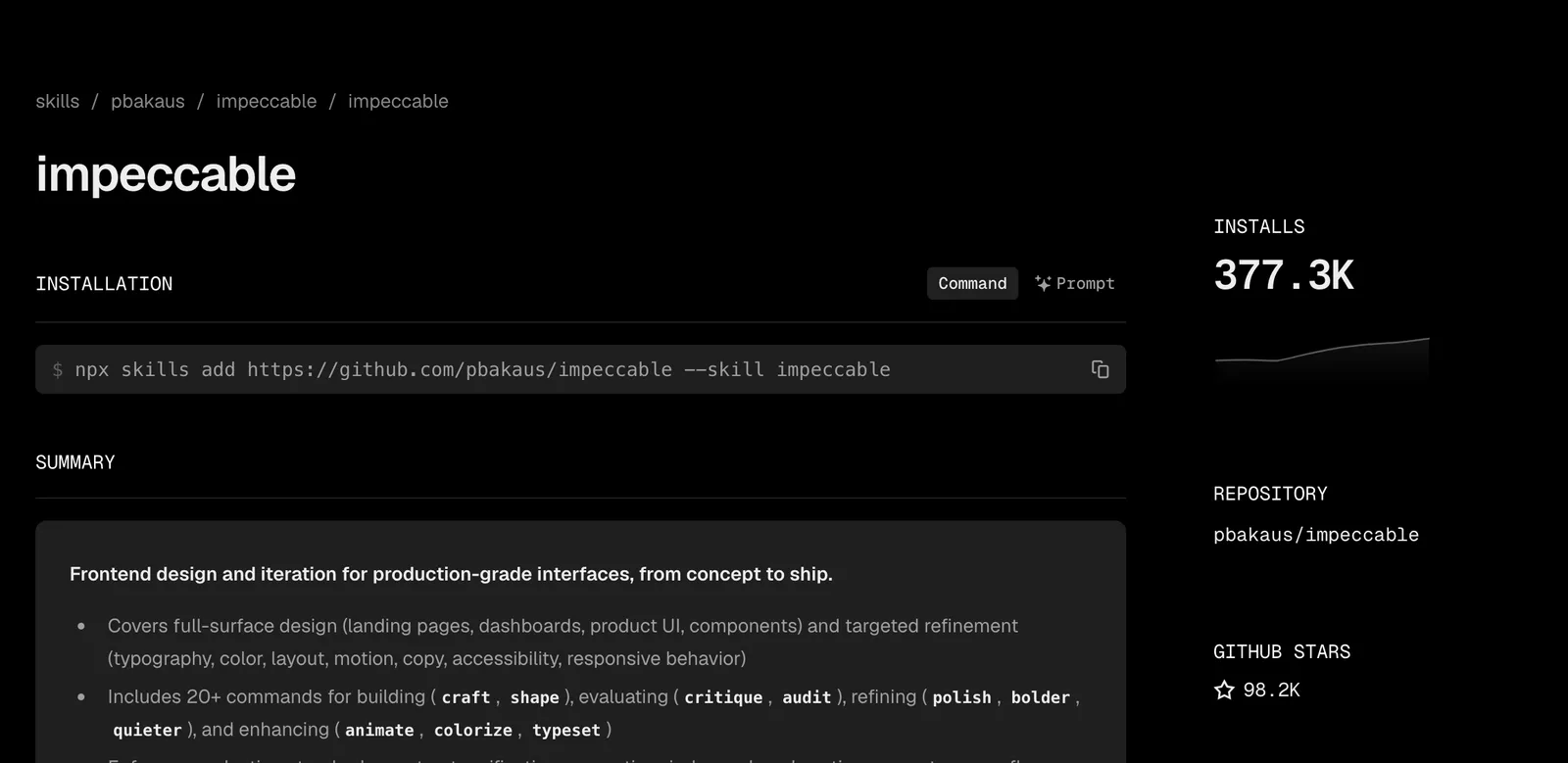
npx impeccable installfrontend-design, by Anthropic#
Small, and official. It pushes Claude to pick a palette, typefaces and a layout that suit your subject before it writes any code. It also lists the looks AI-generated pages tend to fall into, so Claude can steer clear.
skills.sh counted about 1.0 million installs on 26 October 2026, more than anything else on this page. The frontend-design skill, explained goes further.
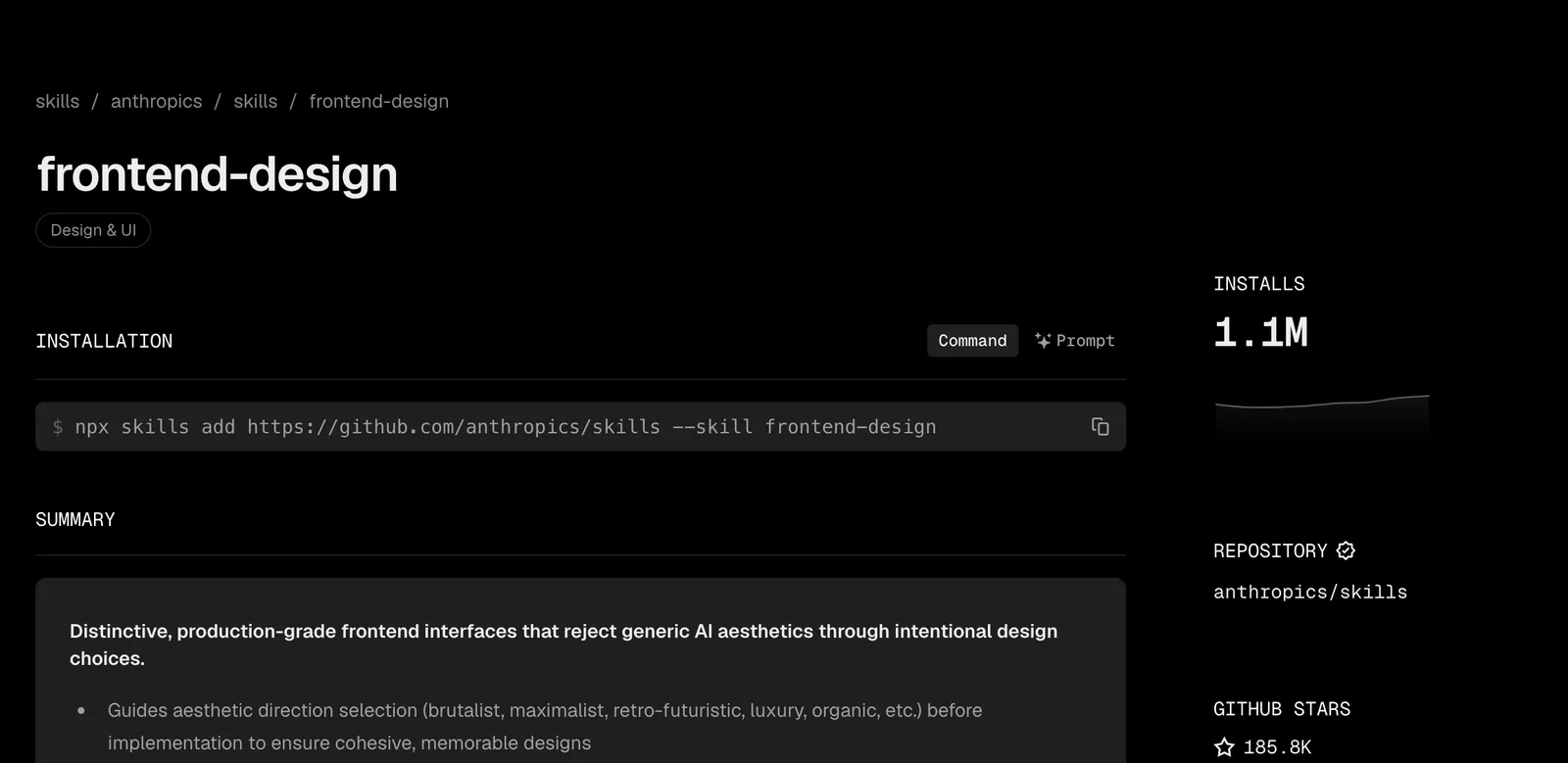
/plugin install frontend-design@claude-plugins-officialOne thing to watch. Its instructions tell Claude that when a brief has no real content, it’s up to Claude to come up with copy. Give it your real words and prices first, or you’ll be weeding out invented ones later.
Which of the two? frontend-design if you want a better first draft and nothing more. Impeccable if you also want a page reviewed before it goes live, which for a business site is the part that pays. Our Claude design skills series covers the other options, including UI UX Pro Max and Taste.
Writing: Humanizer, Stop Slop and Corey Haines’s copywriting skills#
Design gets a site noticed. The words decide whether anyone books, and AI-written copy has habits a reader spots without knowing why, like everything coming in threes and every paragraph ending on a little moral.
Humanizer, by blader#
Humanizer checks a draft for 26 habits of AI writing, taken from Wikipedia’s “Signs of AI writing” guide, and rewrites them without changing what the text says. Its first rule is to invent nothing, which is the rule you want on a page with your prices on it. The repository had 60,970 stars on 26 October 2026.
/plugin marketplace add blader/humanizer
/plugin install humanizer@humanizer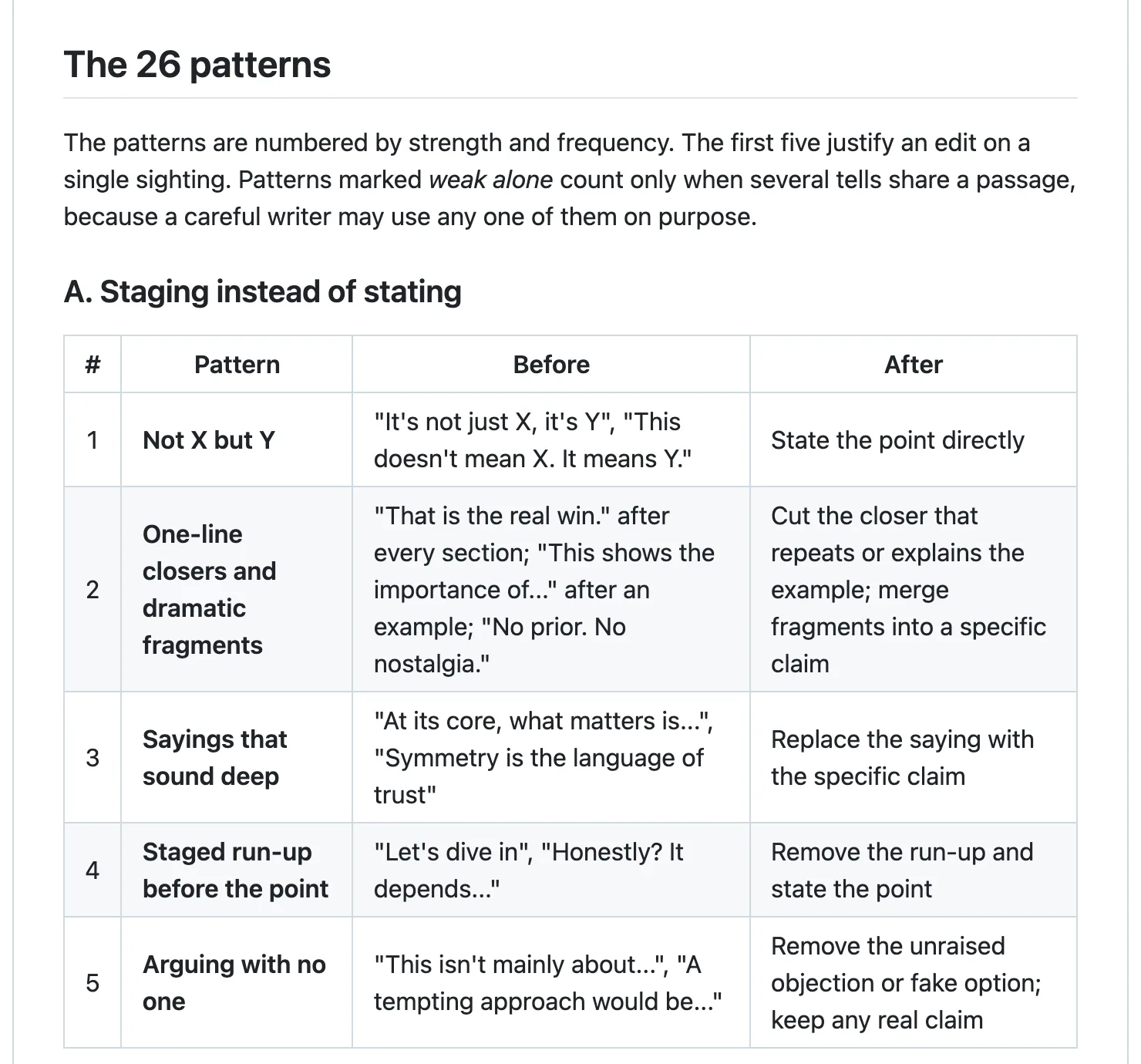
Stop Slop, by Hardik Pandya#
Same aim, with a shorter, blunter rulebook: cut filler phrases, break formulaic sentence shapes, vary the rhythm, no em dashes, no passive voice. Use it as a last pass.
npx skills add https://github.com/hardikpandya/stop-slop --skill stop-slop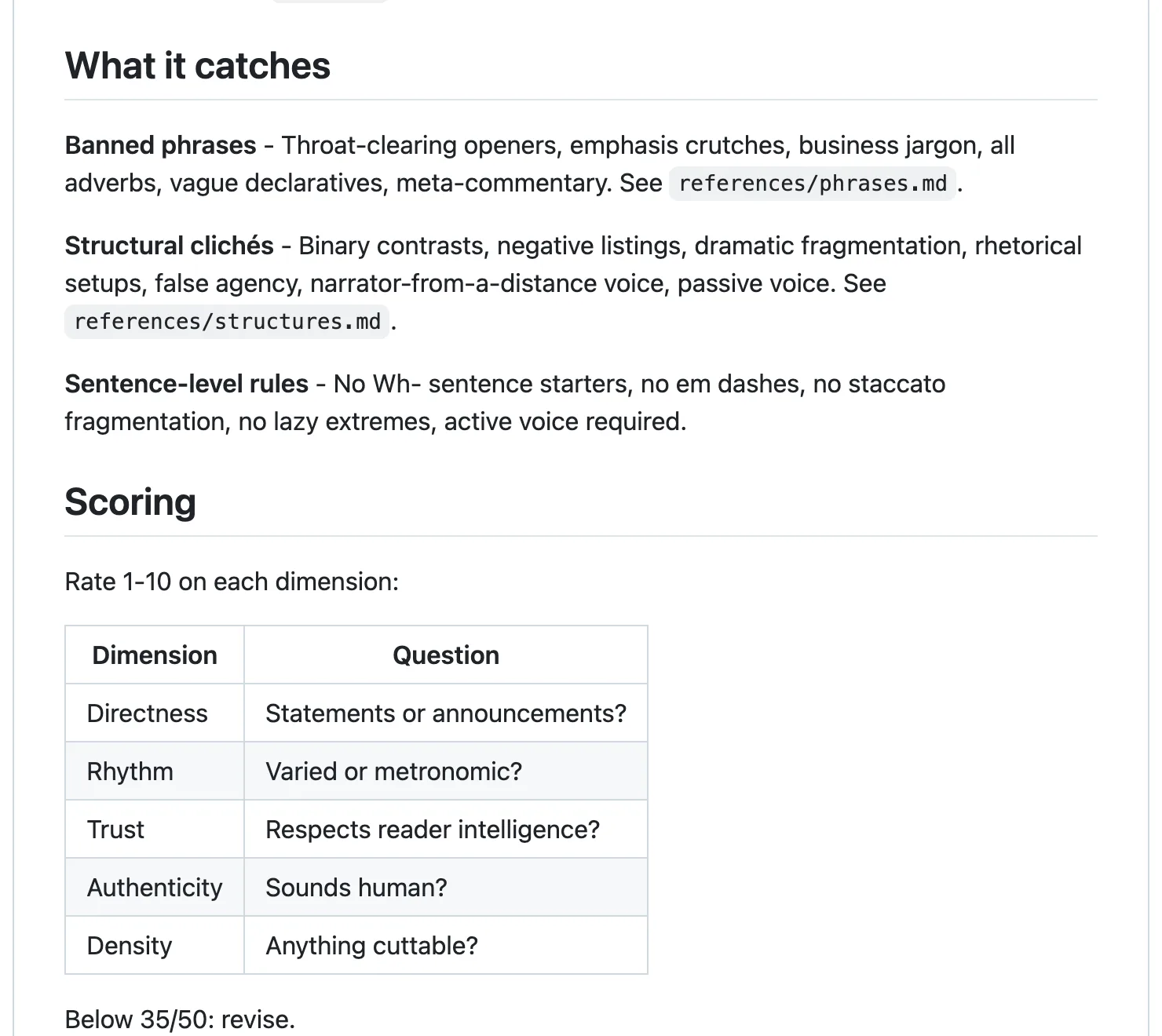
We added both to our project on 14 October 2026 and used them to edit the guides in this series. They clean up wording.
Neither measures rhythm across a whole page, though. So we’ve since written a voice skill of our own, with a script that checks how much sentence length varies from start to finish. The Humanizer skill, and what it can’t fix covers the gap in detail.
copywriting and copy-editing, by Corey Haines#
These two write and edit rather than just clean up. copywriting drafts page copy that has to persuade (home pages, landing pages, pricing and about pages), and its instructions say claims must be supportable.
copy-editing improves copy you already have, and a request to fix one line gets a change to that line alone. Both come from Corey Haines’s marketing skills collection, and copywriting had about 235,900 installs on skills.sh on 26 October 2026.
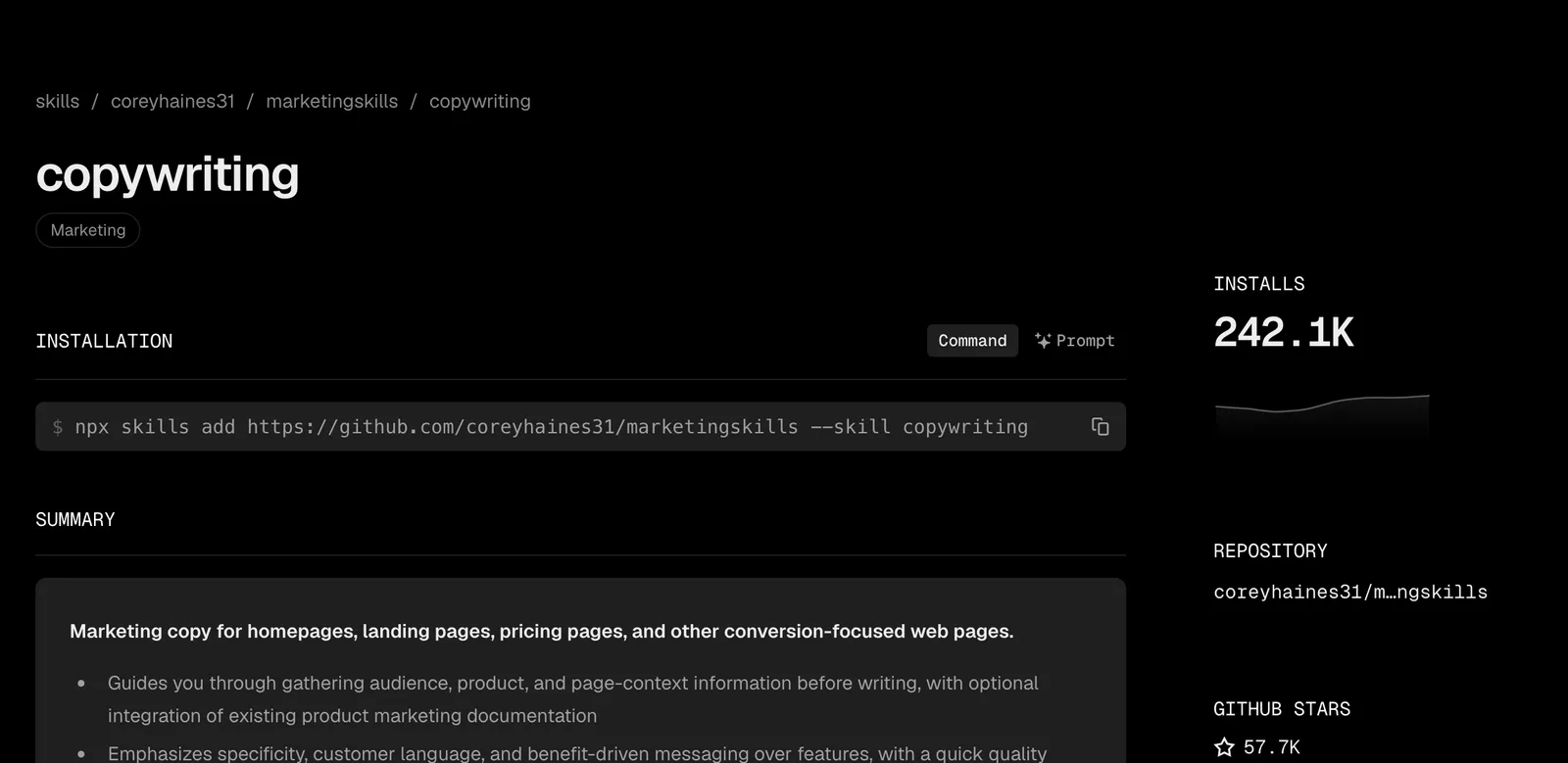
npx skills add coreyhaines31/marketingskills --skill copywriting copy-editingOur pick for a first site is Humanizer, because it explains each change it makes and shows you a draft before the final version, so you learn your own habits as you go instead of just accepting a rewrite.
SEO: seo-audit before you launch#
Two sets are worth knowing, and they’re very different sizes.
Corey Haines’s SEO skills come from the same collection as copywriting. seo-audit checks a site for the problems that stop it ranking (indexing, title tags, page speed, local search), schema adds the structured data Google reads for rich results, and ai-seo works on getting your pages cited in AI answers. seo-audit had about 238,100 installs on skills.sh on 26 October 2026, and our lock file lists all three.
npx skills add coreyhaines31/marketingskills --skill seo-audit schema ai-seoClaude SEO, by AgriciDaniel, is a much bigger plugin: 26 sub-skills and 19 specialist agents behind a set of /seo commands. It’s free and MIT licensed, with 21,991 GitHub stars on 26 October 2026.
Its README says a full audit takes 10 to 15 minutes. We haven’t run it on this site, so that’s the author’s figure, not ours.
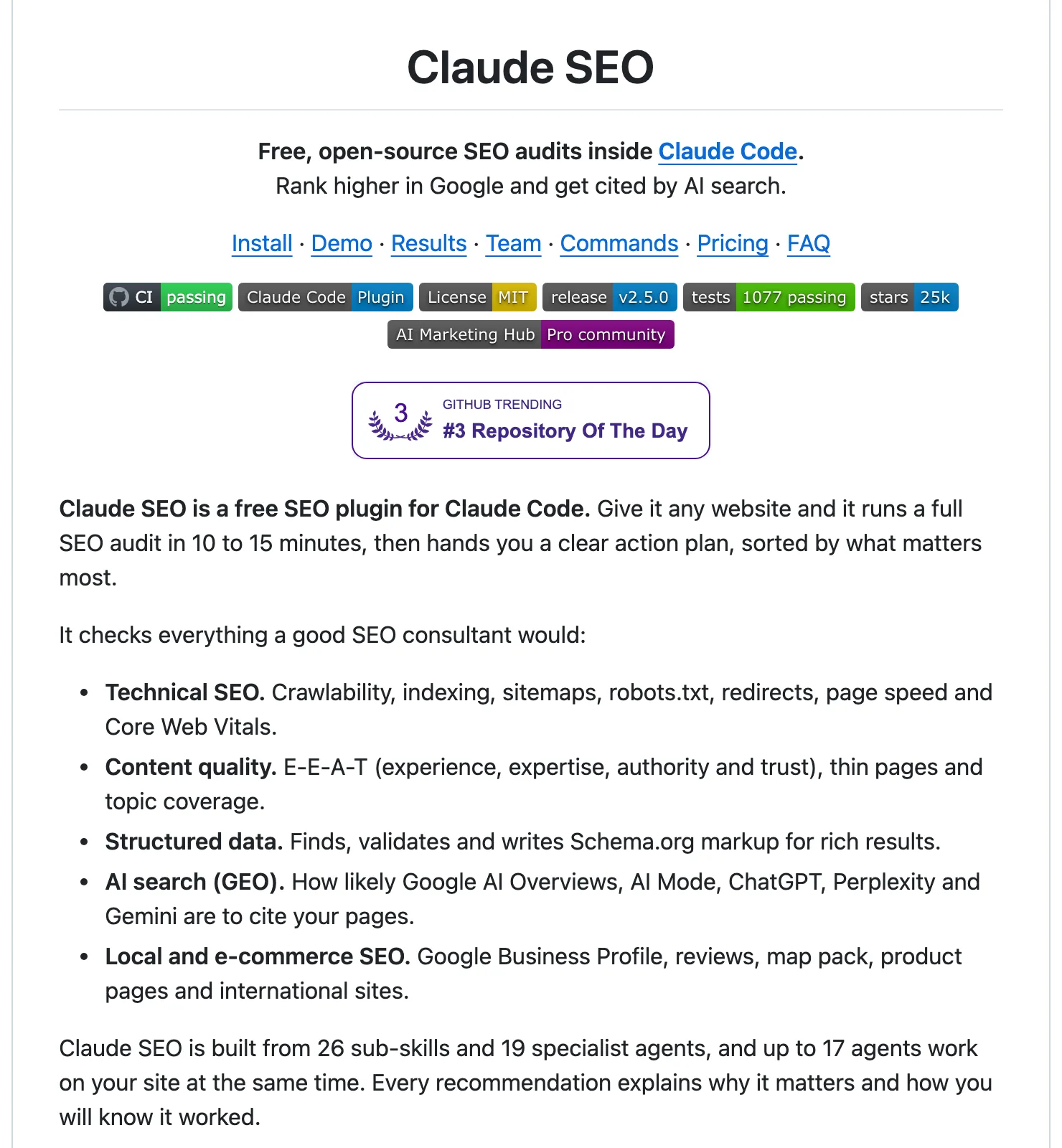
Which should you pick? For a small business site, seo-audit run once before launch covers what matters, and our comparison of Claude SEO skills goes through both in detail.
Checking: the skill category we’re missing#
Here’s the thing: none of the skills above checks that your site actually works. Anthropic’s Thariq Shihipar wrote in June 2026 that verification skills, the ones that test whether what Claude built really works, “have had the most measurable impact on Claude’s output quality internally.”
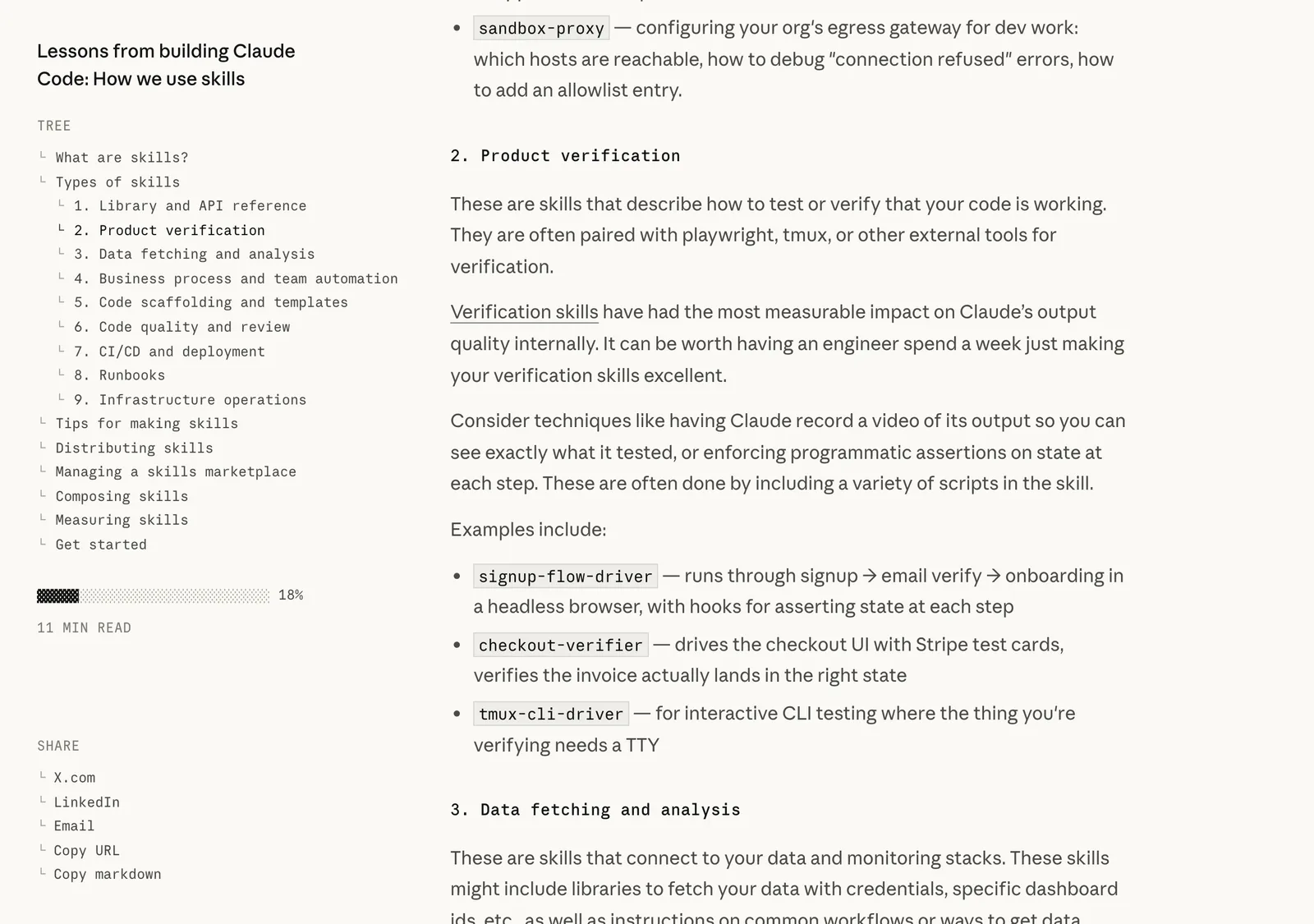
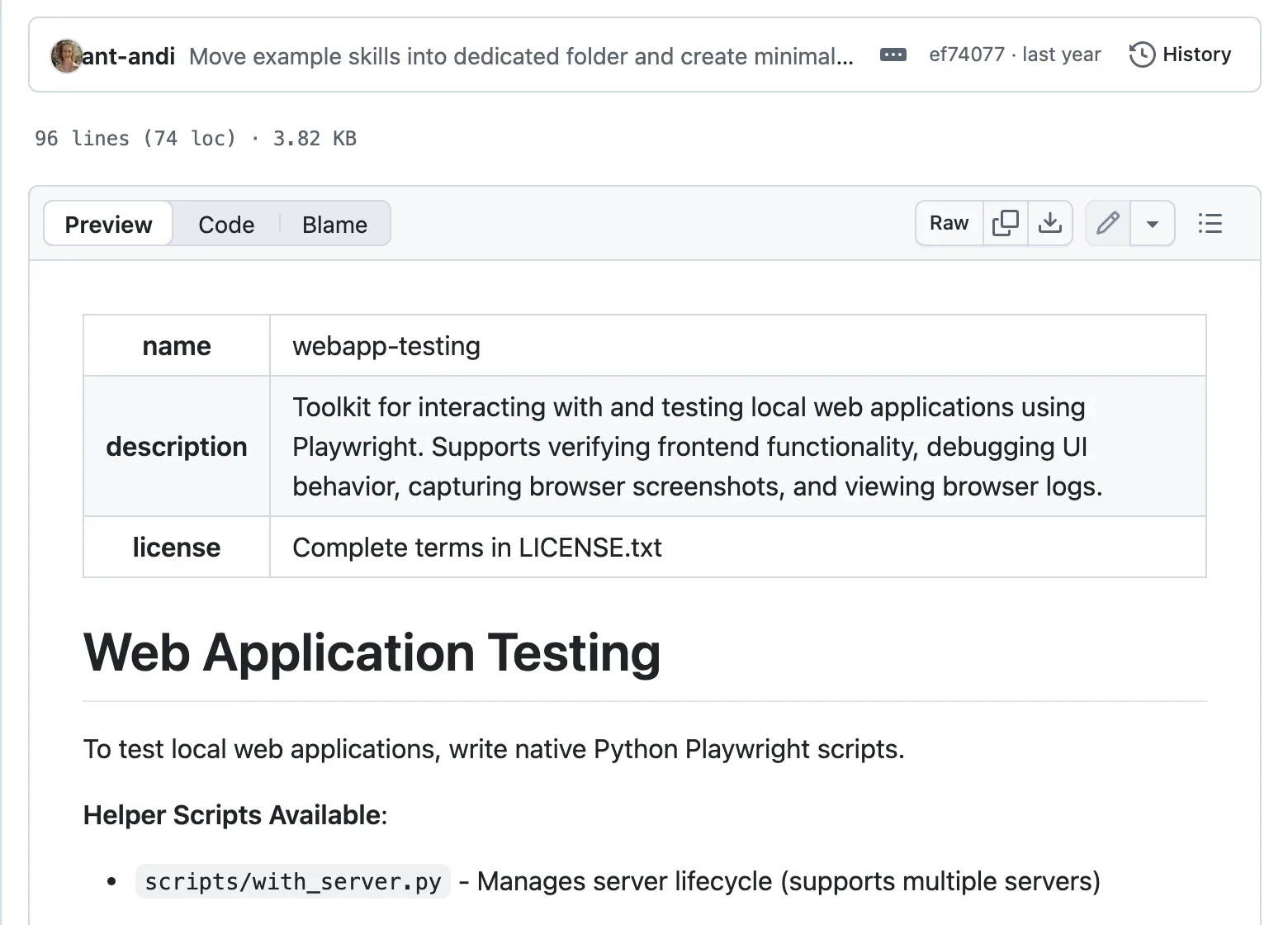
For a website, that means opening the pages in a real browser and clicking through them. Anthropic publishes a webapp-testing skill that drives a browser with Playwright to do exactly that. We haven’t installed it on this project yet, so we can’t vouch for it beyond its docs.
Until you have one, check by hand. Open every page on your phone, click every link and read every price yourself.
What to install first#
Building your first website? Install two skills and stop:
- Impeccable, for design. Run
/impeccable init, then a critique of your home page before you change anything. - Humanizer, for the words, once you’ve written a first draft in your own voice.
Add seo-audit the week before you launch. Everything else waits until you hit the problem it solves, because every skill you add is one more set of instructions in every session and one more author you’re trusting.
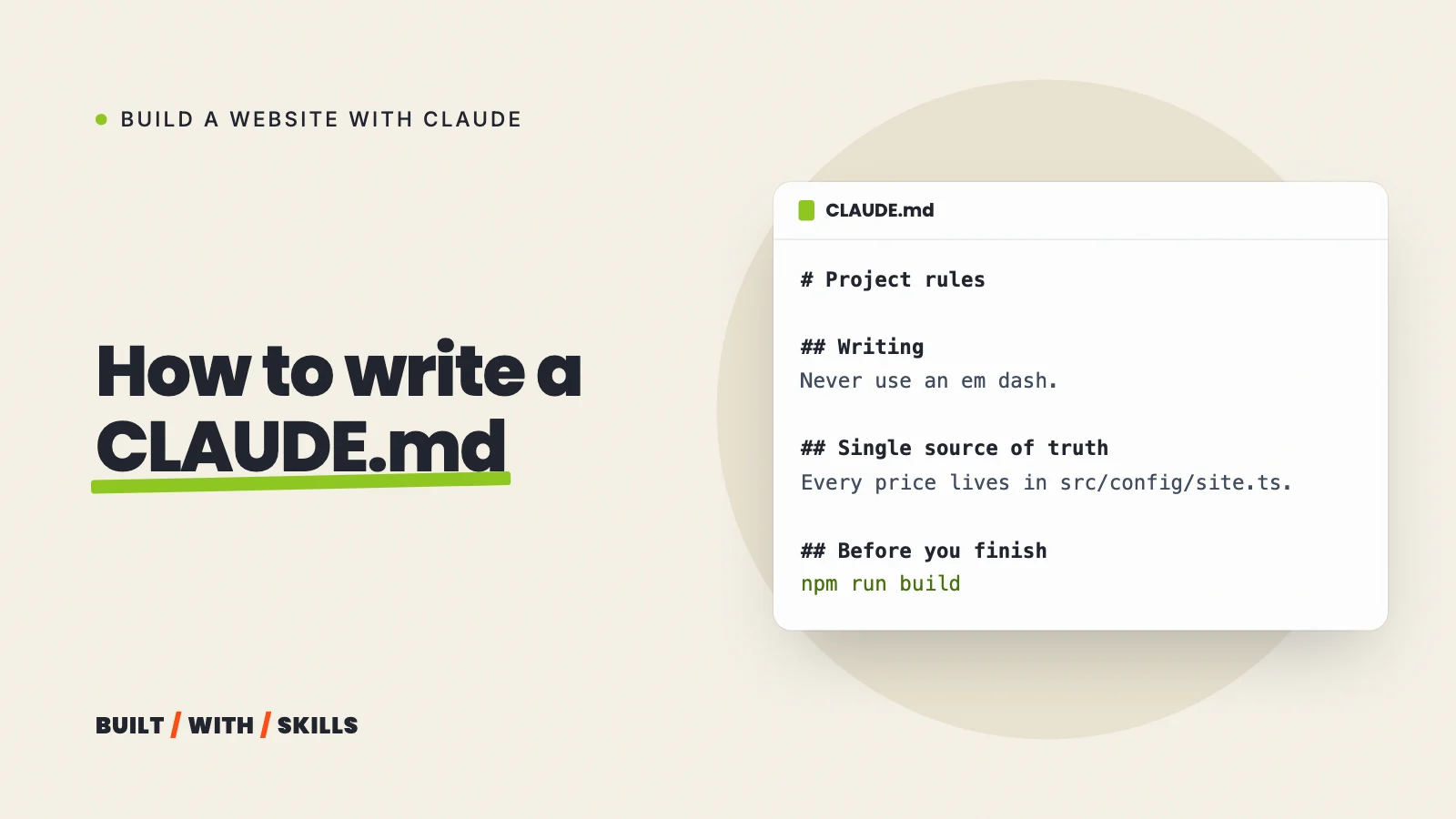
After that, the most useful skill is often one you write yourself. If you keep pasting the same routine into the chat (how you publish a blog post, say, or the checks you run before a page goes live), Anthropic’s skill-creator skill will help you turn it into one. Rules that apply to every task belong in your CLAUDE.md instead.