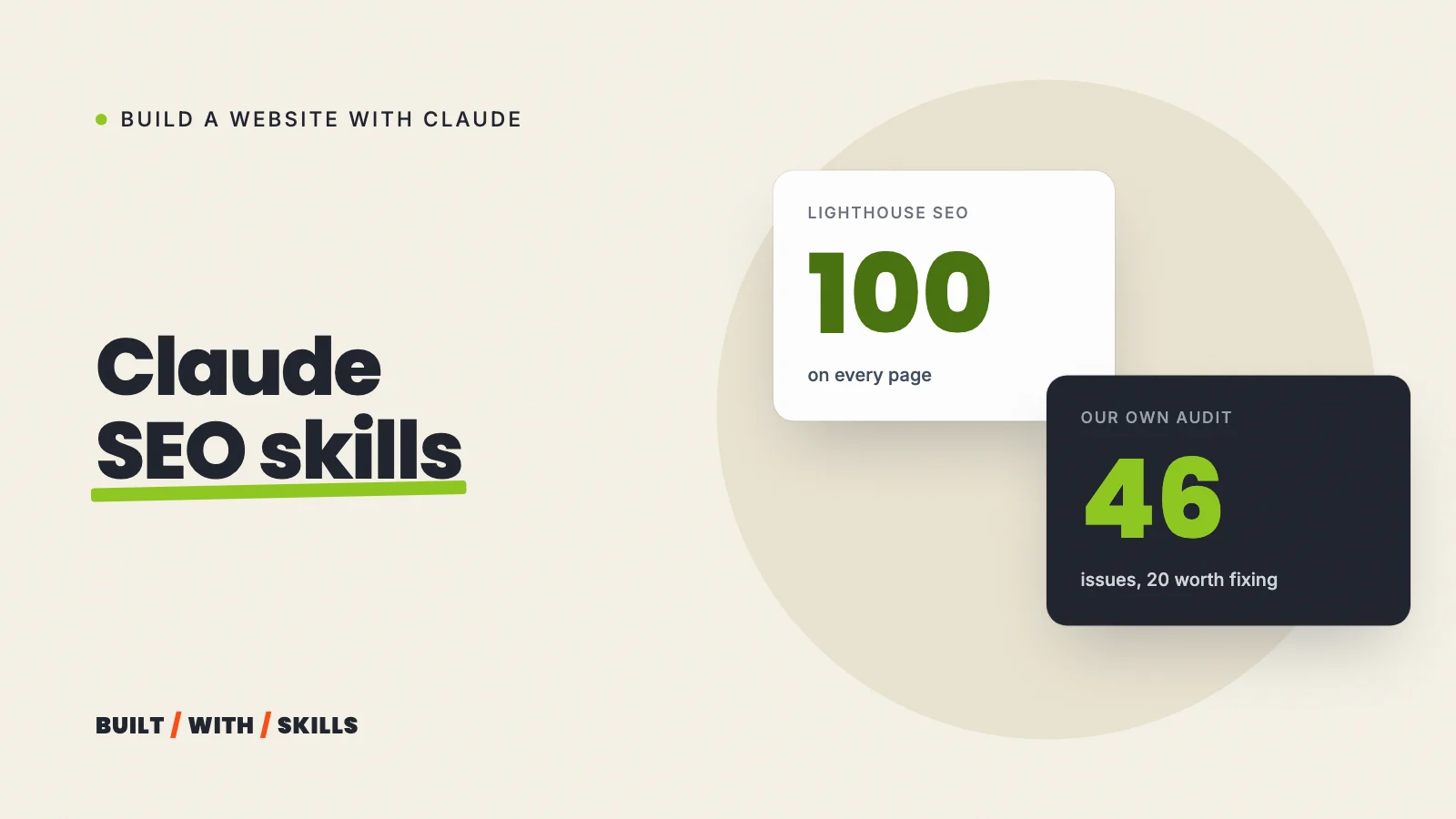

On 9 September 2026, Lighthouse gave every page in this site’s sitemap an SEO score of 100. On the same run, our own audit script found 46 problems across the site, 20 of them worth fixing.
That gap is why SEO skills for Claude Code exist. A score tells you a page passes a short list of checks. A proper audit looks at what a visitor, a search engine or someone sharing your link actually gets, page by page, and an SEO skill hands Claude the checklist to run one on your site.
There are lots of them now. Two sets are worth your time, and both are free. Corey Haines’s seo-audit and its siblings are light and install with one command; AgriciDaniel’s Claude SEO is a big plugin with its own commands and agents.
We haven’t run Claude SEO on this site. Everything about it below comes from its README, checked in October 2026. What we have run is our own audit script, and you’ll see what it found further down.
This guide is part of our series on building a website with Claude.
What an SEO skill does#
It reads your pages the way an SEO specialist would and tells Claude what to look for: page titles and descriptions, headings, links between your pages, structured data, image sizes, speed. Then Claude explains each problem and, if you ask, fixes it in your site’s files.
For a first website, that’s most of the job. What stops a small site appearing in Google is usually basic and fixable, like a page missing from the sitemap or a title that just says “Home”.
What a skill can’t do is see what Google does with your pages. More on that at the end.
seo-audit, ai-seo and schema, by Corey Haines#
These three come from Corey Haines’s marketing skills collection, which is free and MIT licensed. No commands to learn. Claude loads the right one when you ask for SEO help in plain English (“audit the SEO on my home page”, or “why isn’t my site showing up in Google?”).
- seo-audit checks for the problems that stop a site ranking, from indexing and title tags to page speed and local search. It’s the most installed skill in the collection, at about 238,100 installs on skills.sh on 26 October 2026.
- schema adds and fixes structured data, the code Google reads to show extras like star ratings and FAQs in its results.
- ai-seo works on getting your pages cited in AI answers, such as Google’s AI Overviews and ChatGPT.
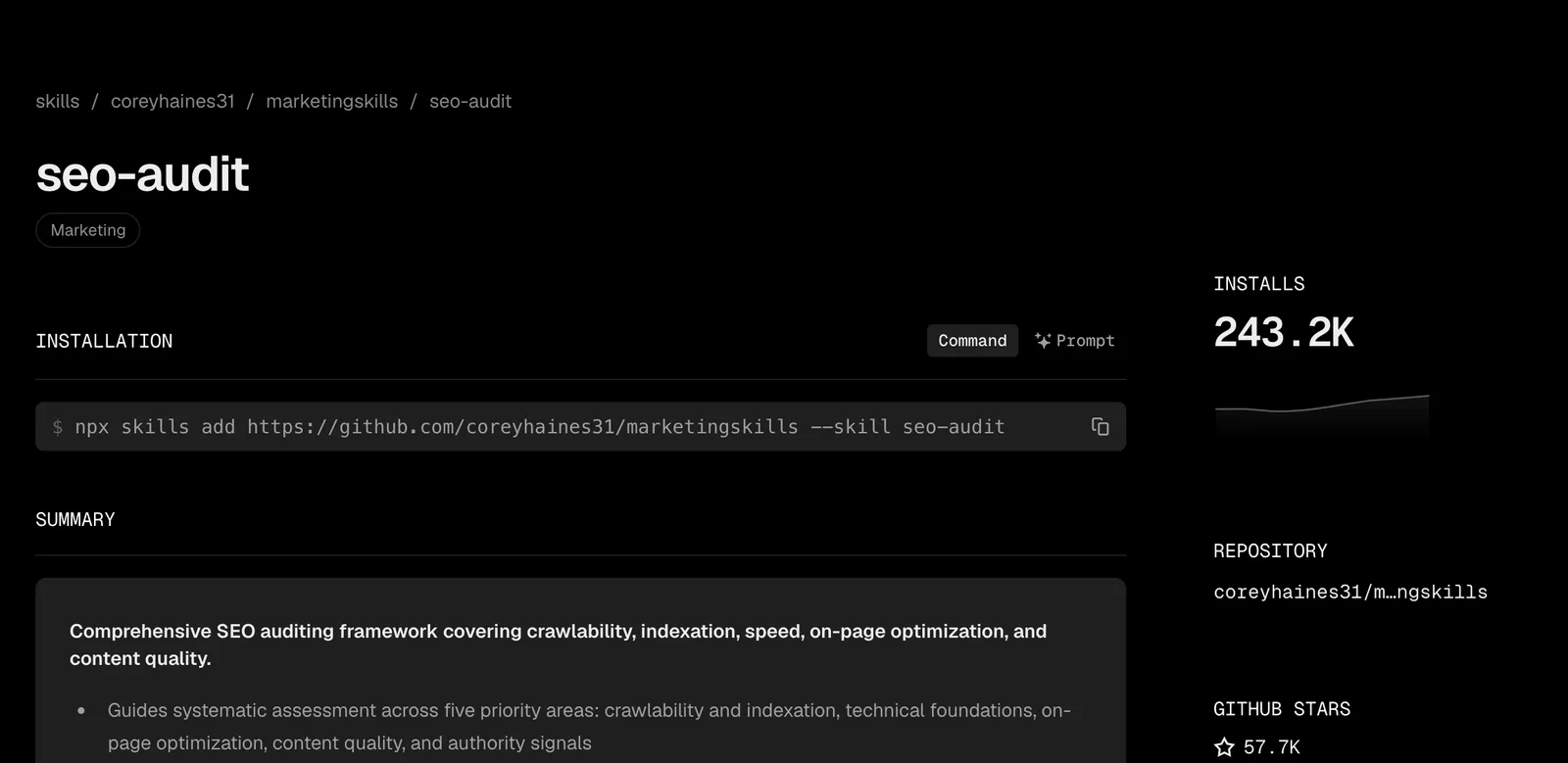
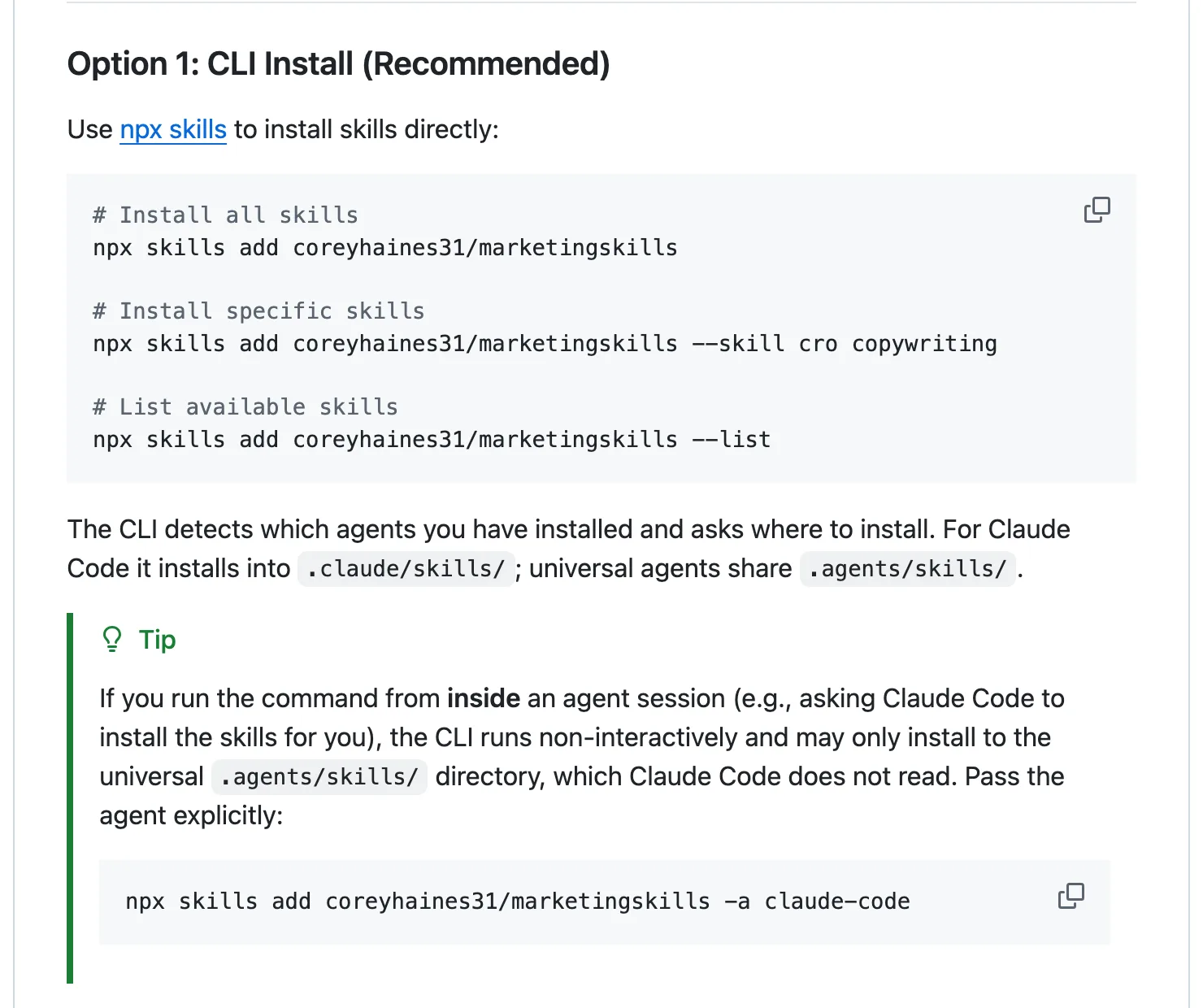
Install all three with one command, run in a terminal in your project folder:
npx skills add coreyhaines31/marketingskills --skill seo-audit schema ai-seo -a claude-codeDon’t skip the -a claude-code on the end. Without it, the README warns, running the installer from inside a Claude session can drop the skills in a shared .agents/skills folder that Claude Code doesn’t read. All three are listed in our project’s skills lock file.
Claude SEO, by AgriciDaniel#
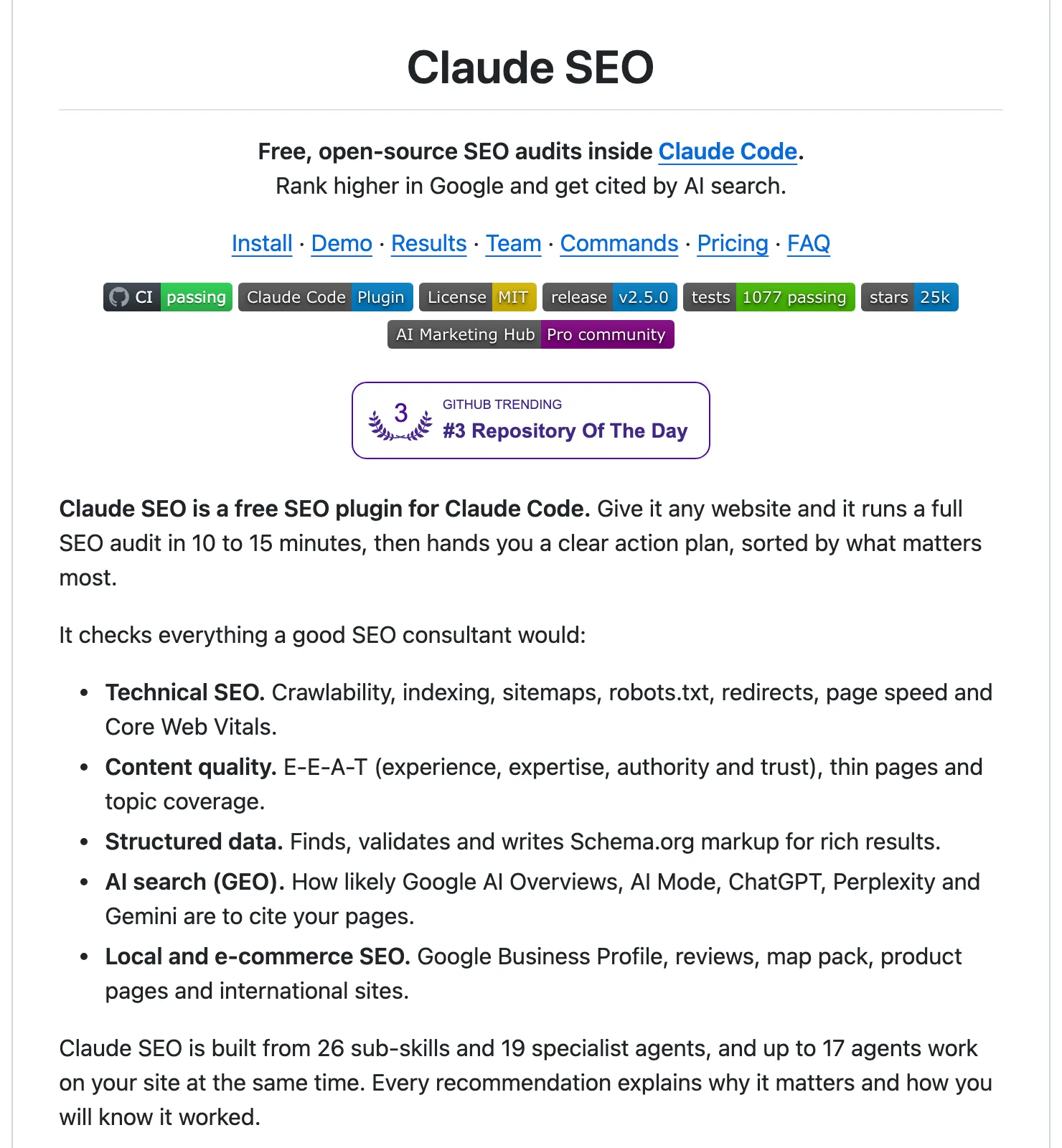
This one’s big. It’s a plugin of 26 sub-skills and 19 specialist agents, driven by its own /seo commands. It’s free and MIT licensed, and its GitHub repository had 21,991 stars on 26 October 2026.
The commands a small business site would use first:
| Command | What it does |
|---|---|
/seo page <url> |
A deep check of one page |
/seo audit <url> |
A full site audit, with several agents working at once |
/seo technical <url> |
Technical checks across nine categories |
/seo content <url> |
Content quality, including signs of experience and expertise |
/seo schema <url> |
Finds, checks and writes structured data |
/seo geo <url> |
How ready a page is for AI Overviews and other AI answers |
/seo local <url> |
Local SEO, including your Google Business Profile |
Install it from inside Claude Code, in a terminal or VS Code session:
/plugin marketplace add AgriciDaniel/claude-seo
/plugin install claude-seo@agricidaniel-claude-seo
/seo setup
In the desktop app, click + next to the prompt box and choose Add plugins instead. You’ll need Python 3.11 to 3.14 on your computer. /seo setup builds its own Python environment and installs a headless browser so it can load your pages the way a visitor would.
Read the README’s small print first. A full /seo audit runs five of its agents on Opus and the rest on Sonnet, so it uses noticeably more of your Claude plan than a single /seo page check.
It needs no API keys. Without them, though, Core Web Vitals are lab estimates and whether a page is indexed is only a guess, so /seo google setup connects free Google APIs, Search Console among them, for real data.
The README also says a full audit takes 10 to 15 minutes. That’s the author’s figure, not ours.
Which one to choose#
| Corey Haines’s skills | Claude SEO | |
|---|---|---|
| Best for | Checking pages as you build them | A thorough audit of a live site |
| Setup | One command | A plugin, plus Python and a headless browser |
| Use of your Claude plan | Light | Heavy for a full audit, light for one page |
| Real Google data | Not built in | Optional, through free Google APIs |
For a first site, start with Corey Haines’s seo-audit while you build. Run it on each page before you call that page finished.
Once the site is live and you want a second opinion, try Claude SEO. Start with /seo page on your home page rather than a full audit, so you see what it finds before it eats into your plan.
What our own audit found#
We don’t use a skill for this site’s technical checks. We use a script of our own, scripts/seo-audit.mjs, which opens every page of a local copy of the built site in a real browser.
It checks what an SEO skill would look at: title and description length, the canonical link, a single H1 with no skipped heading levels, image sizes and alt text, structured data and social preview tags. It also checks that every page is in the sitemap and every internal link works.
Then it runs Lighthouse on each page, puts the scores in a table at the bottom of the report and sorts everything else into three piles (critical, should fix and nice to have), so the first thing you read is the thing most worth fixing.
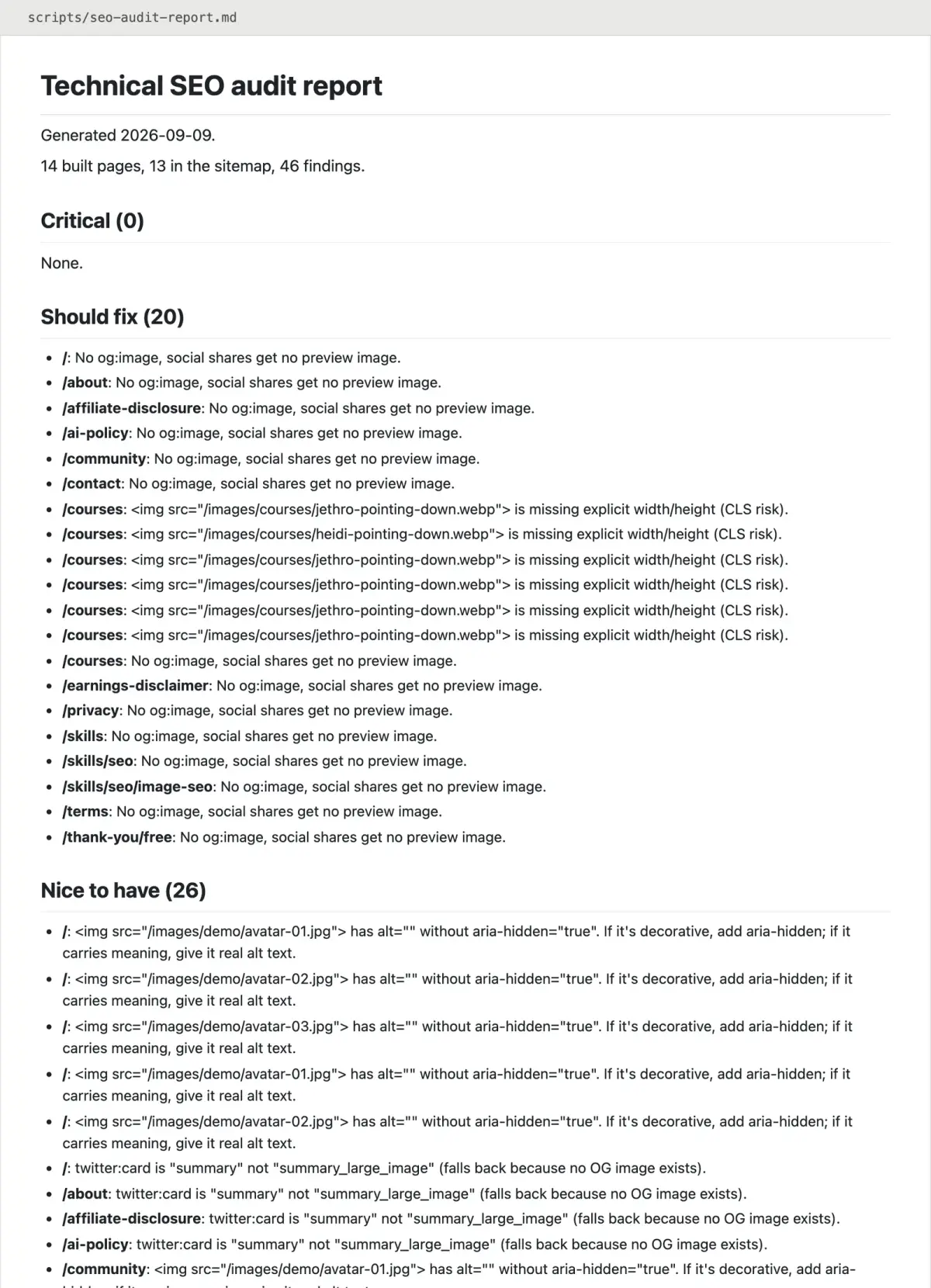
Its 9 September 2026 run covered 14 built pages and found 46 issues:
- Critical: none.
- Should fix: 20. Fourteen pages had no social preview image, so a link shared on Facebook or LinkedIn showed up without a picture, and six images on our courses page had no width and height set, which can make the layout jump while the page loads.
- Nice to have: 26. Decorative images with empty alt text that screen readers weren’t told to skip, social cards falling back to the small format, two titles over 65 characters, two pages jumping straight from an H1 to an H3, and one meta description of just 30 characters.
The same run had Lighthouse score SEO at 100 on all 13 pages in the sitemap, with performance at 99 or 100.
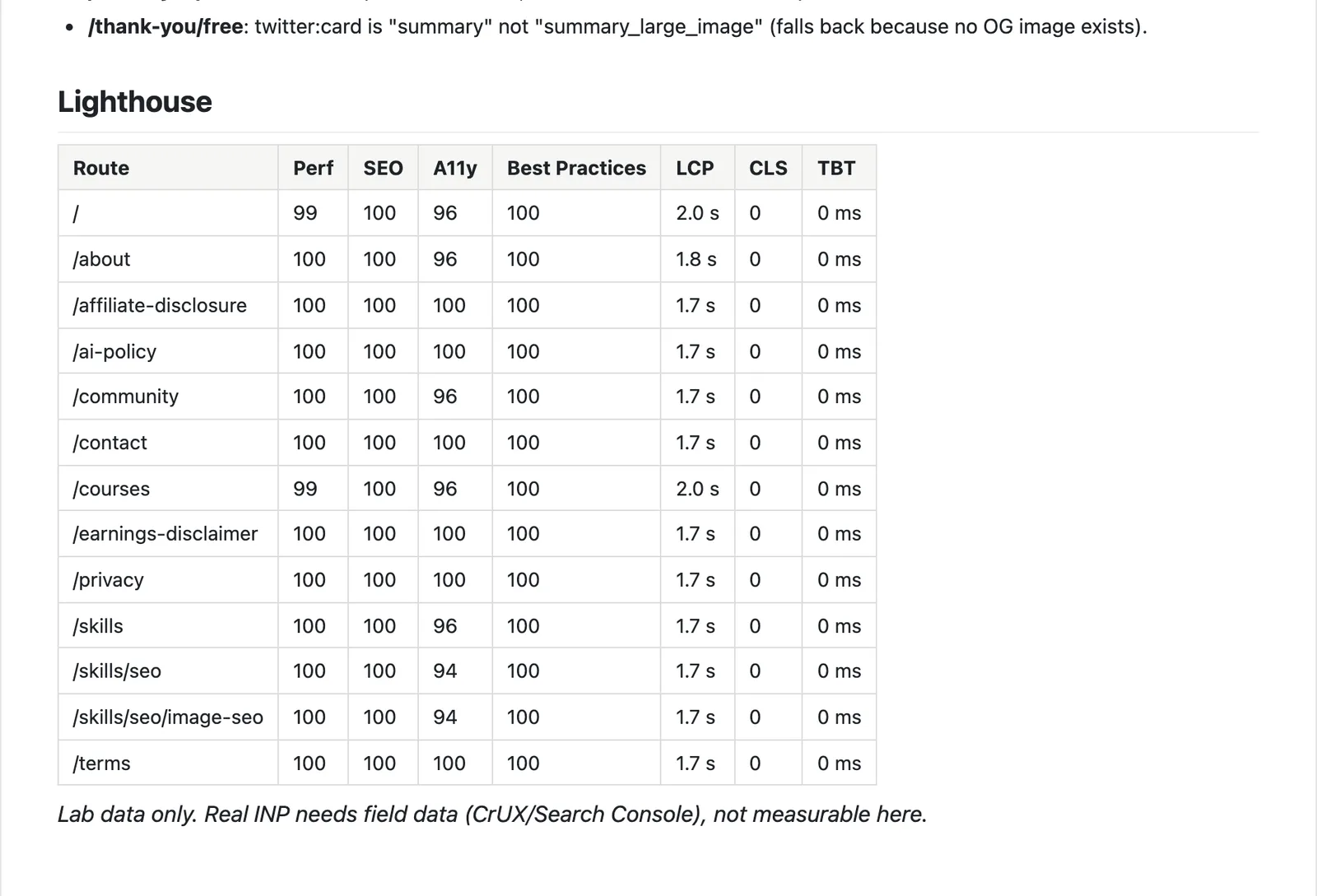
So 43 of those 46 issues sat on pages with a perfect SEO score (the other three were on a thank-you page that’s left out of the sitemap on purpose). A perfect Lighthouse score only means you passed Lighthouse.
What no SEO skill can tell you#
Every skill on this page reads your pages, but none of them can see what Google does with them once it has crawled them.
Google Search Console can, and it’s free. It’s also the only place that tells you whether Google has indexed a page, which searches it shows up for and how many people click. Claude SEO can pull that data in through /seo google once you’ve connected it; Corey Haines’s skills can’t, so check it yourself.
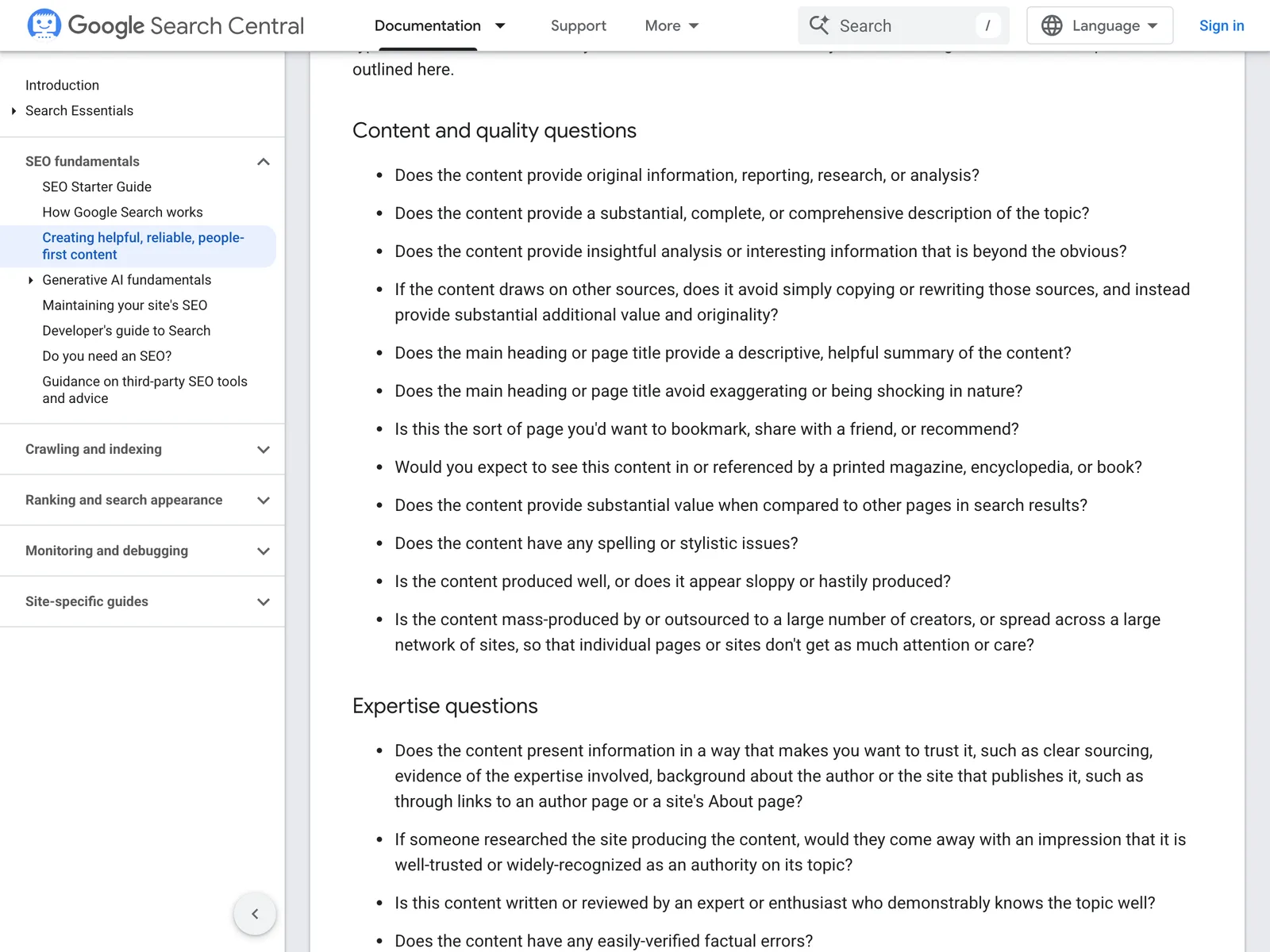
The bigger gap is the content. Google’s own guide to helpful content asks questions like “Does the content provide original information, reporting, research, or analysis?” and “Will someone reading your content leave feeling like they’ve had a satisfying experience?”
A skill can tell you a heading is missing. It can’t tell you whether your page is the best answer anyone could find, or supply the first-hand detail that makes it so.
That part has to come from you.
If your site is live, Google still isn’t showing it and you’d rather someone else looked, you know where to find us.