
Wrote your about page with Claude’s help, and now it reads wrong? Every paragraph ends on a little moral, everything comes in threes, and somewhere along the way your business turned into a testament to quality.
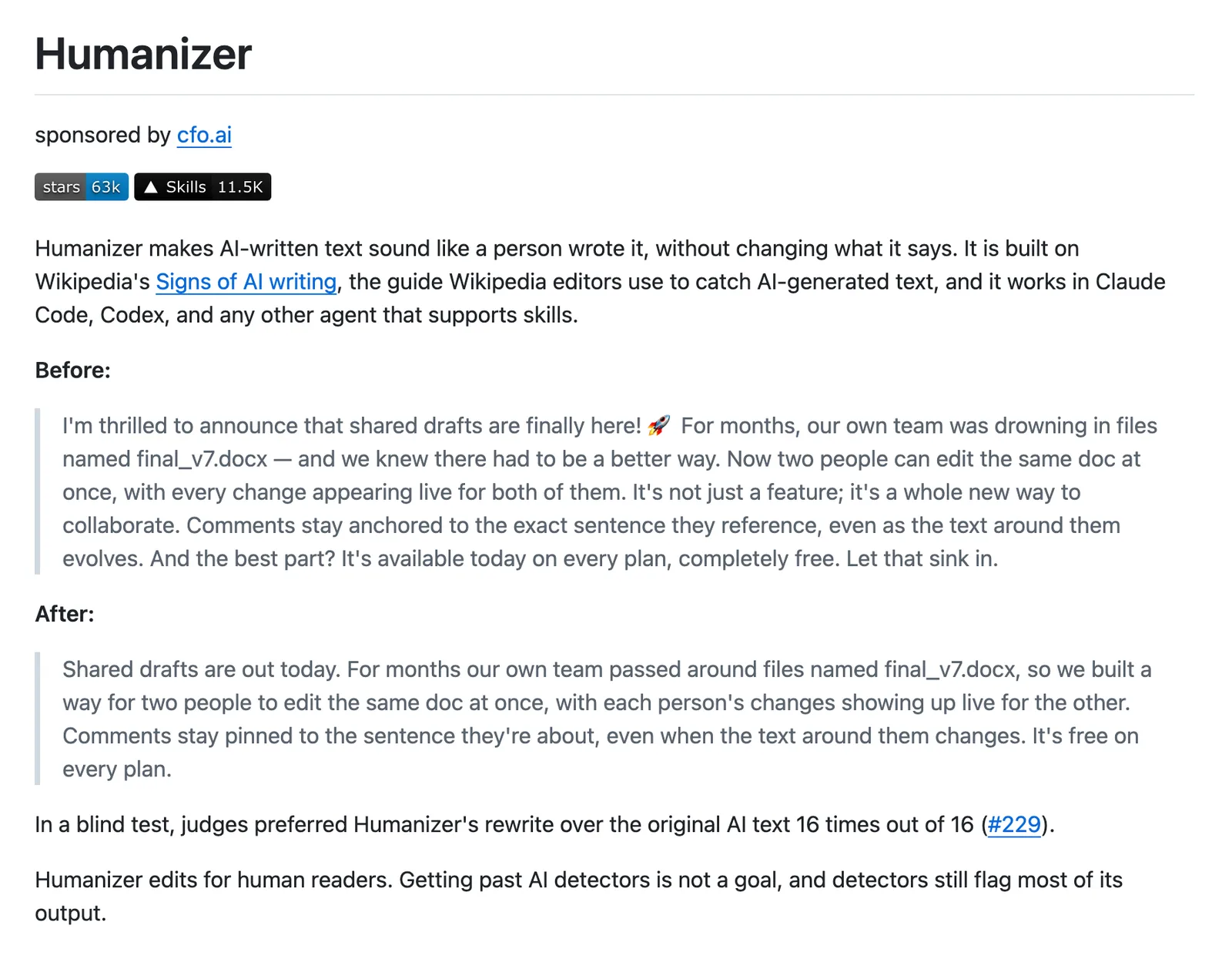
The Humanizer skill was built for exactly that page. It’s a free skill for Claude that spots the habits giving AI writing away and rewrites them without changing what the text says.
We had it installed in this site’s project and used it, alongside Stop Slop, to edit the guides in this series. This page covers what it does, how to install it in Claude Code or the Claude app, and the gaps it leaves for you.
The gaps matter as much as the fixes.
If you’ve landed here first, the series starts with how to build a website with Claude.
What Humanizer does#
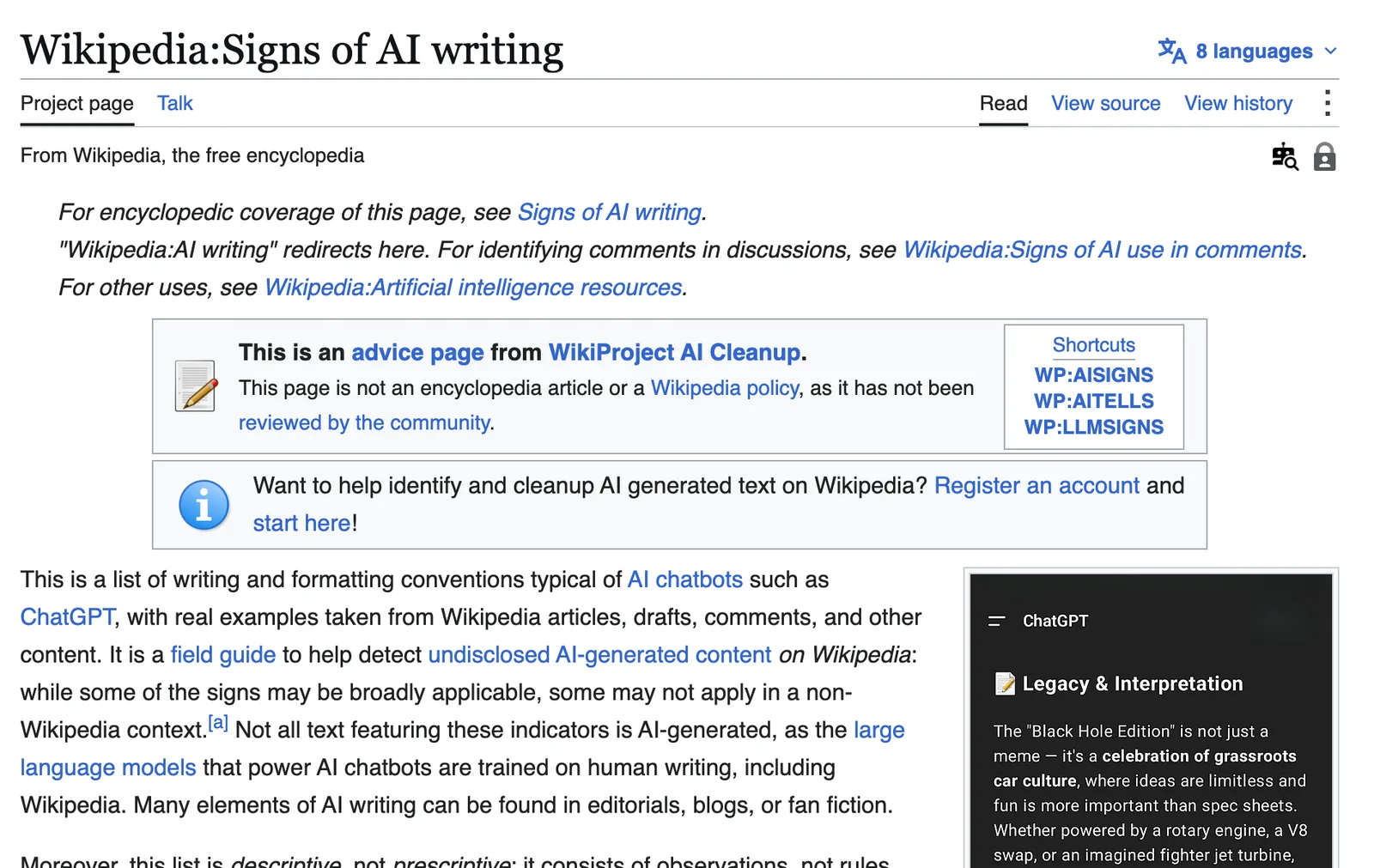
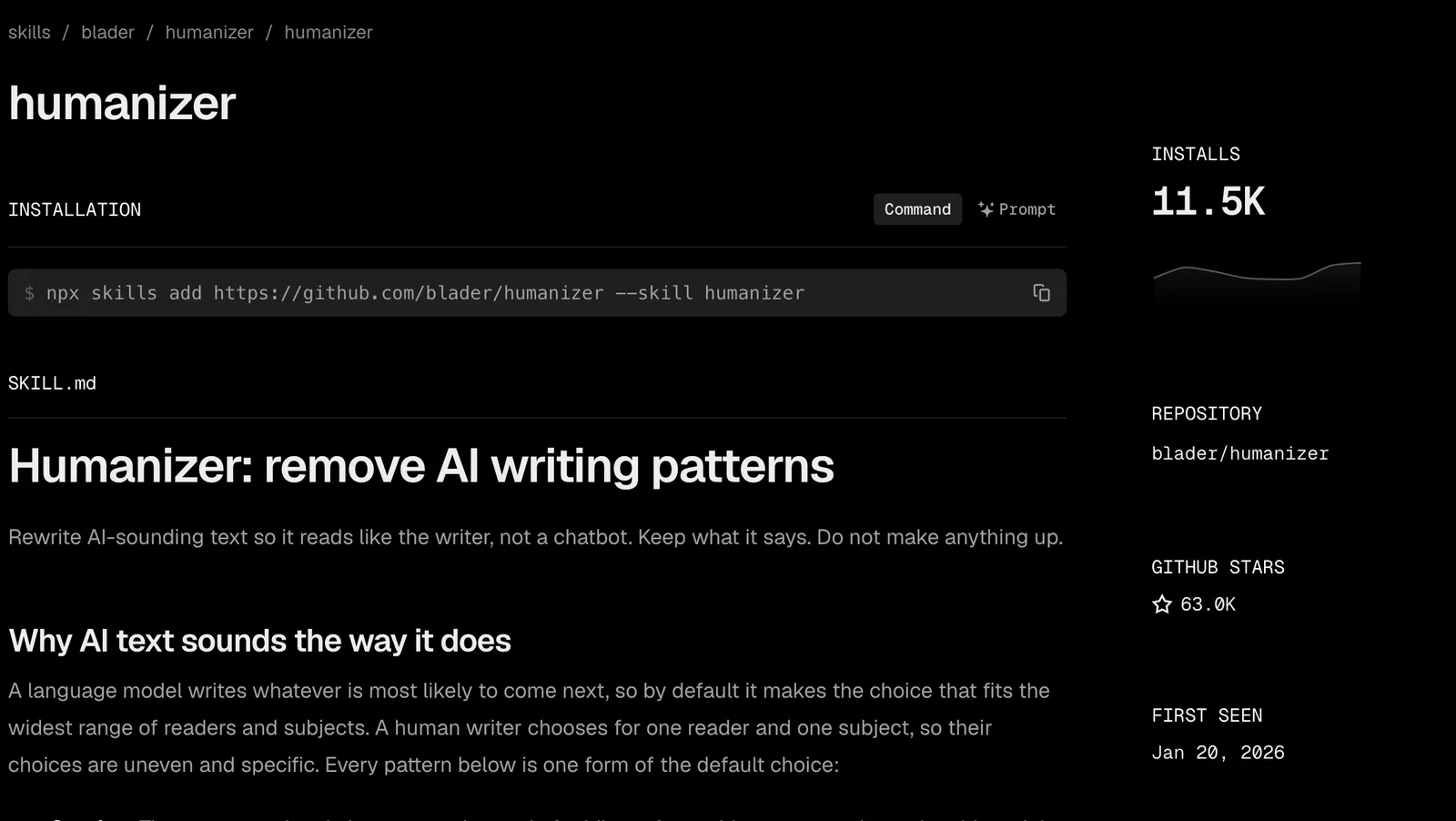
Humanizer is one instruction file (that’s all a skill is) which Claude loads whenever you ask it to edit prose. The project lives at blader/humanizer on GitHub, where it had 60,970 stars on 26 October 2026. It’s built on Wikipedia’s “Signs of AI writing”, the guide Wikipedia’s own editors use to catch machine-written articles.
So why does AI copy all sound alike?
The skill’s own answer is the best short one we’ve read. A language model writes whatever is most likely to come next, so by default it makes the choice that suits the widest range of readers, while a person writing for one reader makes choices that are uneven and specific. Every pattern on its list is a version of that safe, average choice.
On a website, average costs you. A visitor deciding whether to trust you with their money reads we elevate your online presence and learns nothing at all. “We’ll build five pages and connect them to Google by Friday” tells them exactly what they’re buying.
The 26 patterns, and the ones that matter on a website#
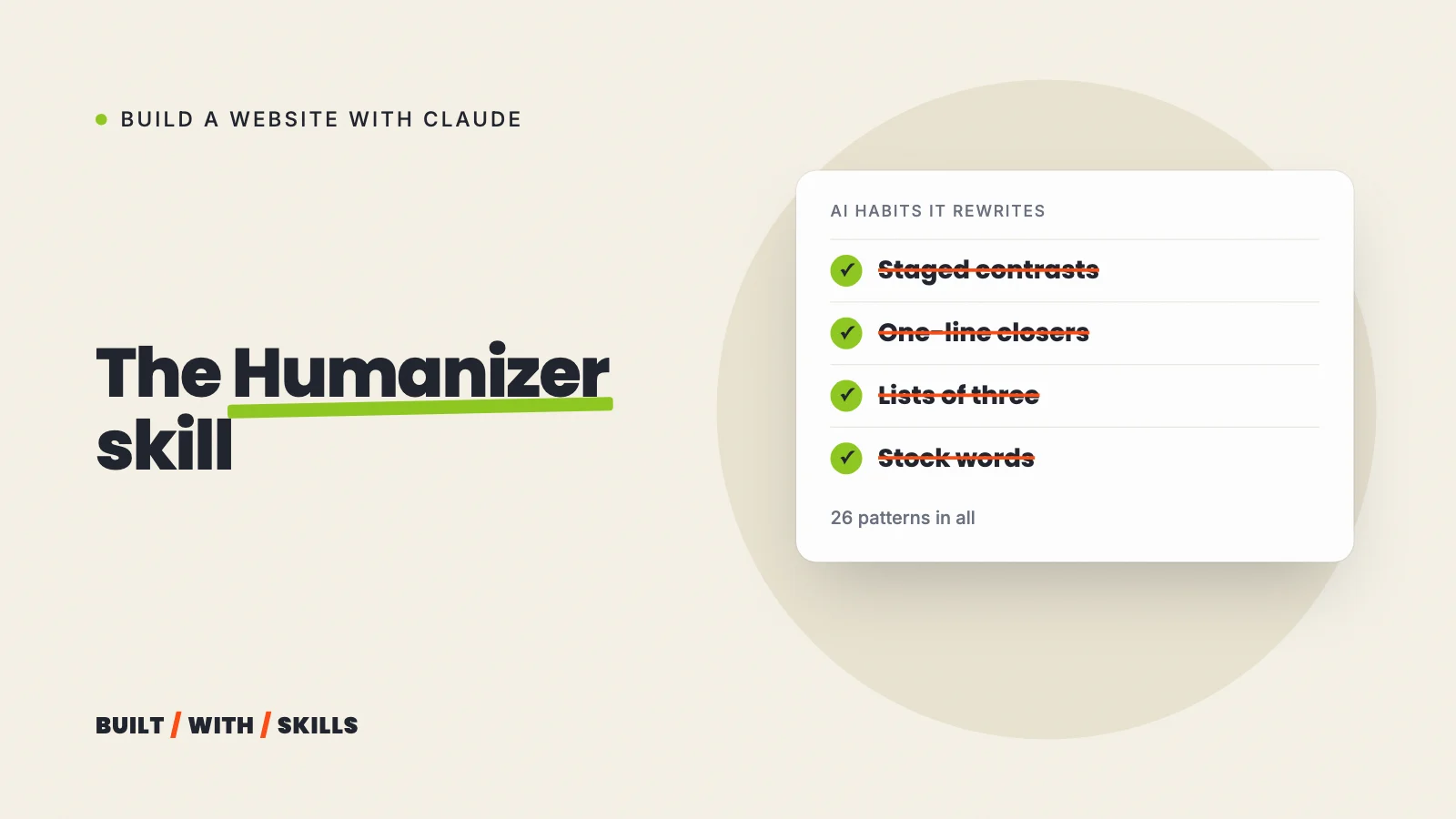
Version 3.1.0, the current one, sorts 26 patterns into six groups and numbers them strongest first. The first five get rewritten on a single sighting. A few further down are marked “weak alone”, meaning they only count when other tells share the passage, since a careful writer might use any one of them on purpose.
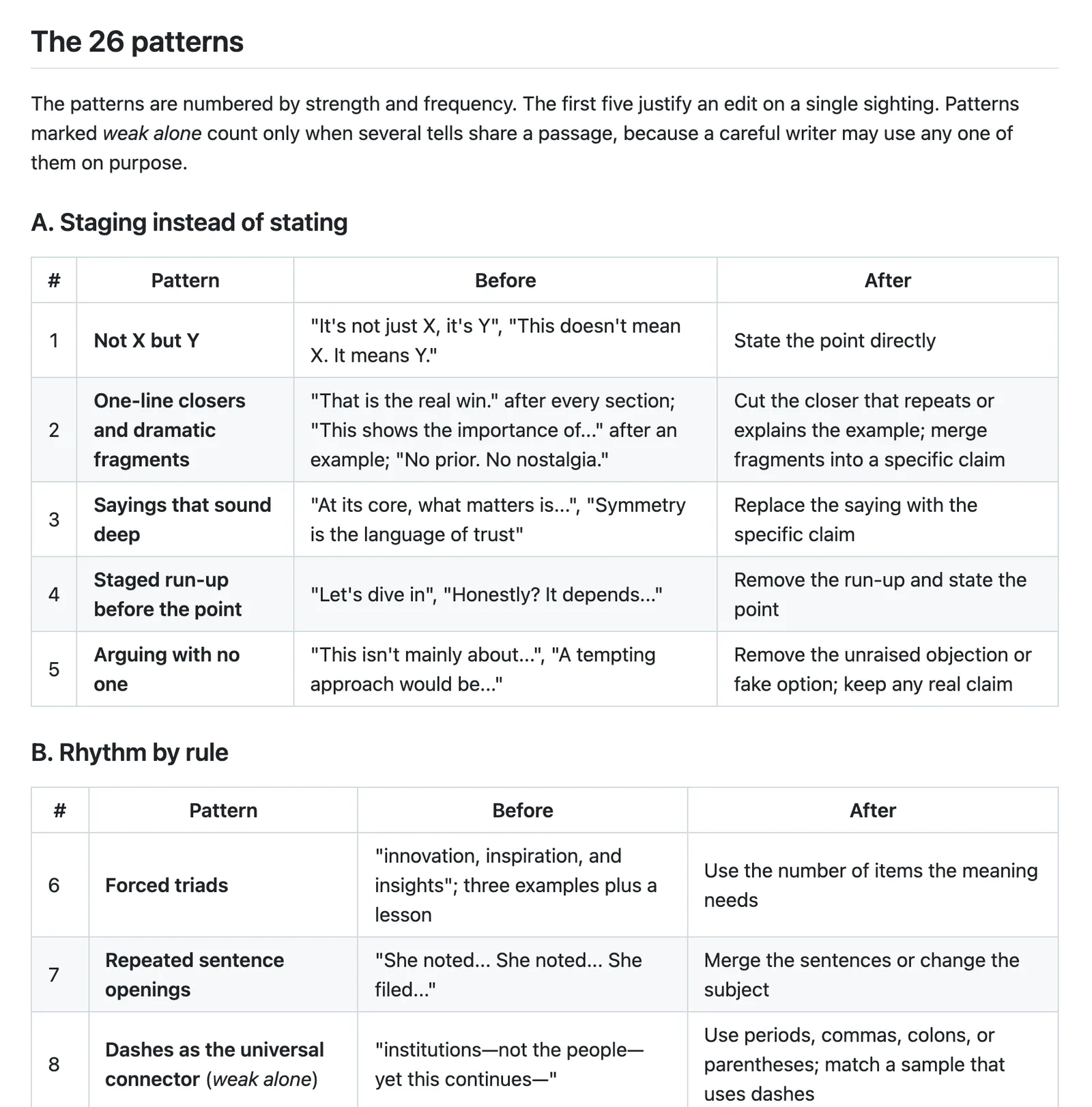
On a small business site, these are the ones you’ll trip over most:
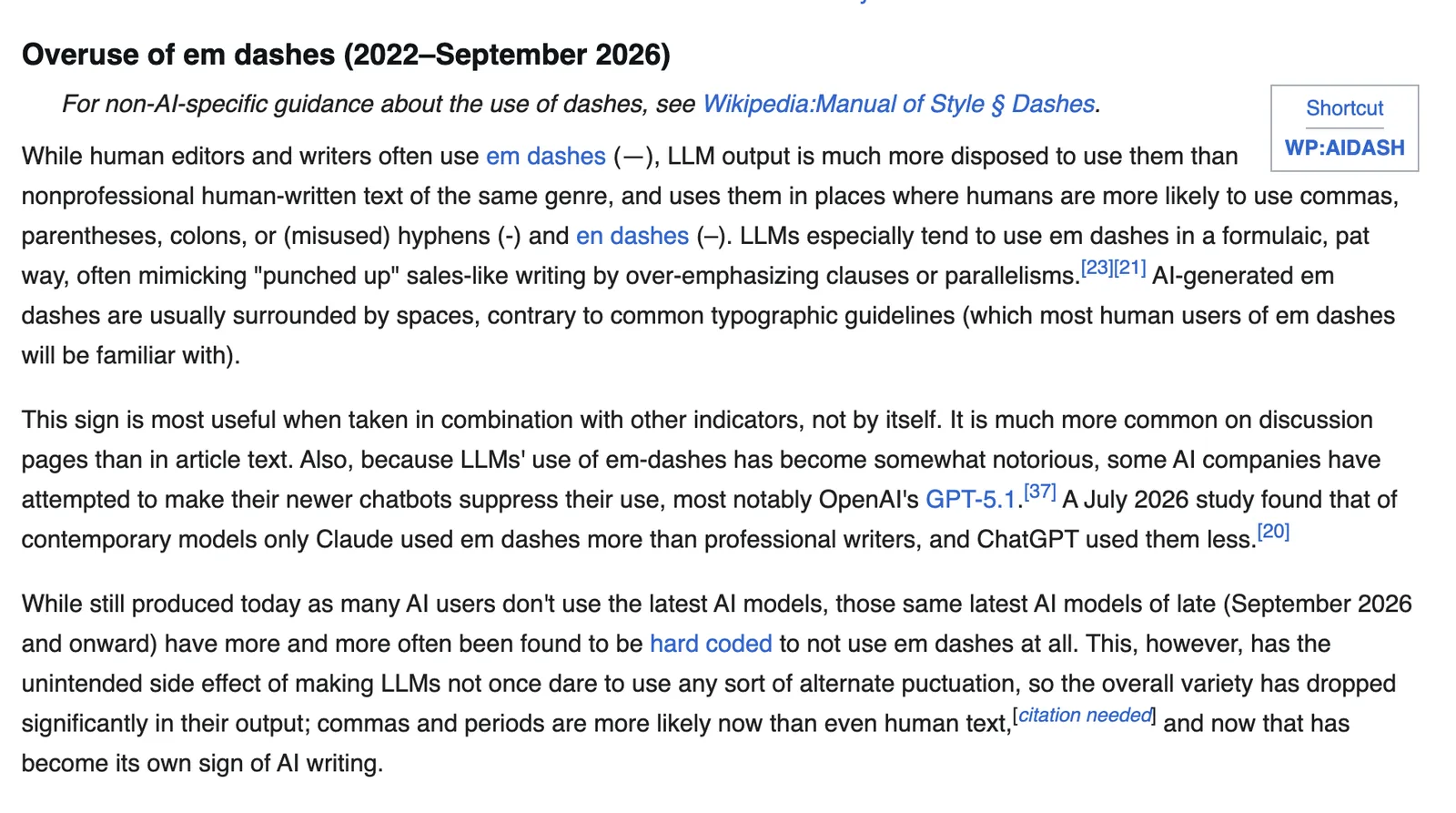
- Not X but Y. “It’s not just a website, it’s your digital home.” The first half knocks down something nobody said, so the second half sounds bigger, and Humanizer simply states the point instead.
- One-line closers. A short paragraph after each section that repeats it (“That’s the real difference.”).
- Staged run-ups. “Here’s the thing.” “Honestly?” Throat-clearing before the point.
- Forced triads. Fast, simple and affordable. Real lists have however many items are true.
- Stock AI words.
delve,tapestry,showcase,pivotaland their friends. - Inflated significance.
a pivotal step in your journey, for booking a haircut. - Sales language.
nestled in the heart of, for an address. - Bold as decoration, and headings in Title Case.
- Chat leftovers.
Great question!andI hope this helps, pasted straight into a page.
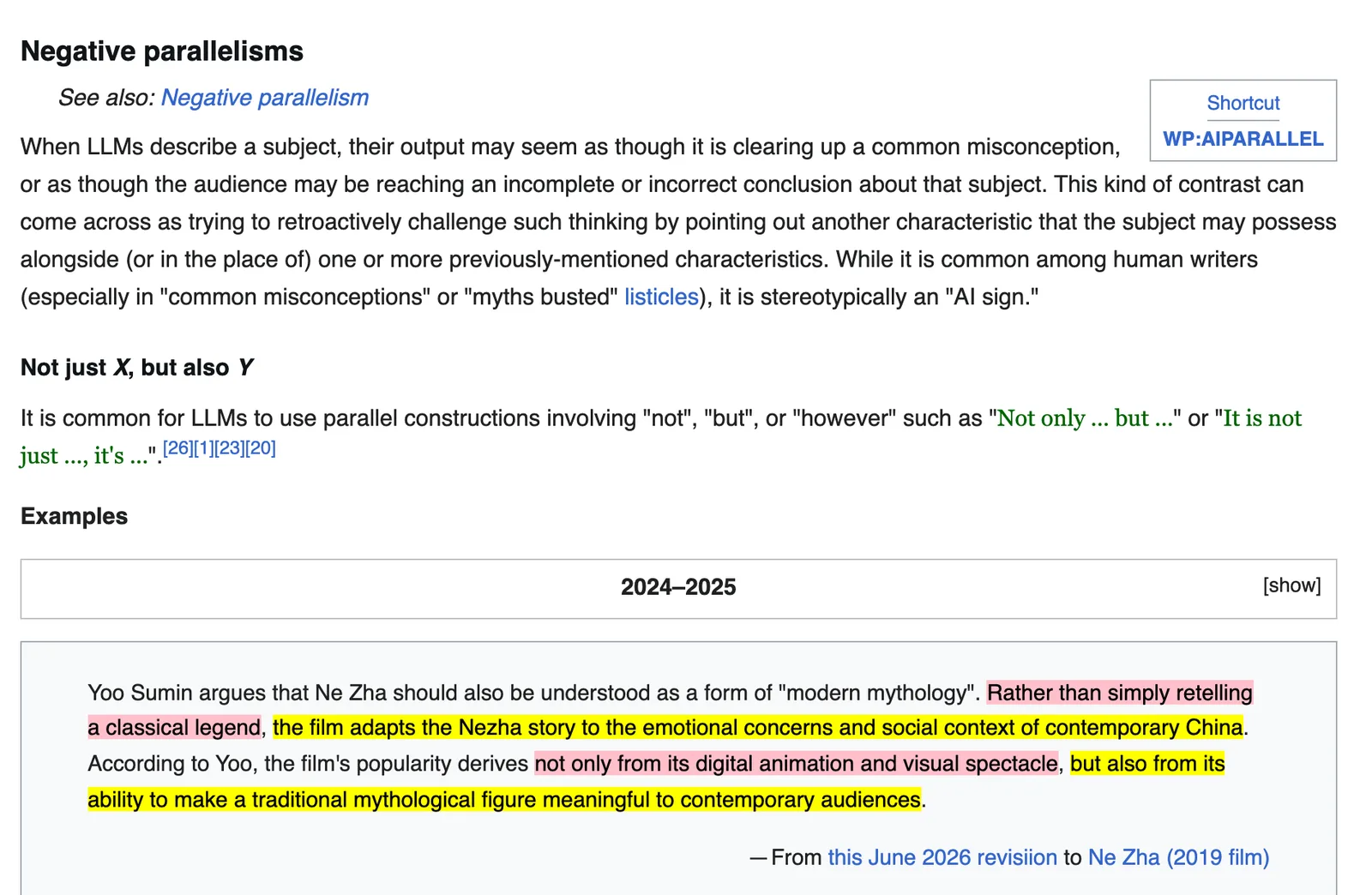
Dashes are on the list too, at number 8, but only as a weak tell. Why so far down? Because Wikipedia’s guide now dates its em dash section “2022 to September 2026”, as the newest models have increasingly been trained out of them.
What replaced them (sentences held together with nothing but commas and full stops) has become a sign of its own. The same page cites a July 2026 study in The Economist which found that only one current model still used em dashes more than professional writers.
That model was Claude.
So if you write with Claude, you still have a dash problem, and the section on how we use Humanizer further down shows the rule we use to fix it.
How to install Humanizer#
Where you install it depends on where you use Claude.
In Claude Code#
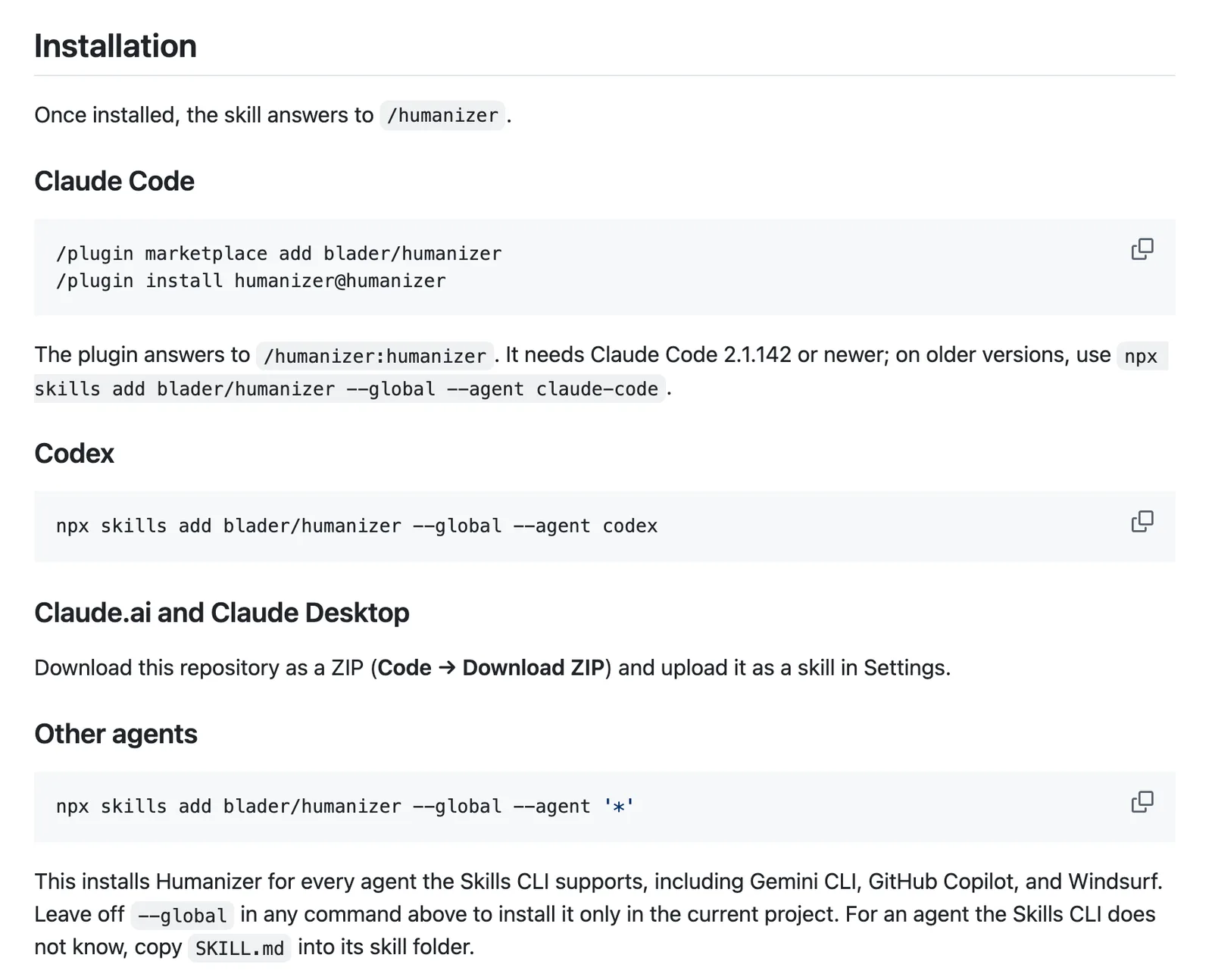
Run these two commands in a Claude Code session, in the terminal or in VS Code:
/plugin marketplace add blader/humanizer
/plugin install humanizer@humanizer
You’ll need Claude Code 2.1.142 or newer. Once it’s in, call it with /humanizer:humanizer, or just ask Claude to humanize something.
Spend most of your time in the desktop app? Run the commands once in the terminal anyway. The desktop app’s plugin browser only lists plugins from marketplaces you’ve already added.
According to Anthropic’s plugin docs, the terminal, VS Code and the desktop app’s local sessions share their settings, so a plugin you install for your user account in one of them turns up in the others.
On an older version, or to install it into one project only, use the skills.sh installer:
npx skills add blader/humanizer --agent claude-codeAdd --global to install it for every project.
In Claude.ai or the desktop app’s chat#
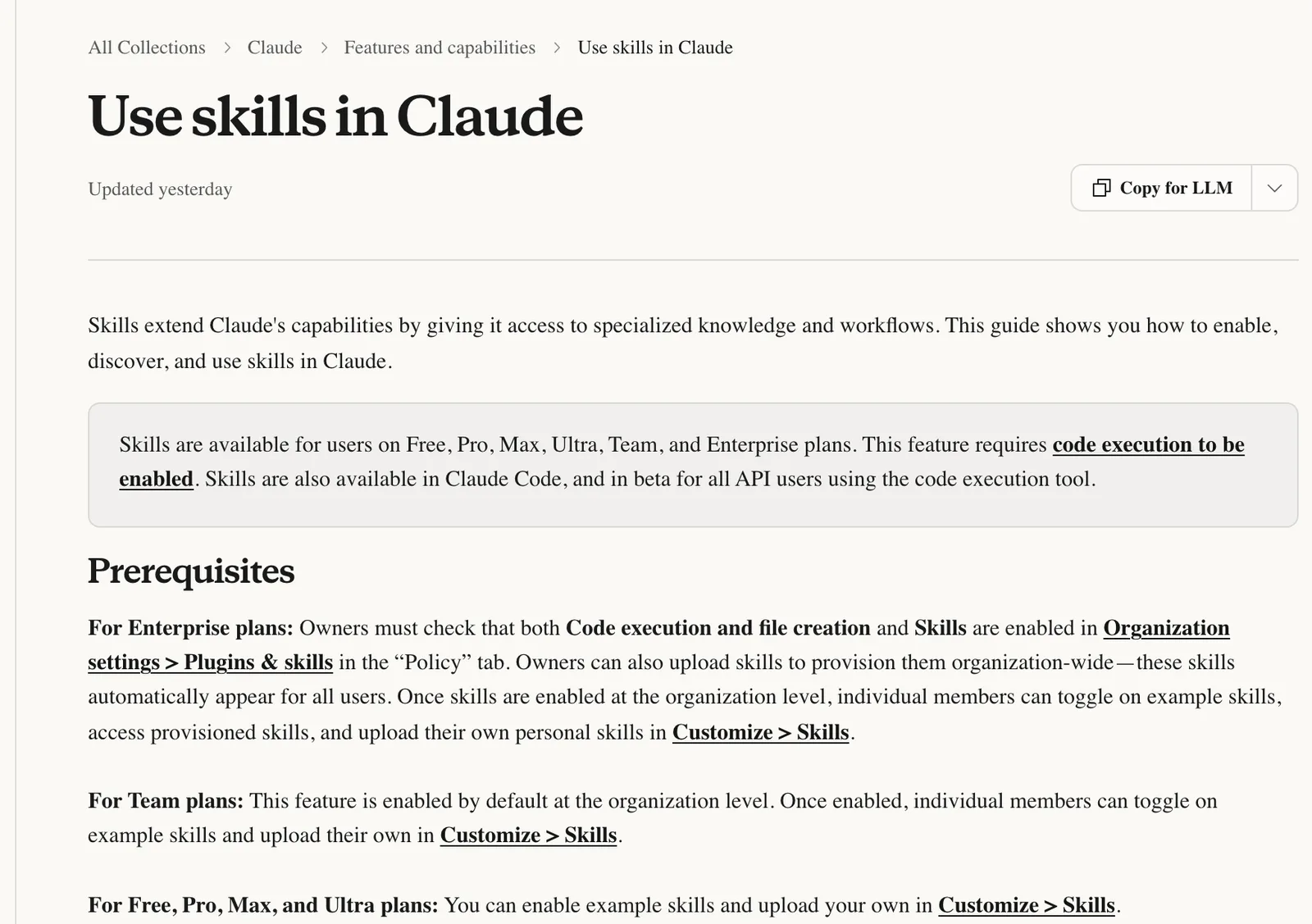
Skills work on every Claude plan, Free included. Anthropic’s help page on skills says they need code execution switched on first, under Settings > Capabilities > Create and edit files (Code execution and file creation in the older layout).
Then download the repository from GitHub as a ZIP (Code > Download ZIP), go to Customize > Skills, click +, choose Create skill > Upload a skill and pick the file.
Watch for one snag. The help page says the folder inside the ZIP must share the skill’s name, and GitHub calls it humanizer-main.
We haven’t tried this route ourselves, so treat this fix as untested. If the upload is refused, unzip it, rename the folder to humanizer, zip it again and retry.
How to use it on your website copy#
Write the first draft yourself, however rough it is. Humanizer is an editor. It has no idea what makes your business different, so a draft with your real details in it gives it something worth keeping.
Then ask it to show its working:
Humanize the copy on the about page. Keep my wording where it already
sounds like me, keep every fact, and show me what you changed.
Seeing each change teaches you your own habits, and it lets you refuse an edit that cut something you meant.
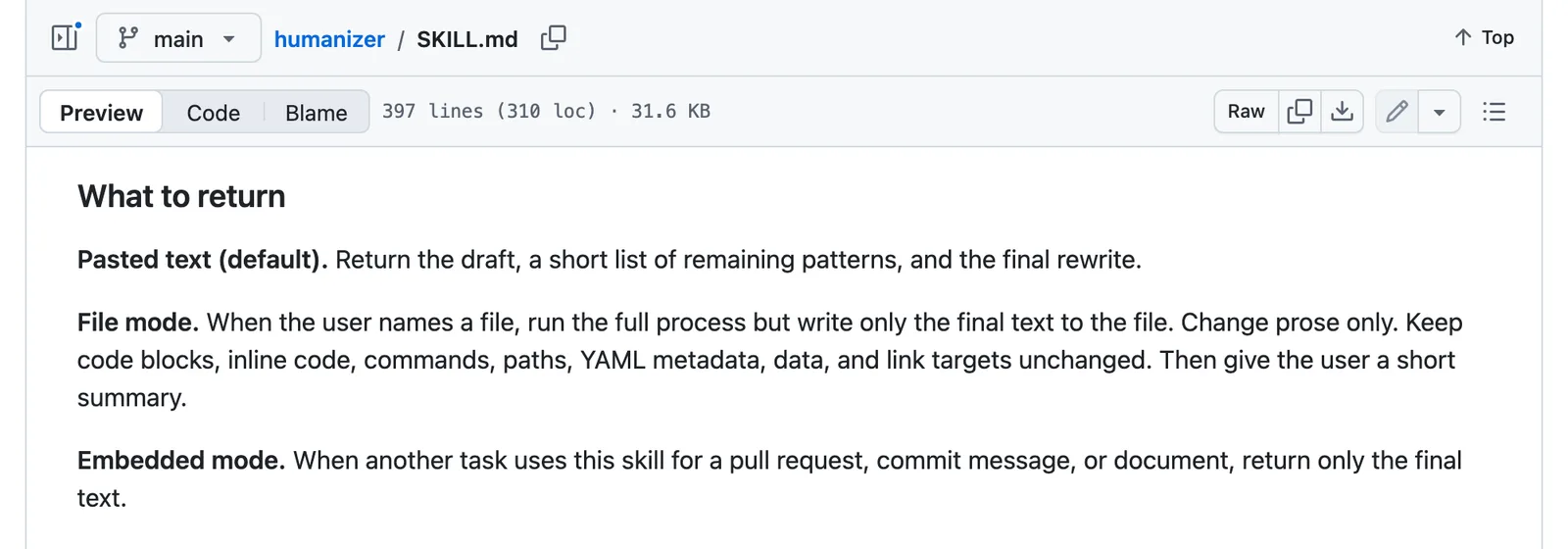
Paste text into the chat and you get three things back: a first rewrite, a short note on whatever still sounds machine-made, and the final version. Point it at a file instead (“Humanize the prose in src/pages/about.md”) and it rewrites the prose only, leaving code, frontmatter and links alone, which is exactly what you want on a site built from Markdown files.
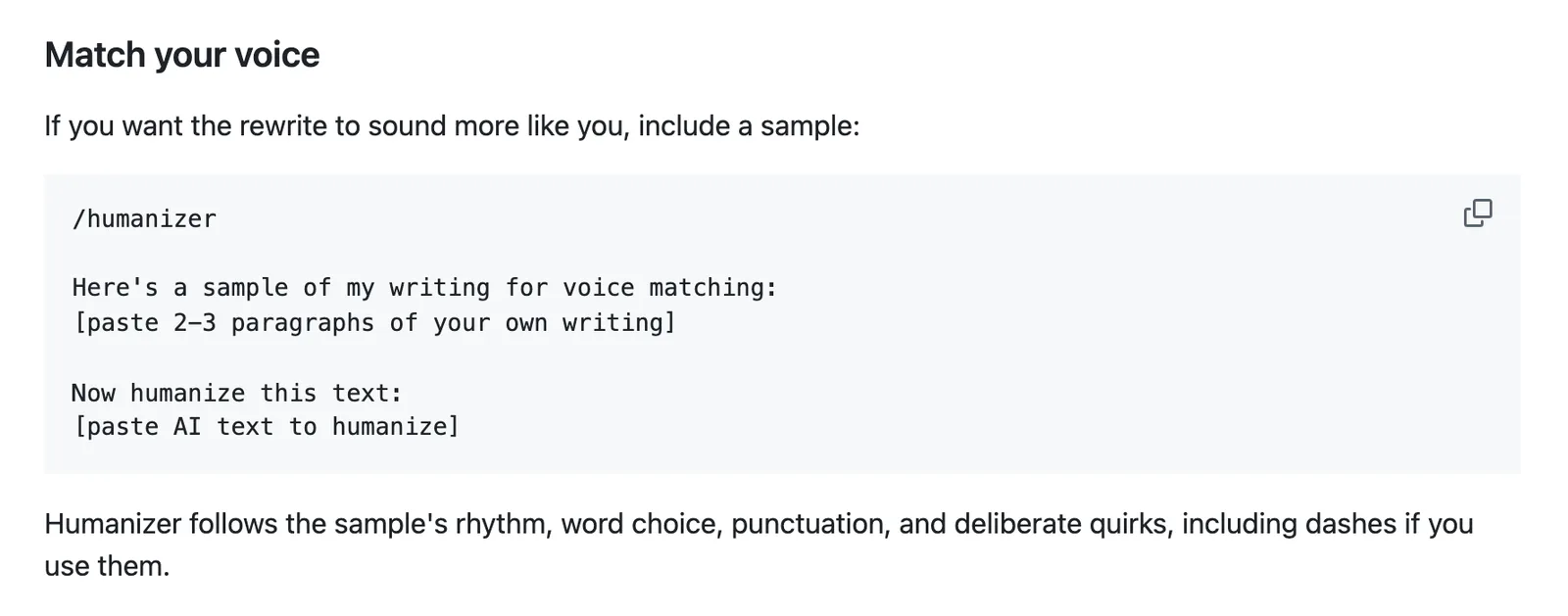
Still doesn’t sound like you? Give it a sample.
Paste two or three paragraphs you wrote without AI (an old email to a customer works well), say it’s a sample for voice matching, then paste the text to rewrite. It copies the sample’s sentence length, word choice and punctuation, dashes included if you use them.
What Humanizer won’t do#
It won’t beat AI detectors. The README says so plainly: getting past them isn’t a goal, and detectors still flag most of its output. If that’s why you’re here, it’s the wrong tool (and your customers aren’t running your homepage through a detector anyway).
It won’t make thin copy good, either. Humanizer never adds a fact it wasn’t given, which is exactly the rule you want, but it means a page that says nothing specific about your business comes back saying nothing more neatly.
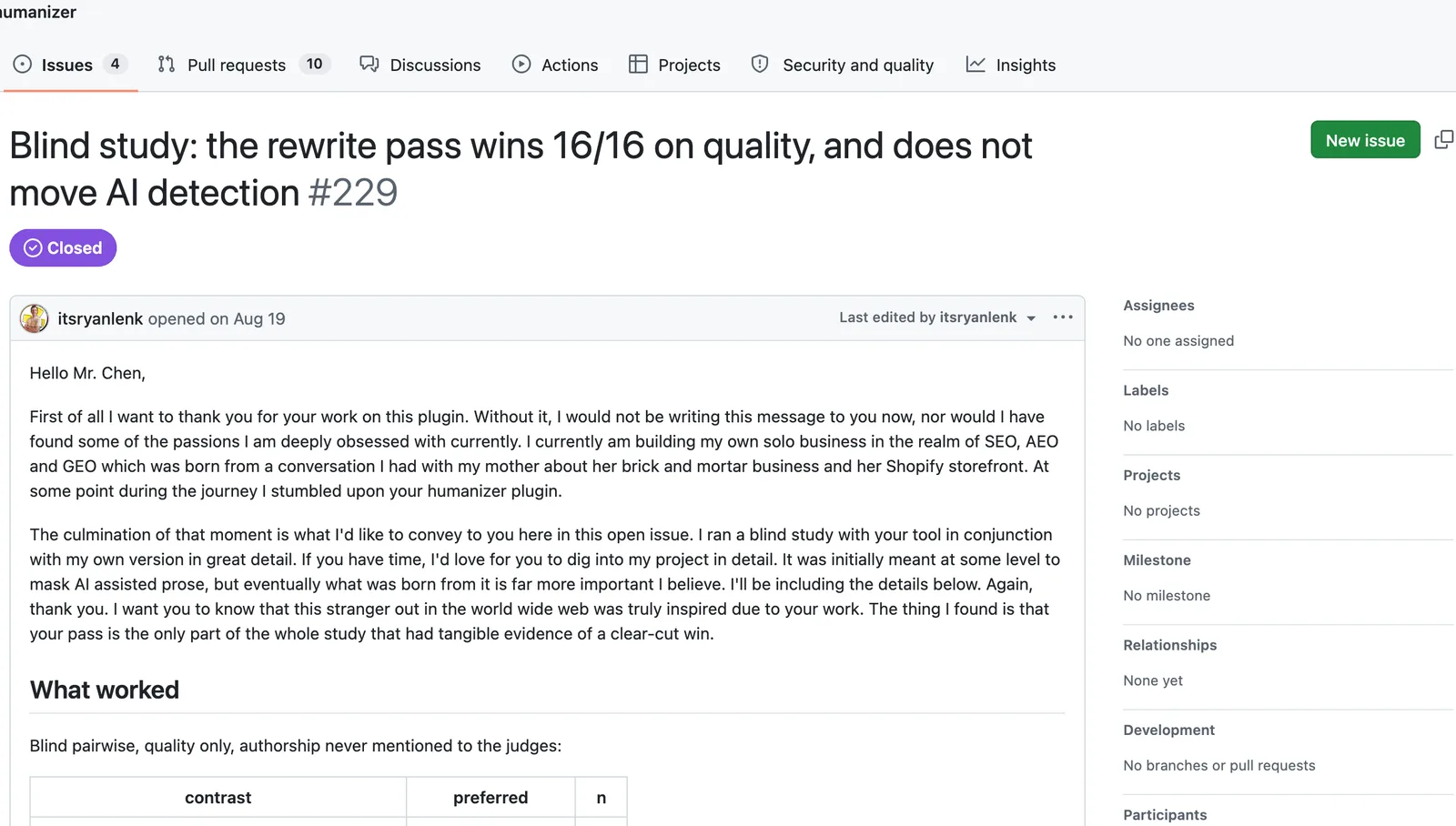
Be careful with the headline evidence, too. The README cites a blind test in which judges preferred Humanizer’s rewrite over raw AI text 16 times out of 16.
The write-up of that test is open about its limits, though: the judges were all language models from one model family, and only 77 of the 144 planned trials ran. That shows a model prefers the output. Whether your customers do is still your call.
And it can’t hear a whole page. It works sentence by sentence and passage by passage, so it’ll catch a triad or a closer but miss a page where nearly every sentence lands between 8 and 20 words. Wikipedia’s guide now lists that as a tell of GPT-6, and the one reliable way to catch it is to read the page out loud.
Run it, then read it.
How we use it on this site#
Humanizer handled the wording on our guides. A rule did the rest.
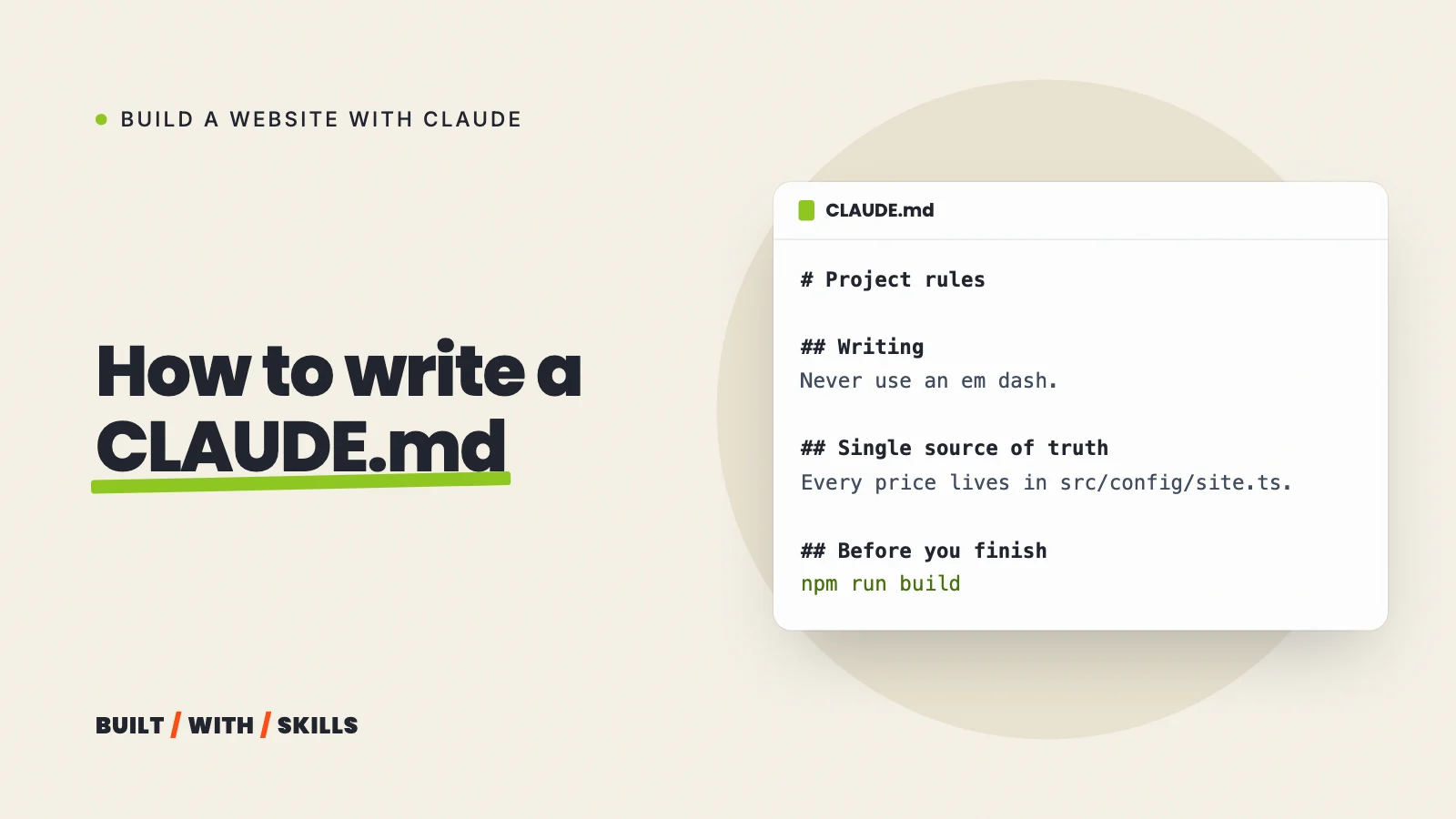
Our project file, CLAUDE.md, bans the em dash and the en dash outright, in page copy, code comments and commit messages alike. It also gives a one-line grep for the dash character to run before every commit, with the instruction that anything it prints is a bug.
That one line catches every dash a skill misses. Paste the same rule into your own CLAUDE.md; our CLAUDE.md guide shows you how to set one up.
We’ve since moved the guides here to a voice skill of our own, which uses a script to measure sentence length across a whole page. That whole-page rhythm was the gap Humanizer left for us.
Humanizer or Stop Slop?#
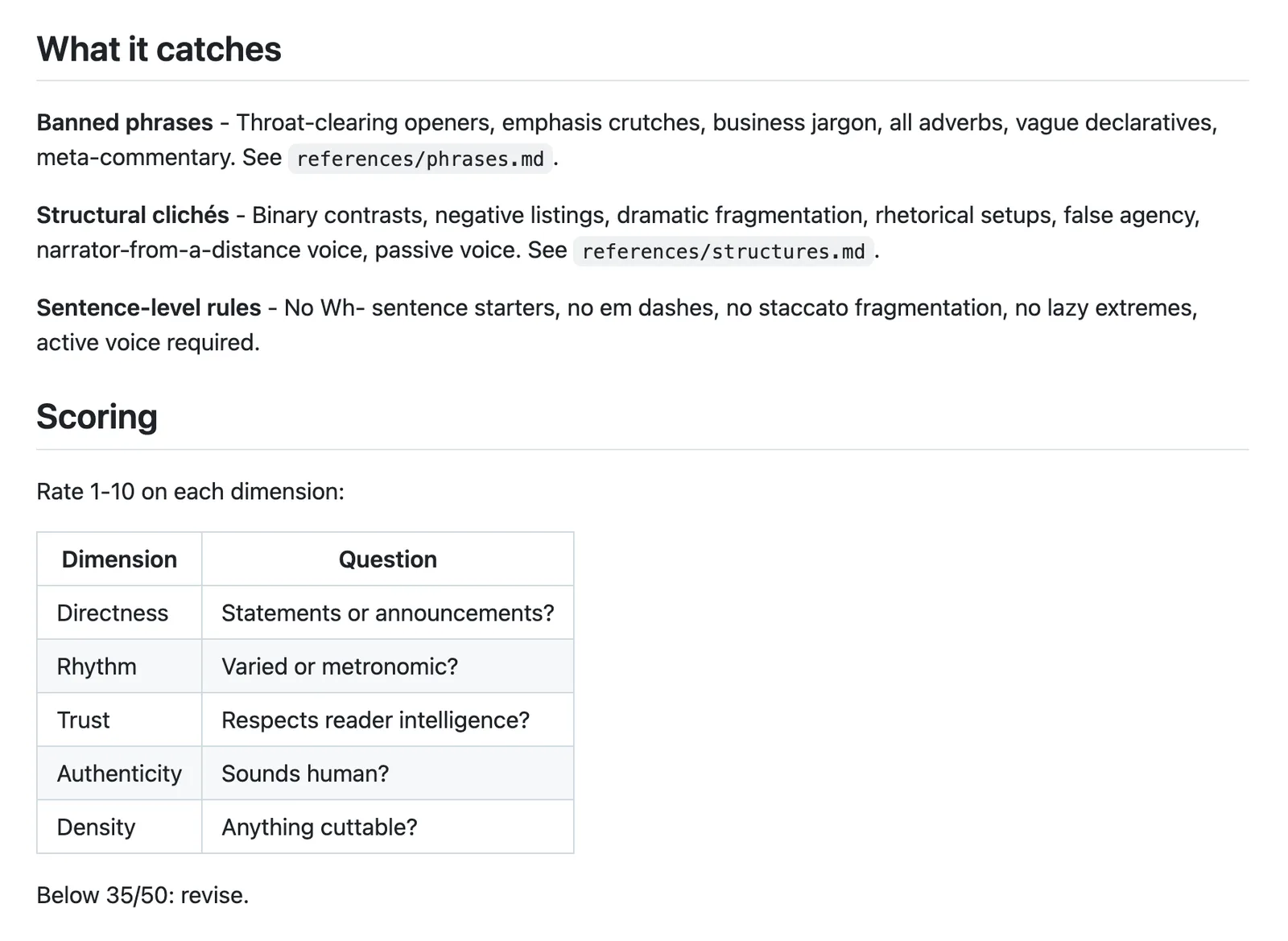
Stop Slop, by Hardik Pandya, covers similar ground with a shorter, blunter rule set (it bans adverbs and the passive voice outright, for example), and it works well as a final pass.
Which one first? Humanizer. It shows you a draft and explains what still sounds off, so you learn something every time you run it.
Both are free and MIT licensed, so nothing stops you running both. Our list of skills for building a website puts them beside the design and SEO skills worth installing with them.