
Can you use Claude Code if you’ve never written a line of code?
Yes, as long as you’ll pay for a plan and check its work. You describe what you want in plain English, and Claude Code writes the files and runs the commands, while you decide what it’s allowed to touch and check what comes back.
We use it to build this site, and you’ll see two of the rules we give it further down. This guide is the first hour we’d give a friend who has never opened a terminal: what you need, where to click, what the permission prompts mean, the handful of words and commands worth learning, and the places where it will let you down if you trust it blindly.
What Claude Code actually is#
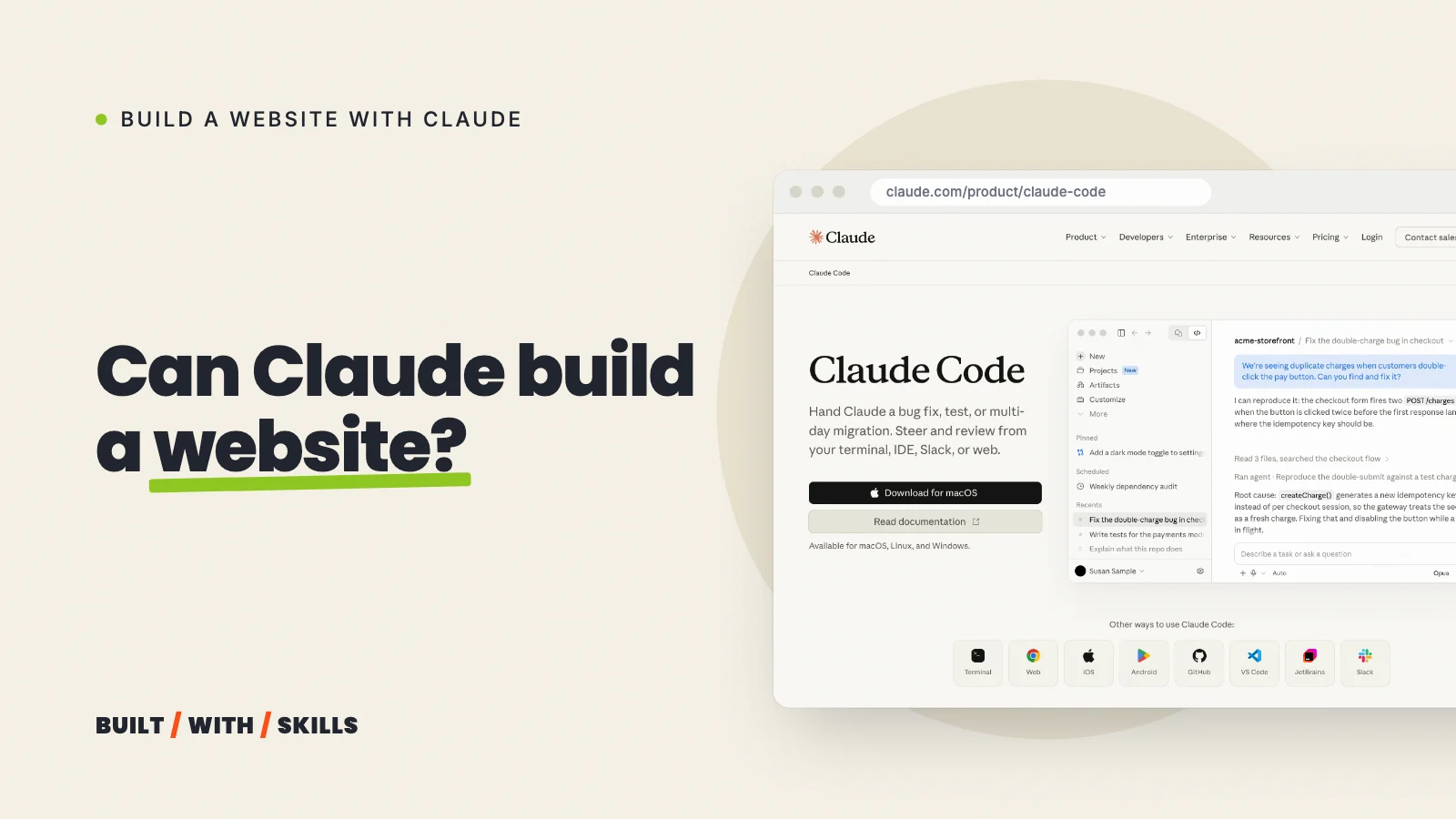
Claude Code is Claude with hands. In the normal chat, Claude writes an answer and you copy it somewhere; in Claude Code, it works inside a folder on your computer, changes the files in it and runs the commands that turn those files into something working, such as a website you can open in your browser.
That changes how you use it. You’re handing over a task, not having a conversation, so the skills that matter are describing the result you want and checking that you got it.
You’re the client. Claude Code is the builder.
What you need before you start#
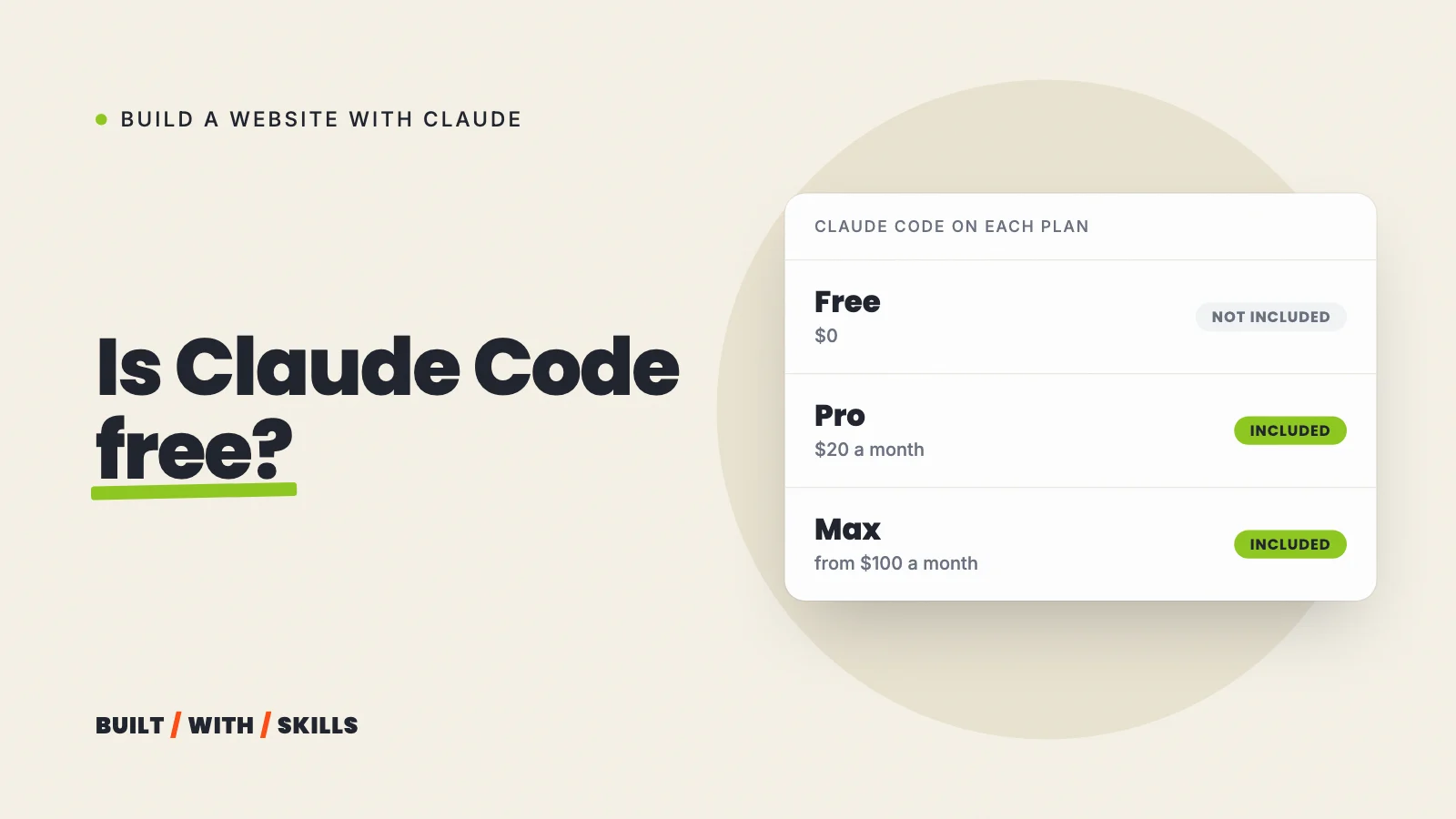
A paid Claude plan, first of all. The free plan doesn’t include Claude Code, and the cheapest plan that does is Pro, at $20 a month or $200 a year as of October 2026. Anthropic’s pricing page has the current numbers, and is Claude Code free? compares every plan.
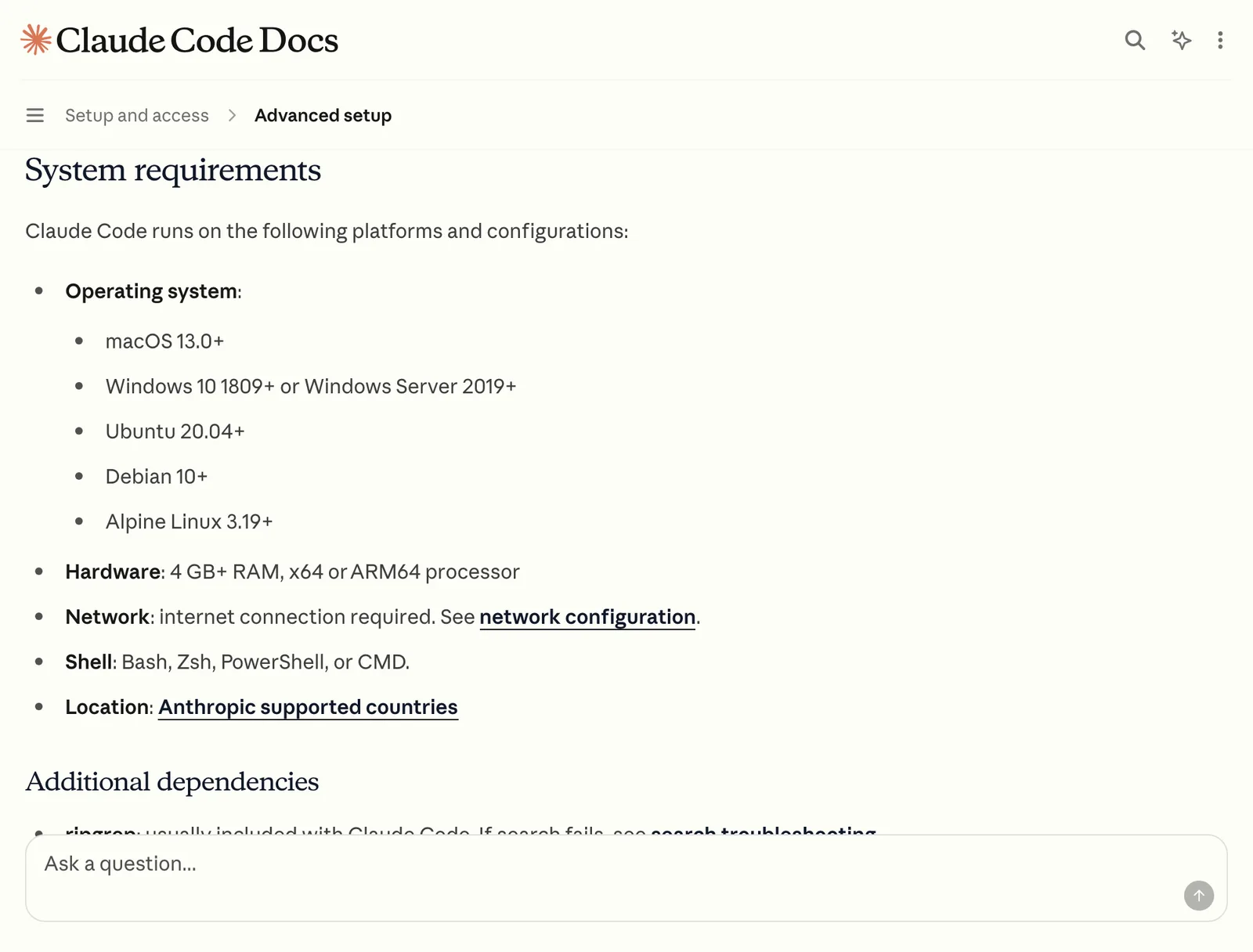
Then a computer that can run it. Anthropic’s system requirements ask for macOS 13 or later or Windows 10 version 1809 or later (recent Ubuntu and Debian work too), with at least 4 GB of RAM.
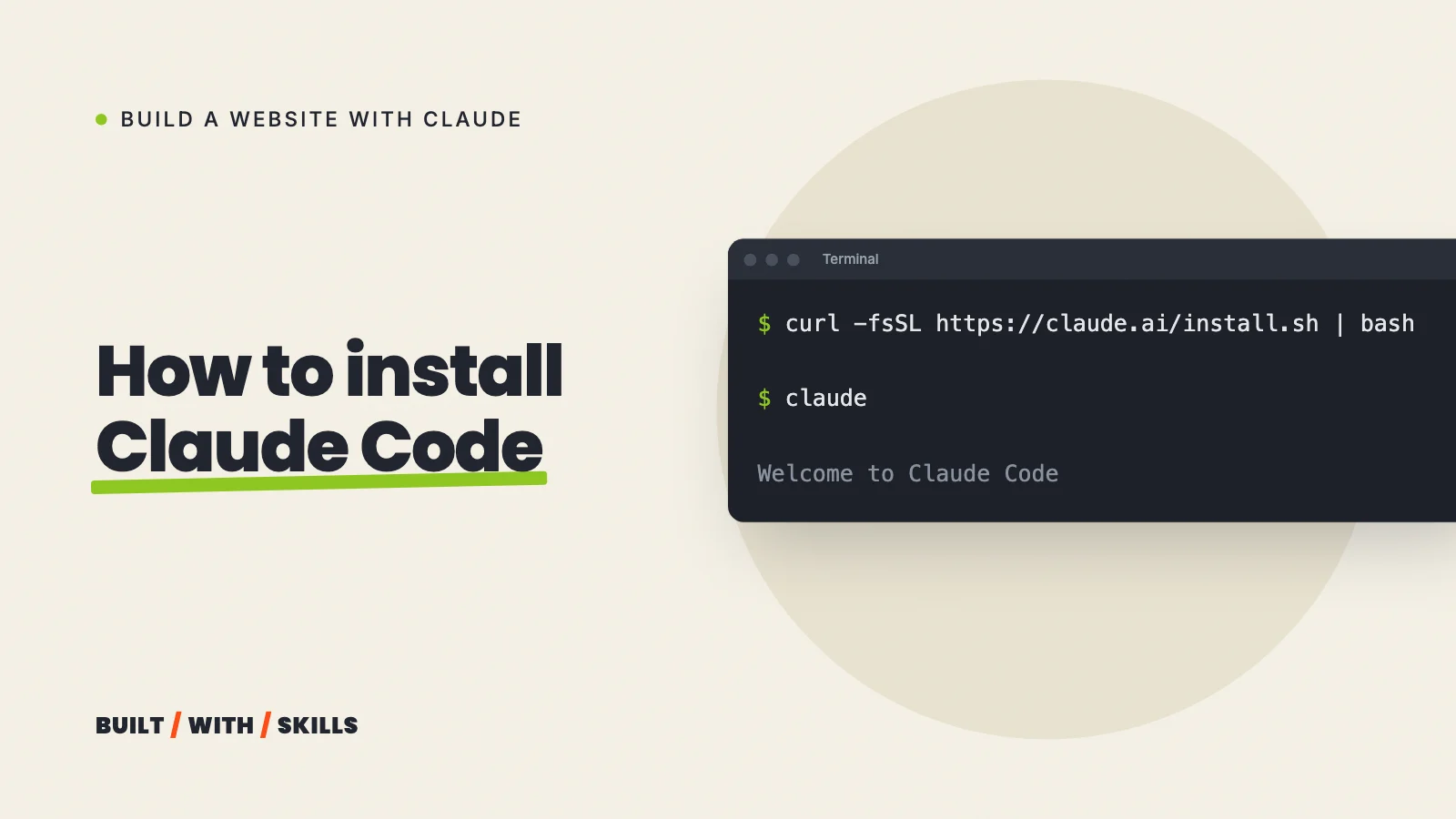
That’s it. The desktop app includes Claude Code, and Anthropic’s own quickstart says you don’t need Node.js or the command-line version to use it. If you’d rather use the terminal anyway, how to install Claude Code covers the one-line install.
Where to run it#
Claude Code runs in four places, and it’s the same Claude Code in all of them.
| Where | Who it suits |
|---|---|
| The Claude desktop app | Beginners. Open the Code tab and it looks like the Claude chat you know |
| A terminal | People happy typing commands. The most direct way in |
| VS Code (or Cursor) | People who want the files and the conversation side by side |
| claude.ai/code in a browser | Projects stored on GitHub, from any computer, running in the cloud |
Does the word “terminal” make you nervous? Then use the desktop app. You’re not missing out, because your work lives in the folder rather than the app, so you can open the same folder in the terminal version later and carry on.
Your first session, step by step#
These steps use the desktop app, with the labels it shows as of October 2026. The terminal version works the same way once you’ve typed claude inside your folder.
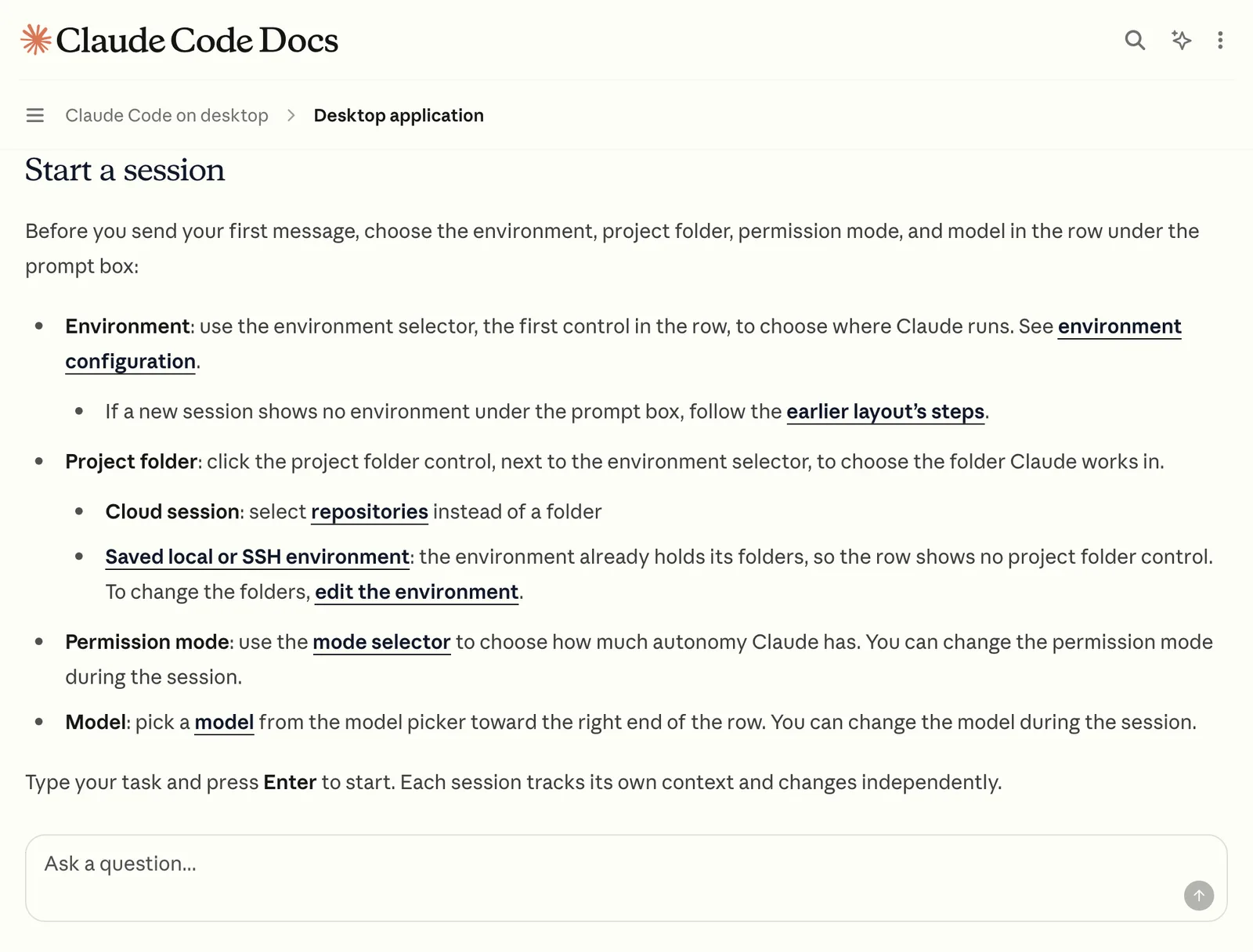
- Make an empty folder for the project somewhere you’ll find it again, such as
Documents/my-website. Claude works in the folder you give it, and a fresh one means there’s nothing in it you’d mind losing. - Open the Code tab. It sits at the top of the app’s sidebar. If you see a prompt to upgrade instead, you’re on the free plan.
- Pick the folder. In the row under the prompt box, choose the Local environment, then click the folder control beside it and choose Open folder….
- Check the permission mode in the same row. Leave it on Manual for now (the next section explains why), or pick Plan for your first message so Claude can’t change anything yet.
- Describe what you want, and ask for a plan. For example: “I want a three-page website for my pottery classes in Bristol. Before building anything, explain how you’d set it up and what each page would contain.”
- Read the plan and push back in plain English. “Make it simpler, I don’t need a blog” is a perfectly good instruction.
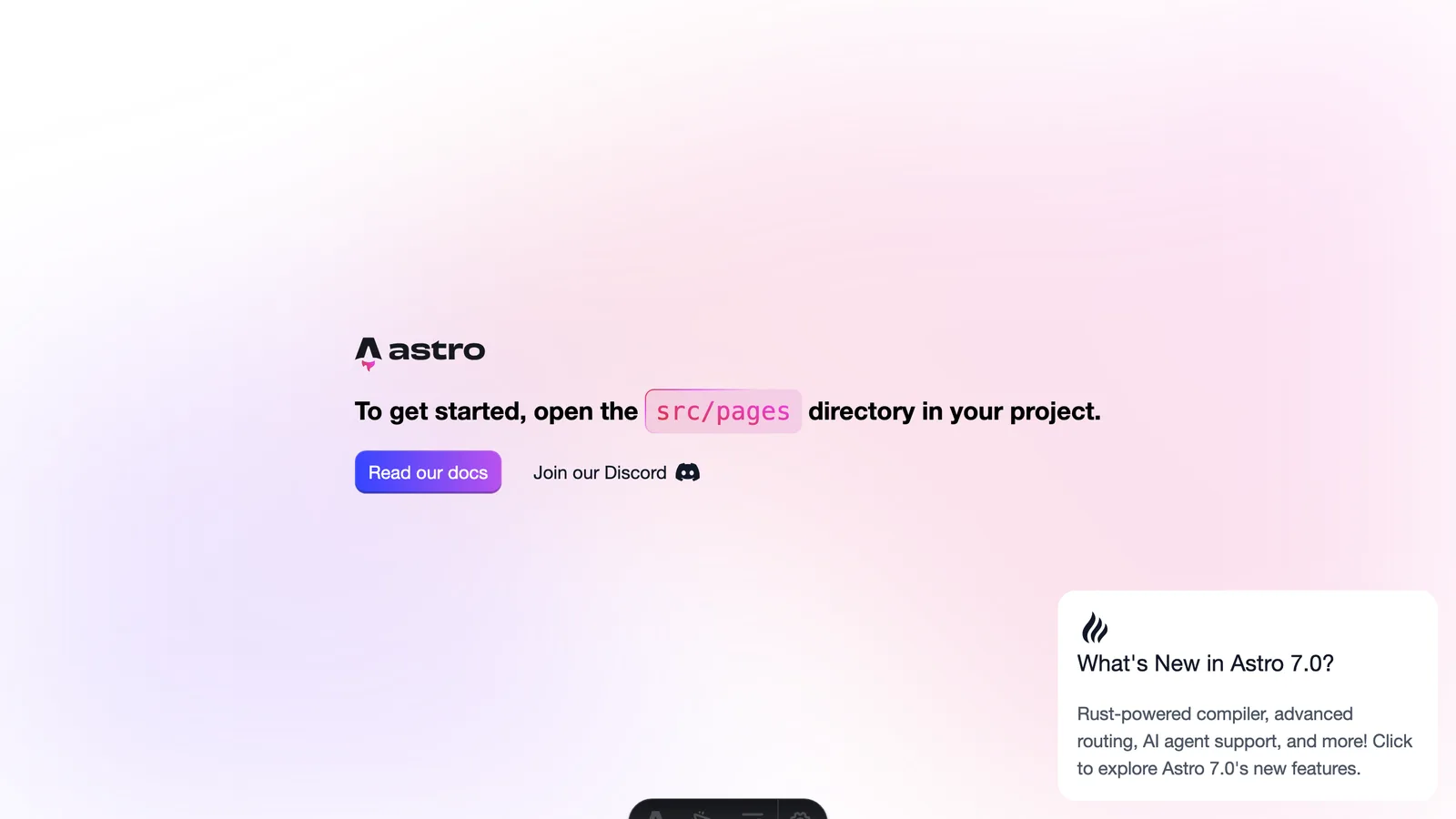
- Let it build one page, then ask it to start a preview. The desktop app opens your site in its Browser pane, so you can see it without leaving the app.
- Say what’s wrong, specifically. “The phone number is hard to read on a phone” beats “make it better” every time.
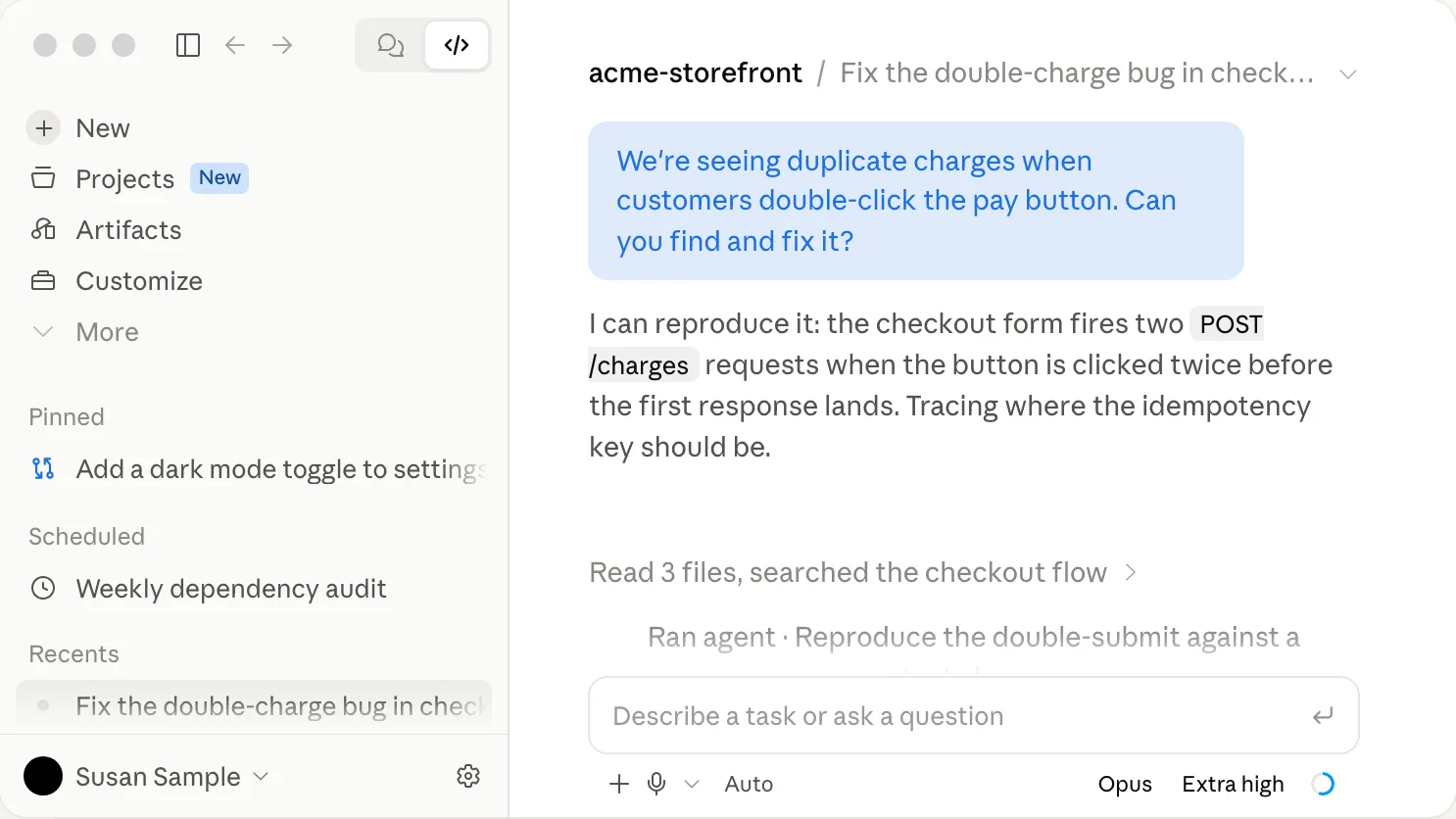
One page at a time is the habit that matters most here, because a beginner who asks for the whole site in one message gets a pile of files they can’t judge, whereas one page you’ve looked at and fixed teaches you what to ask for on the next.
You can stop it at any point, too. Click the stop button, or type a correction and press Enter while it’s still working.
Reading the permission prompts#
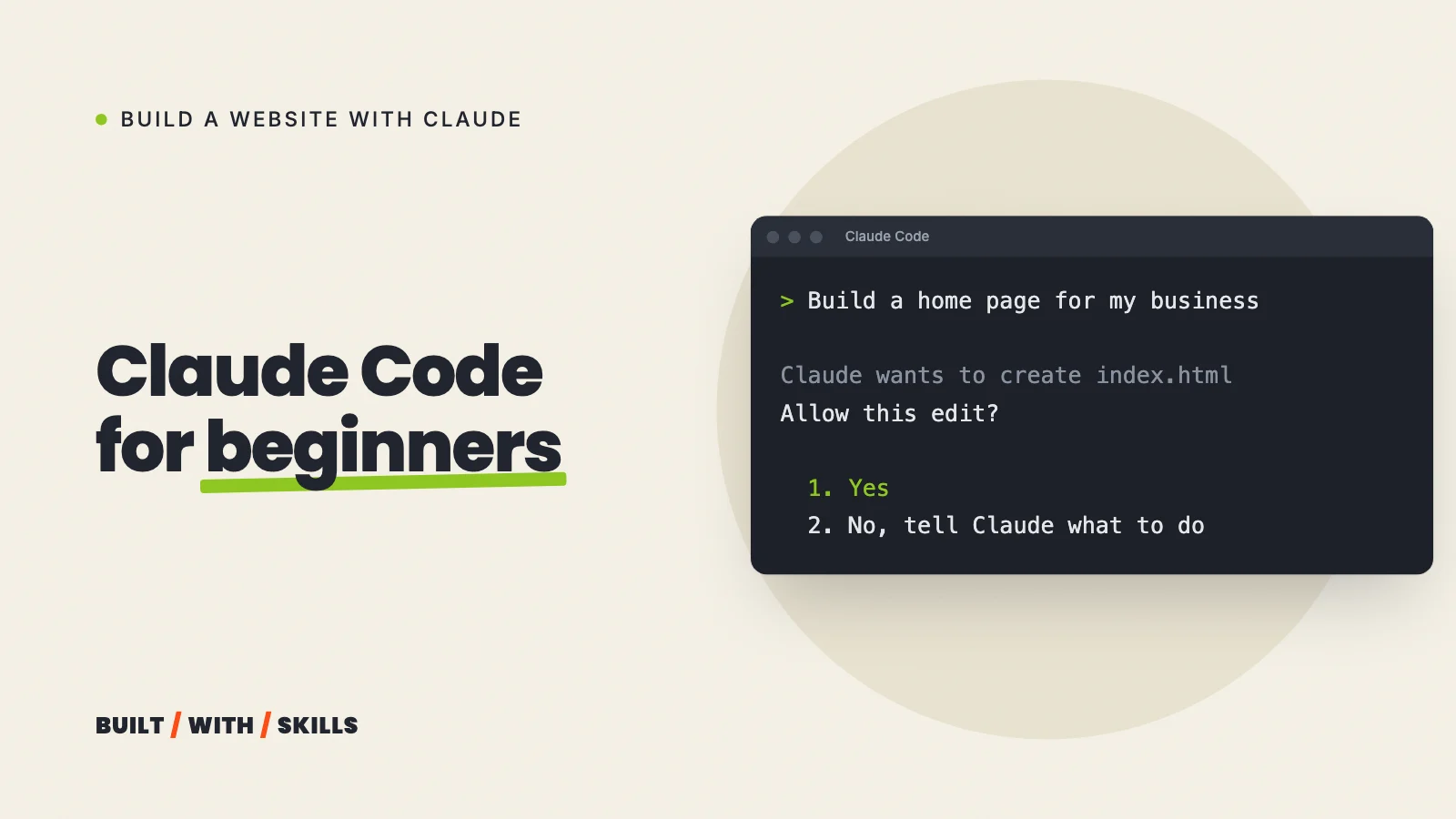
Every time Claude wants to change a file or run a command in Manual mode, it stops and asks. It shows you what it wants to do, usually with a line on why, and waits for a yes or a no.
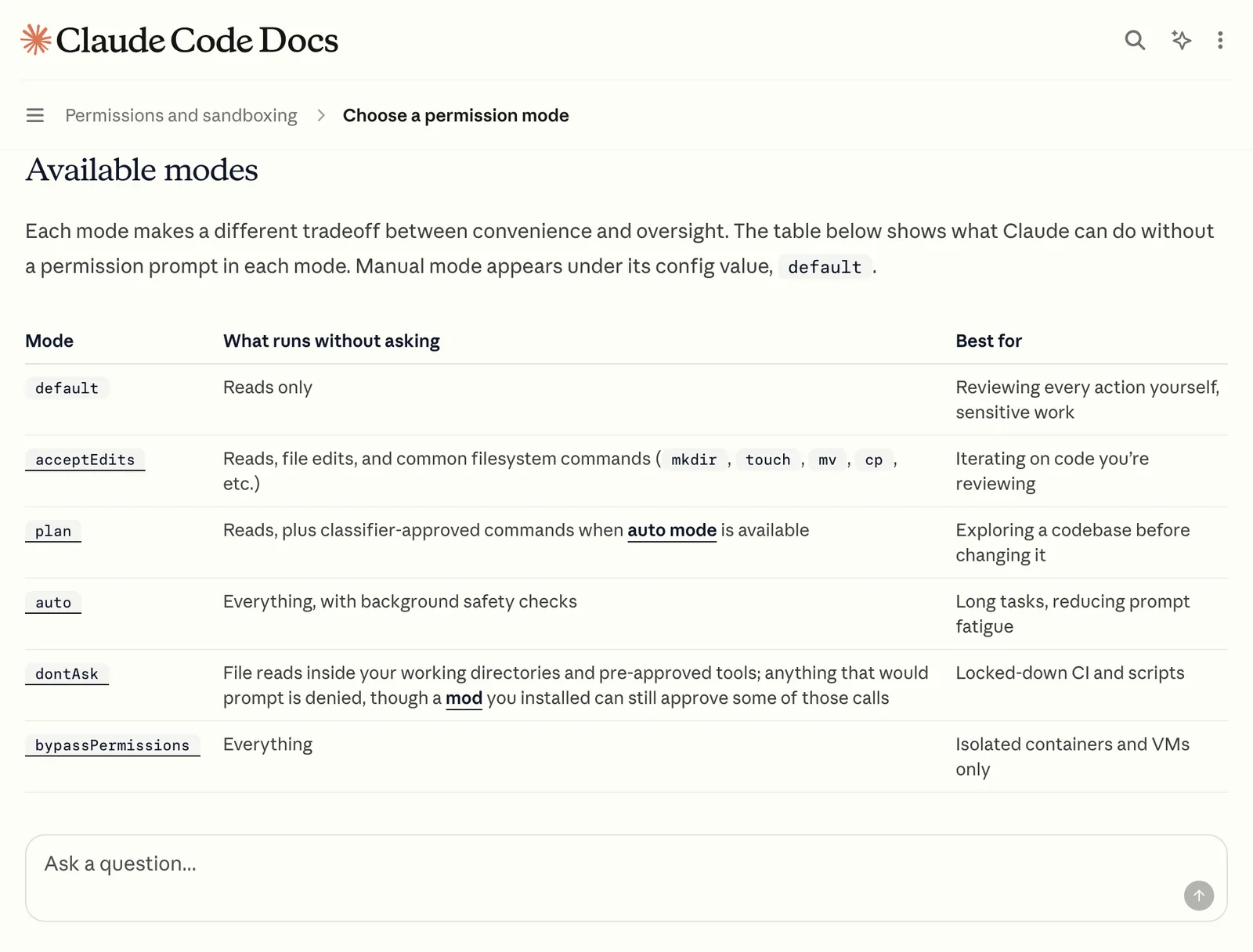
The desktop app has four modes in that selector, plus a fifth you can switch on in settings:
- Manual asks before every file edit and every command. It’s the default, and it’s where you should start.
- Accept edits lets Claude change files without asking. Switch to it once you’re comfortable, because approving dozens of small edits to one page gets old fast.
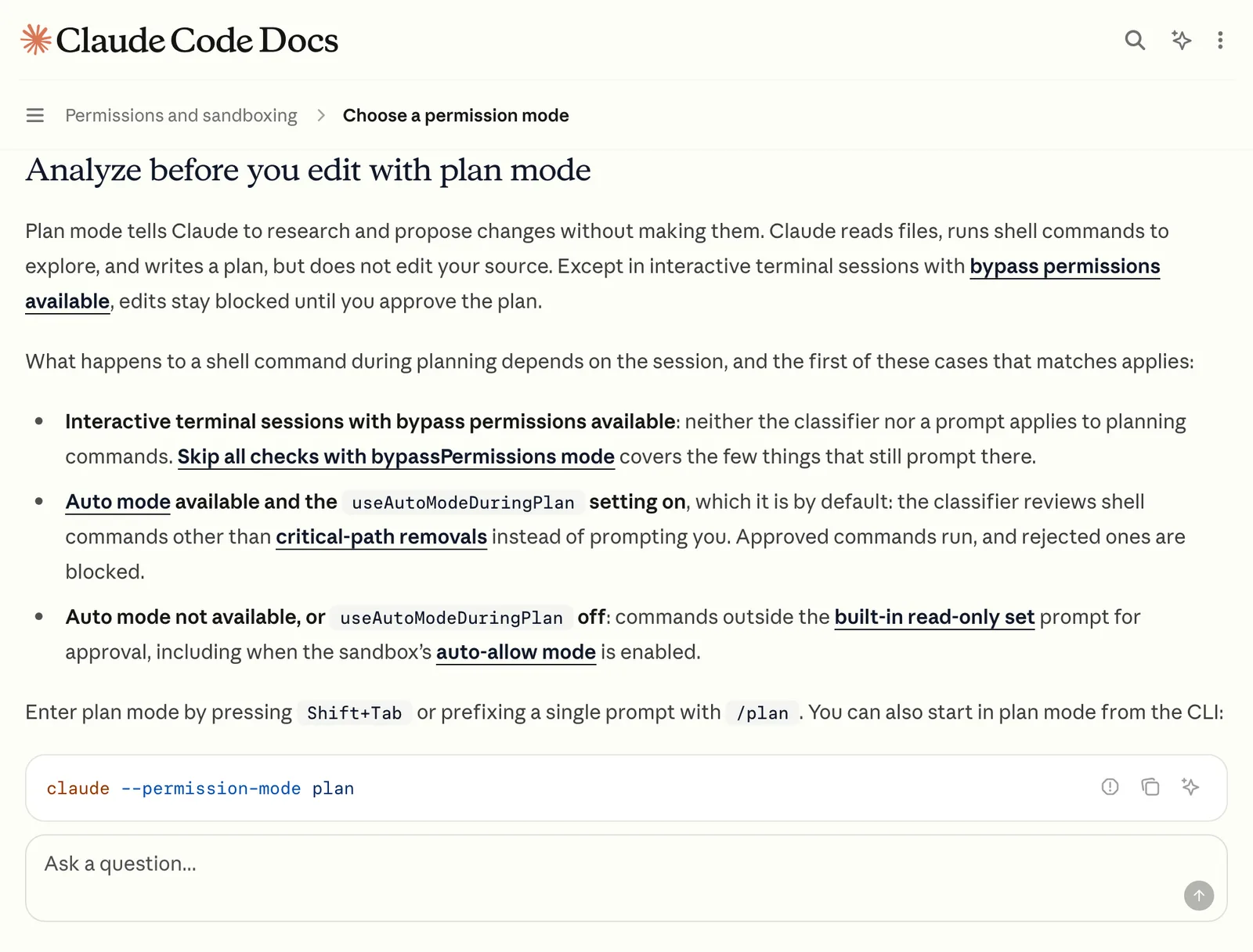
- Plan lets Claude read and propose but change nothing. Use it before anything big.
- Auto hands the yes or no to a background check that blocks risky actions instead of asking you. Handy later; too much trust on day one.
- Bypass permissions skips the questions entirely. Leave it off.
So what should you approve? Anything you understand, and anything Claude explains well enough that you could tell a friend what it does.
When a request makes no sense to you, say no and ask “what would that do?” Saying no never breaks anything.
Building a website, you’ll almost certainly be asked about two installs early on. Node.js runs the site builders Claude likes to use (Astro, for example), and Git saves versions of your work so you can go back. Both are free, and Claude will walk you through installing them if you ask.
The words you’ll meet#
Seven words. That’s the whole glossary for your first few weeks.
- Folder (or project). Where your site’s files live. Everything Claude makes goes here.
- Terminal. A window where you type commands instead of clicking. Claude runs commands there for you, even in the desktop app.
- Preview (or dev server). A private copy of your site running on your own computer, at an address starting
localhost. Only you can see it. - Git and commits. Git takes snapshots of your project, and each snapshot is a commit. Ask Claude to commit every time something works, and you can always get back to it.
- GitHub. A website that stores your project online. Most hosts read your site from there.
- Deploy. Putting the current version of your site on the internet.
- CLAUDE.md. A file of standing instructions that Claude reads at the start of every session in that folder.
git init -q -b maingit add -Agit commit -m "Starter site with sitemap"[main (root-commit) f9e3d7b] Starter site with sitemap 12 files changed, 3985 insertions(+)git log --onelinef9e3d7b Starter site with sitemapHow to ask for what you want#
Describe the result, not the code. “Make the booking button easier to find on phones” works far better than guessing at technical terms you half know, because Claude knows the technical terms and you know what your customers need.
Ask it to explain itself, too. “Why did you do it that way?” and “What does this file do?” are how you learn without a programming course, and Claude never gets tired of the question.
For anything bigger than a small fix, ask for a plan first (or switch to Plan mode, which makes it a rule). Claude reads the project, proposes what it’ll change, and touches nothing until you say go.
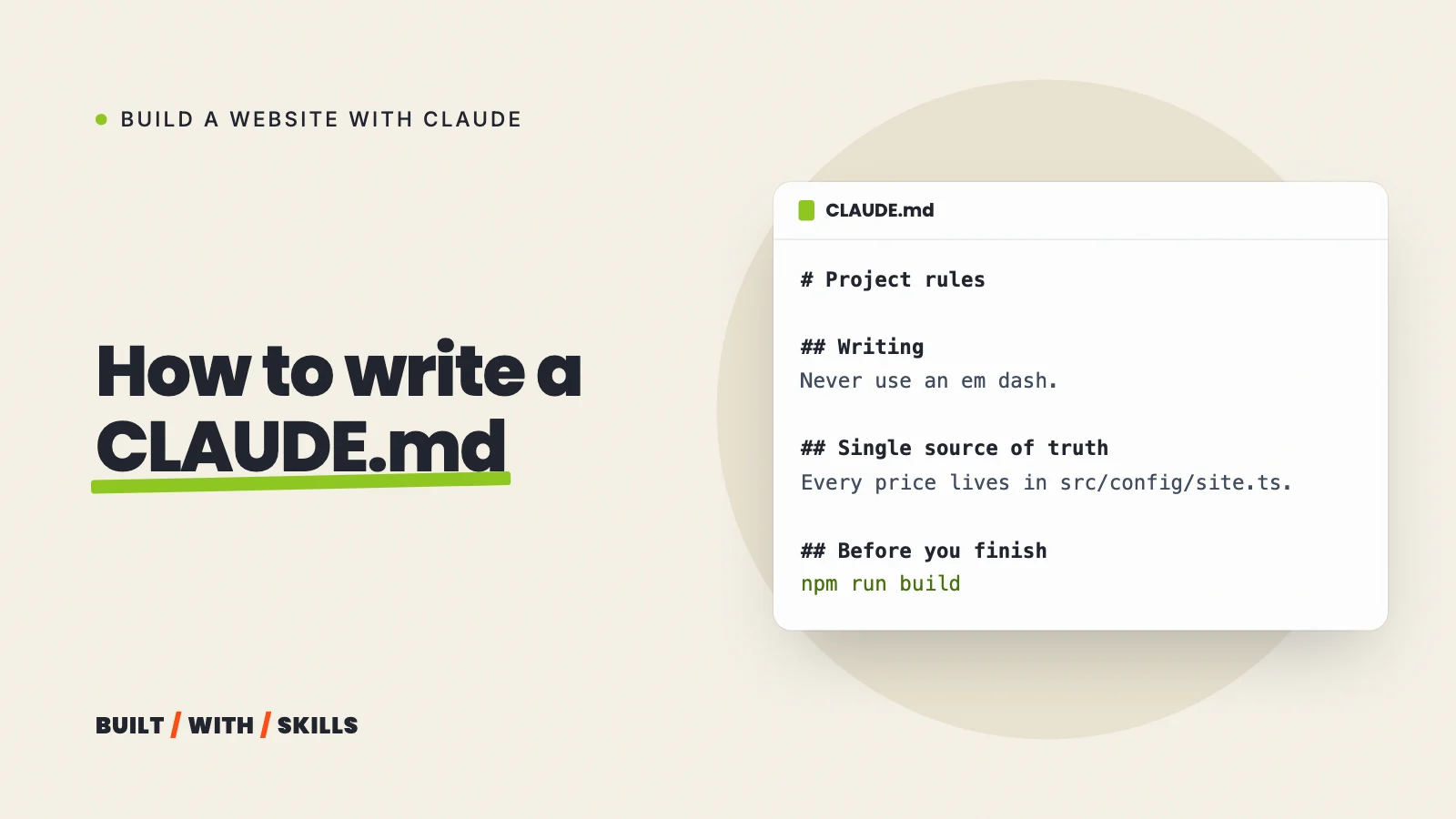
Then write your rules down once. Anything you’d otherwise repeat every session belongs in CLAUDE.md, and you don’t even have to write the file yourself: just say “add a rule to CLAUDE.md that you always use British spelling.” Ours includes “Never use an em dash” and “Never fill a placeholder with a plausible-sounding number, quote or claim”, and our CLAUDE.md guide shows how to write a good one.
grep -n '^## ' CLAUDE.md3:## Writing34:## Content and placeholders50:## Single source of truth56:## Before you finishsed -n 38,39p CLAUDE.mdelement rather than an invented one. Never fill a placeholder with aplausible-sounding number, quote or claim. `PROOF` figures and testimonials inSix commands worth knowing#
Type these at the start of a message. Each one begins with a slash, and typing / on its own lists everything available.
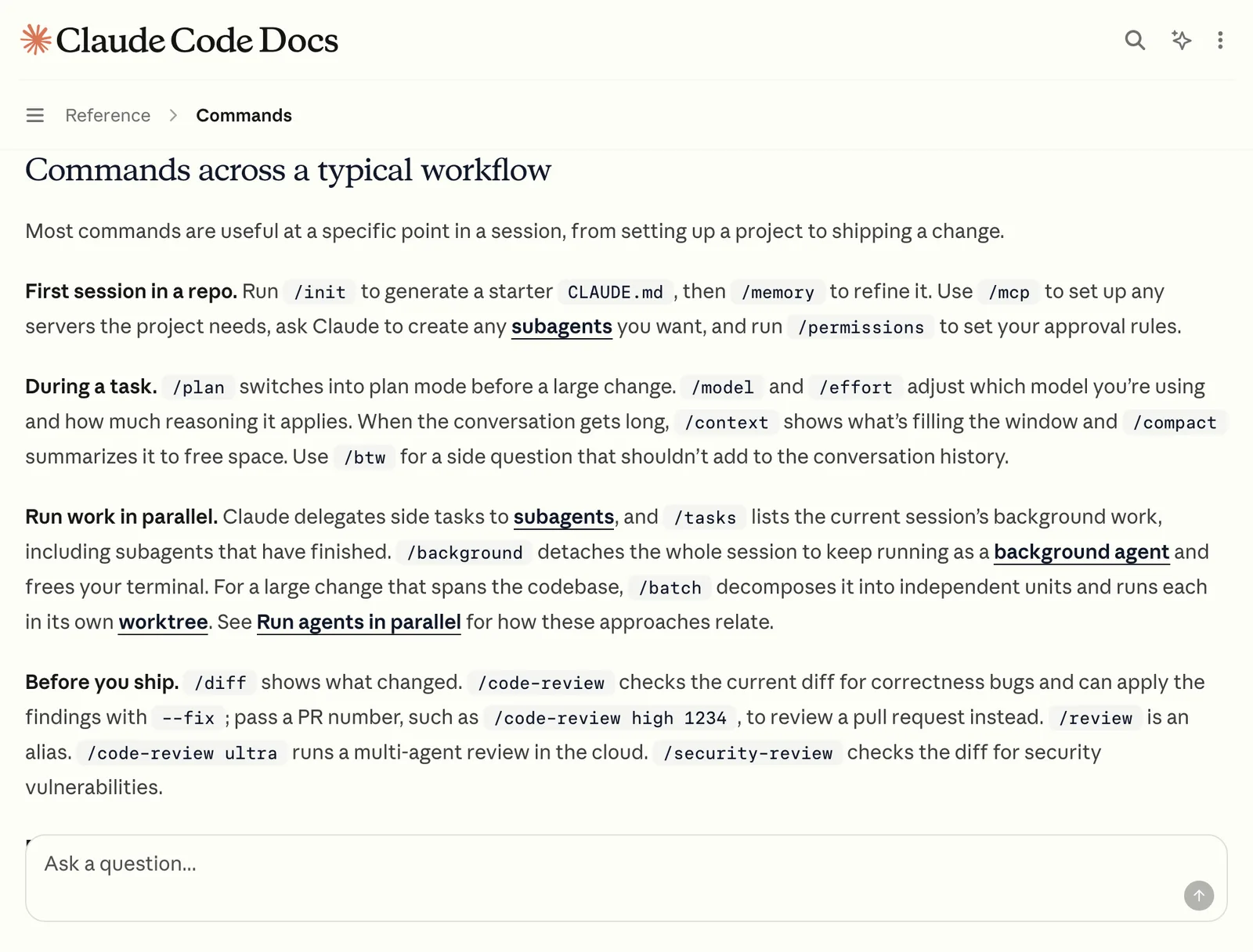
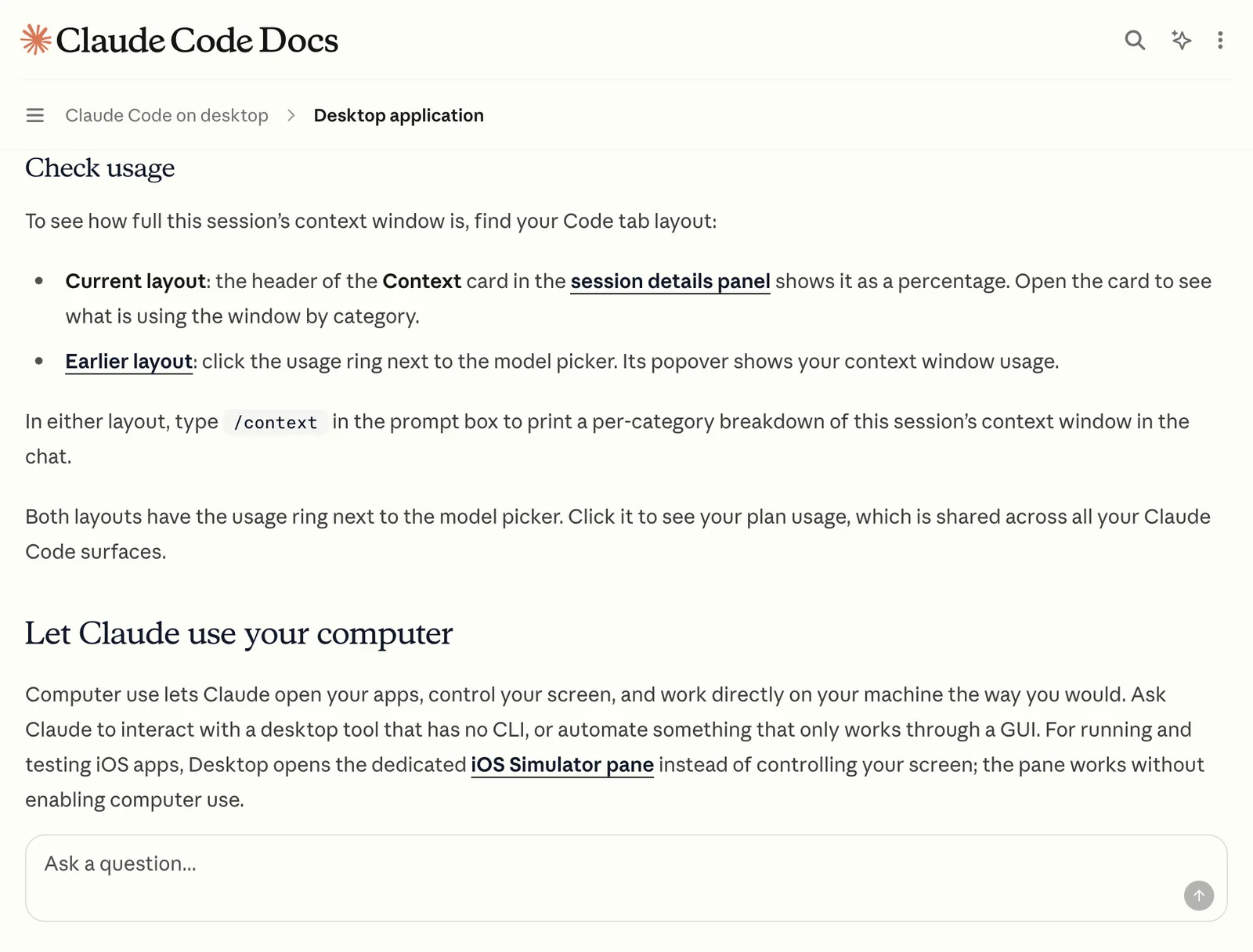
/initwrites a starterCLAUDE.mdfor your project, which you then add your own rules to./planswitches into plan mode before a big change./clearstarts a fresh conversation for a new task. YourCLAUDE.mdstill applies./rewindrolls your files and the conversation back to an earlier point when a change went wrong (in the terminal, pressing Esc twice on an empty prompt does the same)./usageshows how much of your plan’s usage you’ve burned through, which saves you a nasty surprise mid-build./helplists the rest.
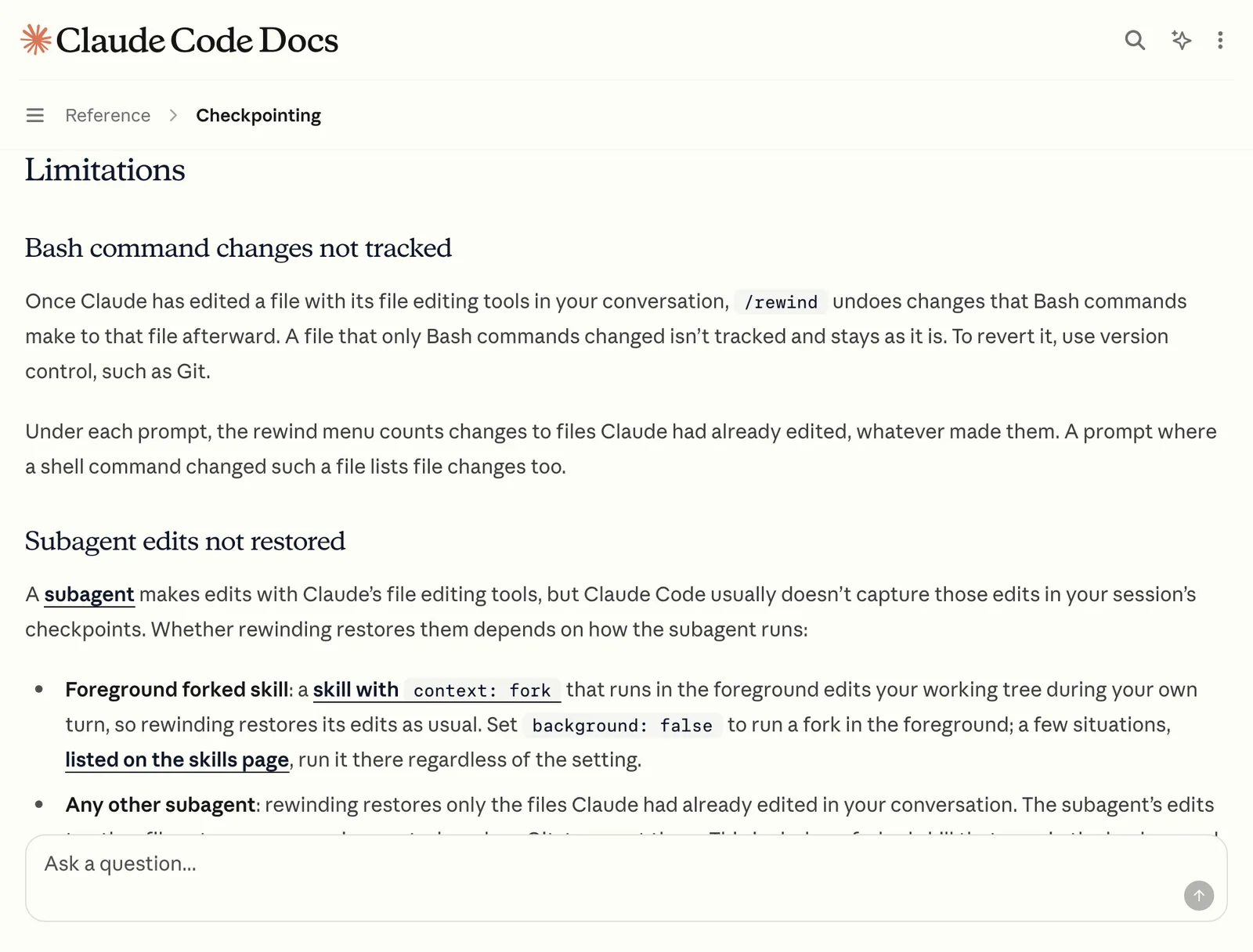
One catch with /rewind, and it’s in Anthropic’s own checkpointing docs: it tracks the edits Claude makes with its file tools, so a file changed only by a command it ran isn’t restored. That’s why Git commits are still your real safety net.
Where Claude Code lets beginners down#
Here’s the thing: Claude is quick to say a job is done, and sometimes it’s wrong.
It will occasionally skip half of a long request without mentioning it, report that something worked when a step quietly failed, or fill a gap with a confident claim about your business that you never gave it (which is why that placeholder rule sits in our CLAUDE.md). It also won’t volunteer things you didn’t ask for (security, privacy, accessibility), so if they matter, ask.
The fix is boring, and it works. Before you trust a page:
- Open it on your phone, not just your laptop.
- Click every link and every button.
- Read every price, date and phone number yourself.
- Make sure nothing on the page claims something you can’t back up.
- After a long request, ask “did you do everything I asked? List anything you skipped.”
Then there’s the usage limit. Every plan has one (Max gives you 5 or 20 times what Pro does). A long session where Claude reads lots of files tends to burn through it faster than a short one, so start new tasks with /clear and keep an eye on /usage.
Claude builds. You check.
When you get stuck#
Copy the whole error message into Claude and ask what it means. Most errors a beginner hits are a missing install or a typo, and Claude will tell you which in plain English if you ask it to.
Going round in circles on the same bug? Start a fresh session (/clear, or a new session in the desktop app) and describe the problem from the beginning, including what you’ve already tried. A clean conversation without a pile of failed attempts in it often spots the problem straight away.
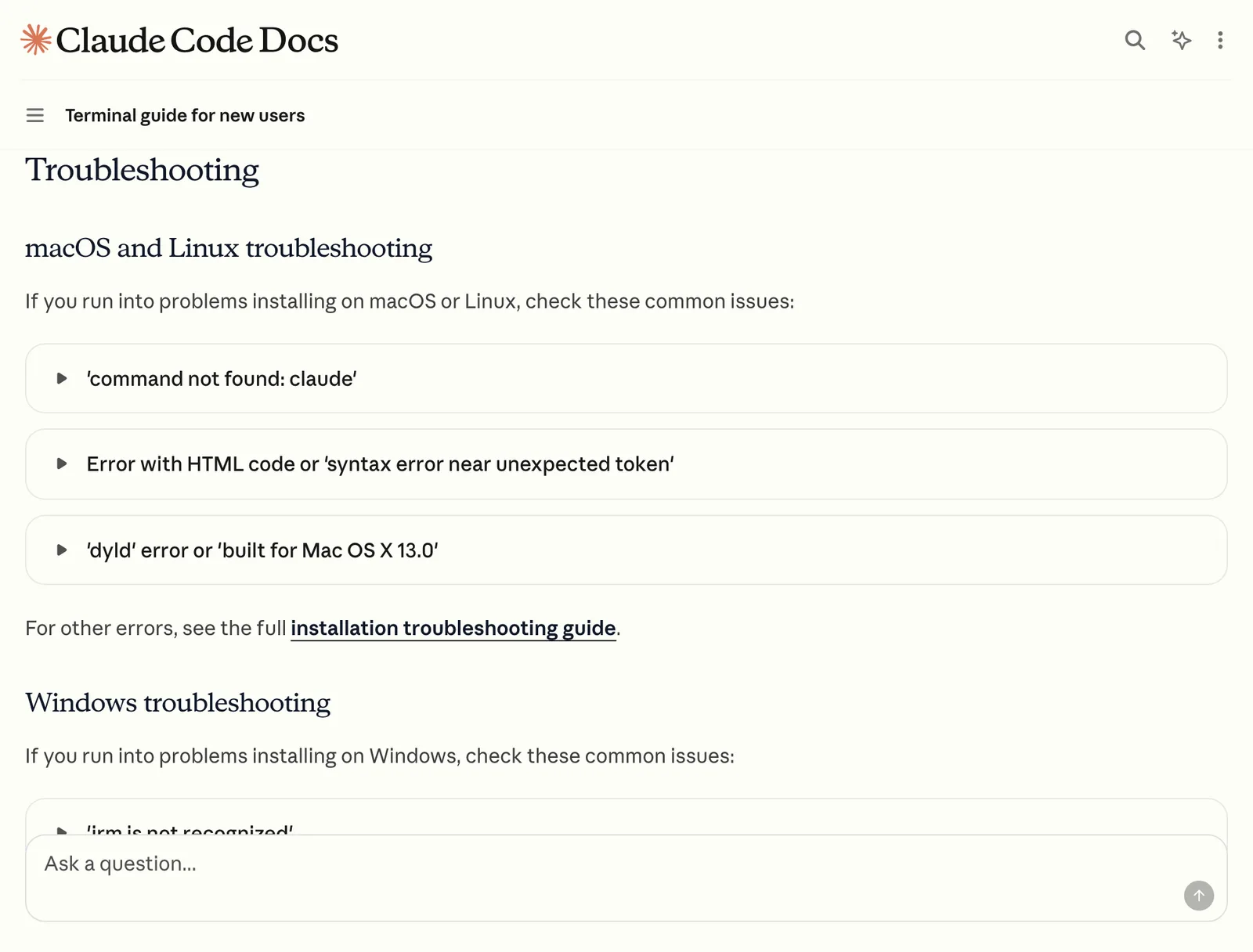
If the install itself is the thing that’s stuck, Anthropic’s terminal guide for new users covers the common errors on Mac and Windows.
Once your first page looks right on your phone, you’re past the hardest part. Our step-by-step guide to building a website with Claude takes you from that folder to a live site on your own domain.